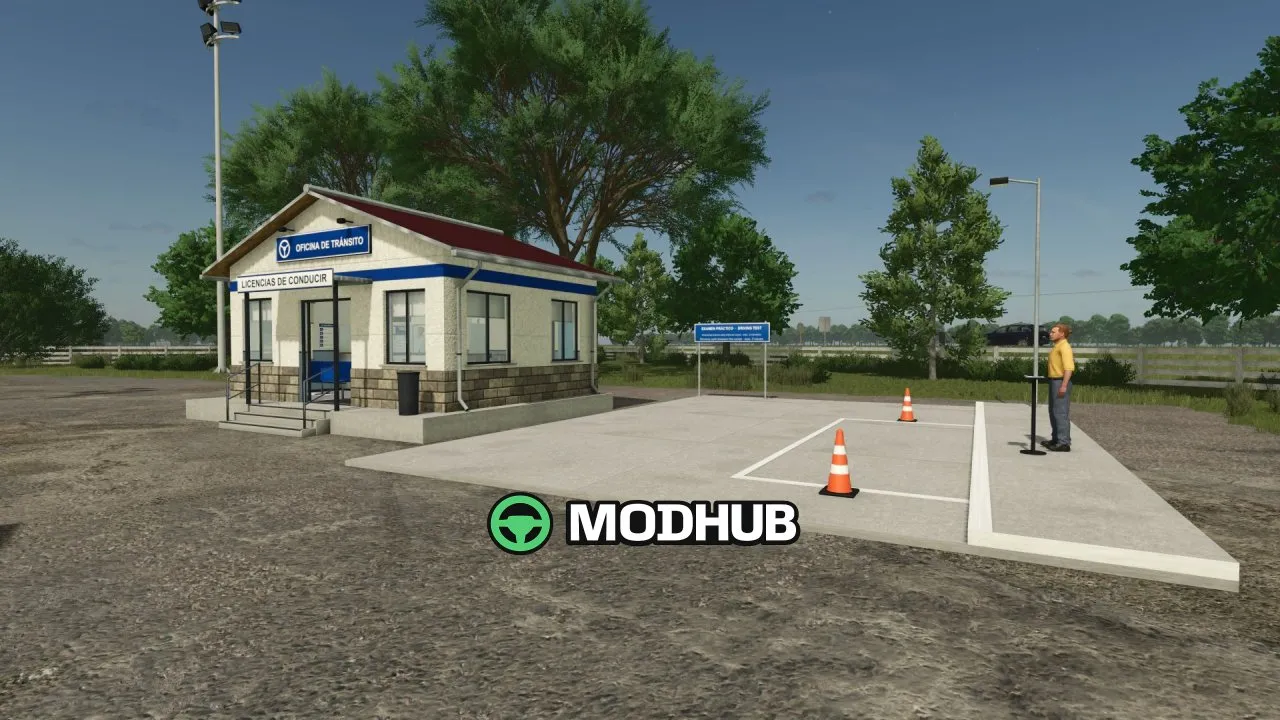
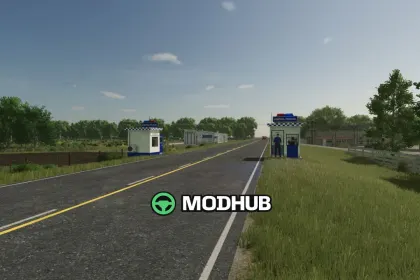
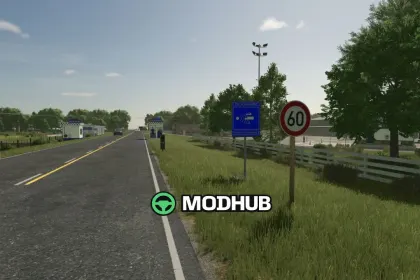
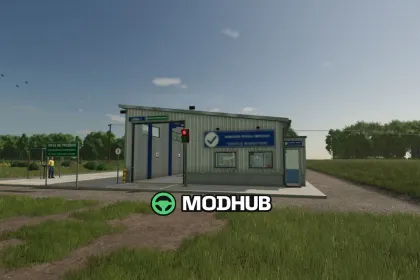
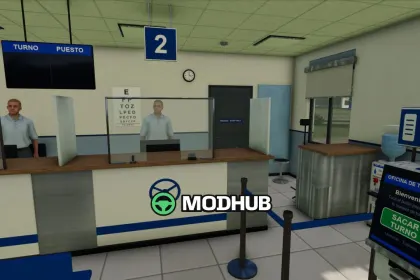
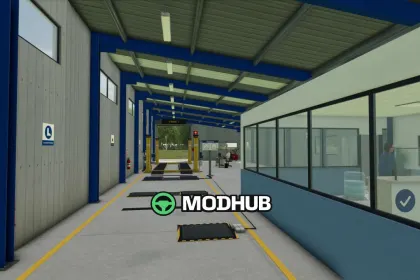
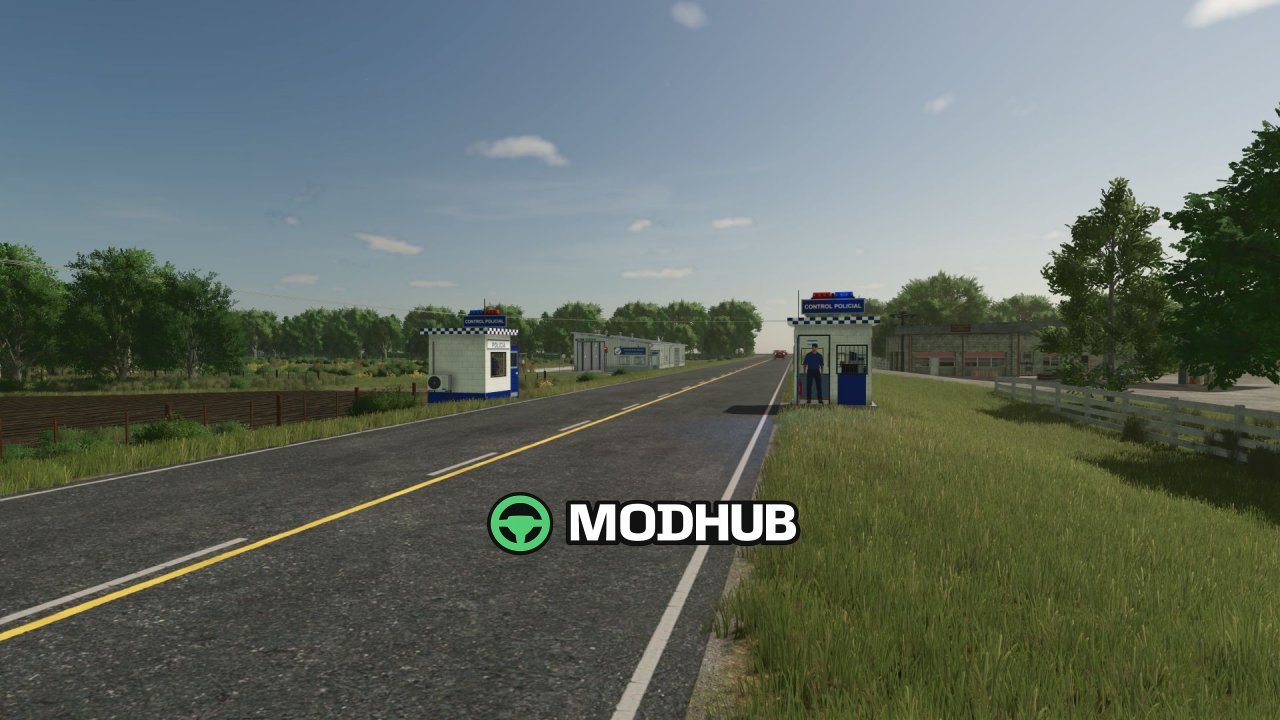
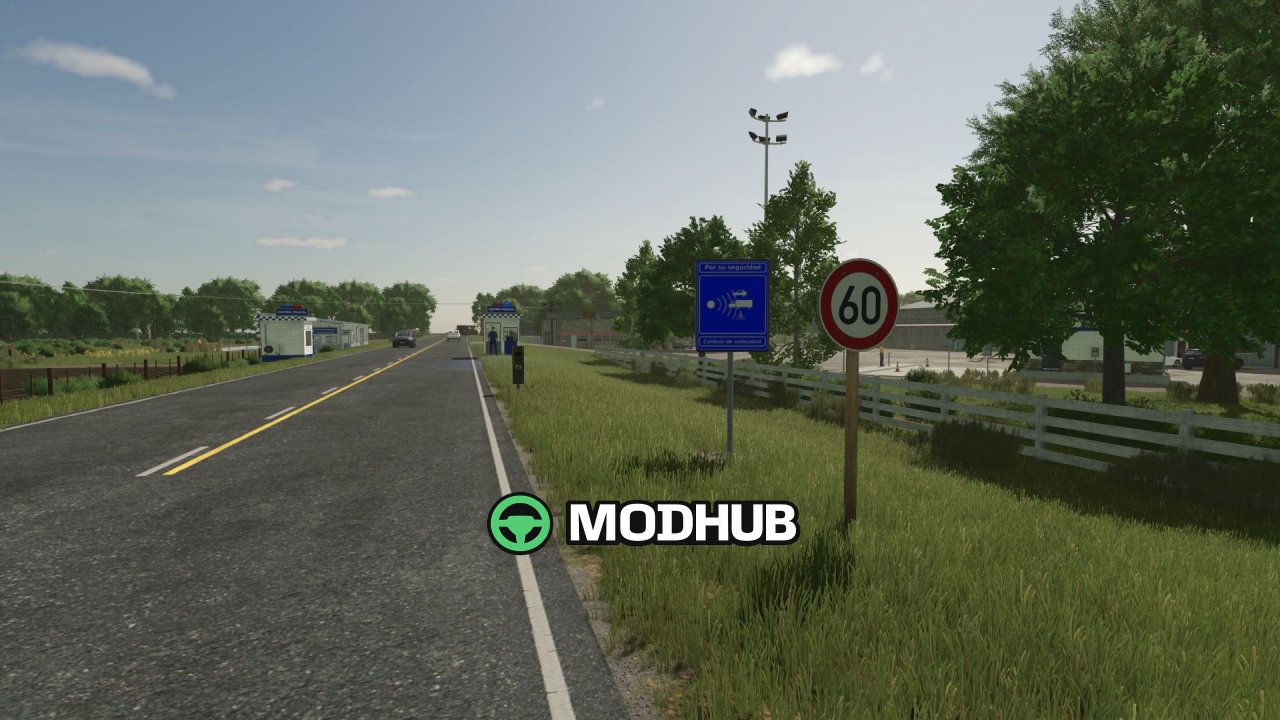
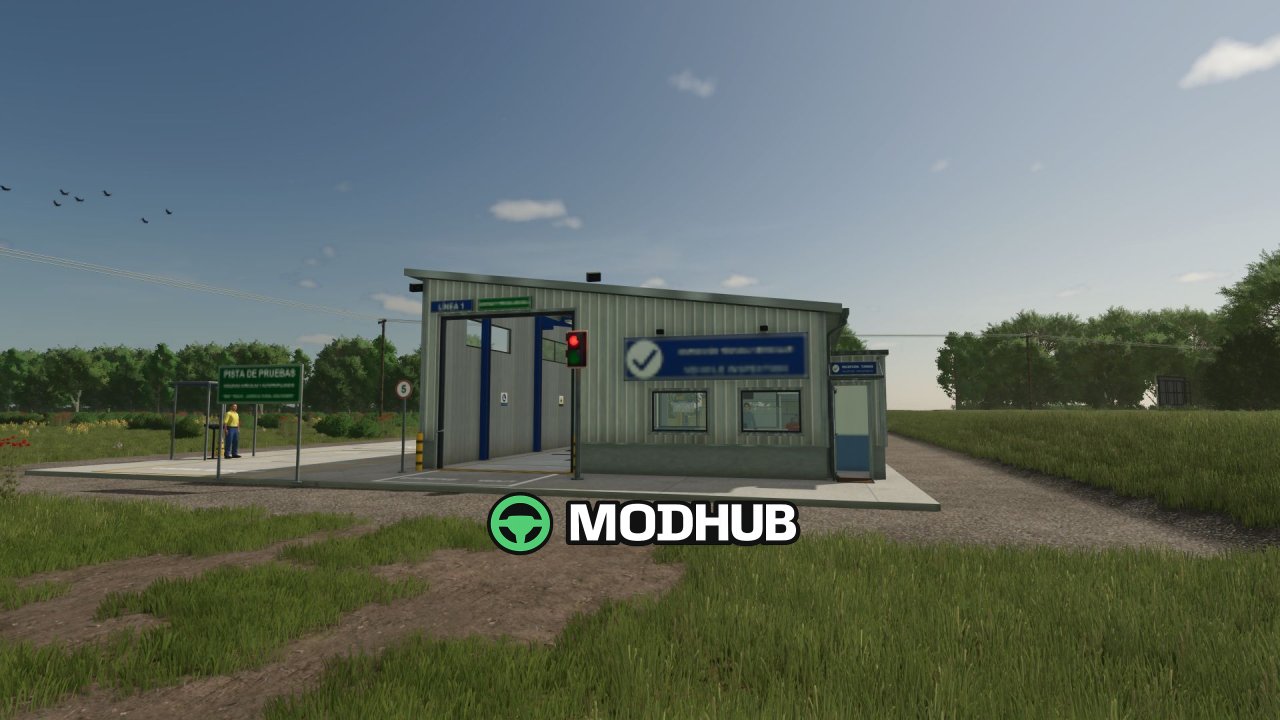
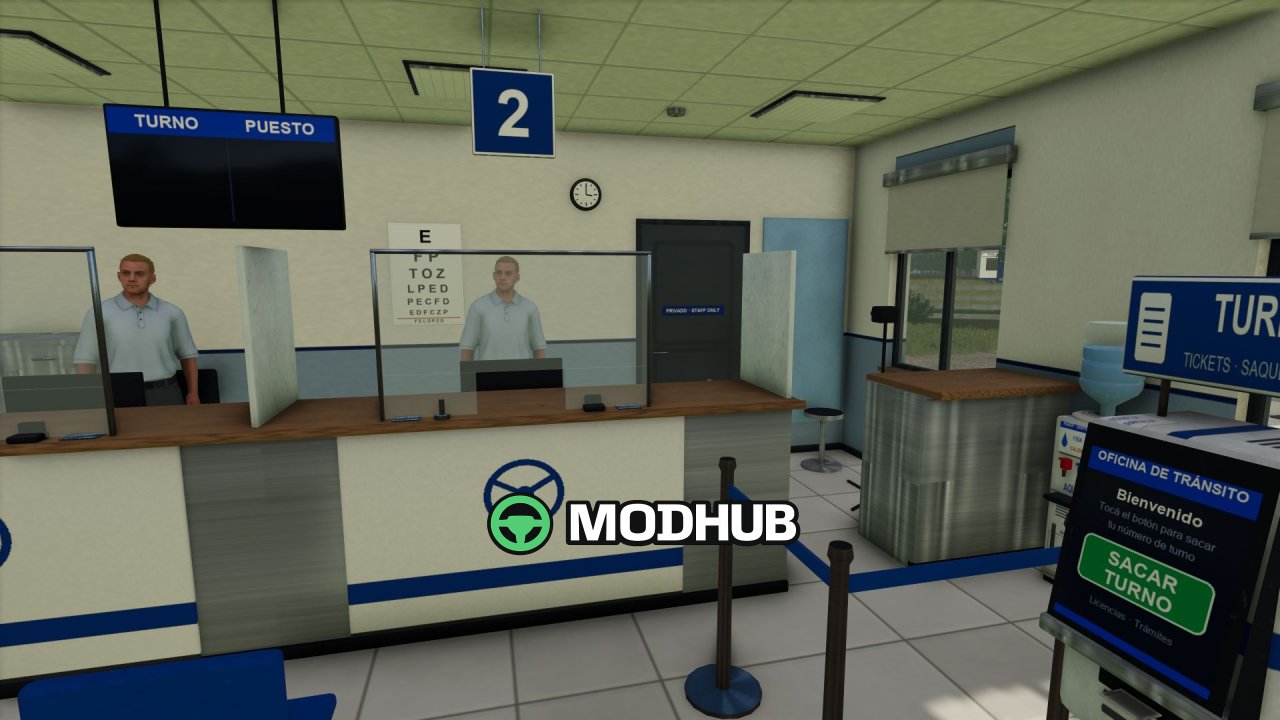
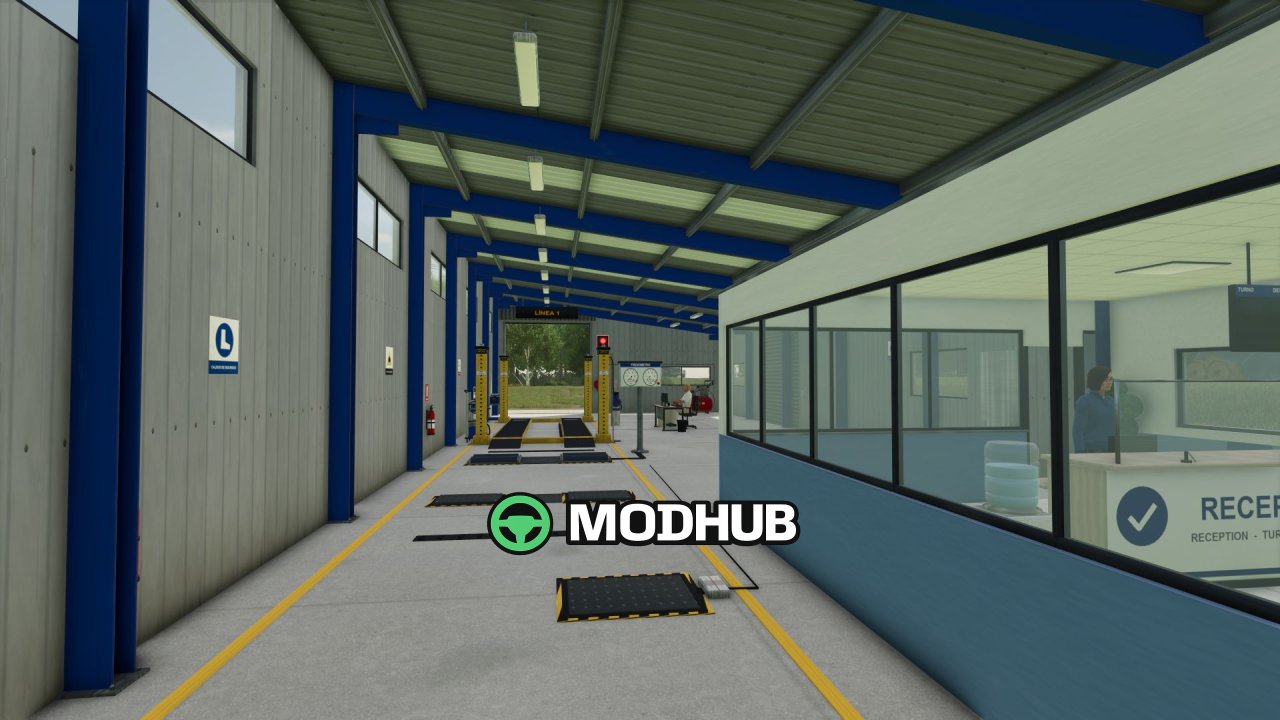
Zone Radar V2.0, now renamed Traffic Authority, is a road control script for Farming Simulator 25 that turns ordinary driving into a realistic traffic simulation. The mod adds speed radars at 40, 60 and 80 km/h, police checkpoints, a Traffic Office for driving licences and a Vehicle Inspection Station. Every player receives a personal licence in categories B, C and G, while vehicles are tested with a fine for each offence found. All buildings are public, and multiplayer plus dedicated servers are supported.
• Radars detect speeding and issue an automatic fine that grows with the amount over the limit
• The officer checks low beams, beacon on machinery, detached header, folded implements, covered and strapped load, licence and inspection sticker
• The Traffic Office issues licences for 1, 3, 5 or 10 years after a practical parking test, and Alt+K shows your licence card
• The inspection station offers a side-slip plate, suspension tester, roller brake tester, play detector, lights, horn and smoke meter
• Results depend on vehicle damage and age: pass, pass with defects or fail, with a sticker for each vehicle
Check options are set in Settings > General, and with Agricultural Financial System the fines go to the farm current account.
Author: GN Realism
About Zone Radar V2.0 (Traffic Authority) mod for FS25
Zone Radar V2.0 (Traffic Authority) mod for FS25 is a mod for Farming Simulator 25. Check the author description, supported game version and dependencies before installing.
How to install the mod
Follow the installation instructions for Zone Radar V2.0 (Traffic Authority) mod for FS25, Farming Simulator 25 and your platform.
Download the mod archive using the Download button and read the author instructions.
On PC, copy the mod ZIP without extracting it to Documents/My Games/FarmingSimulator2025/mods. For a bundle, extract the individual mod ZIPs first. macOS and Microsoft Store paths may differ; check Mod Directory in the game log.txt.
Start the game and enable the mod for the selected save or profile, if required.
Test using a backup or a new save. Install any dependencies listed by the author.
System requirements and compatibility
Check the mod description for supported game versions, required DLC and platforms. Compatibility with every version or other mods is not guaranteed. Farming Simulator script mods are for PC/macOS. Console players can only install compatible mods from the in-game GIANTS ModHub.
Frequently asked questions
Is this mod free?
MODHUB does not charge for access to this mod page. Check the terms and download limits of the external file provider.
Can I use this mod in Farming Simulator 25 multiplayer?
Multiplayer support depends on the mod and its author. If supported, the server and players need matching mod versions and required DLC.
What should I check if the mod does not work?
Check the installation folder, archive structure, supported game version, dependencies and game logs. Test the mod separately using a backup save.
How can I check a downloaded mod?
Use trusted author sources, scan the archive and back up your saves. Do not run unrelated installers; a download listing does not guarantee safety or compatibility.