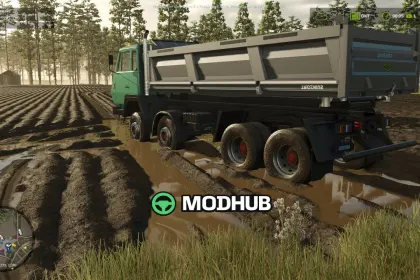
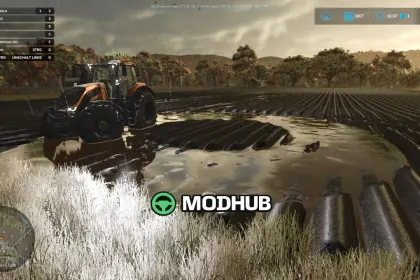
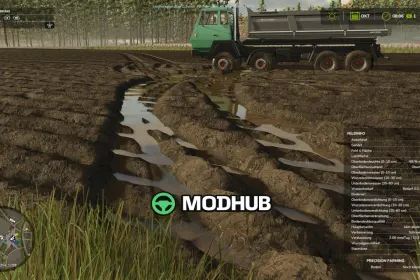
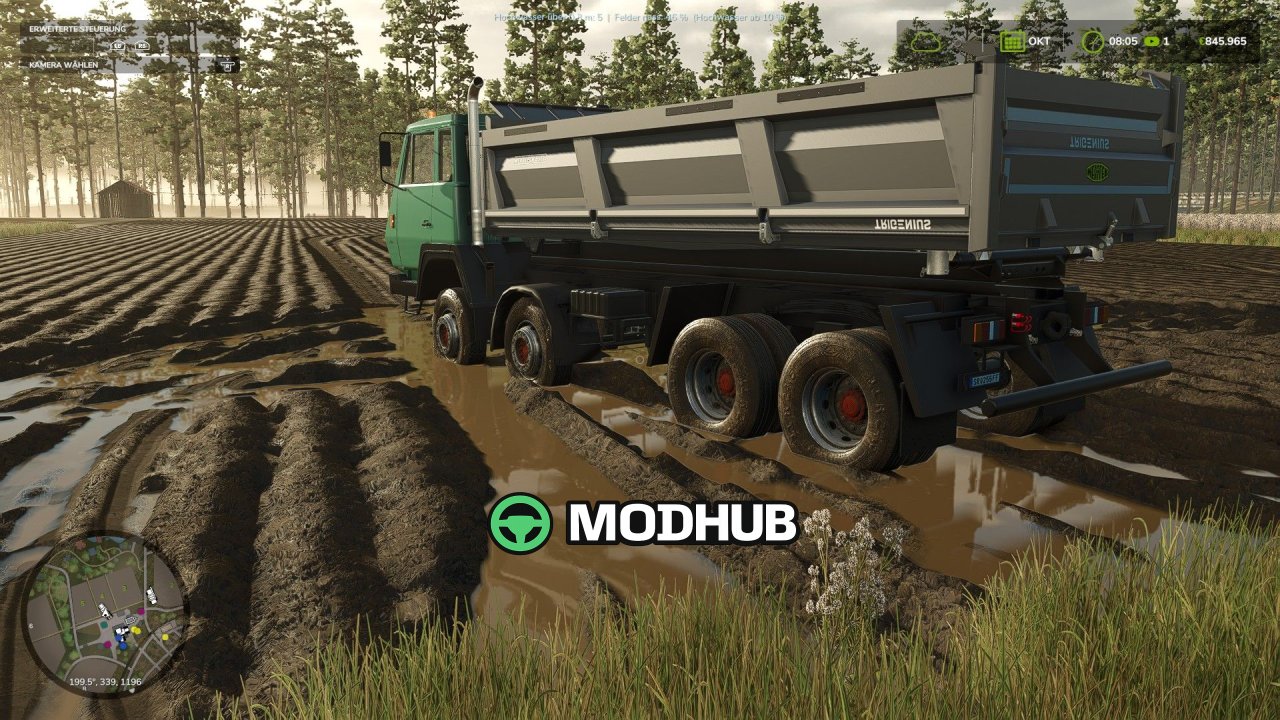
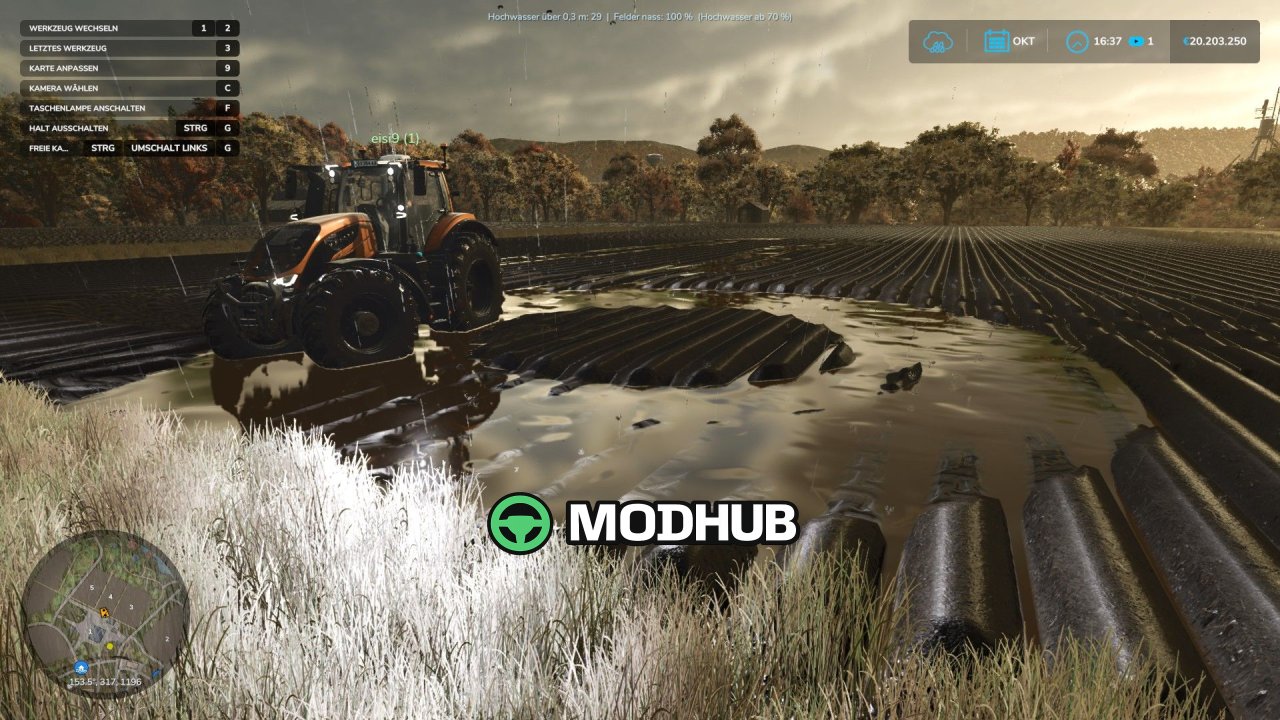
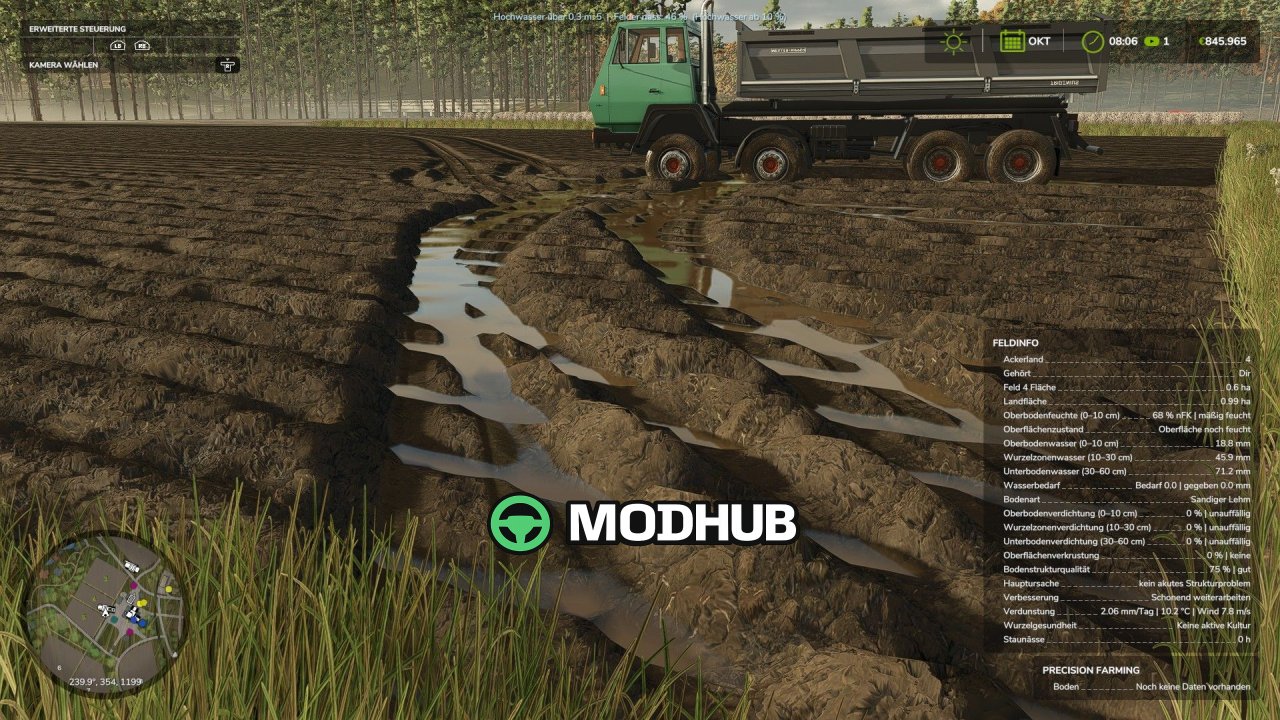
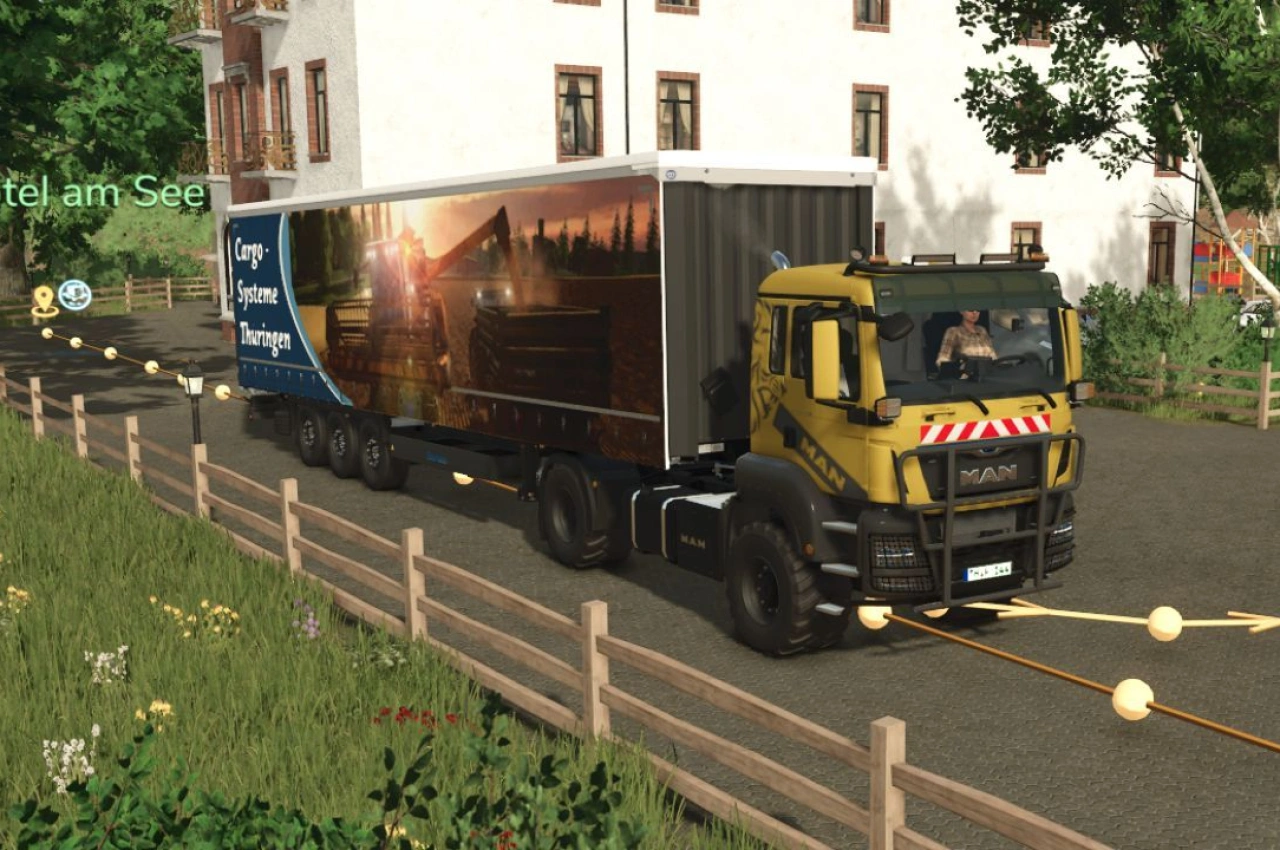
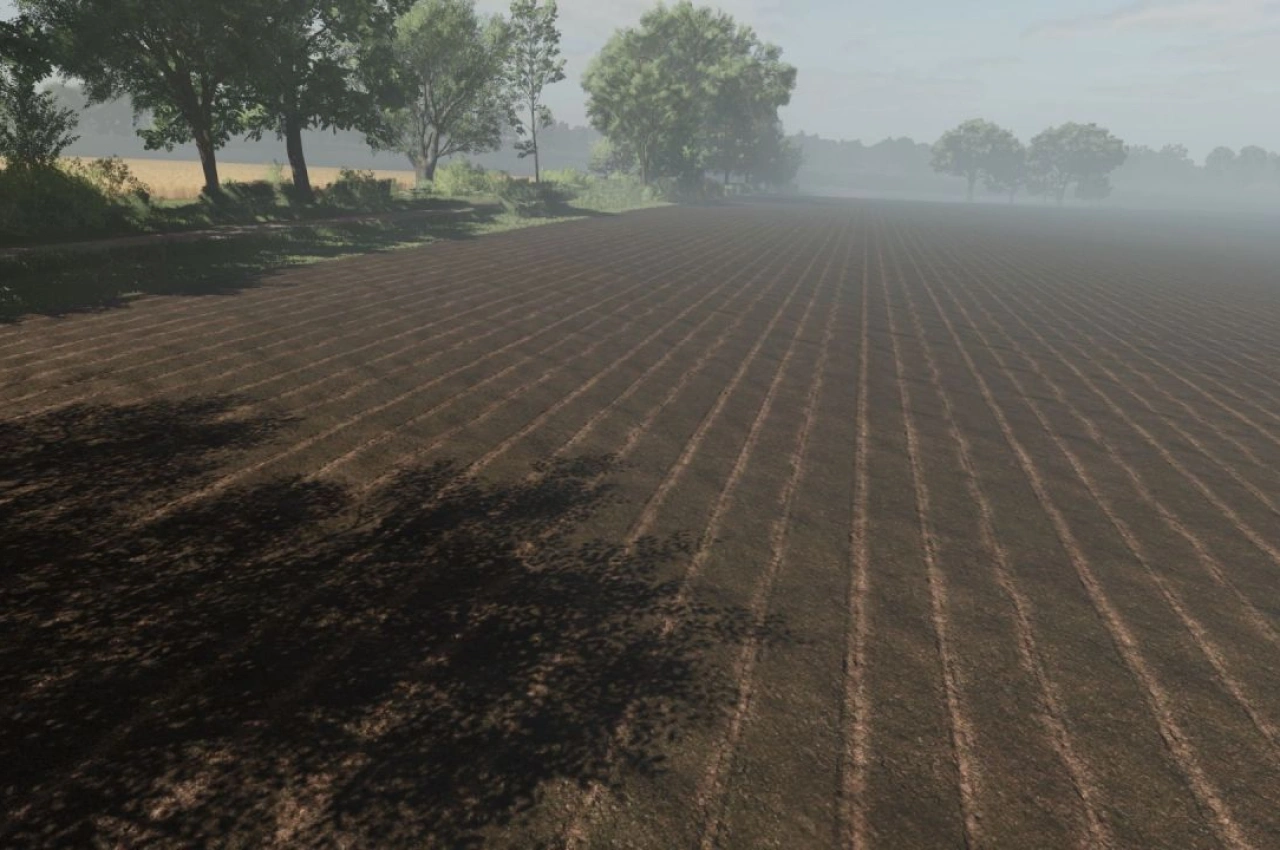
Water in deep wheel tracks V1.2.5.2 is a gameplay mod for Farming Simulator 25 that fills deep vehicle ruts in fields with visible water. Beneath the field lies a seamless groundwater level that conforms to the terrain, even on slopes. Water becomes visible wherever the ground dips lower, so tractor tracks fill up like small basins until the water reaches the edges of the rut. Once soil moisture hits 10%, the water level rises based on local ground conditions, while rain and snowmelt add more water that freezes solid during frost.
• Dynamic groundwater level that follows the terrain shape, including slopes
• Clean ruts without blocky puddles or floating sheets of water
• Soil moisture, rain and snowmelt drive the water level, freezing in frost
• Integration with Realistic Water & Soil Management for local moisture data
• Water reacts to wheels and the player character via native ShallowWaterSimulation
• State stored in the savegame and full multiplayer support
• Console commands such as witDebug, witFill and witMargin for testing
• RutFlow renders water as a separate surface within a 100 m radius
The mod is still in beta, so testing across various maps and soil conditions is welcome, and feedback with a screenshot and log.txt helps track down bugs.
Author: MrHunter0815
About Water in deep wheel tracks V1.2.5.2 for FS25
Water in deep wheel tracks V1.2.5.2 for FS25 is a mod for Farming Simulator 25. Check the author description, supported game version and dependencies before installing.
How to install the mod
Follow the installation instructions for Water in deep wheel tracks V1.2.5.2 for FS25, Farming Simulator 25 and your platform.
Download the mod archive using the Download button and read the author instructions.
On PC, copy the mod ZIP without extracting it to Documents/My Games/FarmingSimulator2025/mods. For a bundle, extract the individual mod ZIPs first. macOS and Microsoft Store paths may differ; check Mod Directory in the game log.txt.
Start the game and enable the mod for the selected save or profile, if required.
Test using a backup or a new save. Install any dependencies listed by the author.
System requirements and compatibility
Check the mod description for supported game versions, required DLC and platforms. Compatibility with every version or other mods is not guaranteed. Farming Simulator script mods are for PC/macOS. Console players can only install compatible mods from the in-game GIANTS ModHub.
Frequently asked questions
Is this mod free?
MODHUB does not charge for access to this mod page. Check the terms and download limits of the external file provider.
Can I use this mod in Farming Simulator 25 multiplayer?
Multiplayer support depends on the mod and its author. If supported, the server and players need matching mod versions and required DLC.
What should I check if the mod does not work?
Check the installation folder, archive structure, supported game version, dependencies and game logs. Test the mod separately using a backup save.
How can I check a downloaded mod?
Use trusted author sources, scan the archive and back up your saves. Do not run unrelated installers; a download listing does not guarantee safety or compatibility.