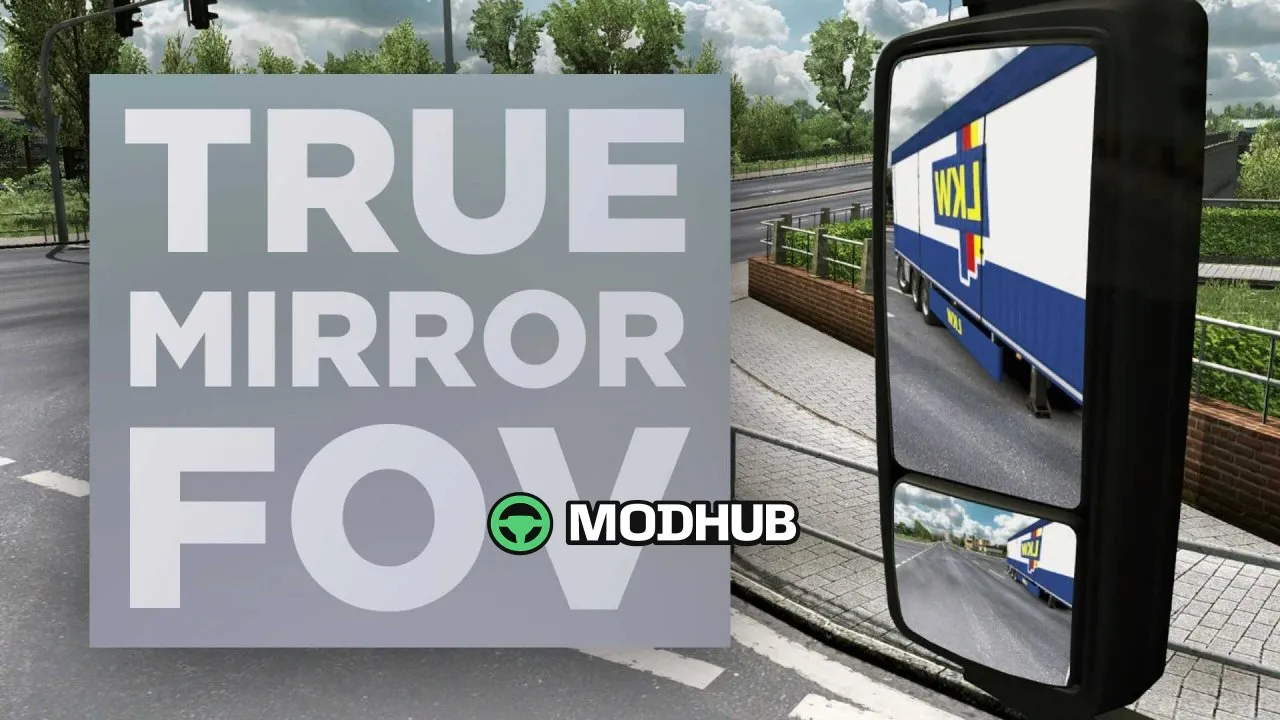
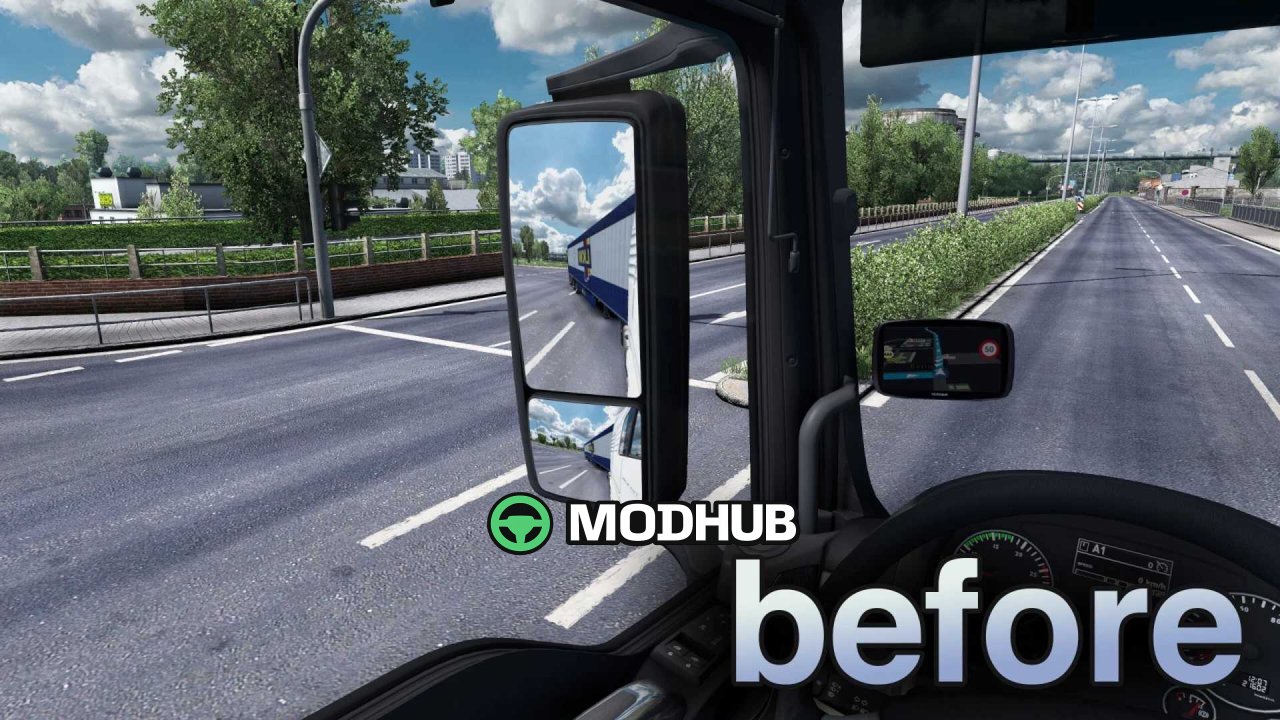
True Mirror FOV v1.61 is a graphics tweak for Euro Truck Simulator 2 that changes the behaviour of the rear-view mirrors. It adjusts the weight, height and field of view (FOV) of the mirrors to mimic European-style truck mirrors. The main mirrors on the driver and passenger sides are flat, giving an accurate, undistorted 1:1 view of distances and traffic. The smaller convex mirrors widen the visible area and reduce blind spots around the cab.
• Main mirrors on both sides are flat and show true distances to traffic
• Curved convex mirrors provide a wide-angle view and minimise blind spots
• Front and side mirror FOV values are adjusted for a better viewing experience
• The mod should be placed at the top of the mod list, above all other mods
As a result, driving feels more realistic and judging distances while overtaking or parking becomes more precise.
About True Mirror FOV v1.61 Mod for ETS2
True Mirror FOV v1.61 Mod for ETS2 is a mod for Euro Truck Simulator 2. Check the author description, supported game version and dependencies before installing.
How to install the mod
Follow the installation instructions for True Mirror FOV v1.61 Mod for ETS2, Euro Truck Simulator 2 and your platform.
Download the mod archive using the Download button and read the author instructions.
Use the folder and archive format specified by the mod author for this game.
Start the game and enable the mod for the selected save or profile, if required.
Test using a backup or a new save. Install any dependencies listed by the author.
System requirements and compatibility
Check the mod description for supported game versions, required DLC and platforms. Compatibility with every version or other mods is not guaranteed.
Frequently asked questions
Is this mod free?
MODHUB does not charge for access to this mod page. Check the terms and download limits of the external file provider.
Can I use this mod in Euro Truck Simulator 2 multiplayer?
Multiplayer support depends on the mod and its author. If supported, the server and players need matching mod versions and required DLC.
What should I check if the mod does not work?
Check the installation folder, archive structure, supported game version, dependencies and game logs. Test the mod separately using a backup save.
How can I check a downloaded mod?
Use trusted author sources, scan the archive and back up your saves. Do not run unrelated installers; a download listing does not guarantee safety or compatibility.