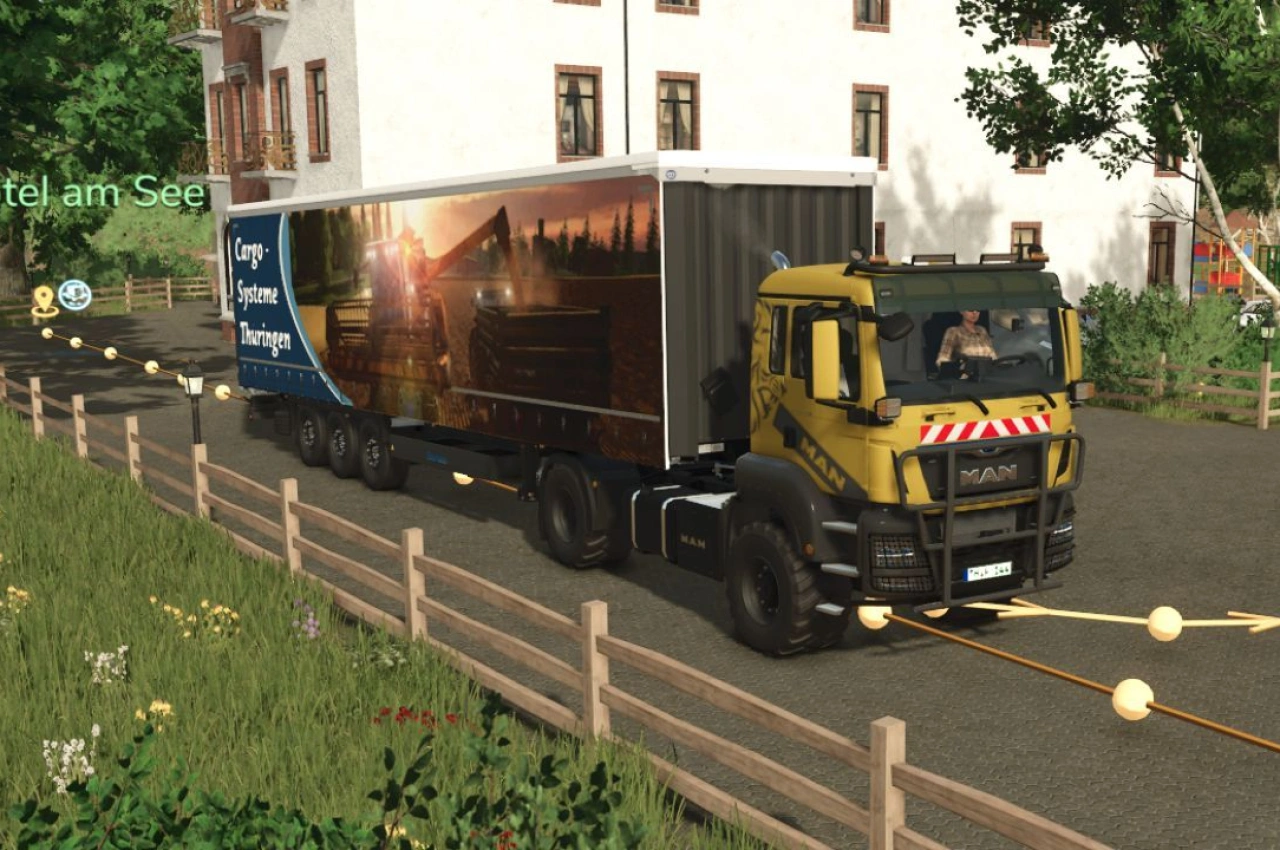
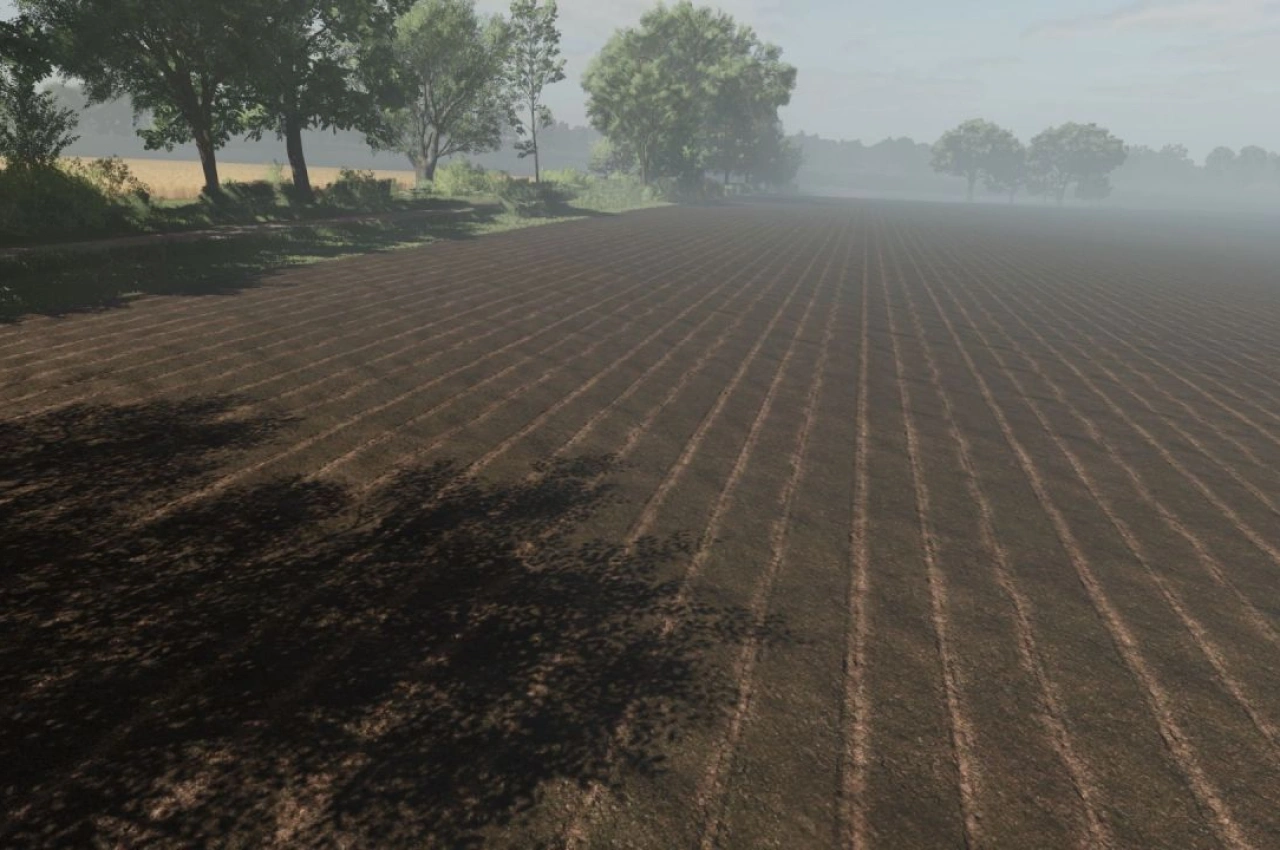
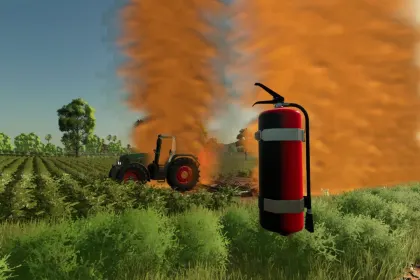
Mud on the road V3.0.1 is a gameplay mod for Farming Simulator 25 that makes muddy tyres leave trails on roads, yards and tracks. Mud only drops when there is real mud on the tyres, the kind the game shows after field work, while clean or washed tyres leave nothing behind. Faster driving flings clods further across the road, and the smears bend with the wheels through corners. Old mud freshens and thickens when you drive over it again, and the system works for every vehicle and trailer with wheels, including AI helpers.
• Universal Bucket with Brush for telehandlers costs 5,000 and sits in the telehandler tools shop category
• Heavy rain washes the mud off in about 5 ingame hours, light rain in around half a day
• In dry weather the mud dries, turns pale and is gone after roughly three ingame days
• Any switched-on sweeper brush or a loader bucket pushed along the road scrapes the mud up
• A small A-frame "Mud on road" warning sign in UK style costs 25 in the decorations category
• Fines for mud left on public roads can be switched off in the game settings menu
Mud is saved with your savegame, stays purely visual in multiplayer with no network traffic, and all timings, clod counts and limits are adjustable in modSettings/FS25_MudOnRoad.xml.
Author: MModing
About Mud on the road V3.0.1 mod for FS25
Mud on the road V3.0.1 mod for FS25 is a mod for Farming Simulator 25. Check the author description, supported game version and dependencies before installing.
How to install the mod
Follow the installation instructions for Mud on the road V3.0.1 mod for FS25, Farming Simulator 25 and your platform.
Download the mod archive using the Download button and read the author instructions.
On PC, copy the mod ZIP without extracting it to Documents/My Games/FarmingSimulator2025/mods. For a bundle, extract the individual mod ZIPs first. macOS and Microsoft Store paths may differ; check Mod Directory in the game log.txt.
Start the game and enable the mod for the selected save or profile, if required.
Test using a backup or a new save. Install any dependencies listed by the author.
System requirements and compatibility
Check the mod description for supported game versions, required DLC and platforms. Compatibility with every version or other mods is not guaranteed. Farming Simulator script mods are for PC/macOS. Console players can only install compatible mods from the in-game GIANTS ModHub.
Frequently asked questions
Is this mod free?
MODHUB does not charge for access to this mod page. Check the terms and download limits of the external file provider.
Can I use this mod in Farming Simulator 25 multiplayer?
Multiplayer support depends on the mod and its author. If supported, the server and players need matching mod versions and required DLC.
What should I check if the mod does not work?
Check the installation folder, archive structure, supported game version, dependencies and game logs. Test the mod separately using a backup save.
How can I check a downloaded mod?
Use trusted author sources, scan the archive and back up your saves. Do not run unrelated installers; a download listing does not guarantee safety or compatibility.