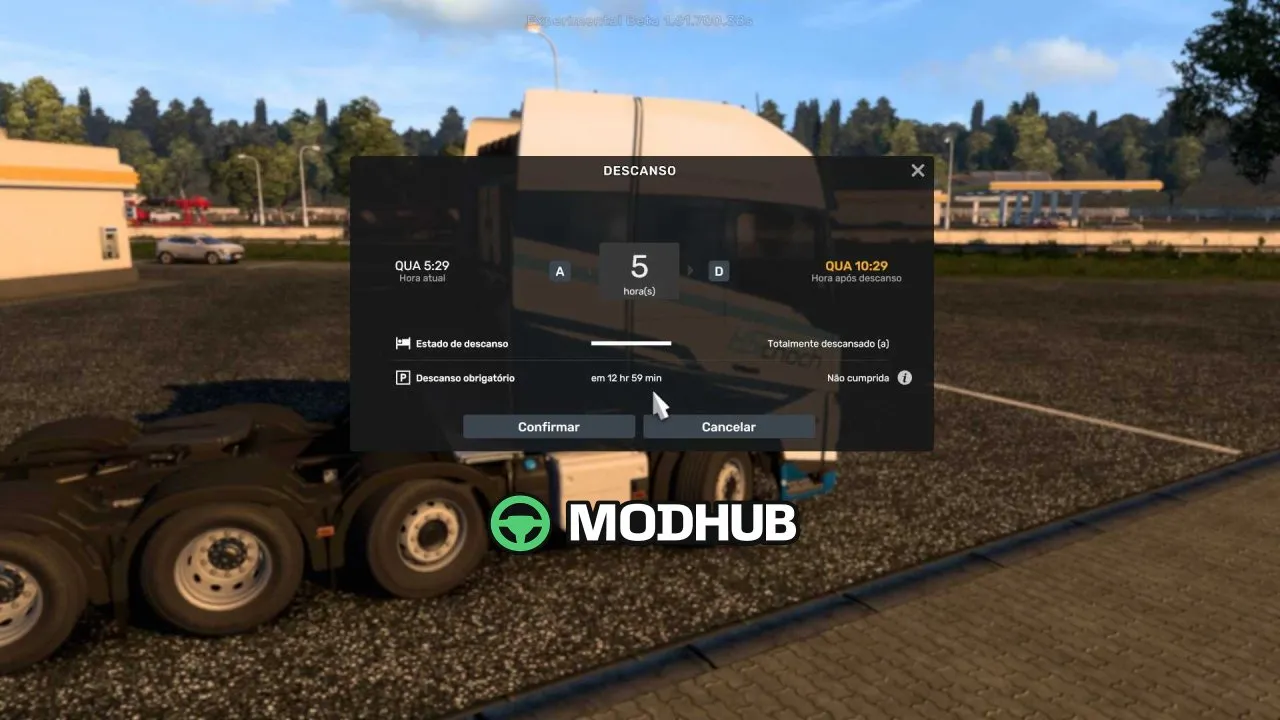
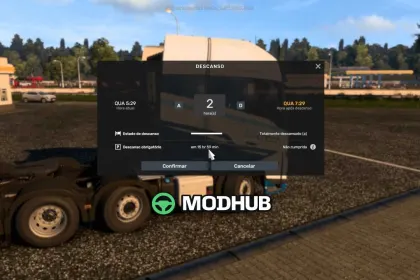
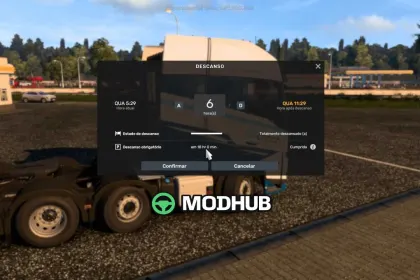
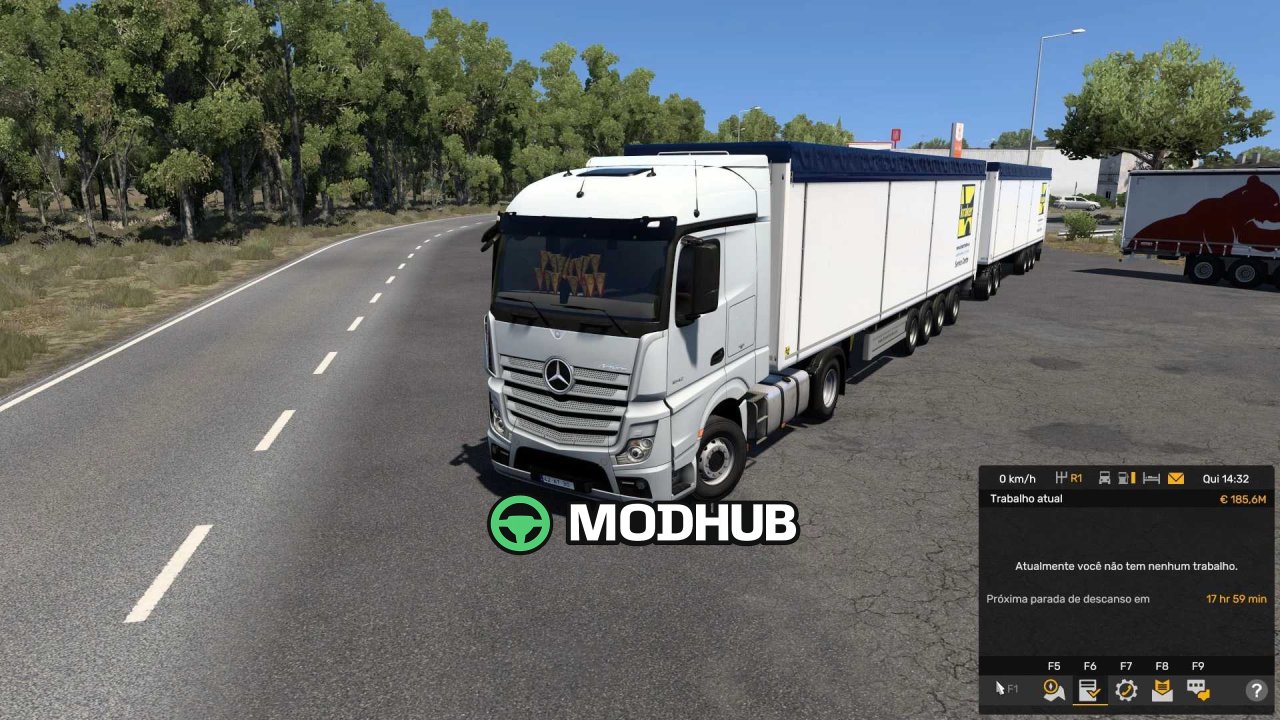
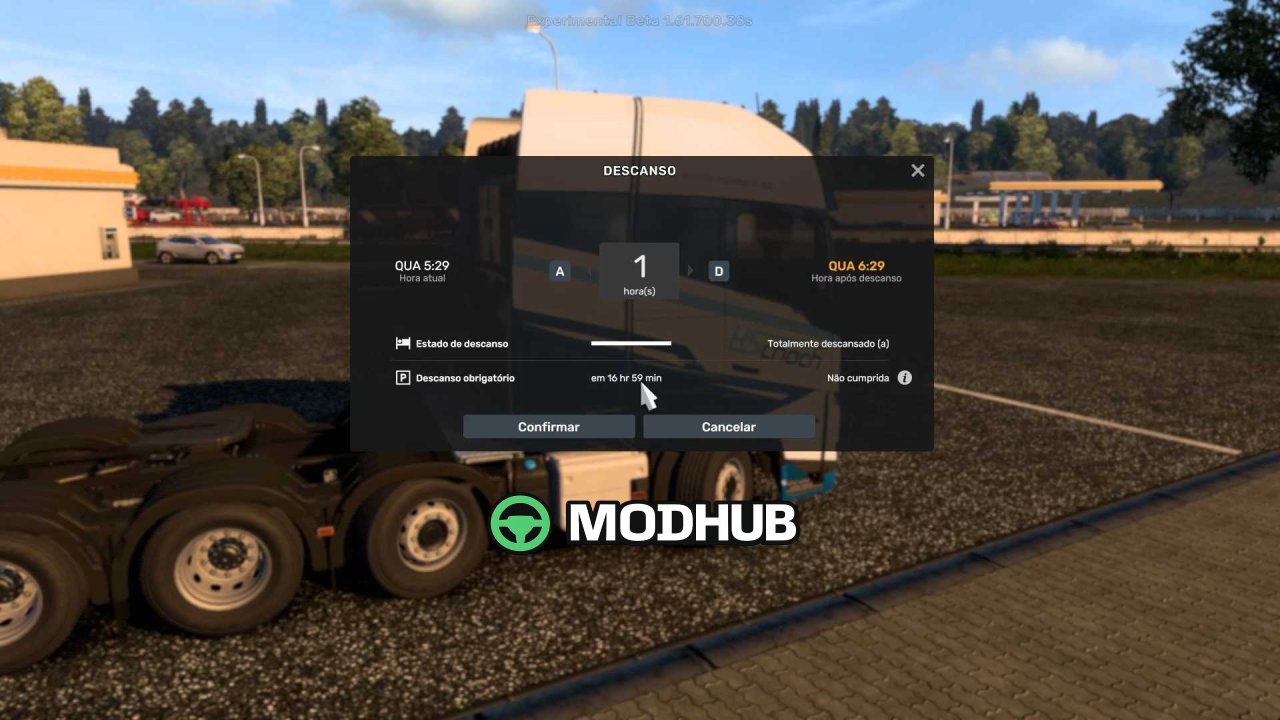
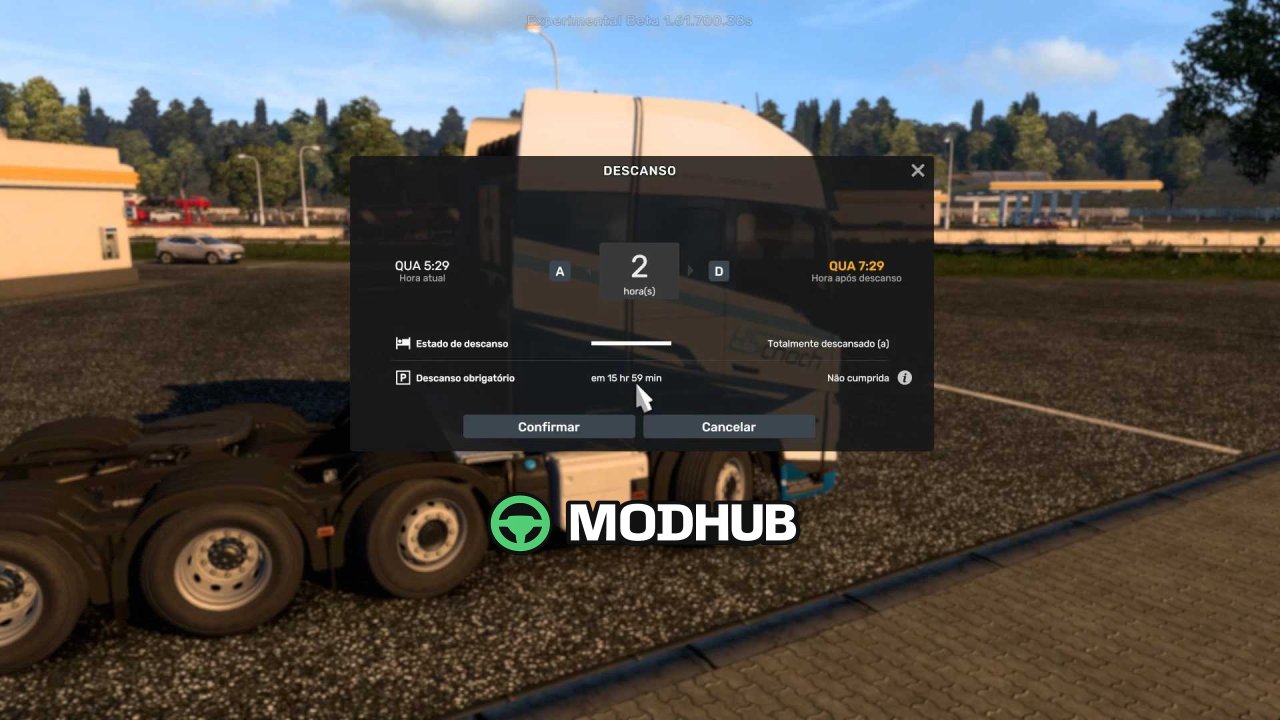
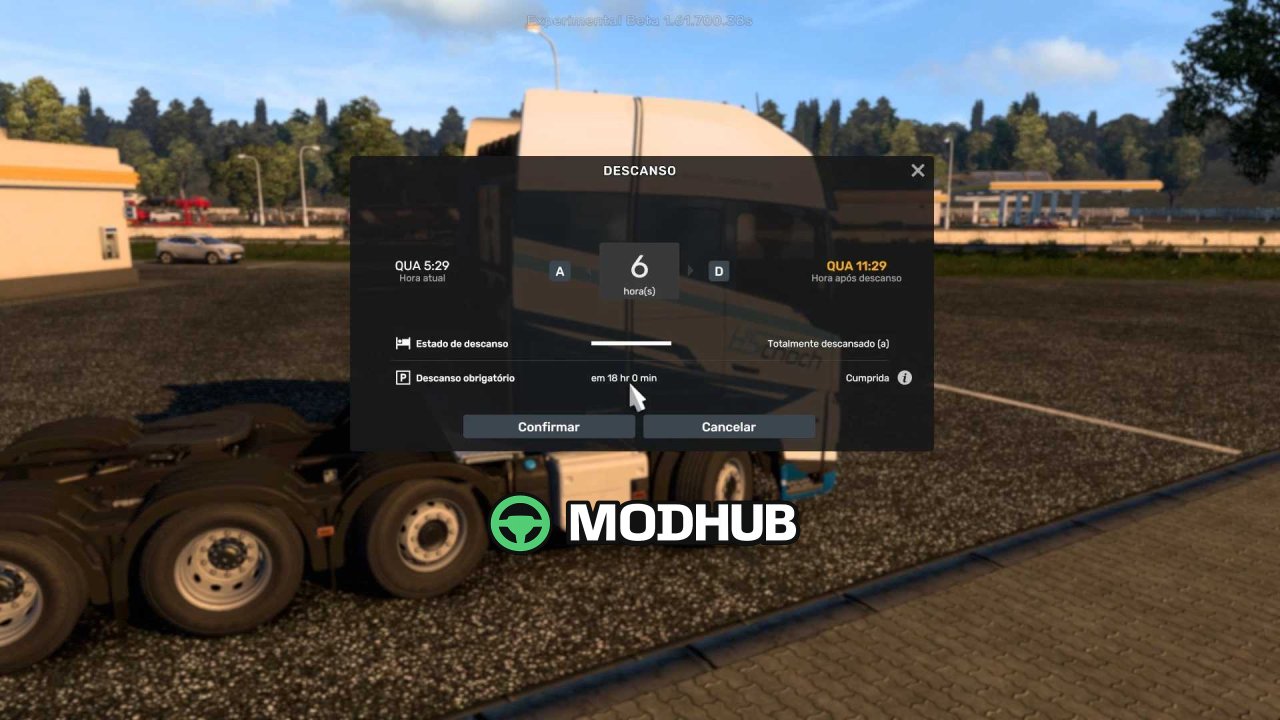
The More Time Driving 14 11 2026 mod is an extension for Euro Truck Simulator 2 that changes how long the in-game driving time lasts behind the wheel of a truck. It is compatible with game versions 1.40 and 1.62, so it fits both older builds and current ones. Its main feature is that the archive does not need to be extracted: the file is placed in the mod folder exactly as it was downloaded. As a result, installation takes only a few seconds and requires no additional tools.
• Extends in-game driving time without stopping for rest so often
• Compatible with ETS2 versions 1.40 and 1.62
• No archive extraction required before installation
• Installs by simply copying the file into the mod folder
• Does not alter other gameplay parameters
The mod will be useful for long-haul drivers who want to complete long routes without frequent stops while keeping the usual game balance.
Author: RODONITCHO MODS
About Mod More Time Driving 14 11 2026 for ETS2
Mod More Time Driving 14 11 2026 for ETS2 is a mod for Euro Truck Simulator 2. Check the author description, supported game version and dependencies before installing.
How to install the mod
Follow the installation instructions for Mod More Time Driving 14 11 2026 for ETS2, Euro Truck Simulator 2 and your platform.
Download the mod archive using the Download button and read the author instructions.
Use the folder and archive format specified by the mod author for this game.
Start the game and enable the mod for the selected save or profile, if required.
Test using a backup or a new save. Install any dependencies listed by the author.
System requirements and compatibility
Check the mod description for supported game versions, required DLC and platforms. Compatibility with every version or other mods is not guaranteed.
Frequently asked questions
Is this mod free?
MODHUB does not charge for access to this mod page. Check the terms and download limits of the external file provider.
Can I use this mod in Euro Truck Simulator 2 multiplayer?
Multiplayer support depends on the mod and its author. If supported, the server and players need matching mod versions and required DLC.
What should I check if the mod does not work?
Check the installation folder, archive structure, supported game version, dependencies and game logs. Test the mod separately using a backup save.
How can I check a downloaded mod?
Use trusted author sources, scan the archive and back up your saves. Do not run unrelated installers; a download listing does not guarantee safety or compatibility.