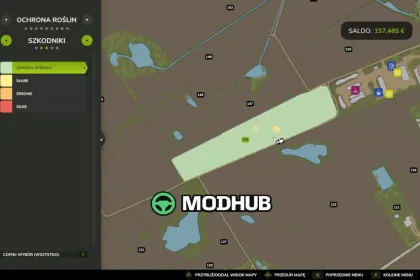
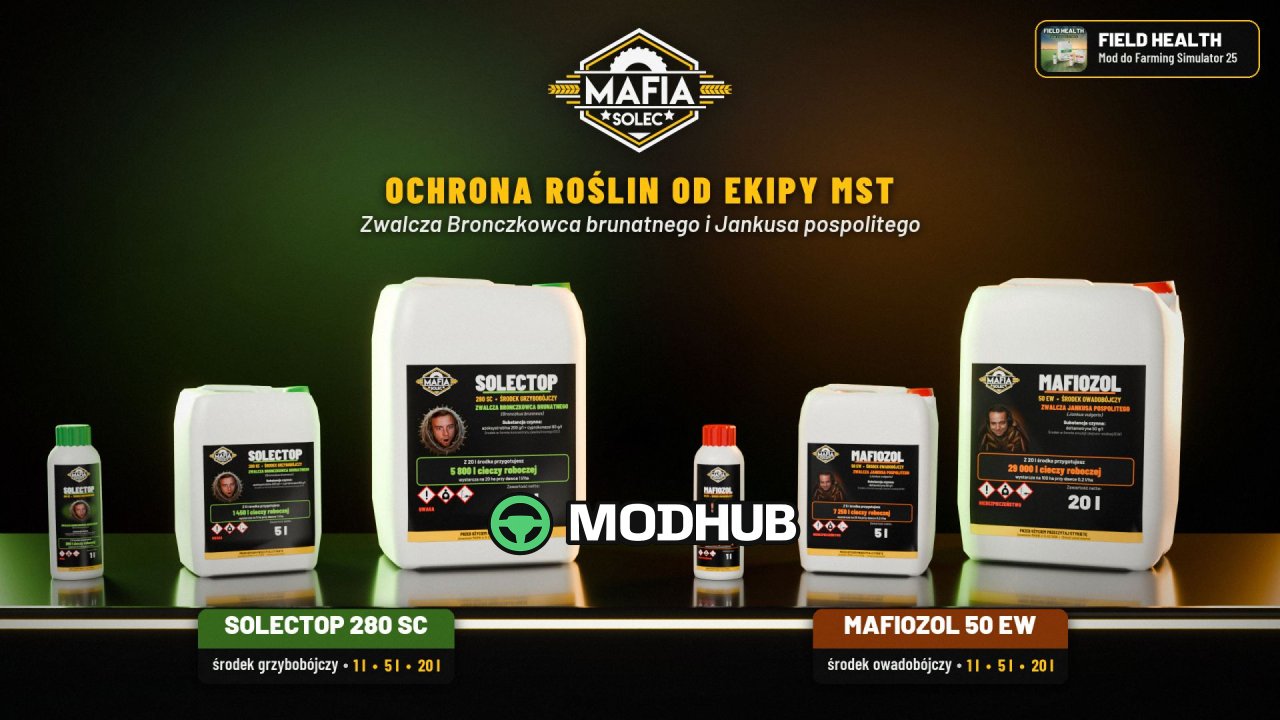
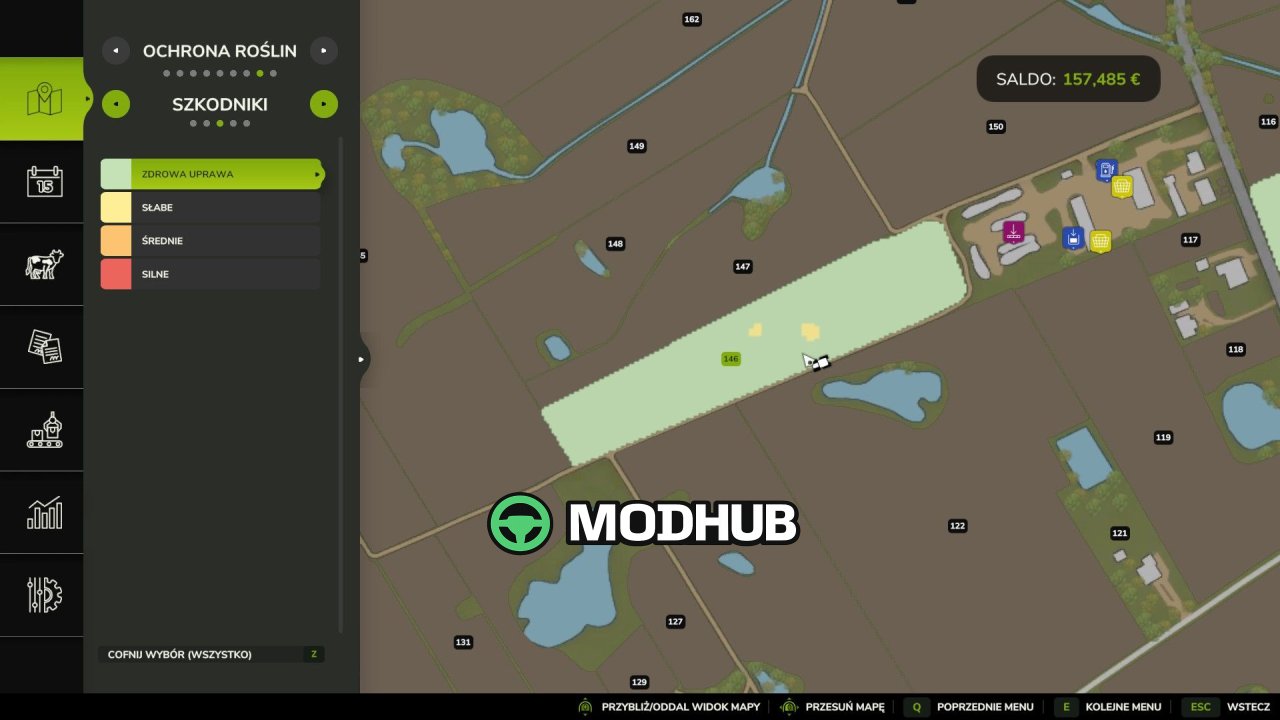
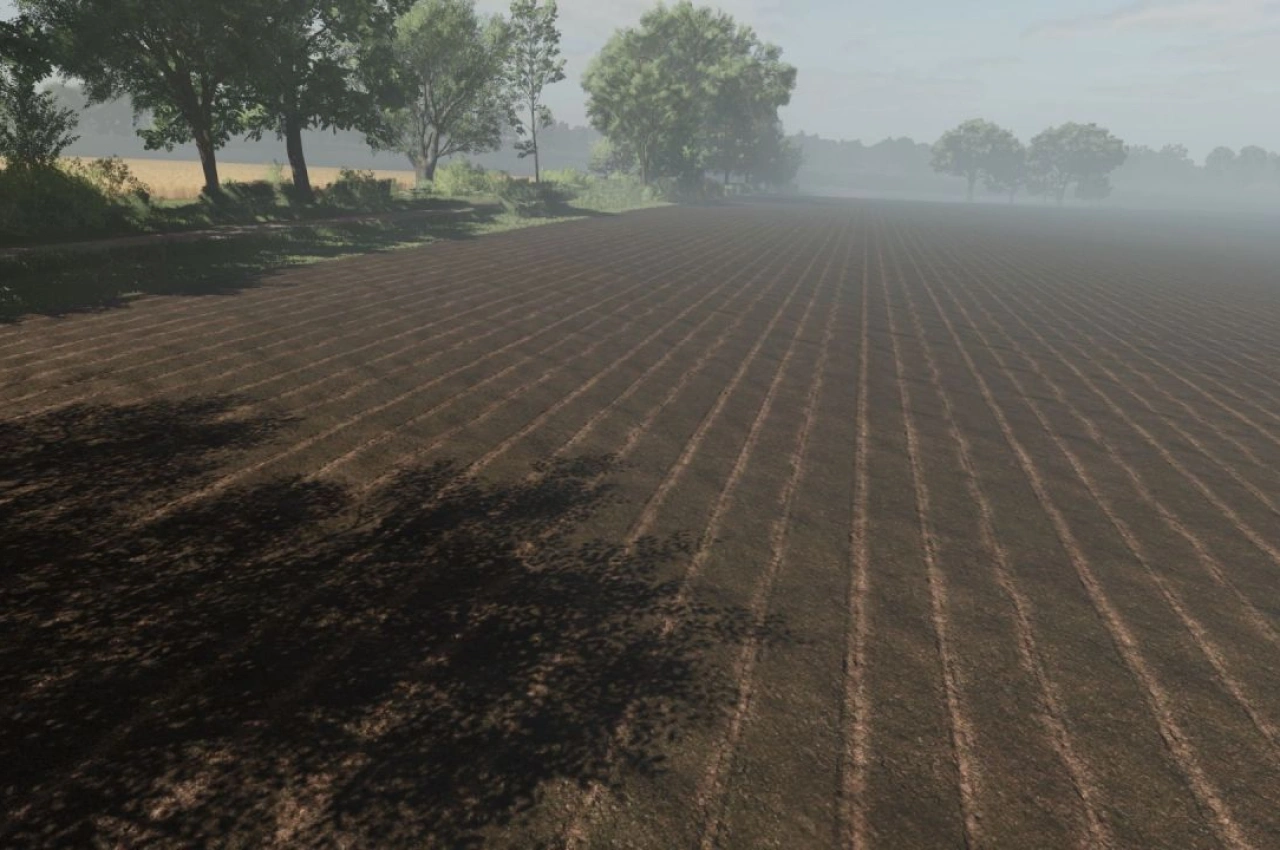
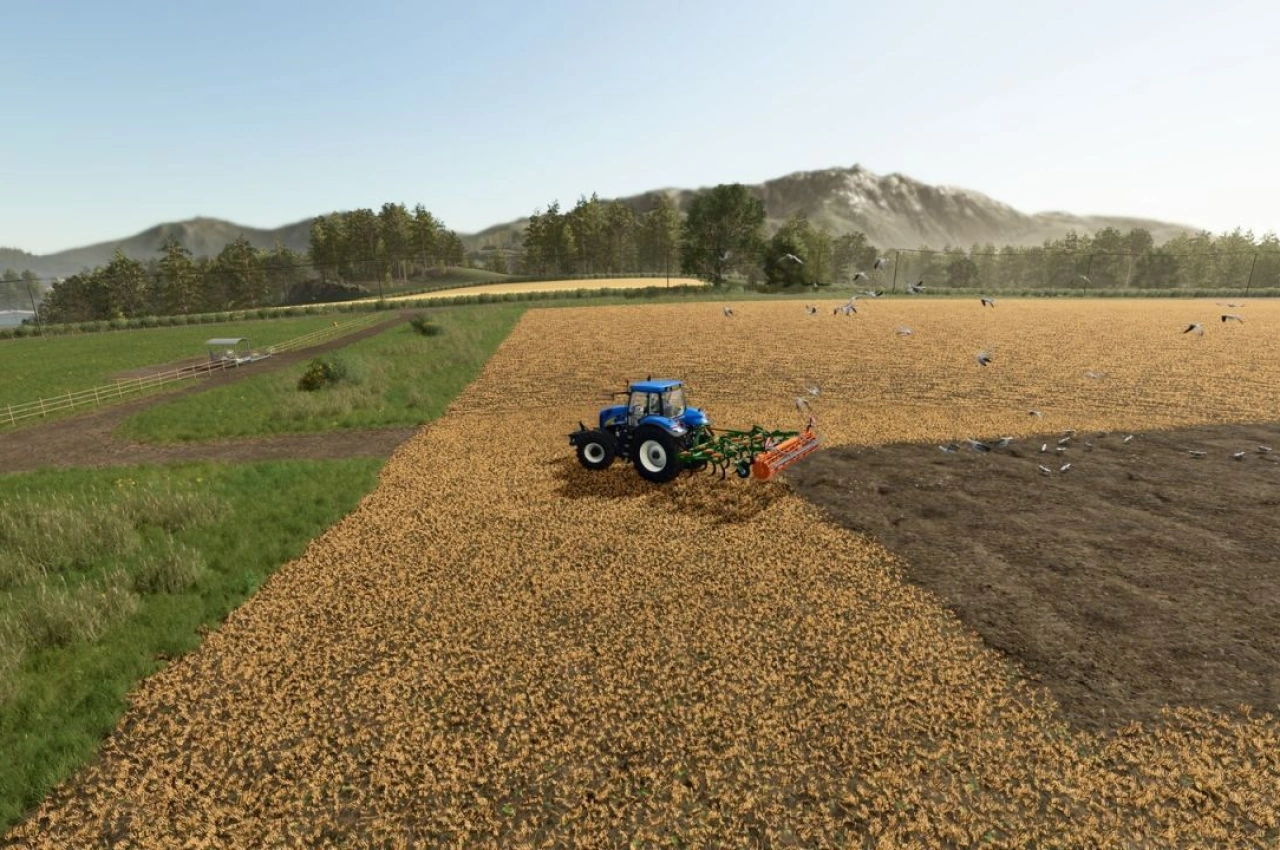
Field Health is a gameplay mod for Farming Simulator 25 that adds crop diseases and pests to your fields. The system is based on real threats found across Europe, with occurrence rates inspired by Polish agricultural data. The mod is still in early development, so bugs and balance issues may occur. Each growing field can receive one disease and one pest per season, while NPC fields are not affected.
• 44 threats in total: 24 diseases and 20 pests, including powdery mildew, septoria, rust, fusarium, late blight, aphids, cereal leaf beetles and corn borers
• Threats only affect compatible crops and growth stages, and risk depends on crop rotation, plowing, liming, mulching, fertilizing, weed control and weather
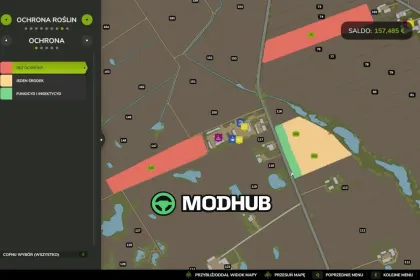
• Diseases and pests begin in small patches, grow over time and can spread to neighbouring fields
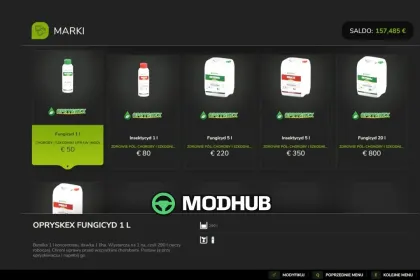
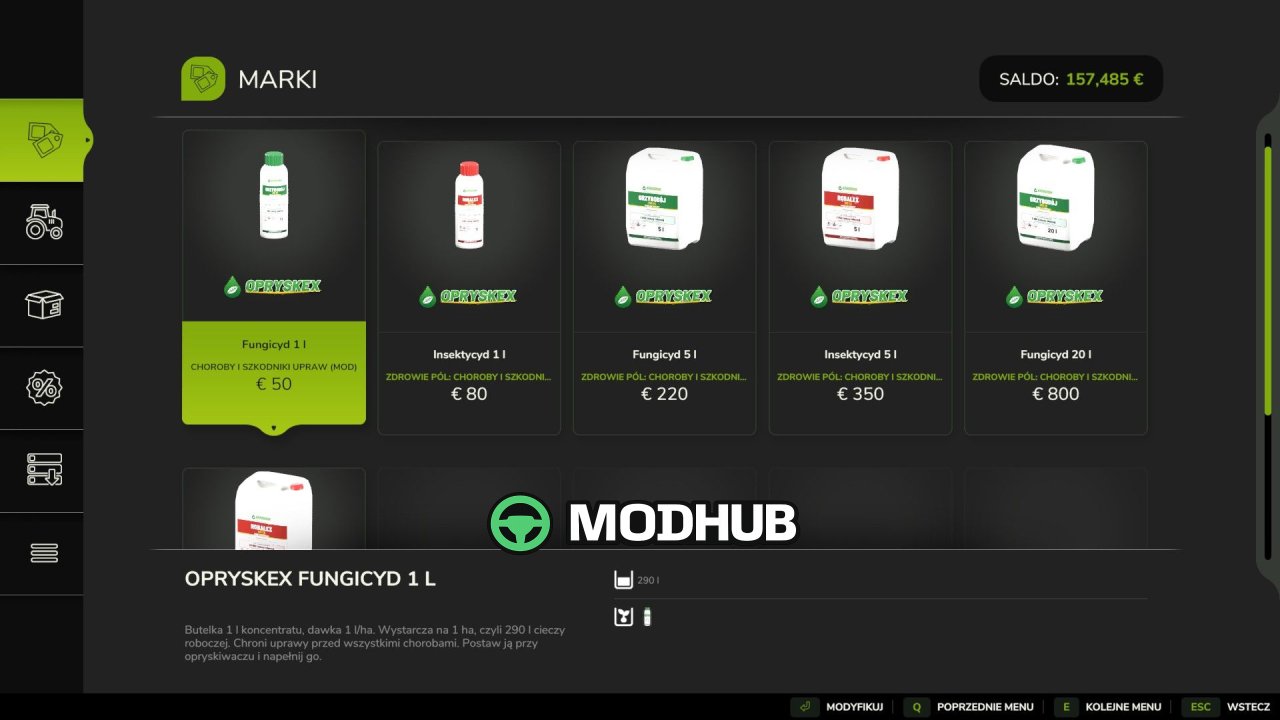
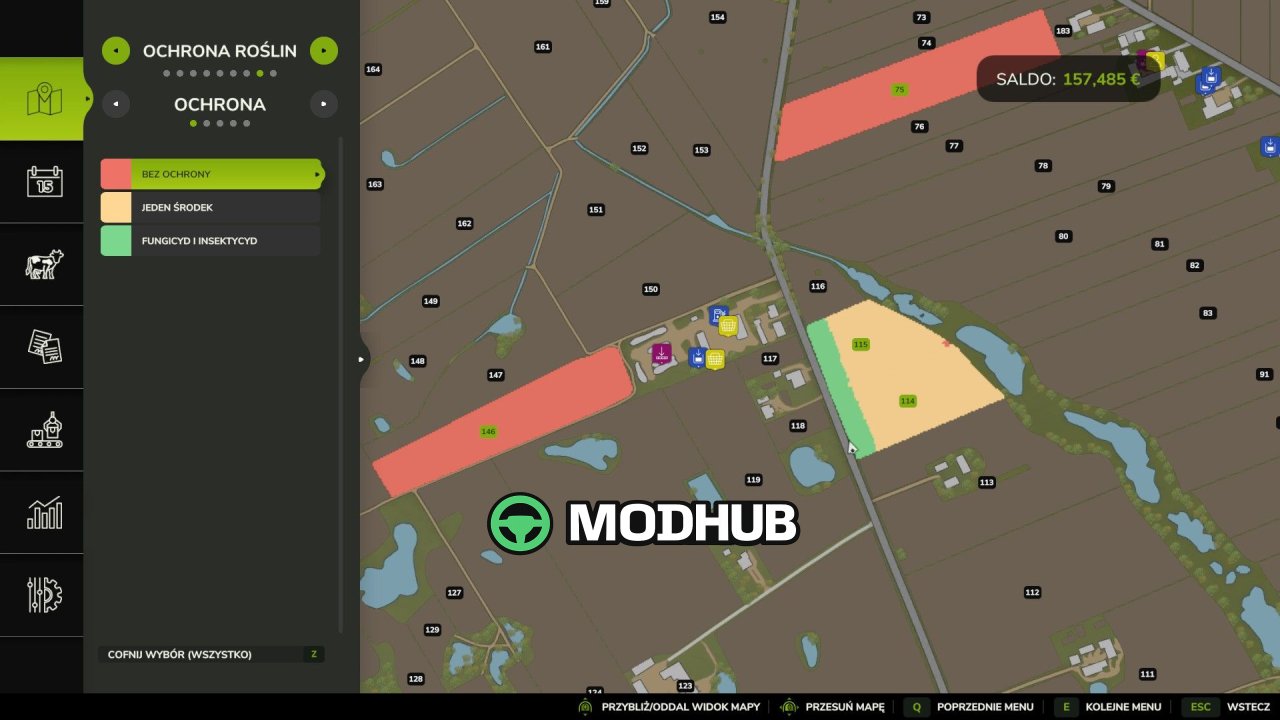
• Fungicide cures diseases, insecticide removes pests, and one correct treatment protects the field until harvest
• 25 in-game settings adjust probability, spreading speed, patch size, crop damage, protection duration and product prices
The system can be made easier, harder or disabled completely, and in multiplayer only administrators can change these settings.
About Mod Field Health – Crop Diseases & Pests V1.2 for FS25
Mod Field Health – Crop Diseases & Pests V1.2 for FS25 is a mod for Farming Simulator 25. Check the author description, supported game version and dependencies before installing.
How to install the mod
Follow the installation instructions for Mod Field Health – Crop Diseases & Pests V1.2 for FS25, Farming Simulator 25 and your platform.
Download the mod archive using the Download button and read the author instructions.
On PC, copy the mod ZIP without extracting it to Documents/My Games/FarmingSimulator2025/mods. For a bundle, extract the individual mod ZIPs first. macOS and Microsoft Store paths may differ; check Mod Directory in the game log.txt.
Start the game and enable the mod for the selected save or profile, if required.
Test using a backup or a new save. Install any dependencies listed by the author.
System requirements and compatibility
Check the mod description for supported game versions, required DLC and platforms. Compatibility with every version or other mods is not guaranteed. Farming Simulator script mods are for PC/macOS. Console players can only install compatible mods from the in-game GIANTS ModHub.
Frequently asked questions
Is this mod free?
MODHUB does not charge for access to this mod page. Check the terms and download limits of the external file provider.
Can I use this mod in Farming Simulator 25 multiplayer?
Multiplayer support depends on the mod and its author. If supported, the server and players need matching mod versions and required DLC.
What should I check if the mod does not work?
Check the installation folder, archive structure, supported game version, dependencies and game logs. Test the mod separately using a backup save.
How can I check a downloaded mod?
Use trusted author sources, scan the archive and back up your saves. Do not run unrelated installers; a download listing does not guarantee safety or compatibility.