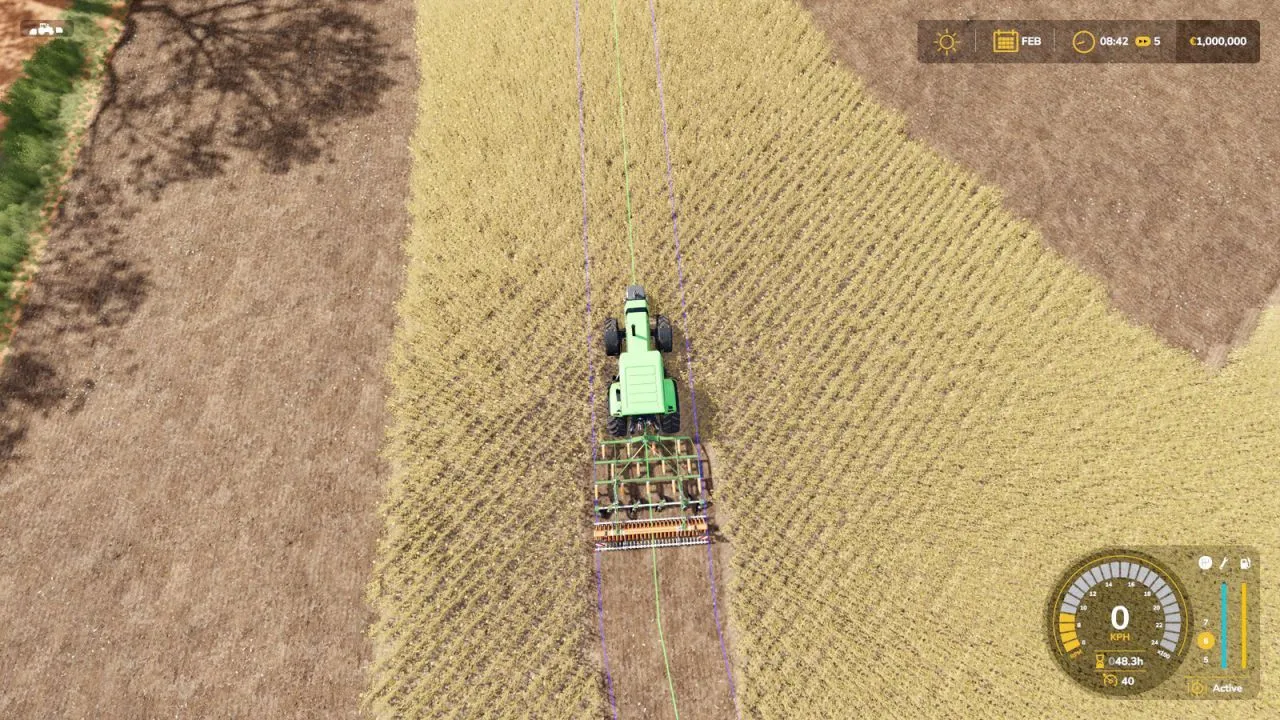
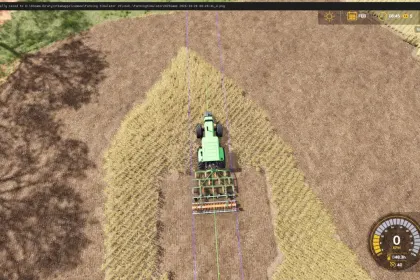
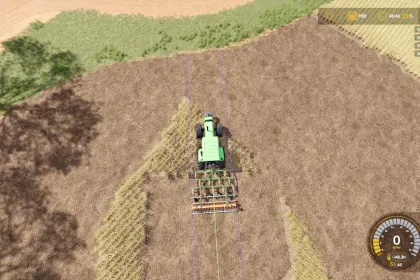
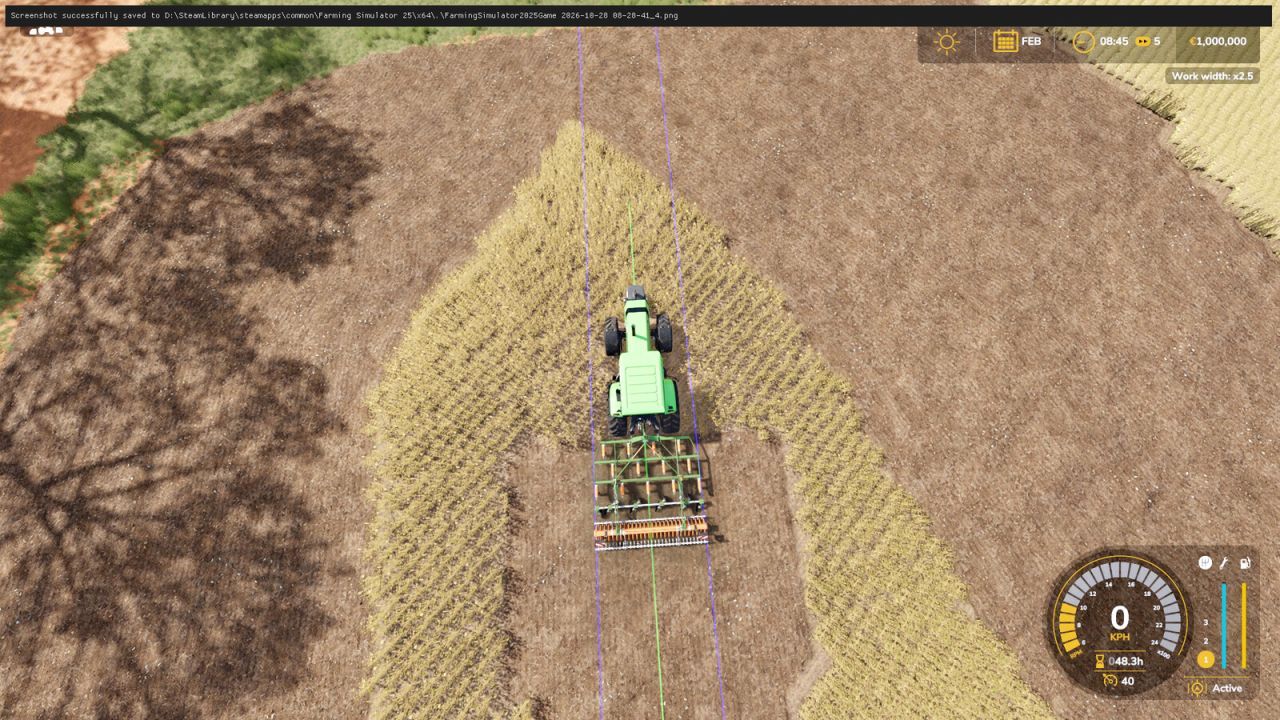
Work Width Multiplier is a script mod for Farming Simulator 25 that lets you widen the working area of seeders, cultivators and disc harrows. When activated, it extends the strip of ground being worked outwards from the machine's center while keeping the 3D model exactly the same. Seed consumption adjusts automatically to the increased area, so your efficiency grows proportionally. Controls are simple: press J to increase the width by 0.5x per press (up to 5x), or Right Shift + J to reset to the original width.
• Seeders and planters gain a wider sowing area without any visual changes.
• Cultivators and disc harrows cover more ground in a single pass.
• The setting applies to all affected machines at once and persists for future purchases.
• An on-screen message shows the current width every time you press J.
• AI helpers may continue to use the original working width.
The mod starts at the original width (x1), so nothing changes until you decide to activate it.
About Work Width Multiplier for Farming Simulator 25
Work Width Multiplier for Farming Simulator 25 is a mod for Farming Simulator 25. Check the author description, supported game version and dependencies before installing.
How to install the mod
Follow the installation instructions for Work Width Multiplier for Farming Simulator 25, Farming Simulator 25 and your platform.
Download the mod archive using the Download button and read the author instructions.
On PC, copy the mod ZIP without extracting it to Documents/My Games/FarmingSimulator2025/mods. For a bundle, extract the individual mod ZIPs first. macOS and Microsoft Store paths may differ; check Mod Directory in the game log.txt.
Start the game and enable the mod for the selected save or profile, if required.
Test using a backup or a new save. Install any dependencies listed by the author.
System requirements and compatibility
Check the mod description for supported game versions, required DLC and platforms. Compatibility with every version or other mods is not guaranteed. Farming Simulator script mods are for PC/macOS. Console players can only install compatible mods from the in-game GIANTS ModHub.
Frequently asked questions
Is this mod free?
MODHUB does not charge for access to this mod page. Check the terms and download limits of the external file provider.
Can I use this mod in Farming Simulator 25 multiplayer?
Multiplayer support depends on the mod and its author. If supported, the server and players need matching mod versions and required DLC.
What should I check if the mod does not work?
Check the installation folder, archive structure, supported game version, dependencies and game logs. Test the mod separately using a backup save.
How can I check a downloaded mod?
Use trusted author sources, scan the archive and back up your saves. Do not run unrelated installers; a download listing does not guarantee safety or compatibility.