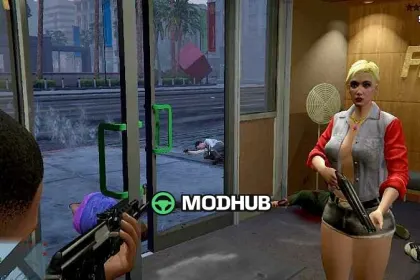
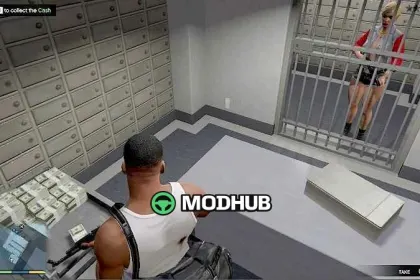
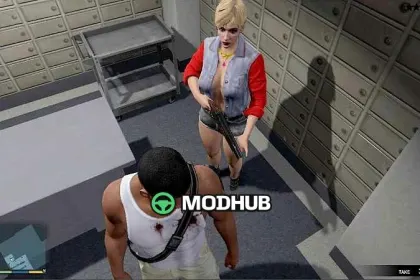
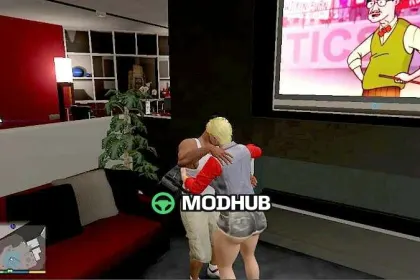
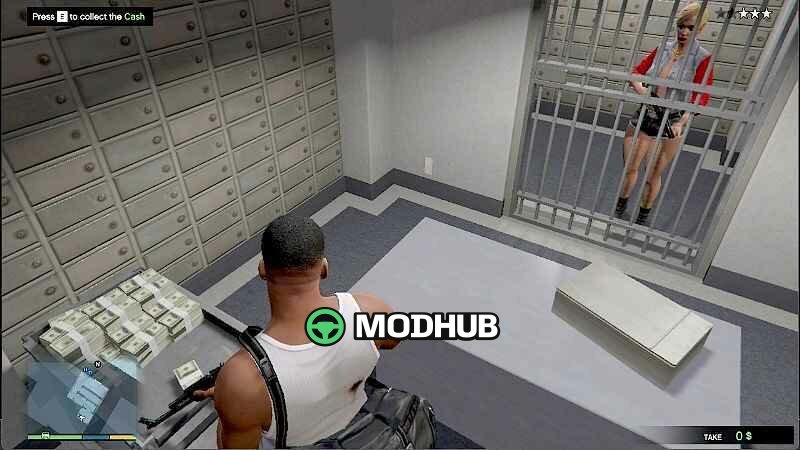
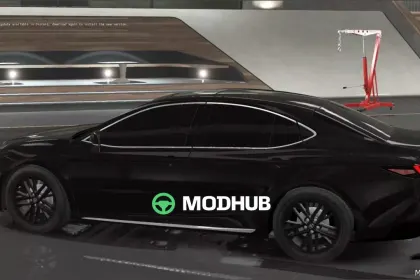
This Marcella mod is made for GTA 5 and applies a character update using game file replacements and script support.
The installation relies on swapping the relevant ped texture/model assets inside the proper archives, while LUA.asi and the provided scripts folder handle the scripting side. As a result, the appearance changes are applied cleanly and consistently.
• Type: Marcella scripted mod for GTA 5
• Update: ped look through replacement of ig_manuel.* files
• Files: LUA.asi plus the scripts folder
• Method: install and edit using OpenIV
• In-game activation: press F12 in GTA 5
• Replace set: remove and add ig_manuel.ydd / ig_manuel.yft / ig_manuel.ymt / ig_manuel.ytd
Once the files are placed and the mod is activated, Marcella content becomes available during gameplay in GTA 5.
About Marcella for GTA 5
Marcella for GTA 5 is a mod for GTA 5. Check the author description, supported game version and dependencies before installing.
How to install the mod
Follow the installation instructions for Marcella for GTA 5, GTA 5 and your platform.
Download the mod archive using the Download button and read the author instructions.
Use the folder and archive format specified by the mod author for this game.
Start the game and enable the mod for the selected save or profile, if required.
Test using a backup or a new save. Install any dependencies listed by the author.
System requirements and compatibility
Check the mod description for supported game versions, required DLC and platforms. Compatibility with every version or other mods is not guaranteed.
Frequently asked questions
Is this mod free?
MODHUB does not charge for access to this mod page. Check the terms and download limits of the external file provider.
Can I use this mod in GTA 5 multiplayer?
Multiplayer support depends on the mod and its author. If supported, the server and players need matching mod versions and required DLC.
What should I check if the mod does not work?
Check the installation folder, archive structure, supported game version, dependencies and game logs. Test the mod separately using a backup save.
How can I check a downloaded mod?
Use trusted author sources, scan the archive and back up your saves. Do not run unrelated installers; a download listing does not guarantee safety or compatibility.