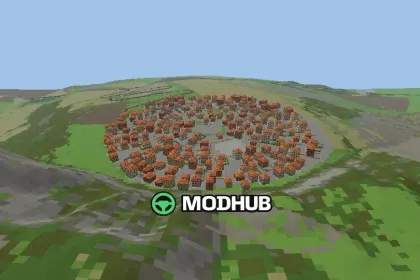
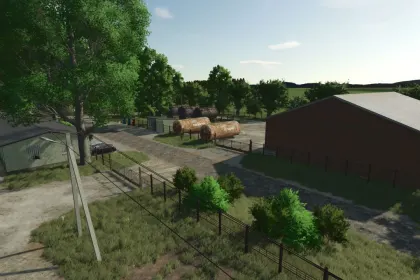
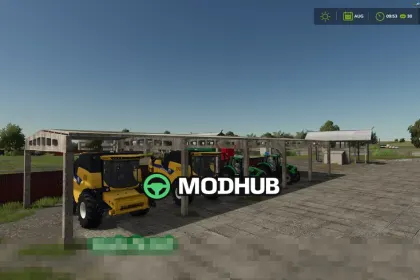
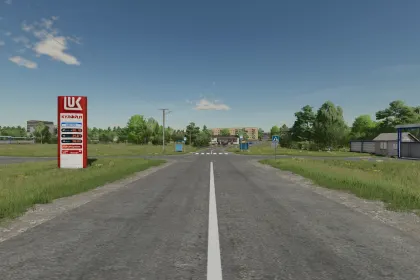
Transport City 16x is a large map for Farming Simulator 25 built primarily around hauling freight and contracts. Across its 8 by 8 kilometres three landscapes meet: Norrland in the north with granite hills and gravel logging roads, Mittelland in the centre with the A1 and A7/E45 interchanges, and Toscana in the south with a winery and a marble quarry. The map contains 213 fields covering 896 hectares, each with its own starting state from ploughed to ripe crop or grass. For long-distance work it offers two container terminals with 855 containers, five rail-mounted gantry cranes, 30 depots and four terminals.
• 213 fields (896 ha) with farmland for sale and an individual starting state for every field
• 114 local businesses with loading bays, crates and signs, each shipping and accepting only its own goods
• Short local delivery jobs of 300 m to 3.2 km when Delivery Contracts 3.0 is installed
• Two container terminals with 855 containers and five gantry cranes, plus 30 depots and 4 terminals
• Around 90,000 scenery trees, 25,000 cuttable trees in five logging forests and 10 lakes carved into the terrain
• Traffic driving the map's own road graph, plus multiplayer with server-side contracts and payments
The map requires FS25_DeliveryContracts 3.0 or newer; without it the map still loads, but transport contracts and local jobs are missing.
Author: MrMe1994
About Map Transport City 16x for FS25
Map Transport City 16x for FS25 is a mod for Farming Simulator 25. Check the author description, supported game version and dependencies before installing.
How to install the mod
Follow the installation instructions for Map Transport City 16x for FS25, Farming Simulator 25 and your platform.
Download the mod archive using the Download button and read the author instructions.
On PC, copy the mod ZIP without extracting it to Documents/My Games/FarmingSimulator2025/mods. For a bundle, extract the individual mod ZIPs first. macOS and Microsoft Store paths may differ; check Mod Directory in the game log.txt.
Start the game and enable the mod for the selected save or profile, if required.
Test using a backup or a new save. Install any dependencies listed by the author.
System requirements and compatibility
Check the mod description for supported game versions, required DLC and platforms. Compatibility with every version or other mods is not guaranteed. Farming Simulator script mods are for PC/macOS. Console players can only install compatible mods from the in-game GIANTS ModHub.
Frequently asked questions
Is this mod free?
MODHUB does not charge for access to this mod page. Check the terms and download limits of the external file provider.
Can I use this mod in Farming Simulator 25 multiplayer?
Multiplayer support depends on the mod and its author. If supported, the server and players need matching mod versions and required DLC.
What should I check if the mod does not work?
Check the installation folder, archive structure, supported game version, dependencies and game logs. Test the mod separately using a backup save.
How can I check a downloaded mod?
Use trusted author sources, scan the archive and back up your saves. Do not run unrelated installers; a download listing does not guarantee safety or compatibility.