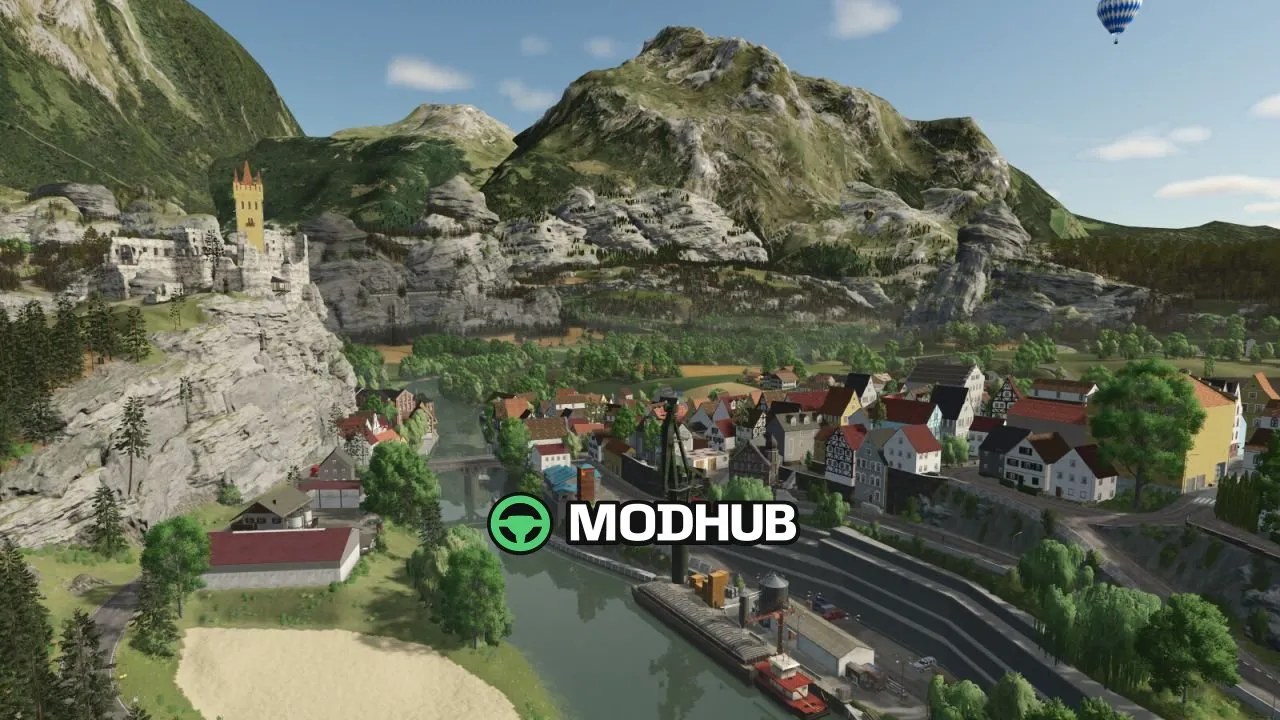
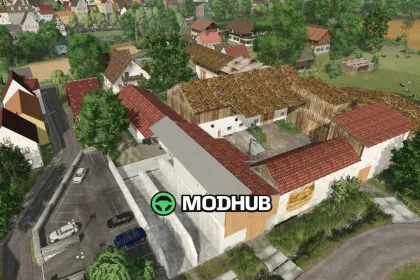
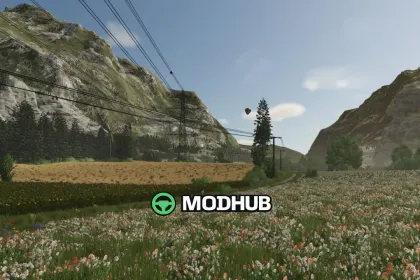
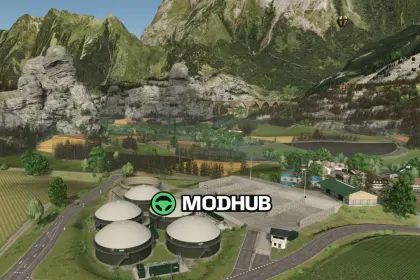
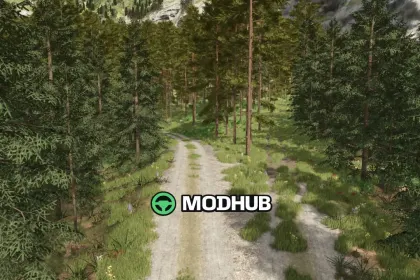
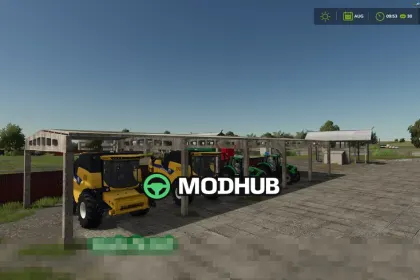
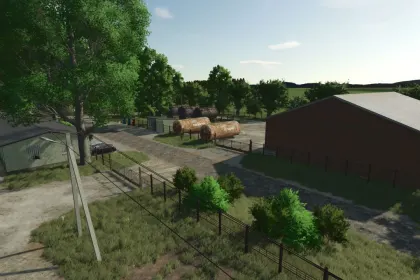
The Geistal V1.5 map for Farming Simulator 25 brings Bavarian and Austrian landscapes to FS25, with challenging climbs, road networks, and many panoramic views. It’s designed for long gameplay and flexible farming, featuring a dense economy setup, detailed production chains, and plenty of purchasable areas.
• Version: Geistal V1.5 (changelog includes 1.5.0.0 and prior fixes)
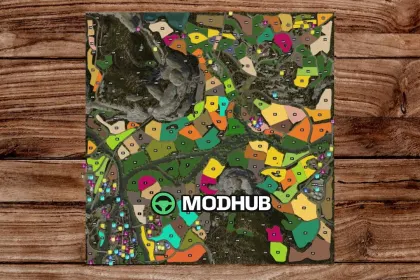
• Scale: 157 hectares total; 108 fields and 32 meadows (most fields are 1–2 ha)
• Purchasable content: 250 purchasable areas + 45+ forest areas
• Economy: 17 production points, including two BGA facilities
• Commerce & delivery: 20+ sales points and several wood pellet delivery points (households)
• Gameplay systems: adapted animal feeding systems and updated animal purchase options
• Map logistics: winter road purchase/clearing, placeable/selable buildings and interiors
Geistal V1.5 also expands crop variety with revised and additional crops, including spring and winter variants, triticale, spelt, rye, green rye, vetch rye, and multiple forages. It features separate drive-through silos for clover and alfalfa available in the building menu, plus an extra Multipack D14 bale wagon for packed bales. Apples and clean potatoes are supported alongside solids, wood pellets, and apple-juice production.
The map includes a train traveling across the entire area, and it avoids spawning tornadoes during active disasters. Numerous fixes improve real interactions over time: grass pickup changes with the forage harvester header, CCM feed-related corrections, improved performance, updated minimap/title images, and production/output fixes (e.g., Large Sawmill and shared storage issues). The changelog also notes that no new game saves are required for future content.
About Geistal V1.5 map for FS25
Geistal V1.5 map for FS25 is a mod for Farming Simulator 25. Check the author description, supported game version and dependencies before installing.
How to install the mod
Follow the installation instructions for Geistal V1.5 map for FS25, Farming Simulator 25 and your platform.
Download the mod archive using the Download button and read the author instructions.
On PC, copy the mod ZIP without extracting it to Documents/My Games/FarmingSimulator2025/mods. For a bundle, extract the individual mod ZIPs first. macOS and Microsoft Store paths may differ; check Mod Directory in the game log.txt.
Start the game and enable the mod for the selected save or profile, if required.
Test using a backup or a new save. Install any dependencies listed by the author.
System requirements and compatibility
Check the mod description for supported game versions, required DLC and platforms. Compatibility with every version or other mods is not guaranteed. Farming Simulator script mods are for PC/macOS. Console players can only install compatible mods from the in-game GIANTS ModHub.
Frequently asked questions
Is this mod free?
MODHUB does not charge for access to this mod page. Check the terms and download limits of the external file provider.
Can I use this mod in Farming Simulator 25 multiplayer?
Multiplayer support depends on the mod and its author. If supported, the server and players need matching mod versions and required DLC.
What should I check if the mod does not work?
Check the installation folder, archive structure, supported game version, dependencies and game logs. Test the mod separately using a backup save.
How can I check a downloaded mod?
Use trusted author sources, scan the archive and back up your saves. Do not run unrelated installers; a download listing does not guarantee safety or compatibility.