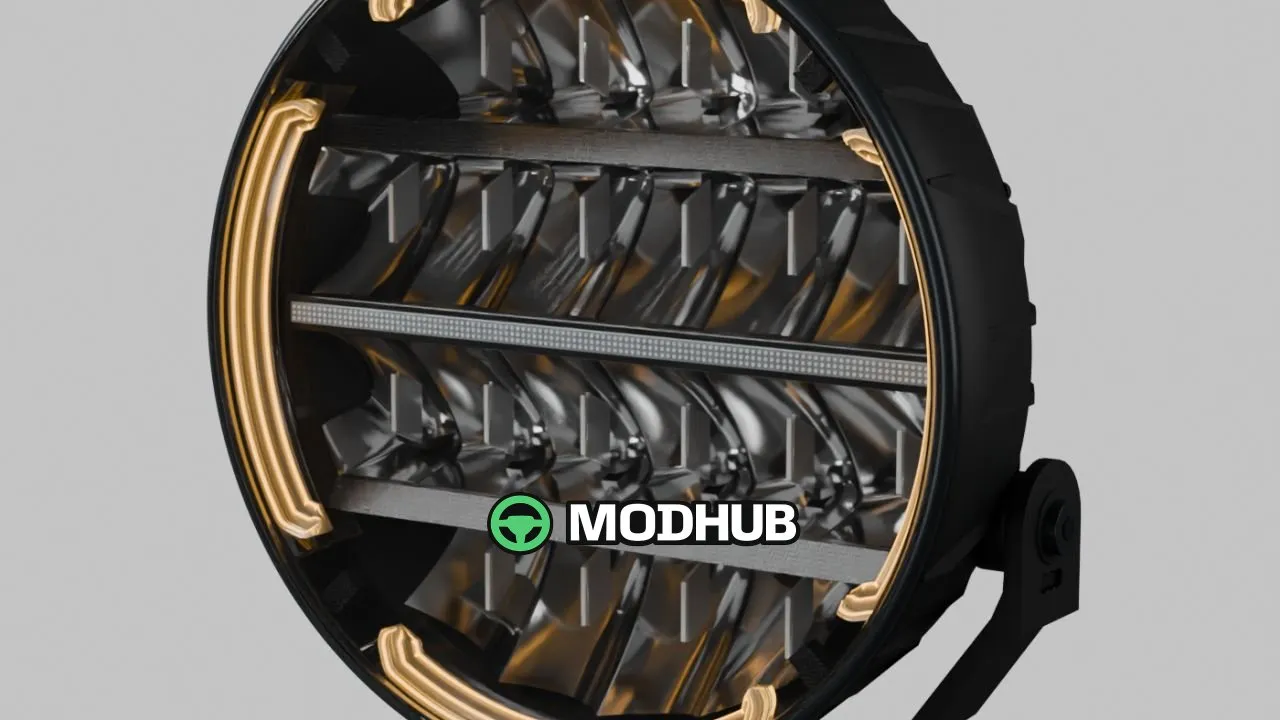
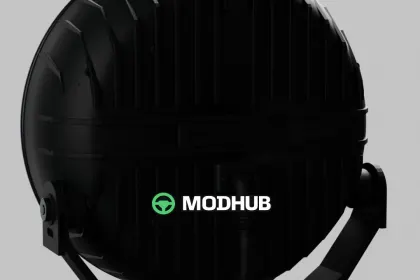
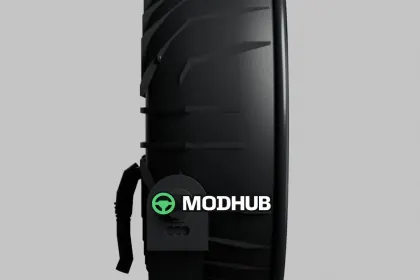
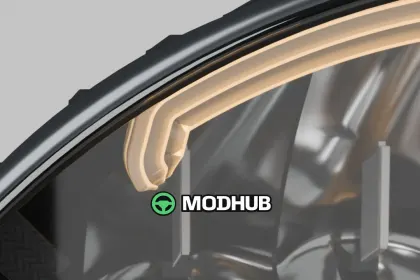
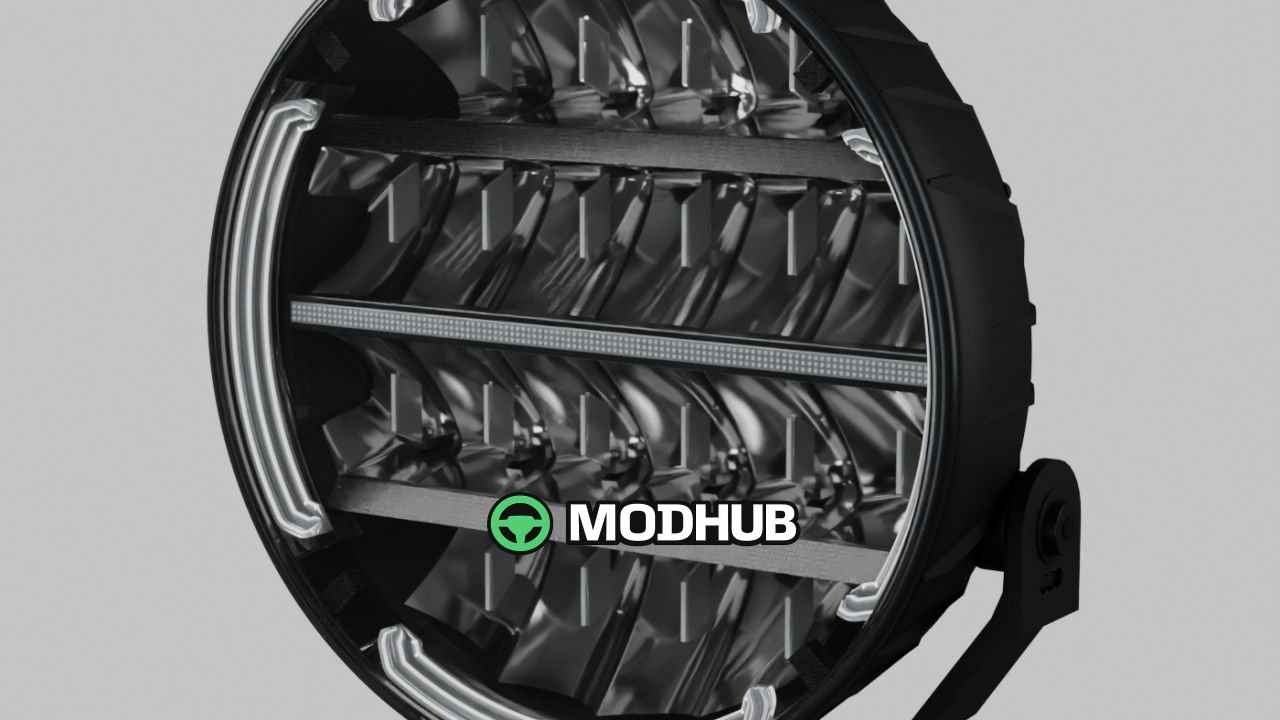
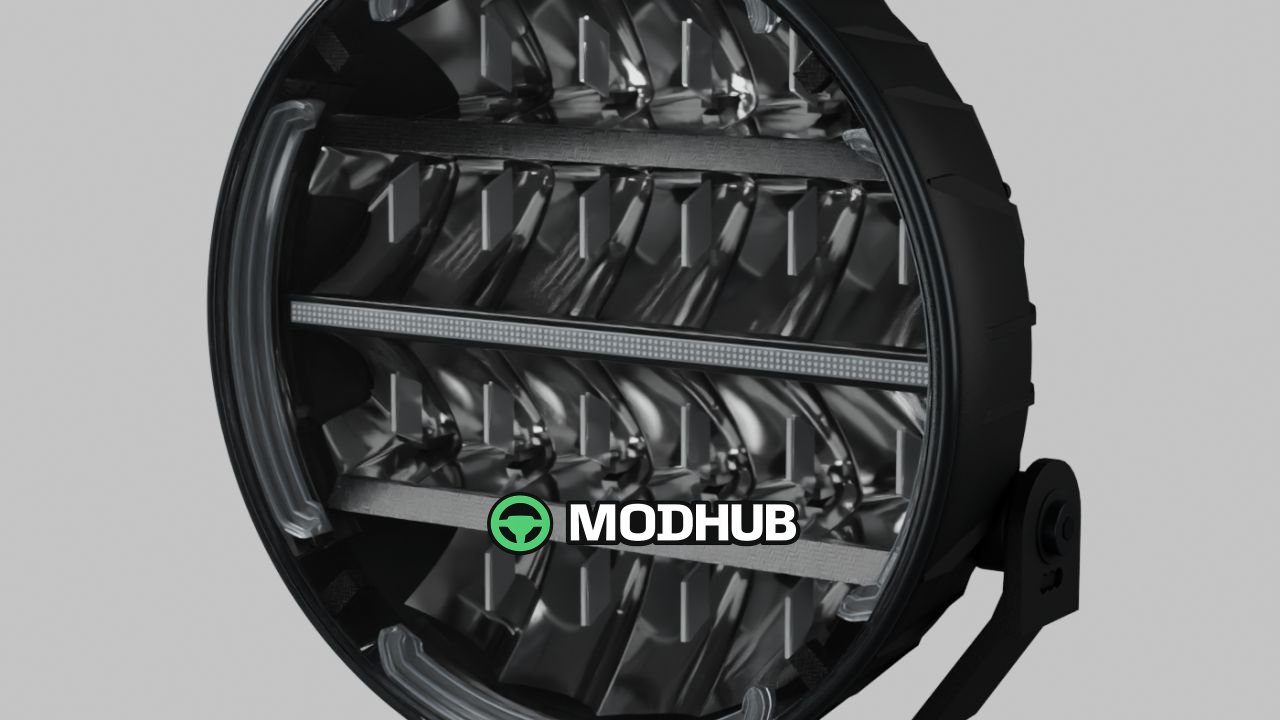
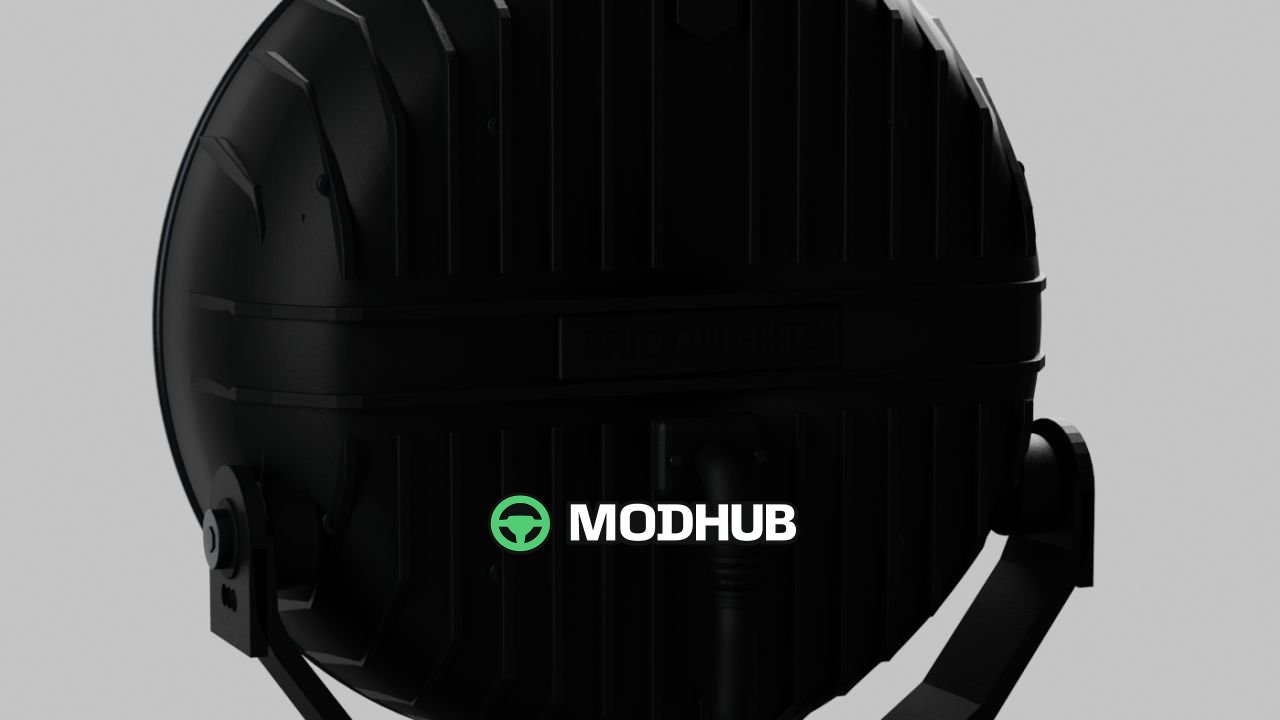
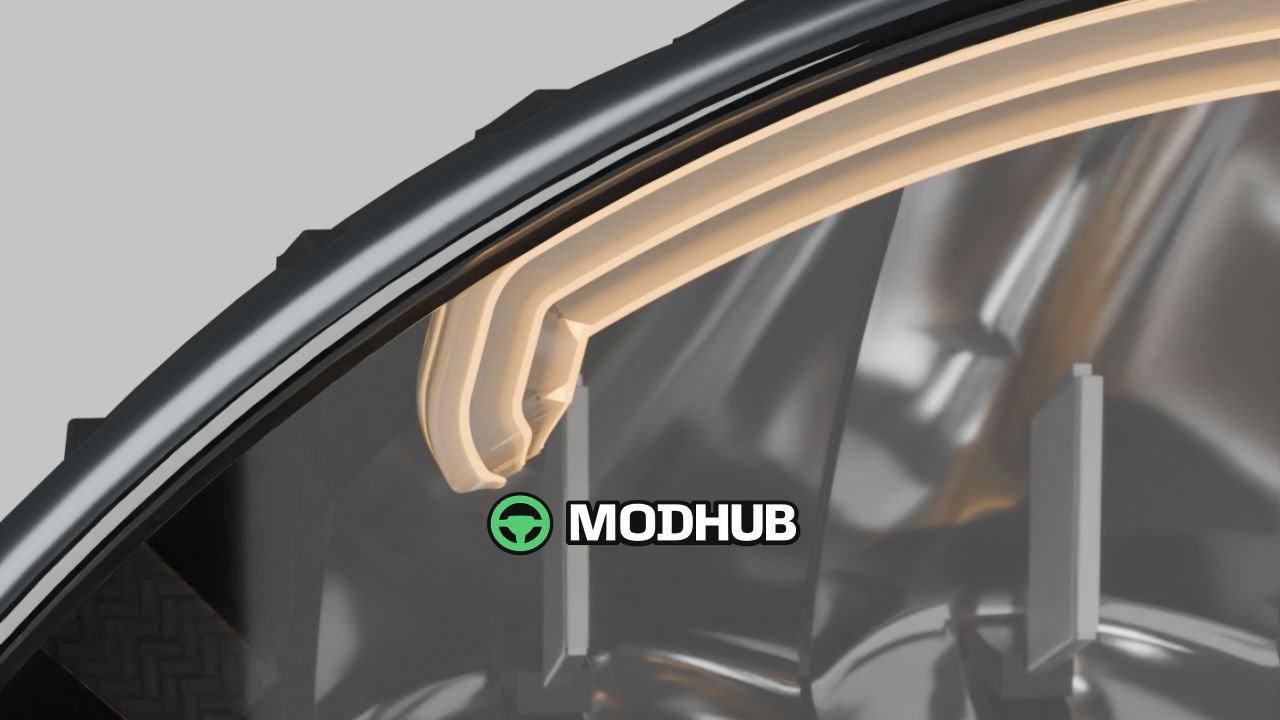
NLM Briodlight Olympus (Prefab) V1.0.0.1 is a detailed 9-inch auxiliary driving light for Farming Simulator 25, modelled after the BriodLights Olympus 2.0. A black housing with a fine powder-coat texture, carbon trim, deep reflectors and three stepped light guides give the lamp its distinctive appearance. Two versions are included, with either white or amber position lights, selected by importing the desired variant. This is a prefab for mod builders that is installed on a vehicle in GIANTS Editor and is not a standalone shop item.
• Two versions: white or amber position lights
• Separate high beam with an illuminated lens surface and real light sources
• Amber double-flash warning light
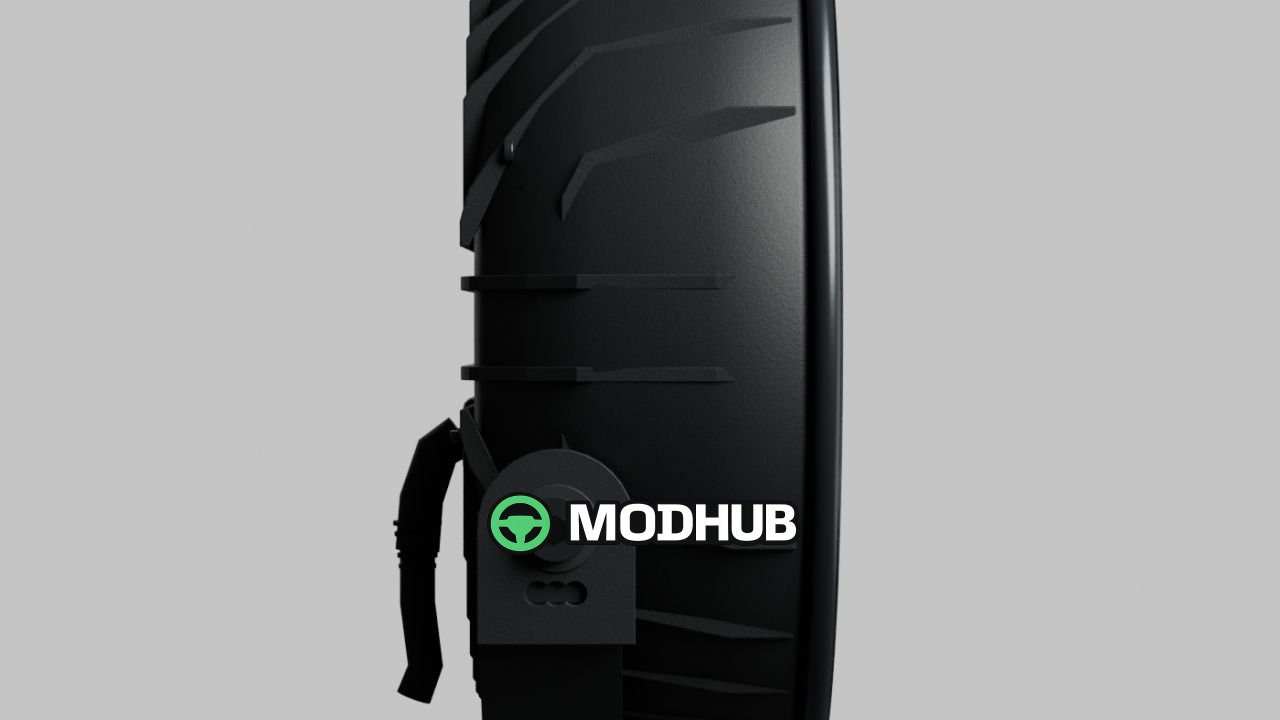
• Tilting lamp housing with a separate mounting bracket
• Detailed reflectors, cooling fins, cable and fasteners
• Two detail levels and separate dirt masks for the housing and outer lens
• Editable Blender source, original textures, XML helper and full Swedish, English and Norwegian installation guides
Version V1.0.0.1 corrects excessive dirt buildup on the housing, exterior parts and outer lenses using GIANTS dirt-mask data, and fixes the dirt mapping for gradual, varied coverage instead of a uniform coating.
About Light NLM Briodlight Olympus (Prefab) V1.0.0.1 for FS25
Light NLM Briodlight Olympus (Prefab) V1.0.0.1 for FS25 is a mod for Farming Simulator 25. Check the author description, supported game version and dependencies before installing.
How to install the mod
Follow the installation instructions for Light NLM Briodlight Olympus (Prefab) V1.0.0.1 for FS25, Farming Simulator 25 and your platform.
Download the mod archive using the Download button and read the author instructions.
On PC, copy the mod ZIP without extracting it to Documents/My Games/FarmingSimulator2025/mods. For a bundle, extract the individual mod ZIPs first. macOS and Microsoft Store paths may differ; check Mod Directory in the game log.txt.
Start the game and enable the mod for the selected save or profile, if required.
Test using a backup or a new save. Install any dependencies listed by the author.
System requirements and compatibility
Check the mod description for supported game versions, required DLC and platforms. Compatibility with every version or other mods is not guaranteed. Farming Simulator script mods are for PC/macOS. Console players can only install compatible mods from the in-game GIANTS ModHub.
Frequently asked questions
Is this mod free?
MODHUB does not charge for access to this mod page. Check the terms and download limits of the external file provider.
Can I use this mod in Farming Simulator 25 multiplayer?
Multiplayer support depends on the mod and its author. If supported, the server and players need matching mod versions and required DLC.
What should I check if the mod does not work?
Check the installation folder, archive structure, supported game version, dependencies and game logs. Test the mod separately using a backup save.
How can I check a downloaded mod?
Use trusted author sources, scan the archive and back up your saves. Do not run unrelated installers; a download listing does not guarantee safety or compatibility.