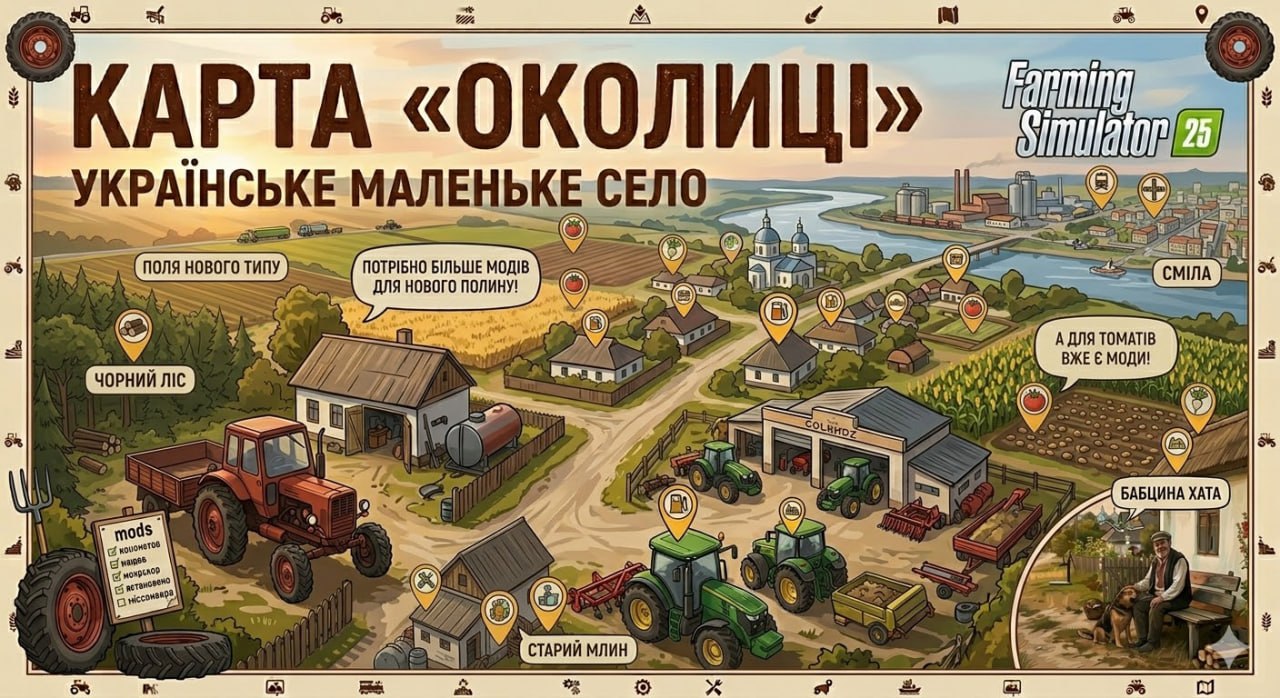
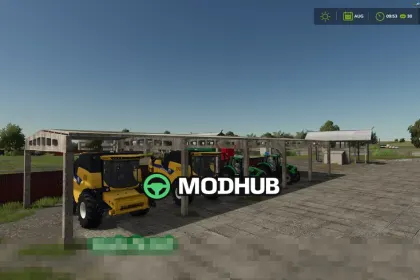
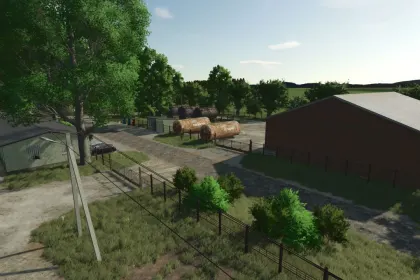
Welcome to "Somewhere In Thuringia 4" — an atmospheric cross-platform map for Farming Simulator 25 that takes you to the rolling landscapes between Magdala near A4 and the town of Blankenhain, right into the cozy village of Lossnitz. 🚜
Here, you'll find the perfect balance between arable farming and forestry: open large fields ahead and forests on the horizon that guarantee plenty of work. The map looks friendly but can be challenging — narrow forest roads, various soil types, and terrain that requires thoughtful planning of equipment and routes. ✅
Start as you prefer:
• A small family farm with a cozy atmosphere
• A large agricultural enterprise for those who want to expand fully ✅
For production development and earning, useful infrastructure is provided:
• BGA (biogas plant)
• Sawmill
• 2 sales points
• Livestock dealer
• Shop/dealer for equipment ✅
Build your way: the map has plenty of open space for your own farms, barns, and expansions. Farm and BGA decorations can be sold separately (e.g., barns and objects) to customize the area to your play style. ✅
Fields at the edge of the map partially serve as boundaries, but they can be properly cultivated. After the first harvest or trimming...
About Legendary Map Somewhere In Thuringia IV Crossplay — Huge Fields and Forests for FS 25
Legendary Map Somewhere In Thuringia IV Crossplay — Huge Fields and Forests for FS 25 is a mod for Farming Simulator 25. Check the author description, supported game version and dependencies before installing.
How to install the mod
Follow the installation instructions for Legendary Map Somewhere In Thuringia IV Crossplay — Huge Fields and Forests for FS 25, Farming Simulator 25 and your platform.
Download the mod archive using the Download button and read the author instructions.
On PC, copy the mod ZIP without extracting it to Documents/My Games/FarmingSimulator2025/mods. For a bundle, extract the individual mod ZIPs first. macOS and Microsoft Store paths may differ; check Mod Directory in the game log.txt.
Start the game and enable the mod for the selected save or profile, if required.
Test using a backup or a new save. Install any dependencies listed by the author.
System requirements and compatibility
Check the mod description for supported game versions, required DLC and platforms. Compatibility with every version or other mods is not guaranteed. Farming Simulator script mods are for PC/macOS. Console players can only install compatible mods from the in-game GIANTS ModHub.
Frequently asked questions
Is this mod free?
MODHUB does not charge for access to this mod page. Check the terms and download limits of the external file provider.
Can I use this mod in Farming Simulator 25 multiplayer?
Multiplayer support depends on the mod and its author. If supported, the server and players need matching mod versions and required DLC.
What should I check if the mod does not work?
Check the installation folder, archive structure, supported game version, dependencies and game logs. Test the mod separately using a backup save.
How can I check a downloaded mod?
Use trusted author sources, scan the archive and back up your saves. Do not run unrelated installers; a download listing does not guarantee safety or compatibility.