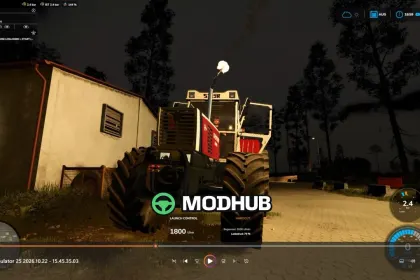
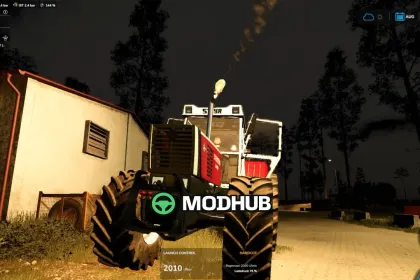
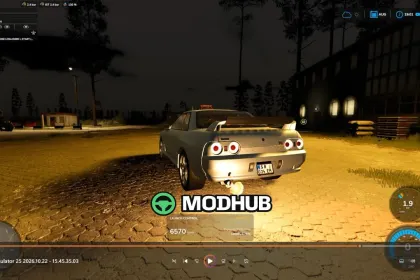
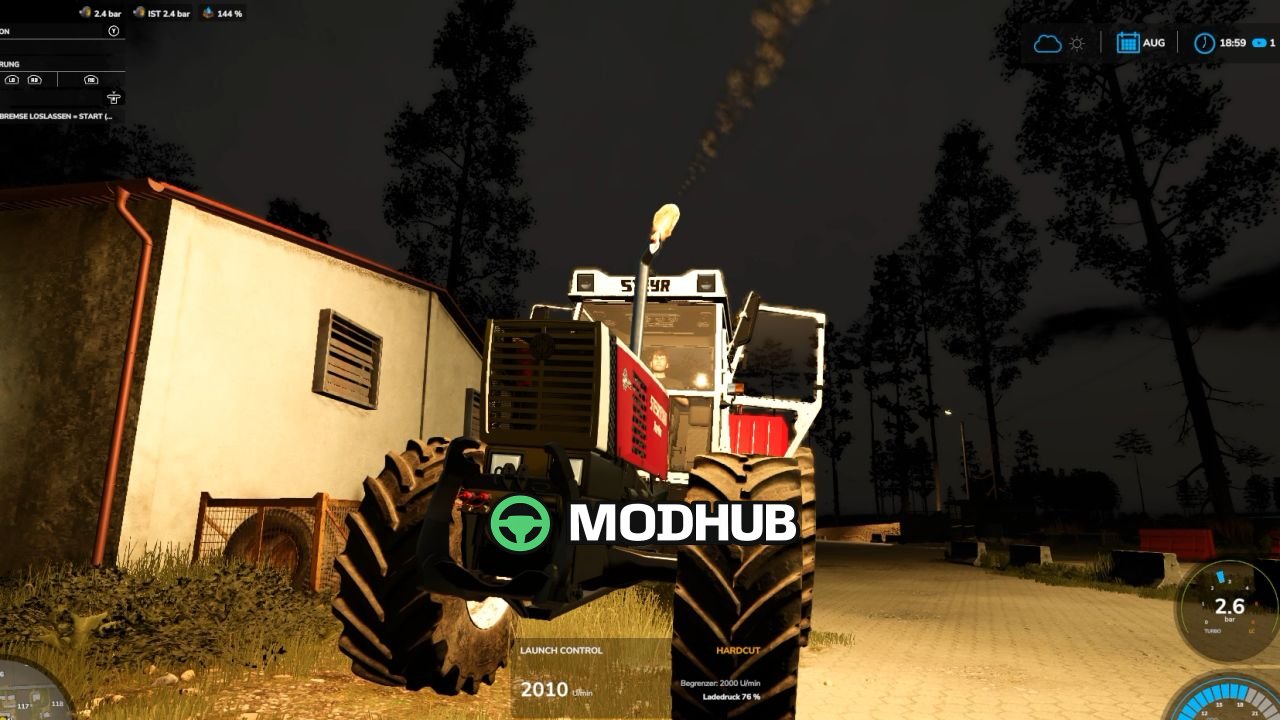
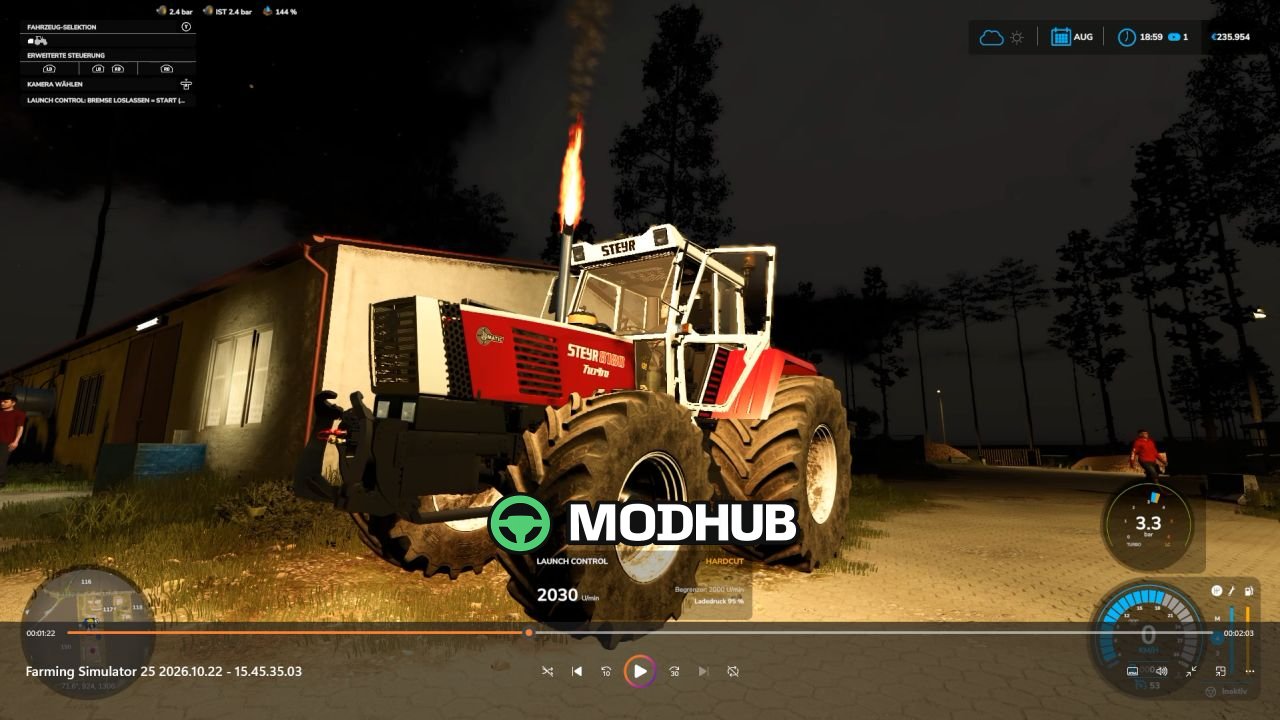
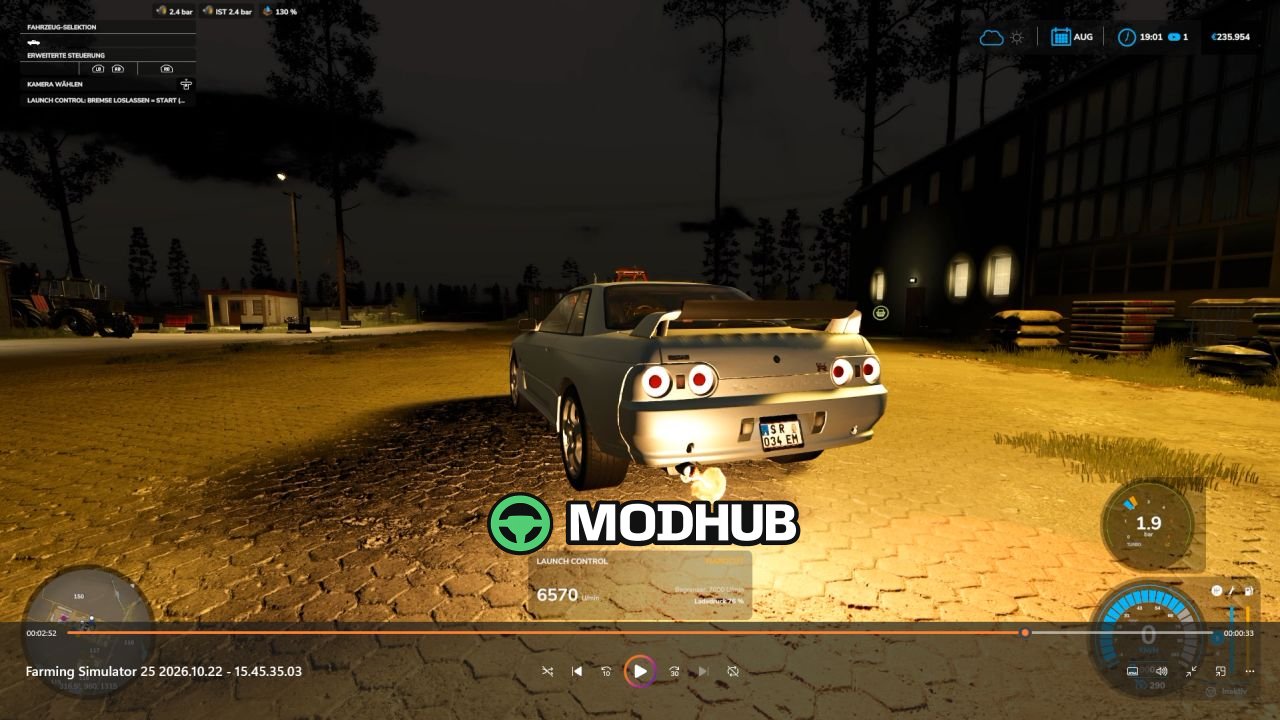
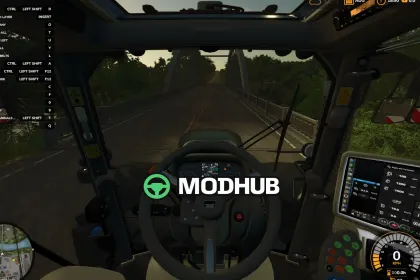
Launch Control v1.0 is a script mod for Farming Simulator 25 that reworks standing starts for vehicles with diesel and gasoline engines. The script lets you hold the engine at the rev limiter, build up boost pressure and launch with extra torque. Once the boost gauge turns green you release the brake while keeping the accelerator fully pressed. The extra launch effect fades over roughly 15 seconds, and every setting is adjusted in the workshop.
• Up to 40% more torque off the line depending on the boost pressure built up
• Launch RPM range from 1,000 to 4,500 RPM for diesel and 2,500 to 7,500 RPM for gasoline engines
• Flames and backfires require a detected turbocharger and at least 75% boost pressure
• 0–50 km/h and 0–100 km/h timers appear on screen once the vehicle starts moving
• Clutch and overheating protection engage after 30 seconds at the rev limiter
• F1 shows short operating instructions, and the mod works in multiplayer
Flame size and frequency, hardcut sounds and the boost gauge design can all be tuned per vehicle.
About Launch Control v1.0 for FS25
Launch Control v1.0 for FS25 is a mod for Farming Simulator 25. Check the author description, supported game version and dependencies before installing.
How to install the mod
Follow the installation instructions for Launch Control v1.0 for FS25, Farming Simulator 25 and your platform.
Download the mod archive using the Download button and read the author instructions.
On PC, copy the mod ZIP without extracting it to Documents/My Games/FarmingSimulator2025/mods. For a bundle, extract the individual mod ZIPs first. macOS and Microsoft Store paths may differ; check Mod Directory in the game log.txt.
Start the game and enable the mod for the selected save or profile, if required.
Test using a backup or a new save. Install any dependencies listed by the author.
System requirements and compatibility
Check the mod description for supported game versions, required DLC and platforms. Compatibility with every version or other mods is not guaranteed. Farming Simulator script mods are for PC/macOS. Console players can only install compatible mods from the in-game GIANTS ModHub.
Frequently asked questions
Is this mod free?
MODHUB does not charge for access to this mod page. Check the terms and download limits of the external file provider.
Can I use this mod in Farming Simulator 25 multiplayer?
Multiplayer support depends on the mod and its author. If supported, the server and players need matching mod versions and required DLC.
What should I check if the mod does not work?
Check the installation folder, archive structure, supported game version, dependencies and game logs. Test the mod separately using a backup save.
How can I check a downloaded mod?
Use trusted author sources, scan the archive and back up your saves. Do not run unrelated installers; a download listing does not guarantee safety or compatibility.