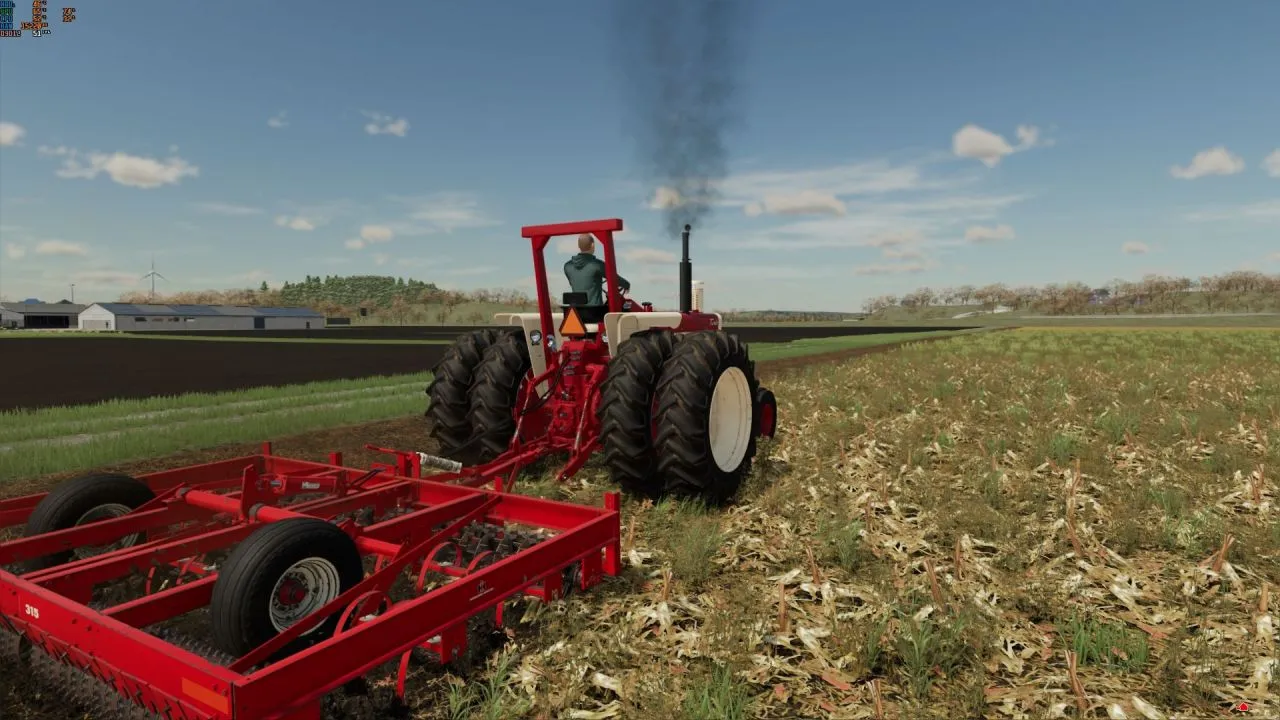
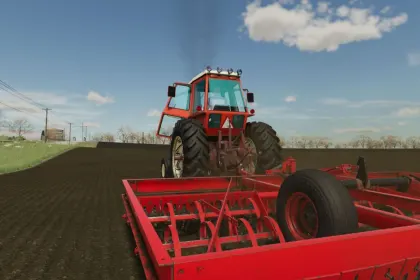
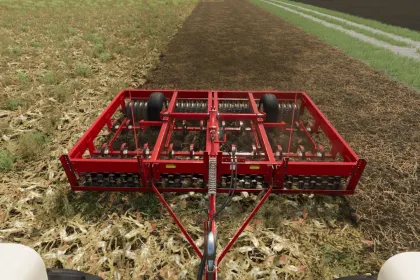
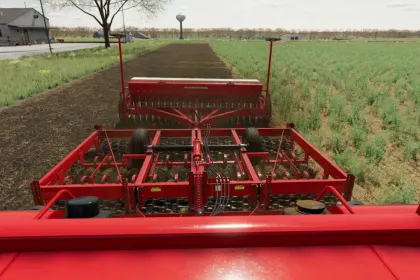
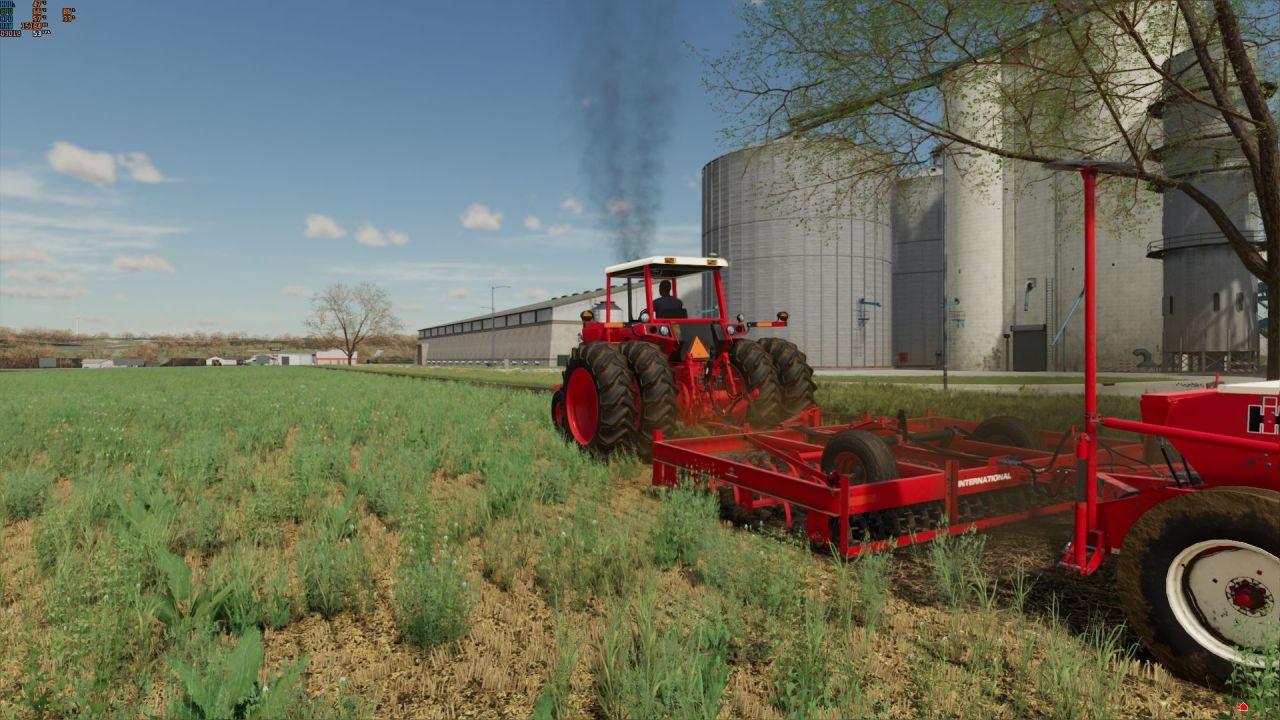
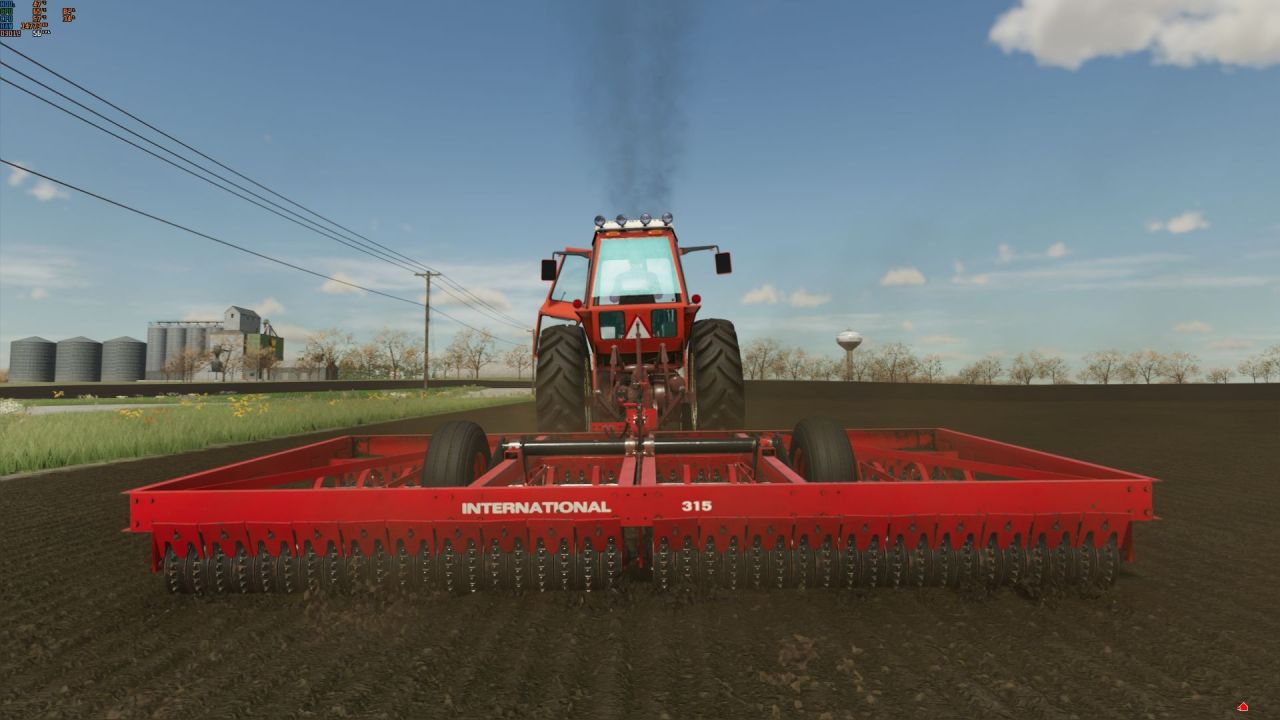
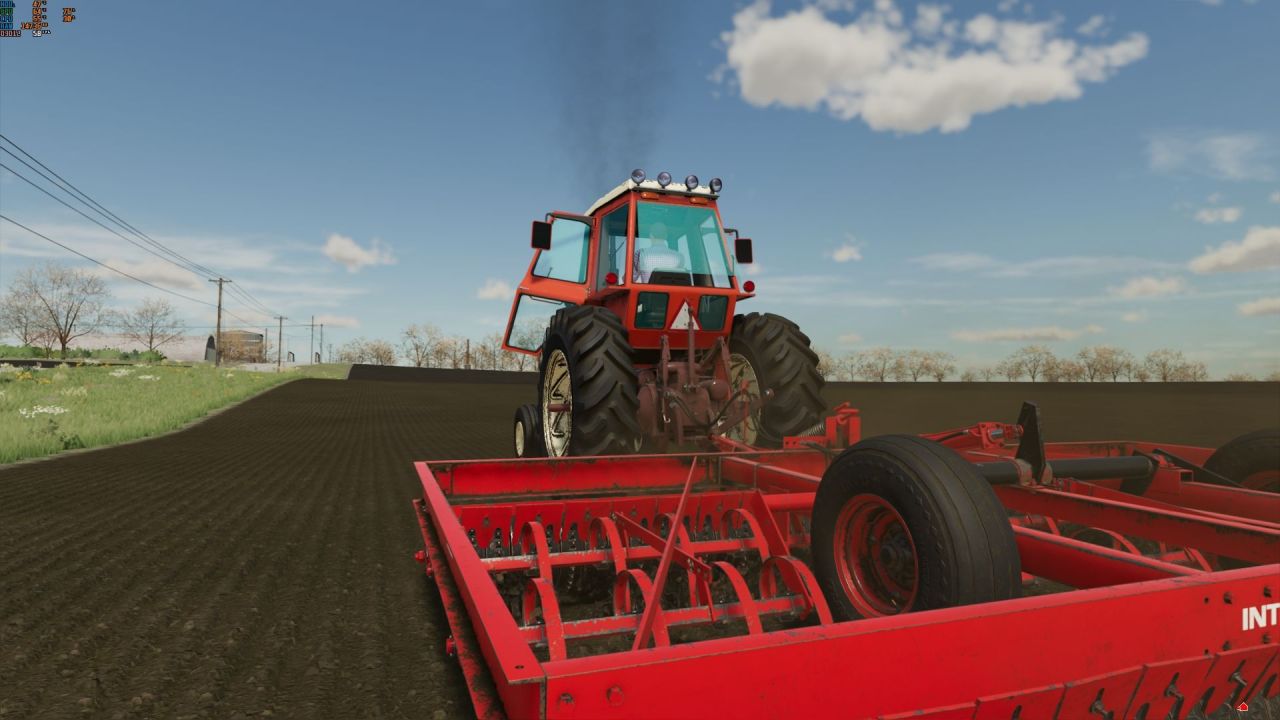
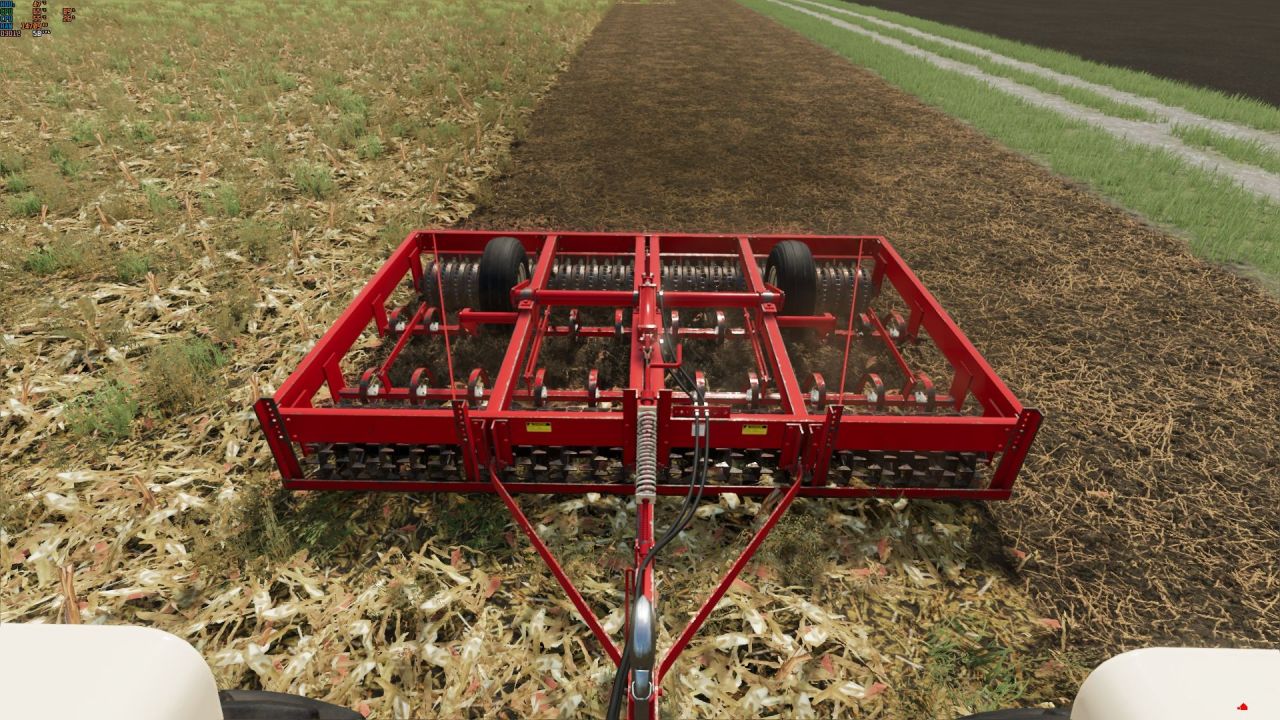
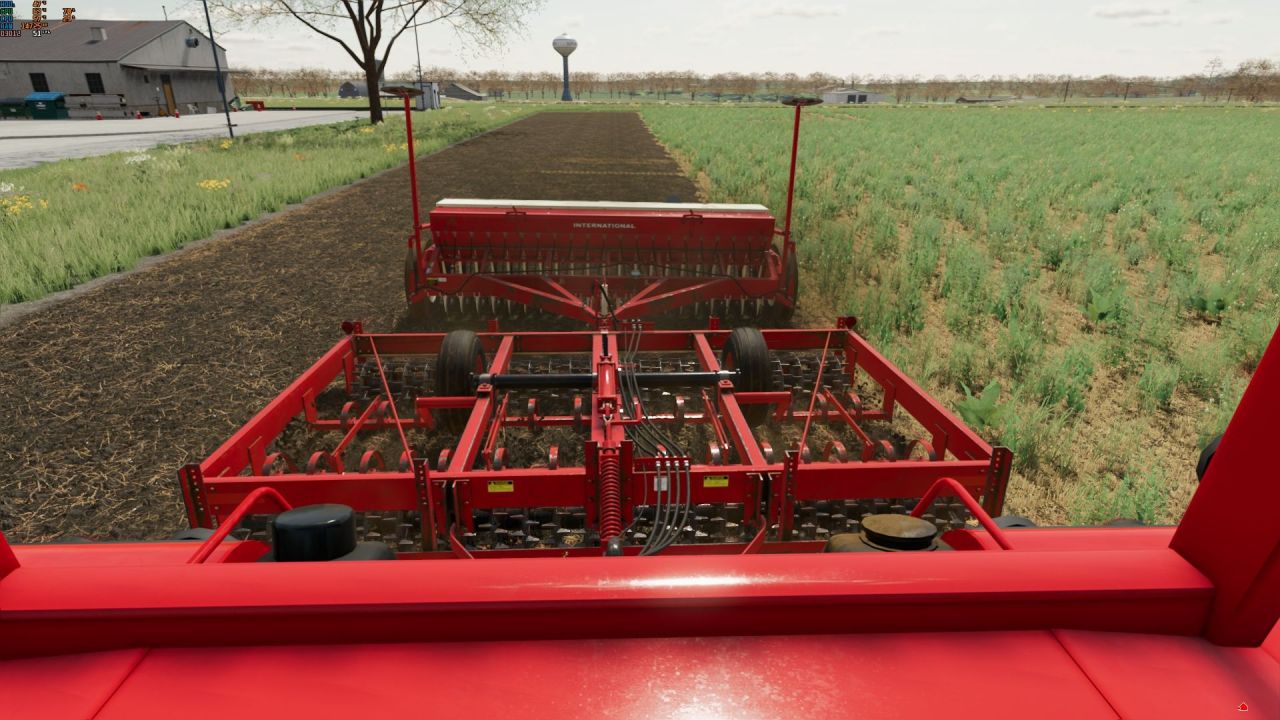
The trailed International Harvester 315 Cultimulcher for Farming Simulator 22 is a legendary implement for finishing (pre-seeding) tillage, mass-produced by the American corporation International Harvester from January 1969 to December 1979. It combines the functions of a cultivator and a roller, earning this class of machines the collective name "Cultimulcher" or "Roller Harrow" in American usage. Thanks to its phenomenal simplicity and durability, the unit is still successfully used today, and its light weight allows it to be paired with low-power tractors. In the game, the implement is available in three operating modes: a shallow cultivator, a mulcher (which works only on stubble), and a standard roller for compacting the seedbed.\n\n• Working widths: 12, 13, and 15 feet (3.66, 3.96, and 4.57 meters) across three models — Unit A, Unit B, and Unit C — all with a rigid frame.\n• Realistic tractor power requirements: a 65 hp tractor easily handles the unit thanks to its design and low weight.\n• Three tillage configurations: shallow cultivator, cultivator+mulcher (stubble only), and roller for compacting soil after seeding.\n• Rear hitch for attaching a seeder, though caution is advised when using AI workers due to varying seeder AI/collision settings.\n• Selectable visual elements and a clean log for error-free operation.\n\nSlight visual twitching of the rollers when statically lowered is normal due to the game engine's physics, making this mod ideal for those who appreciate historical machinery and realistic tillage.
About Cultimulcher International Harvester 315 for Farming Simulator 22
Cultimulcher International Harvester 315 for Farming Simulator 22 is a mod for Farming Simulator 22. Check the author description, supported game version and dependencies before installing.
How to install the mod
Follow the installation instructions for Cultimulcher International Harvester 315 for Farming Simulator 22, Farming Simulator 22 and your platform.
Download the mod archive using the Download button and read the author instructions.
On PC, copy the mod ZIP without extracting it to Documents/My Games/FarmingSimulator2022/mods. For a bundle, extract the individual mod ZIPs first. macOS and Microsoft Store paths may differ; check Mod Directory in the game log.txt.
Start the game and enable the mod for the selected save or profile, if required.
Test using a backup or a new save. Install any dependencies listed by the author.
System requirements and compatibility
Check the mod description for supported game versions, required DLC and platforms. Compatibility with every version or other mods is not guaranteed. Farming Simulator script mods are for PC/macOS. Console players can only install compatible mods from the in-game GIANTS ModHub.
Frequently asked questions
Is this mod free?
MODHUB does not charge for access to this mod page. Check the terms and download limits of the external file provider.
Can I use this mod in Farming Simulator 22 multiplayer?
Multiplayer support depends on the mod and its author. If supported, the server and players need matching mod versions and required DLC.
What should I check if the mod does not work?
Check the installation folder, archive structure, supported game version, dependencies and game logs. Test the mod separately using a backup save.
How can I check a downloaded mod?
Use trusted author sources, scan the archive and back up your saves. Do not run unrelated installers; a download listing does not guarantee safety or compatibility.