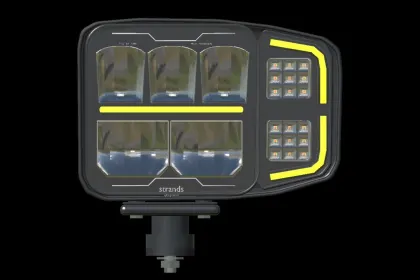
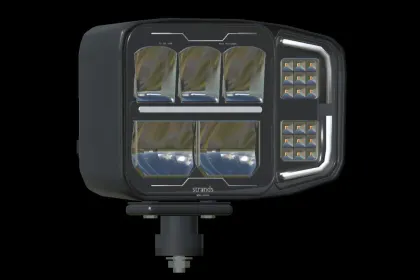
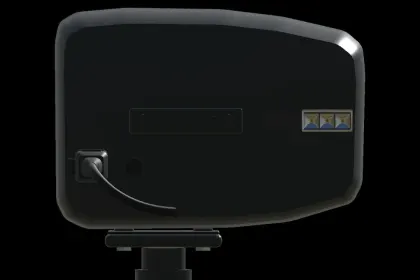
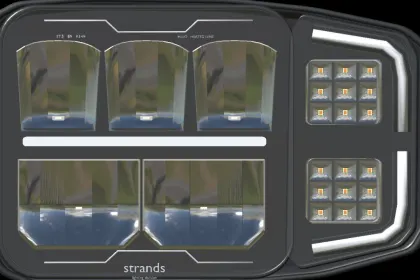
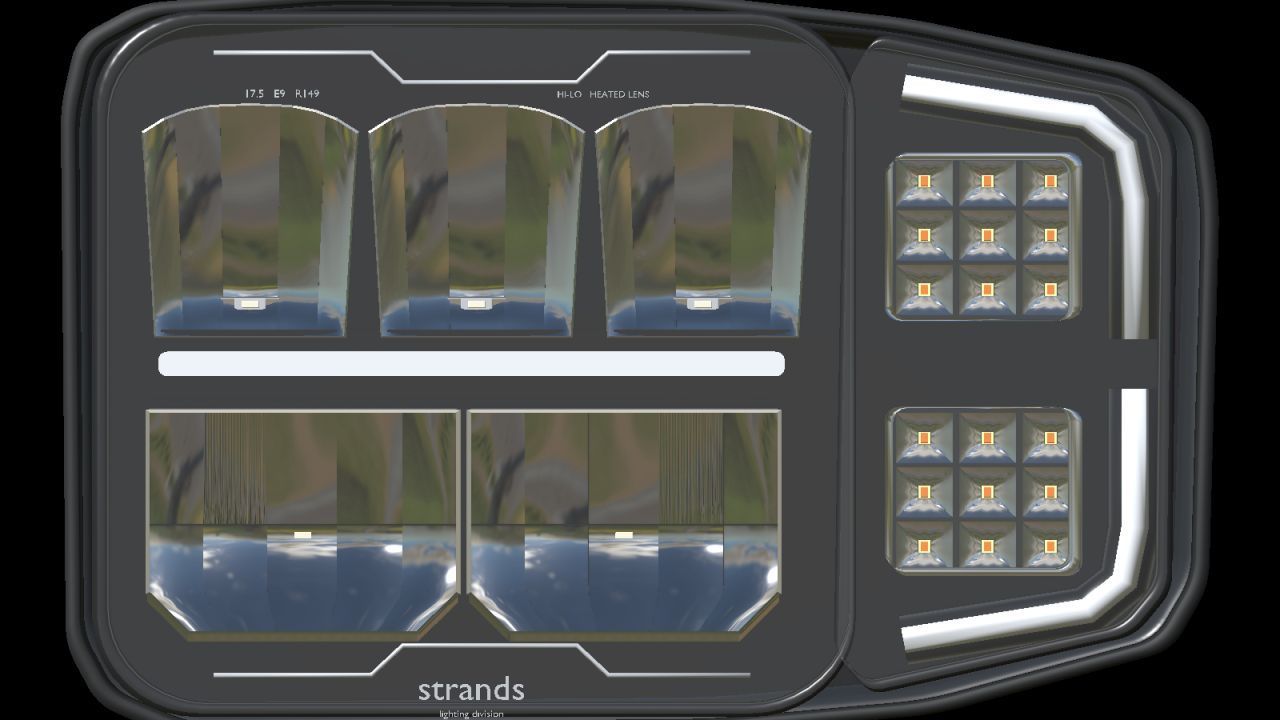
Strands Siberia HI-LO plow light pair is a prefab component for Farming Simulator 25, designed for modders who want to add realistic lighting to their vehicle builds. It consists of left (270717) and right (270716) models featuring detailed reflector optics, white or amber position-light variants, and independent front and rear indicators. Each light offers separate position light, low beam, and high beam with real beam lighting, plus amber indicators with short-range environmental light. This is not a standalone shop vehicle; it must be installed in a vehicle mod.
• Matching left 270717 and right 270716 models with outward-facing indicator sections.
• Separate position light, low beam, and high beam with real beam lighting.
• Front and rear amber indicators with short-range environmental light; independent left/right operation and hazards through the vehicle's controls.
• Detailed reflectors, LED cells, lens borders, housing, markings, and mounting hardware.
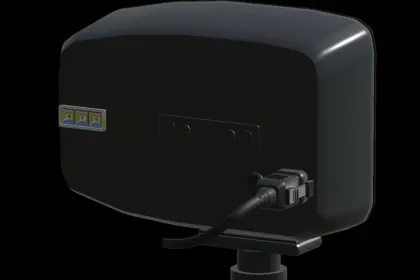
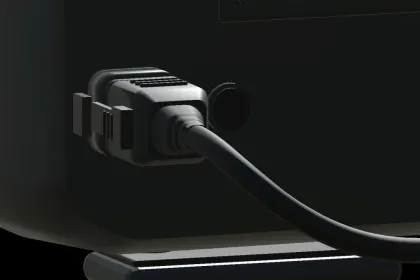
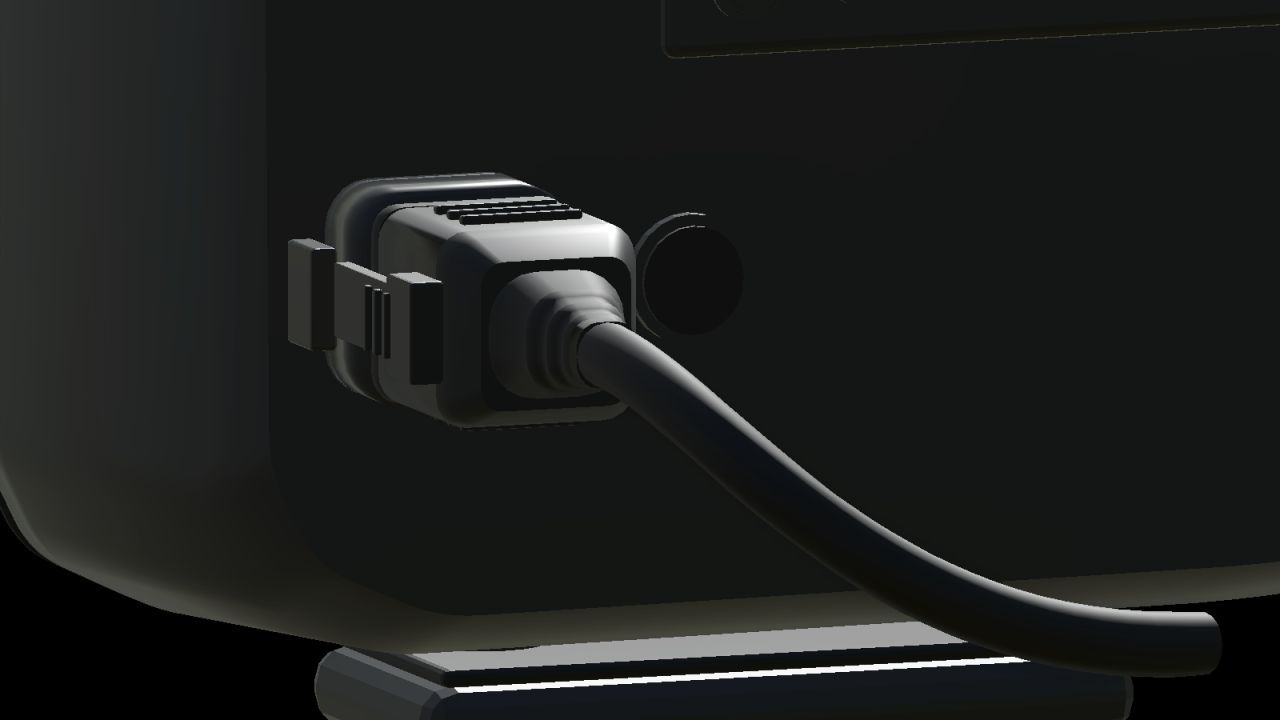
• Connected rear plugs with locking tabs, ribbed rubber strain relief, and short black cable tails.
• Adjustable lamp heads and fixed mounting feet.
• Two physical detail levels.
• White and amber position lights supplied as separate model variants.
Heated-lens temperature and ice melting are not simulated, but the prefab delivers high detail and functionality for vehicle mods.
About Strands Siberia HI-LO Plow Light Pair for Farming Simulator 25
Strands Siberia HI-LO Plow Light Pair for Farming Simulator 25 is a mod for Farming Simulator 25. Check the author description, supported game version and dependencies before installing.
How to install the mod
Follow the installation instructions for Strands Siberia HI-LO Plow Light Pair for Farming Simulator 25, Farming Simulator 25 and your platform.
Download the mod archive using the Download button and read the author instructions.
On PC, copy the mod ZIP without extracting it to Documents/My Games/FarmingSimulator2025/mods. For a bundle, extract the individual mod ZIPs first. macOS and Microsoft Store paths may differ; check Mod Directory in the game log.txt.
Start the game and enable the mod for the selected save or profile, if required.
Test using a backup or a new save. Install any dependencies listed by the author.
System requirements and compatibility
Check the mod description for supported game versions, required DLC and platforms. Compatibility with every version or other mods is not guaranteed. Farming Simulator script mods are for PC/macOS. Console players can only install compatible mods from the in-game GIANTS ModHub.
Frequently asked questions
Is this mod free?
MODHUB does not charge for access to this mod page. Check the terms and download limits of the external file provider.
Can I use this mod in Farming Simulator 25 multiplayer?
Multiplayer support depends on the mod and its author. If supported, the server and players need matching mod versions and required DLC.
What should I check if the mod does not work?
Check the installation folder, archive structure, supported game version, dependencies and game logs. Test the mod separately using a backup save.
How can I check a downloaded mod?
Use trusted author sources, scan the archive and back up your saves. Do not run unrelated installers; a download listing does not guarantee safety or compatibility.