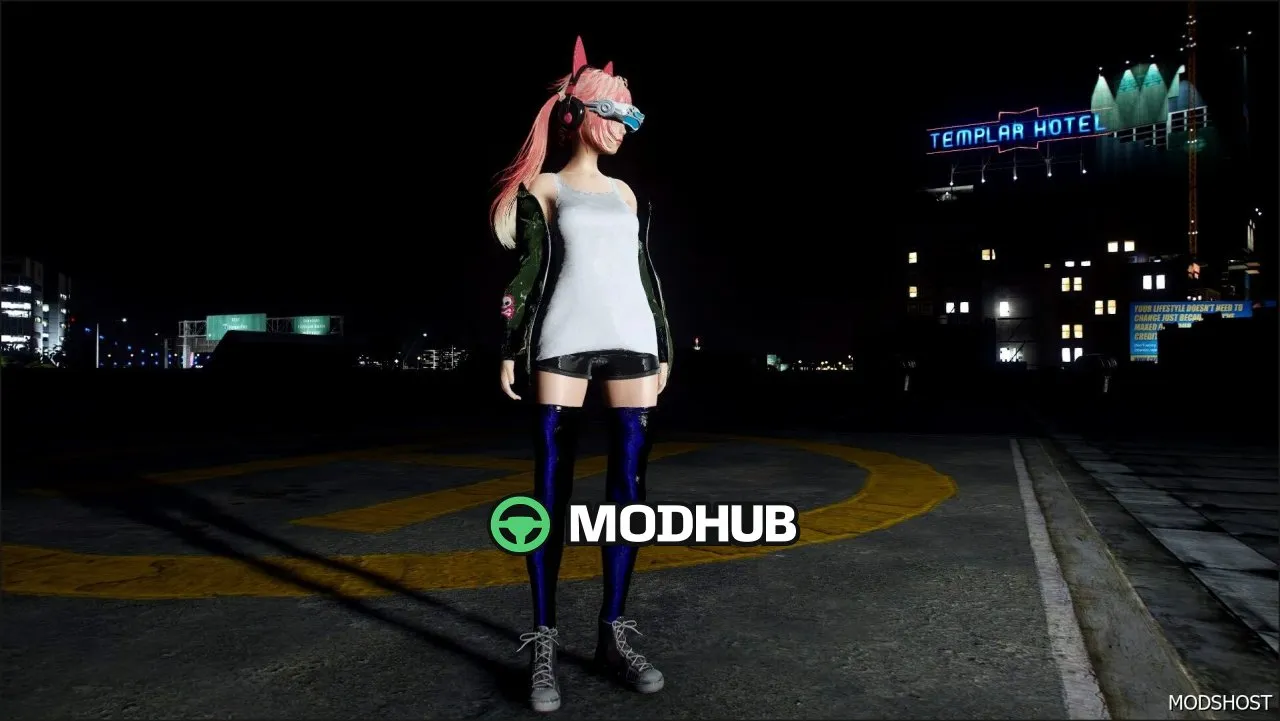
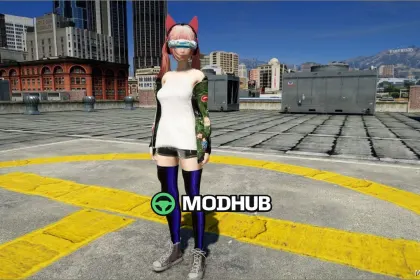
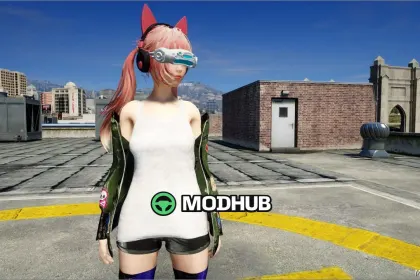
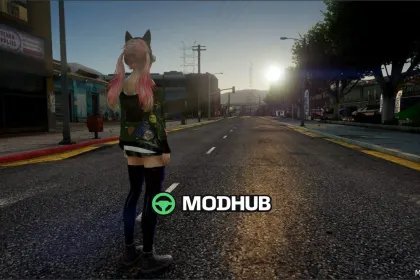
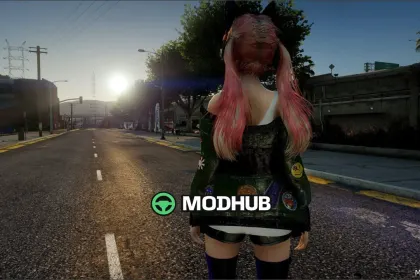
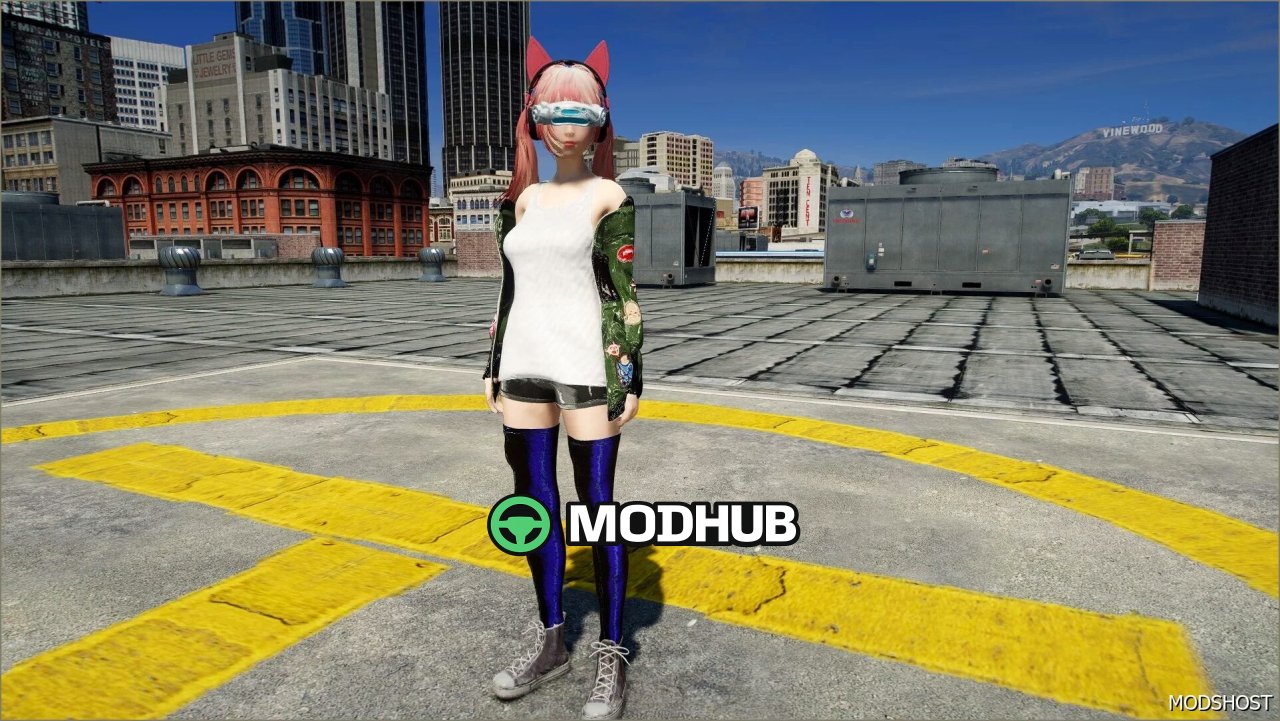
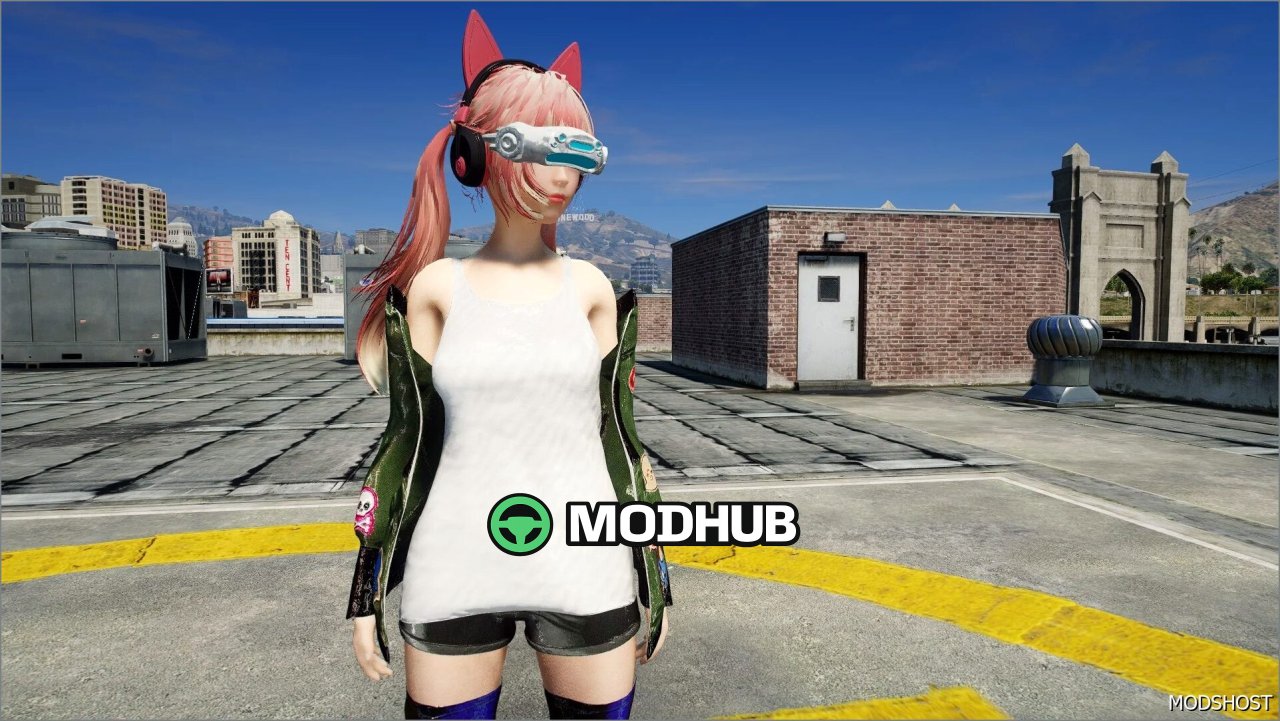
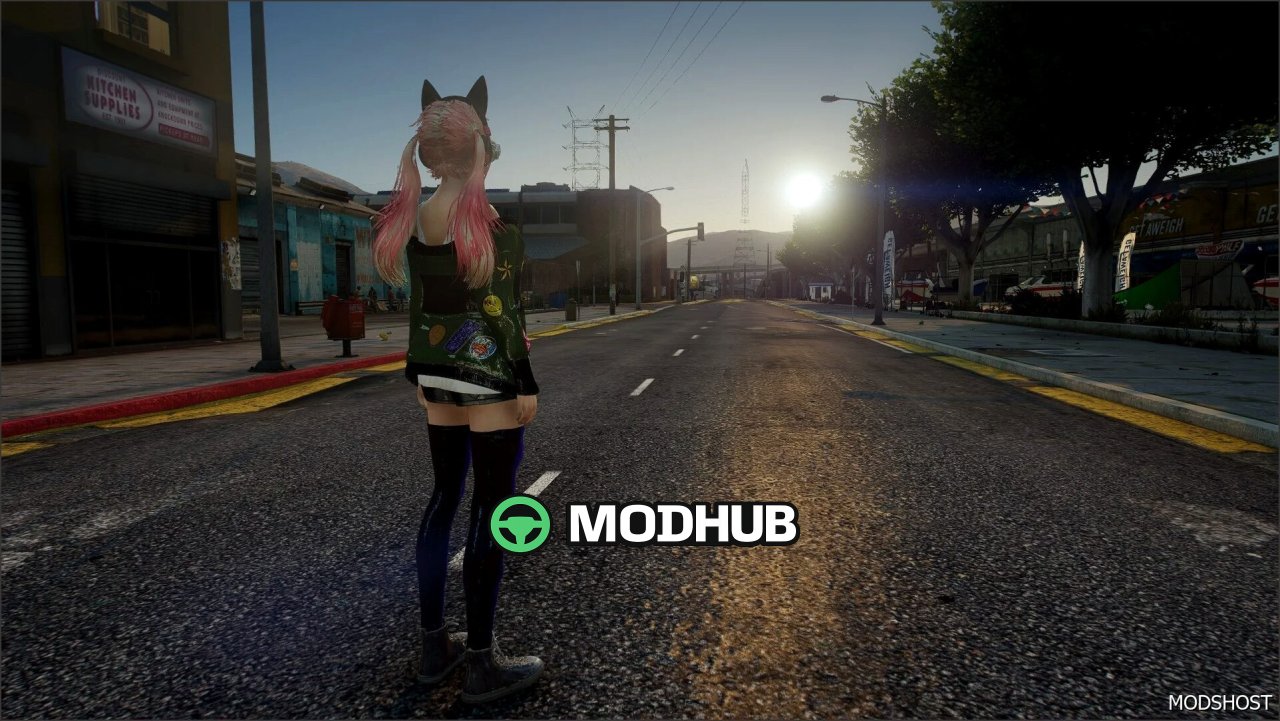
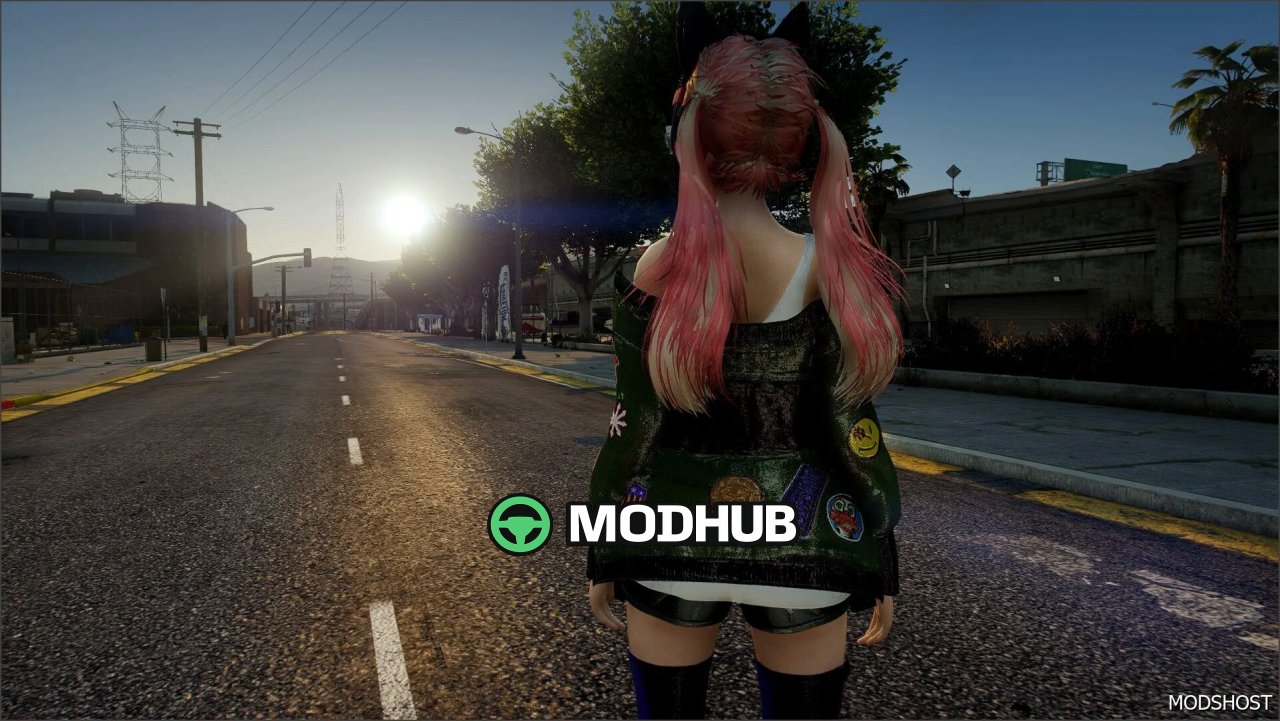
This mod allows you to add a cyberpunk girl to your character in GTA 5. She features a unique style that fits perfectly into the game's world. You can enjoy new opportunities and aesthetics that she brings to the game. This mod is perfect for fans of cyberpunk and new experiences in gaming.
• Compatibility: GTA 5
• Style: Cyberpunk
• Installation ease: simple
• Additional features: new animations and textures
Discover new possibilities that this mod can offer. The cyberpunk girl will be a fantastic addition to your gaming experience, giving your character a fresh look and feel. Immerse yourself in the cyberpunk atmosphere right in your game.
About Cyberpunk Girl ADD: Exciting Player Mod
Cyberpunk Girl ADD: Exciting Player Mod is a mod for GTA 5. Check the author description, supported game version and dependencies before installing.
How to install the mod
Follow the installation instructions for Cyberpunk Girl ADD: Exciting Player Mod, GTA 5 and your platform.
Download the mod archive using the Download button and read the author instructions.
Use the folder and archive format specified by the mod author for this game.
Start the game and enable the mod for the selected save or profile, if required.
Test using a backup or a new save. Install any dependencies listed by the author.
System requirements and compatibility
Check the mod description for supported game versions, required DLC and platforms. Compatibility with every version or other mods is not guaranteed.
Frequently asked questions
Is this mod free?
MODHUB does not charge for access to this mod page. Check the terms and download limits of the external file provider.
Can I use this mod in GTA 5 multiplayer?
Multiplayer support depends on the mod and its author. If supported, the server and players need matching mod versions and required DLC.
What should I check if the mod does not work?
Check the installation folder, archive structure, supported game version, dependencies and game logs. Test the mod separately using a backup save.
How can I check a downloaded mod?
Use trusted author sources, scan the archive and back up your saves. Do not run unrelated installers; a download listing does not guarantee safety or compatibility.