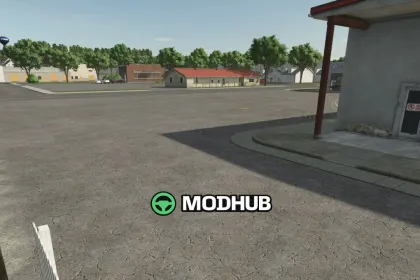
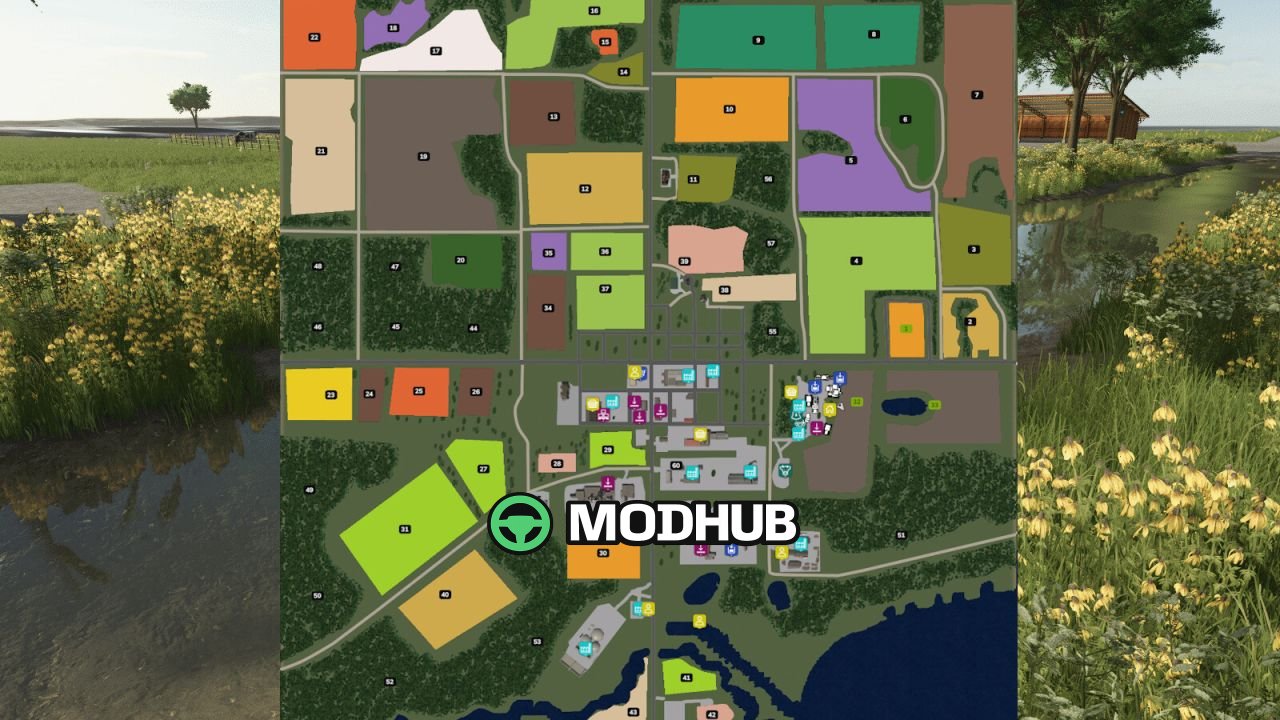
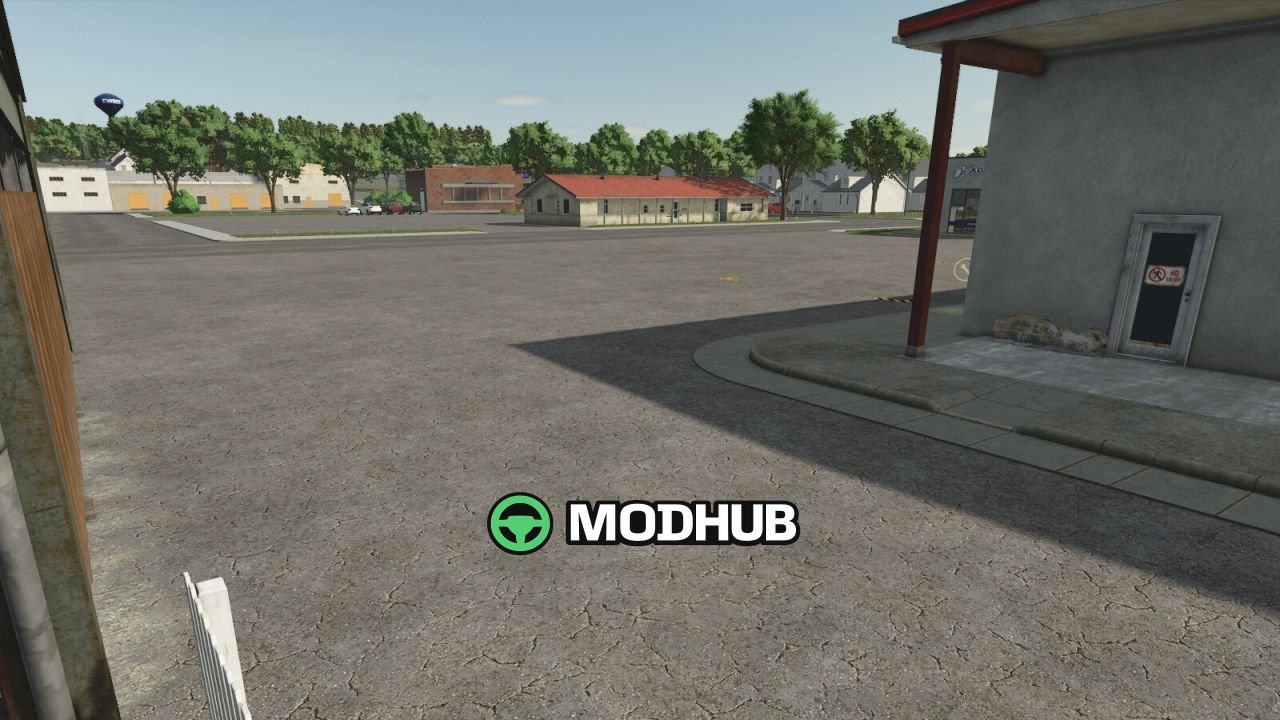
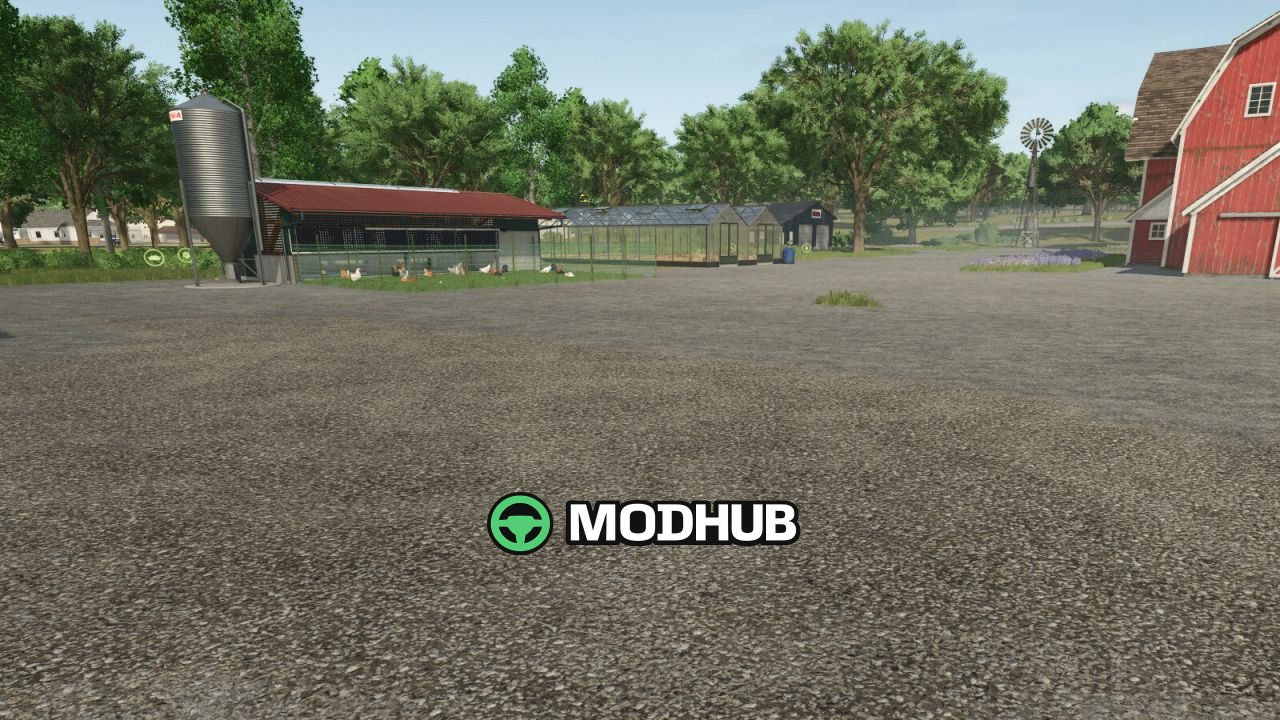
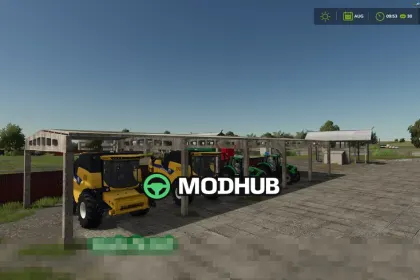
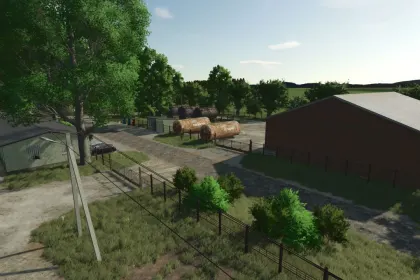
The Starbuck, MN V1.2.6 map brings a scenic Minnesota farming region with rolling terrain and authentic field shapes to Farming Simulator 25. Version 1.2.6 fixes random onion clusters and removes redundant files, cutting the mod size by over 100 MB. Sidewalks were reworked so NPCs no longer sink, and intersections received smoother curves for a more natural look. Church bells now ring for two minutes, while baseball stadium audio plays at 2 PM, 4 PM and 6 PM.
• 39 farmlands with varied field sizes, shapes and ownership options
• Production chains including dairy, grain mill and carpentry
• Custom crops integrated into the economy and Precision Farming
• Updated PDA with a clean layout and accurate road network
• Starter farm with a Fendt Vario 1000, Dino 2 sprayer and GX 520 trailer
• Fields 1, 23, 26 and 31 enlarged, with area 38 converted into a new field
The map suits both quiet solo farming and cooperative multiplayer operations.
Author: Freeze
About Map Starbuck, MN V1.2.6 for FS25
Map Starbuck, MN V1.2.6 for FS25 is a mod for Farming Simulator 25. Check the author description, supported game version and dependencies before installing.
How to install the mod
Follow the installation instructions for Map Starbuck, MN V1.2.6 for FS25, Farming Simulator 25 and your platform.
Download the mod archive using the Download button and read the author instructions.
On PC, copy the mod ZIP without extracting it to Documents/My Games/FarmingSimulator2025/mods. For a bundle, extract the individual mod ZIPs first. macOS and Microsoft Store paths may differ; check Mod Directory in the game log.txt.
Start the game and enable the mod for the selected save or profile, if required.
Test using a backup or a new save. Install any dependencies listed by the author.
System requirements and compatibility
Check the mod description for supported game versions, required DLC and platforms. Compatibility with every version or other mods is not guaranteed. Farming Simulator script mods are for PC/macOS. Console players can only install compatible mods from the in-game GIANTS ModHub.
Frequently asked questions
Is this mod free?
MODHUB does not charge for access to this mod page. Check the terms and download limits of the external file provider.
Can I use this mod in Farming Simulator 25 multiplayer?
Multiplayer support depends on the mod and its author. If supported, the server and players need matching mod versions and required DLC.
What should I check if the mod does not work?
Check the installation folder, archive structure, supported game version, dependencies and game logs. Test the mod separately using a backup save.
How can I check a downloaded mod?
Use trusted author sources, scan the archive and back up your saves. Do not run unrelated installers; a download listing does not guarantee safety or compatibility.