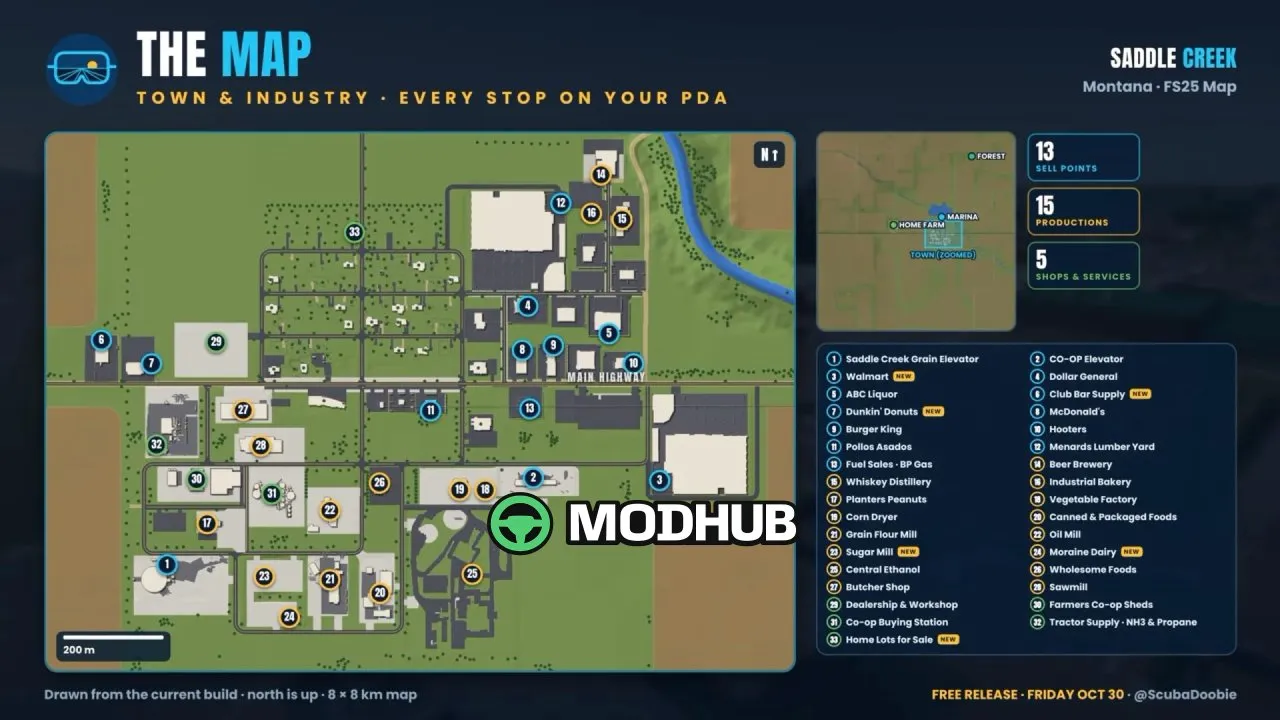
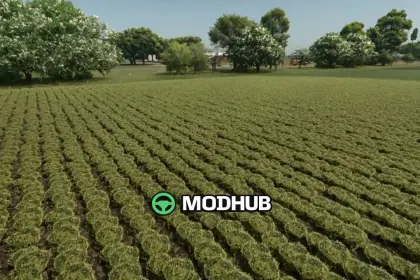
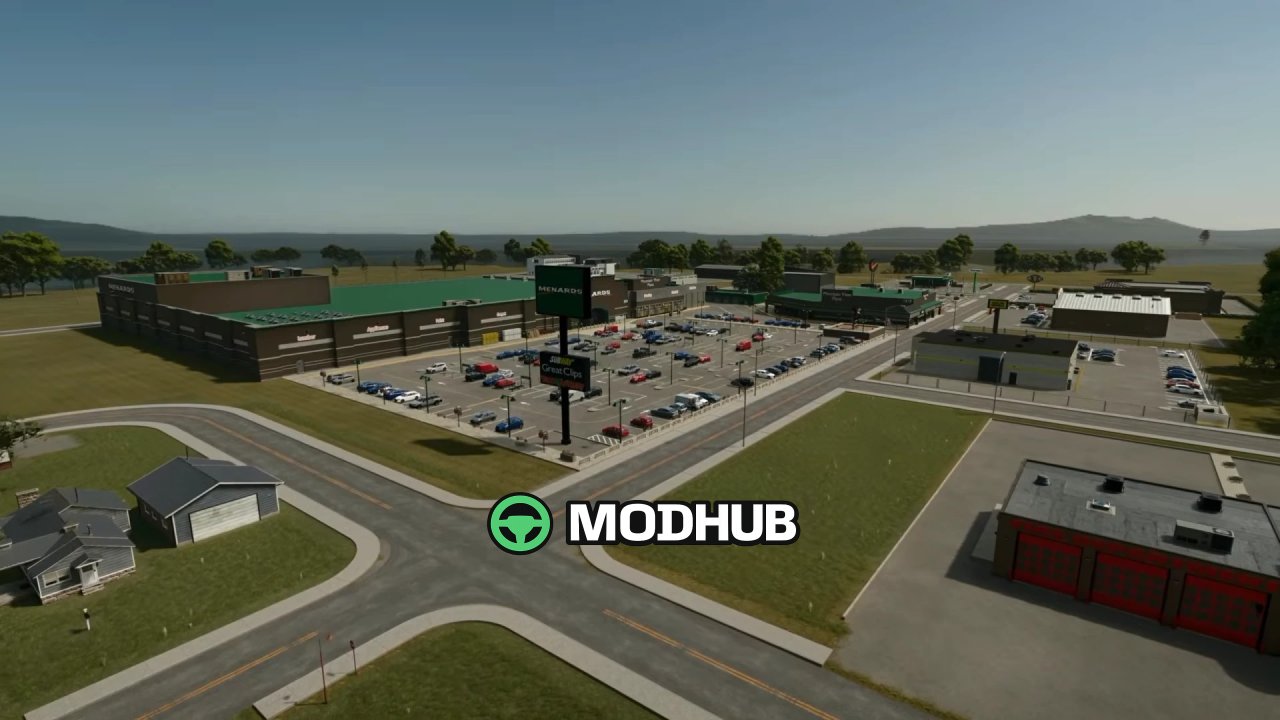
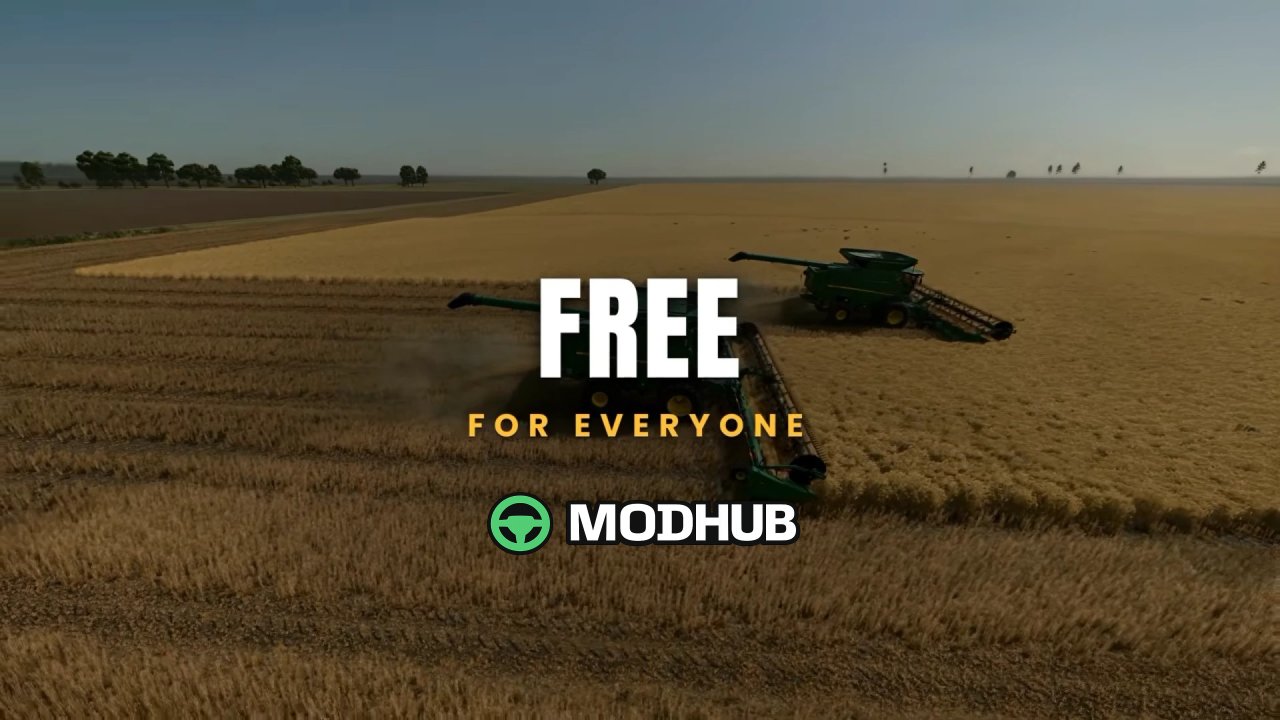
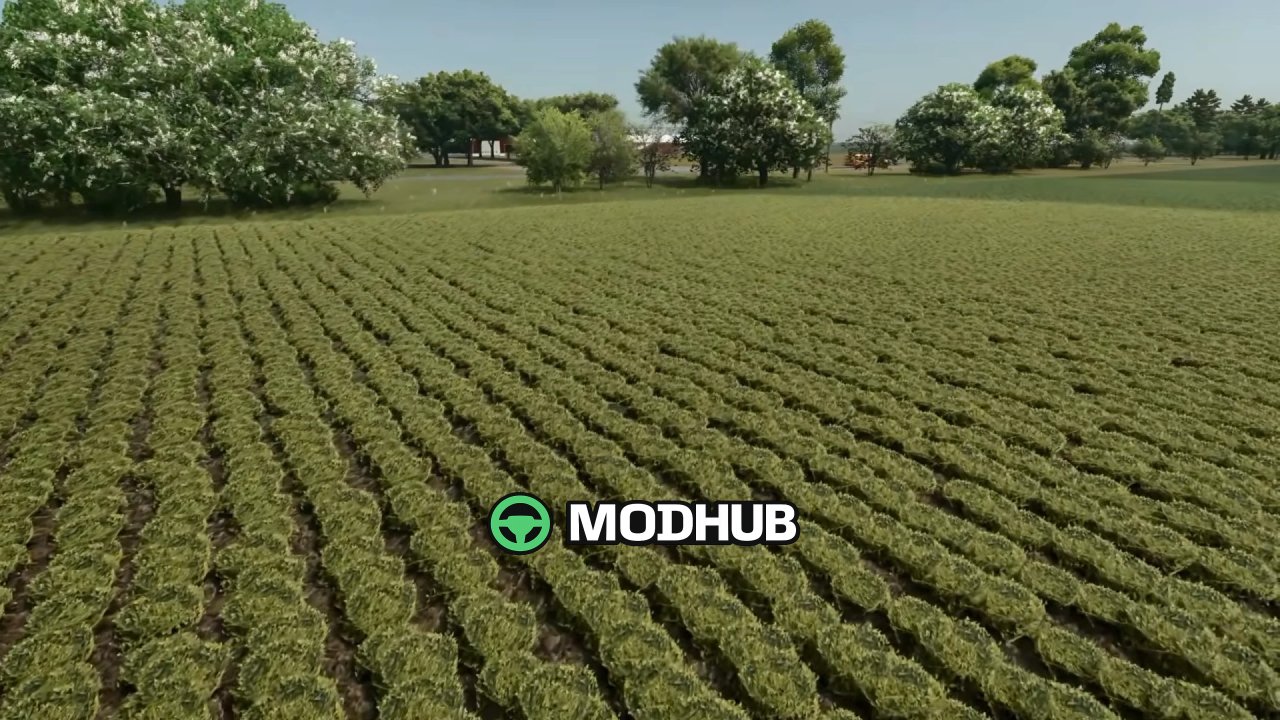
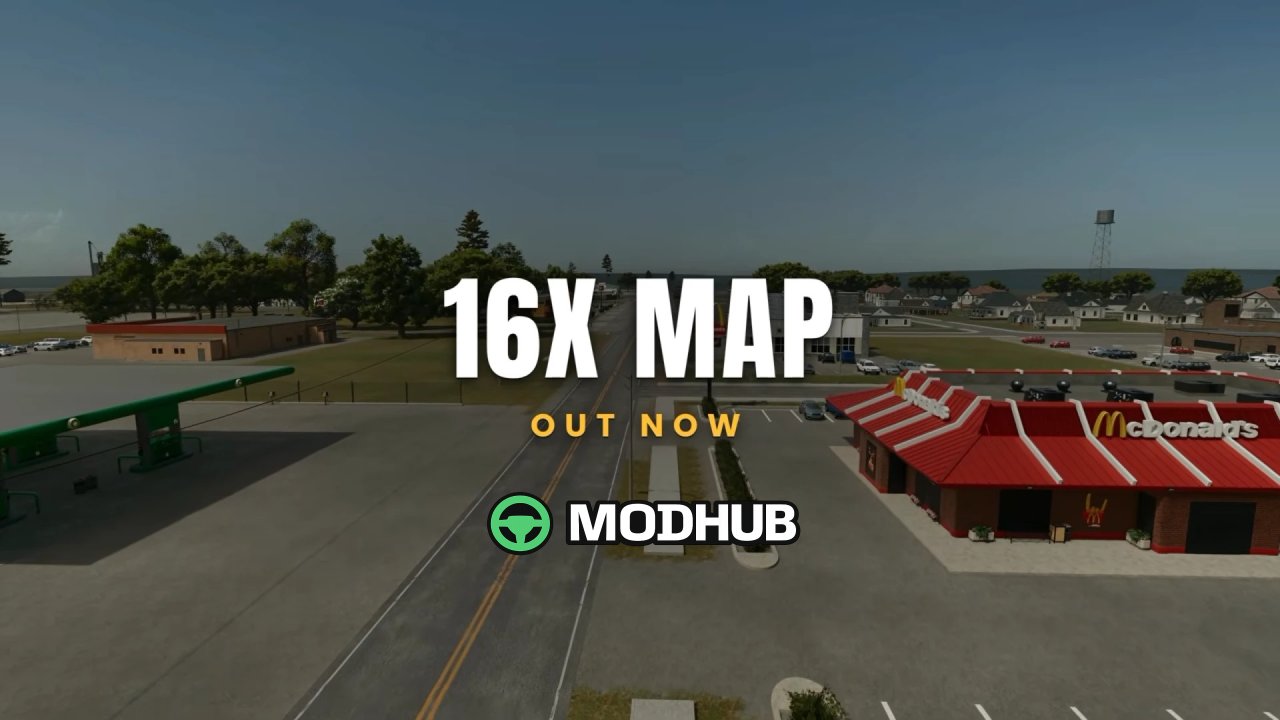
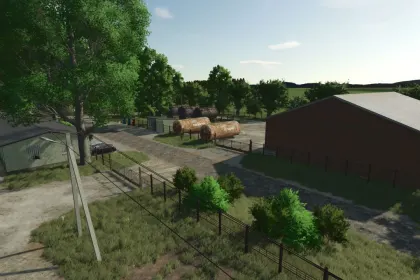
Saddle Creek 16x v1.0 is a large farming map for Farming Simulator 25 that recreates a working Montana farm town on 8 × 8 km of prairie. A creek runs through the land, a lake sits at its heart, and the town buys everything you grow. Every field, factory and buyer was placed to build a real farm economy where each crop has somewhere to go. Running the map properly requires 32 GB of RAM.
• 81 fields across 10,724 acres, from 30-acre starters to giants over 600 acres
• 26 crop types, including peanuts, black beans, sorghum, alfalfa, clover and sugar beets
• A working forest of nearly 36,000 trees with a log landing and a sawmill in town
• Home farm with house, sheds, an 8,000,000 L Sukup grain complex, 4 freestall barns of 500 cows each, a 1,000,000 L milking parlor, TMR feed mill and bunker silos
• 16 production chains such as a beer brewery, whiskey distillery, canning plant, flour mill, industrial bakery, ethanol plant and butcher shop
• Nearly every factory stores 5,000,000 L, so your hauls never back up
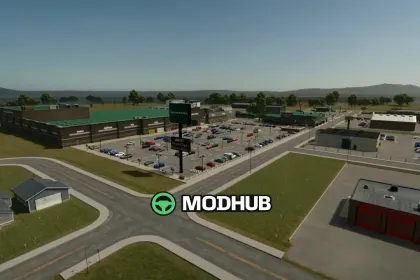
• A town that buys your goods at Walmart, McDonald's, Burger King, Dunkin', Menards, two grain elevators and more
• Built-in US units, a live yield monitor and multiplayer support
Precision Farming DLC works only with the free Precision Farming Configurator mod by ThundR, and new games start on April 1st ready for spring planting.
About Map Saddle Creek 16x v1.0 for FS25
Map Saddle Creek 16x v1.0 for FS25 is a mod for Farming Simulator 25. Check the author description, supported game version and dependencies before installing.
How to install the mod
Follow the installation instructions for Map Saddle Creek 16x v1.0 for FS25, Farming Simulator 25 and your platform.
Download the mod archive using the Download button and read the author instructions.
On PC, copy the mod ZIP without extracting it to Documents/My Games/FarmingSimulator2025/mods. For a bundle, extract the individual mod ZIPs first. macOS and Microsoft Store paths may differ; check Mod Directory in the game log.txt.
Start the game and enable the mod for the selected save or profile, if required.
Test using a backup or a new save. Install any dependencies listed by the author.
System requirements and compatibility
Check the mod description for supported game versions, required DLC and platforms. Compatibility with every version or other mods is not guaranteed. Farming Simulator script mods are for PC/macOS. Console players can only install compatible mods from the in-game GIANTS ModHub.
Frequently asked questions
Is this mod free?
MODHUB does not charge for access to this mod page. Check the terms and download limits of the external file provider.
Can I use this mod in Farming Simulator 25 multiplayer?
Multiplayer support depends on the mod and its author. If supported, the server and players need matching mod versions and required DLC.
What should I check if the mod does not work?
Check the installation folder, archive structure, supported game version, dependencies and game logs. Test the mod separately using a backup save.
How can I check a downloaded mod?
Use trusted author sources, scan the archive and back up your saves. Do not run unrelated installers; a download listing does not guarantee safety or compatibility.