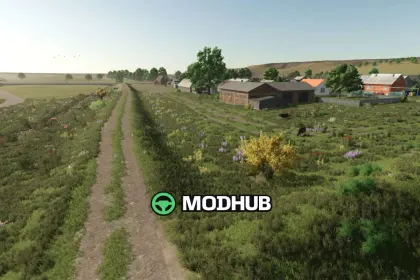
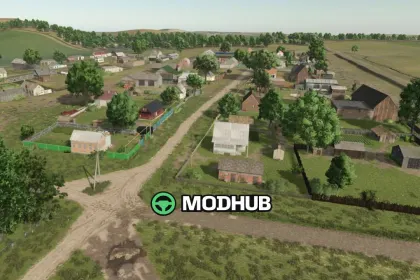
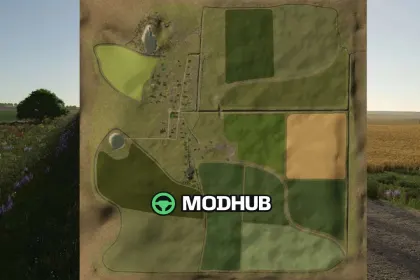
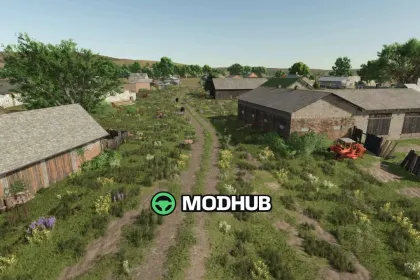
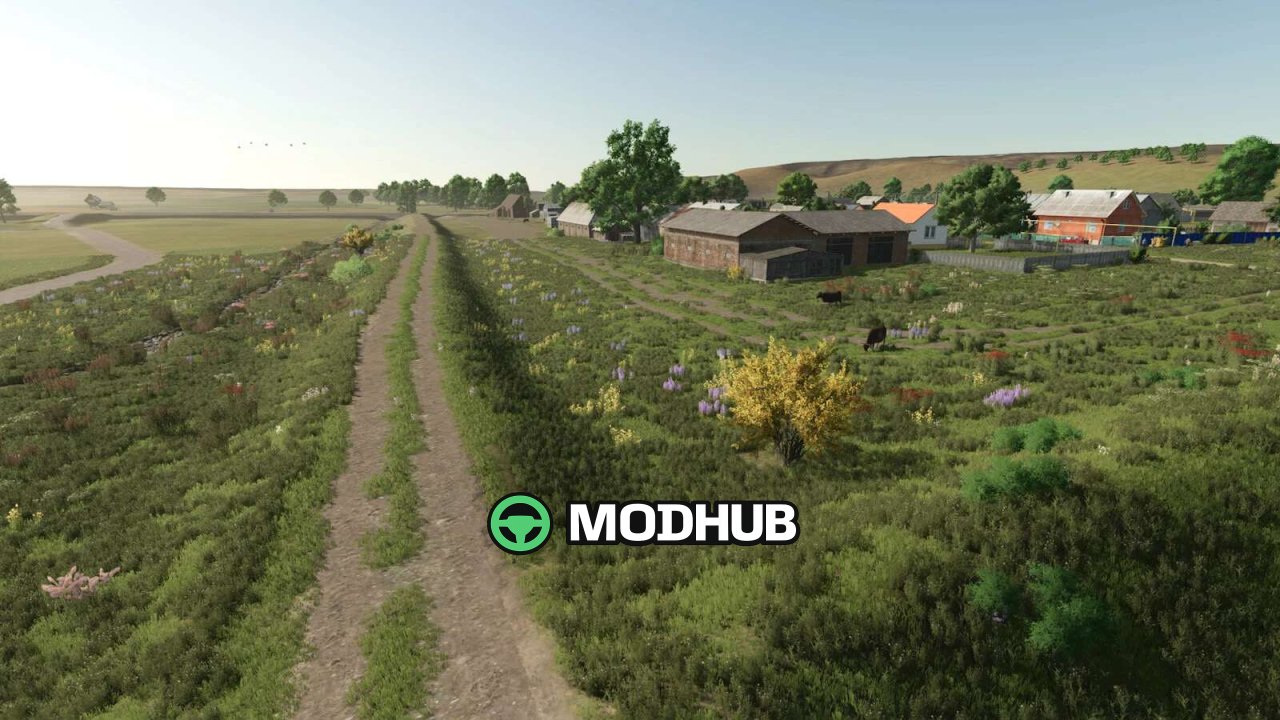
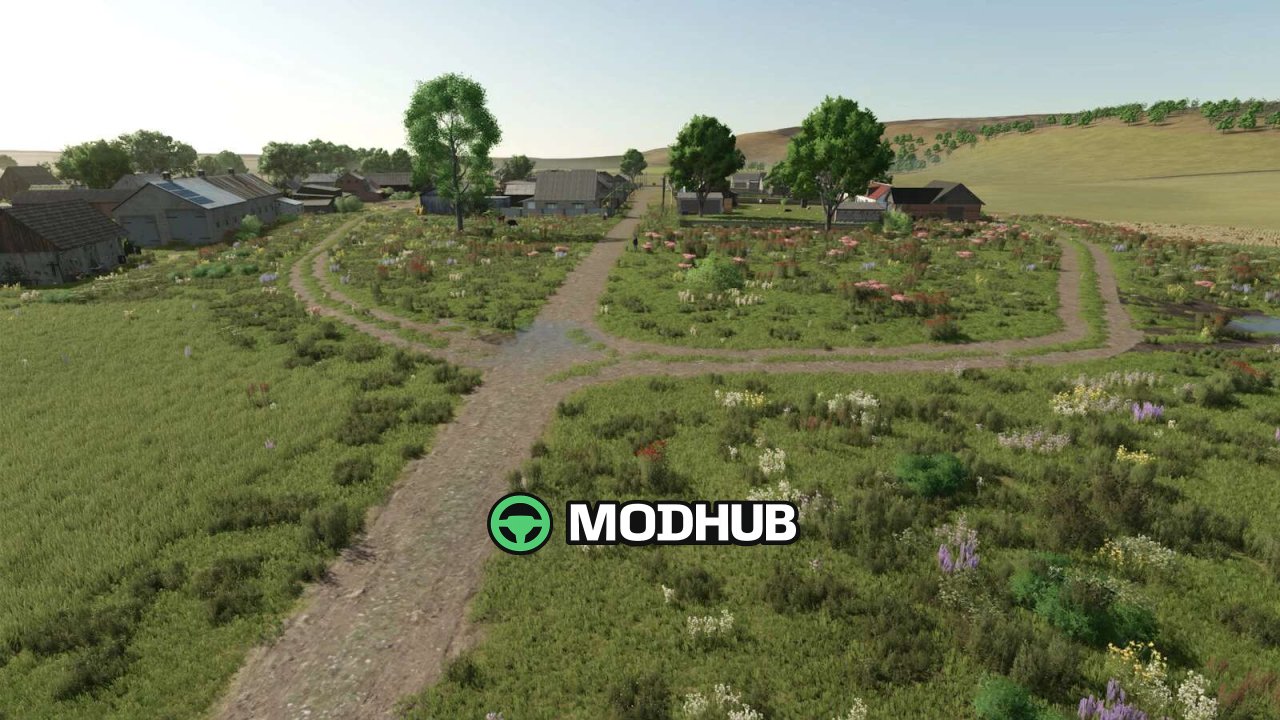
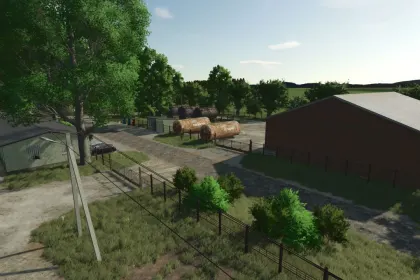
RedField V3.0 is a rural village map for Farming Simulator 25, inspired by a real-looking area in the Ural region. There are no pre-built factories or industrial complexes, only the essential village structures and plenty of open landscape. The map is designed for classic agriculture and traditional field work. Your mission is to restore the village to its former glory, since the stables are empty and the buildings are decaying.
• 15 fields ranging from 4 to 22 hectares, 8 meadows and 3 forest areas
• Two farms: the starting farm on land 1 with cow barn and chicken coop, plus a second farm on land 28 with pig and chicken barns
• Four new production points: coal mining, lime processing, stone crusher and stone quarry
• Destructible rocks across the map, light rocks for lime and dark rocks for gravel
• New functional starting farmhouse, a garage with vehicle buying point and a working water tower
• Four sell points, including three inside the shed at the main base
The village has roughly 500 inhabitants, so help the residents and bring life back to the community.
Author: dyateel
About Map RedField V3.0 for FS25
Map RedField V3.0 for FS25 is a mod for Farming Simulator 25. Check the author description, supported game version and dependencies before installing.
How to install the mod
Follow the installation instructions for Map RedField V3.0 for FS25, Farming Simulator 25 and your platform.
Download the mod archive using the Download button and read the author instructions.
On PC, copy the mod ZIP without extracting it to Documents/My Games/FarmingSimulator2025/mods. For a bundle, extract the individual mod ZIPs first. macOS and Microsoft Store paths may differ; check Mod Directory in the game log.txt.
Start the game and enable the mod for the selected save or profile, if required.
Test using a backup or a new save. Install any dependencies listed by the author.
System requirements and compatibility
Check the mod description for supported game versions, required DLC and platforms. Compatibility with every version or other mods is not guaranteed. Farming Simulator script mods are for PC/macOS. Console players can only install compatible mods from the in-game GIANTS ModHub.
Frequently asked questions
Is this mod free?
MODHUB does not charge for access to this mod page. Check the terms and download limits of the external file provider.
Can I use this mod in Farming Simulator 25 multiplayer?
Multiplayer support depends on the mod and its author. If supported, the server and players need matching mod versions and required DLC.
What should I check if the mod does not work?
Check the installation folder, archive structure, supported game version, dependencies and game logs. Test the mod separately using a backup save.
How can I check a downloaded mod?
Use trusted author sources, scan the archive and back up your saves. Do not run unrelated installers; a download listing does not guarantee safety or compatibility.