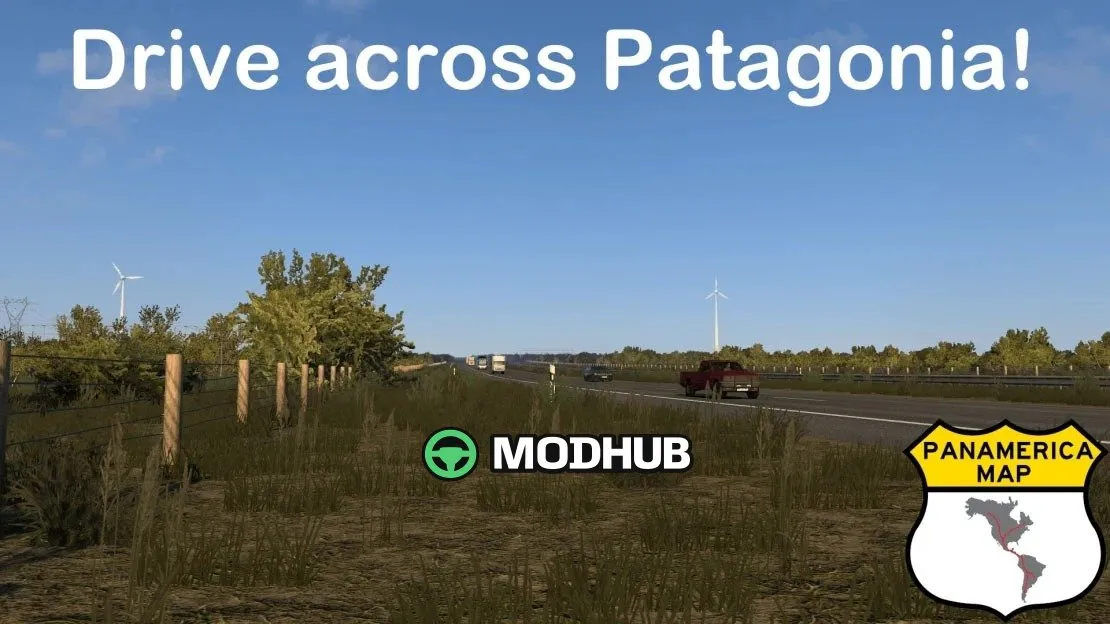
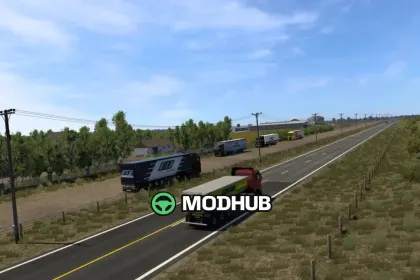
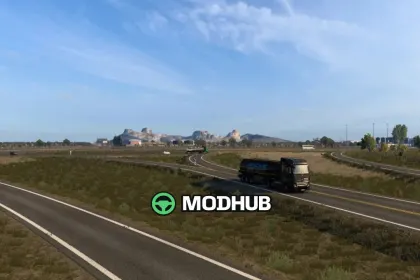
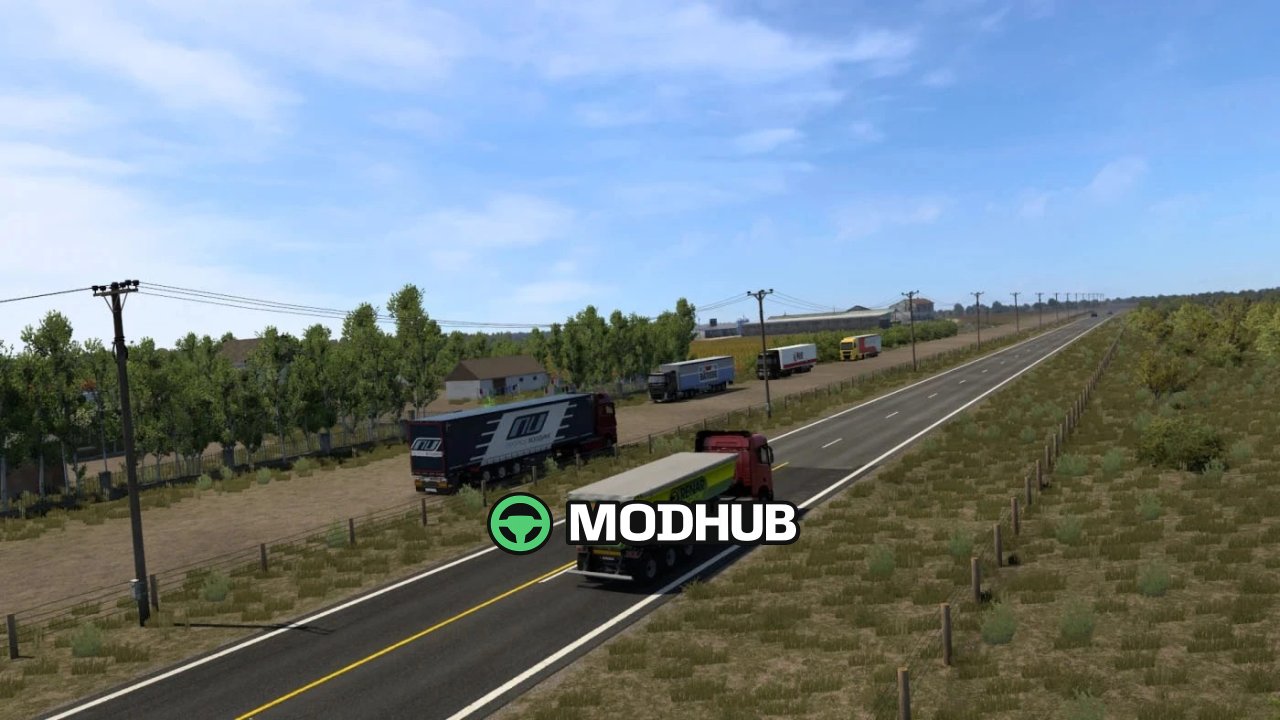
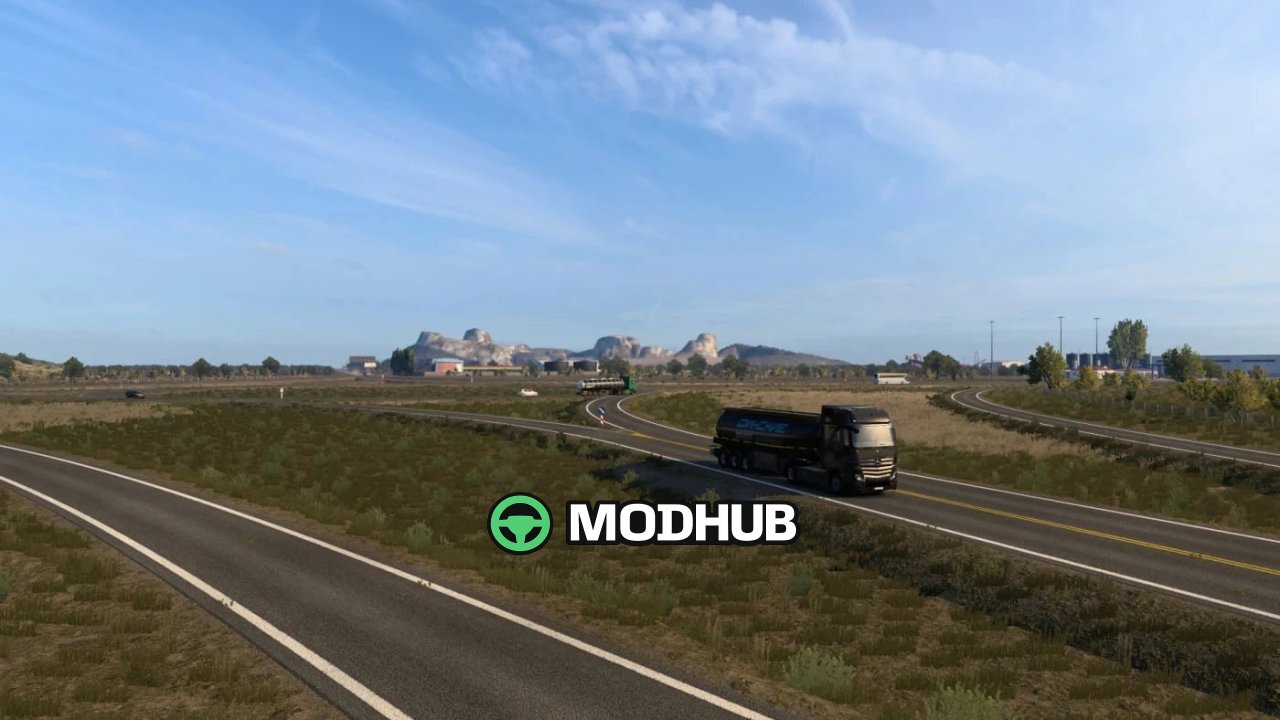
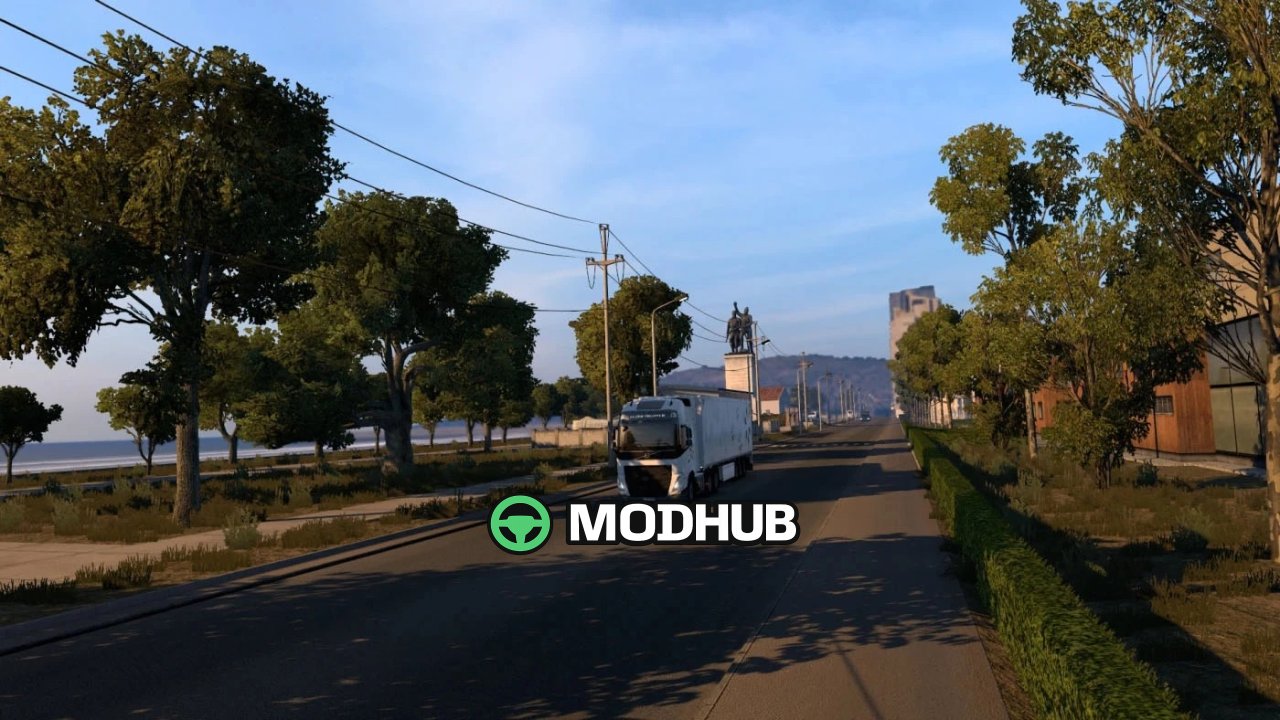
Panamerica Map v1.5 1.62 is a map for Euro Truck Simulator 2 covering the northeastern part of the Argentine province of Chubut. Its routes run through Patagonian steppe landscapes with wide open spaces and long straight stretches of road. Tourist spots such as Puerto Madryn give the map recognisable landmarks along the coast. This is a beta release, so some terrain distortions remain and will be fixed in upcoming updates.
• Updated to version 1.62 with reworked garages
• Puerto Madryn Bus Station (Terminal de Puerto Madryn) rebuilt from scratch for the Coaches DLC
• Refreshed gas station at the main access to Puerto Madryn
• Large fuel stations with functional rest areas along national road cruises
• Compatible with Map Combos and requires a World Map Background
The map will be expanded over time to cover more regions of Patagonia.
About Map Panamerica v1.5 1.62 for ETS2
Map Panamerica v1.5 1.62 for ETS2 is a mod for Euro Truck Simulator 2. Check the author description, supported game version and dependencies before installing.
How to install the mod
Follow the installation instructions for Map Panamerica v1.5 1.62 for ETS2, Euro Truck Simulator 2 and your platform.
Download the mod archive using the Download button and read the author instructions.
Use the folder and archive format specified by the mod author for this game.
Start the game and enable the mod for the selected save or profile, if required.
Test using a backup or a new save. Install any dependencies listed by the author.
System requirements and compatibility
Check the mod description for supported game versions, required DLC and platforms. Compatibility with every version or other mods is not guaranteed.
Frequently asked questions
Is this mod free?
MODHUB does not charge for access to this mod page. Check the terms and download limits of the external file provider.
Can I use this mod in Euro Truck Simulator 2 multiplayer?
Multiplayer support depends on the mod and its author. If supported, the server and players need matching mod versions and required DLC.
What should I check if the mod does not work?
Check the installation folder, archive structure, supported game version, dependencies and game logs. Test the mod separately using a backup save.
How can I check a downloaded mod?
Use trusted author sources, scan the archive and back up your saves. Do not run unrelated installers; a download listing does not guarantee safety or compatibility.