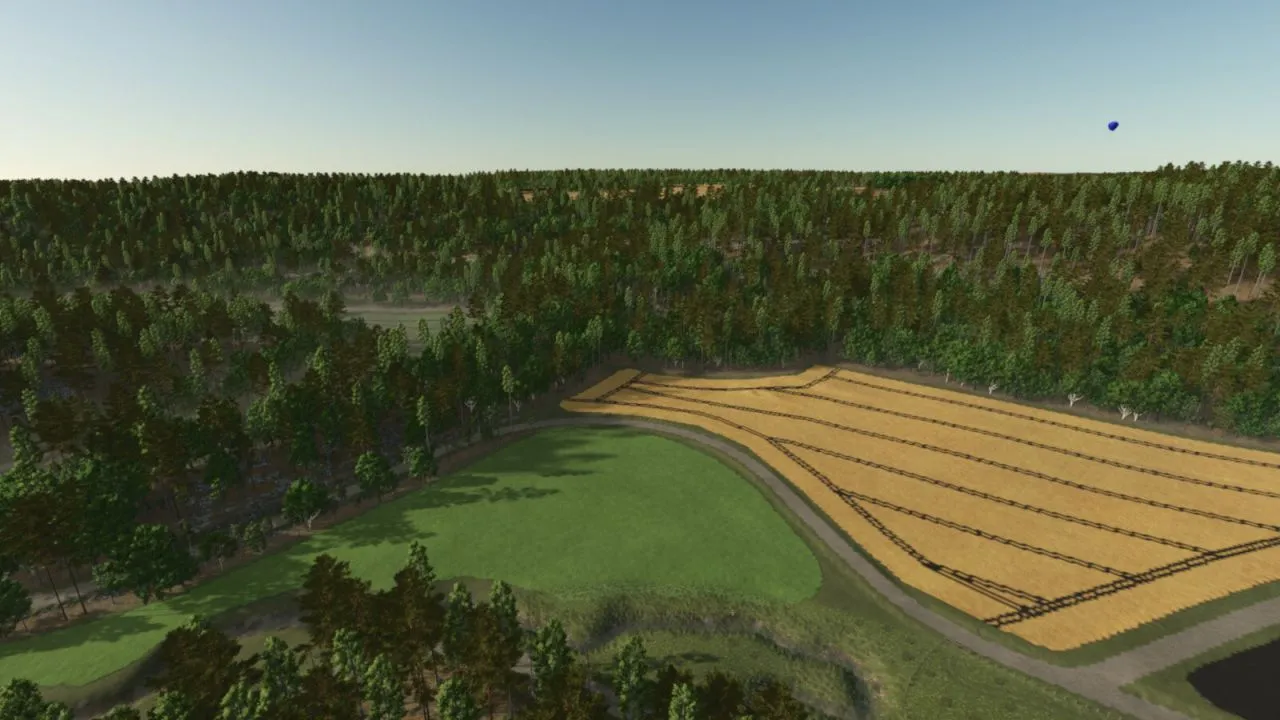
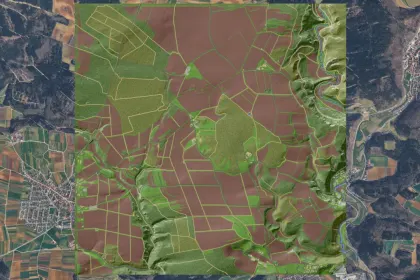
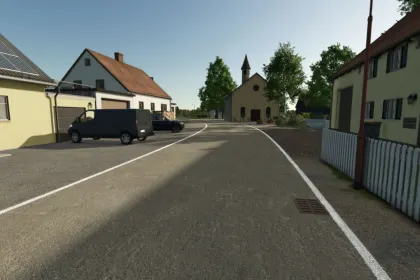
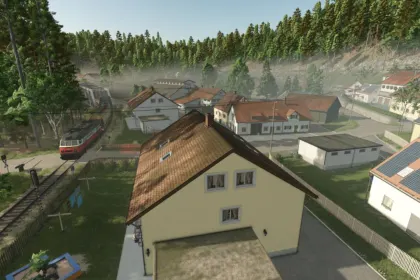
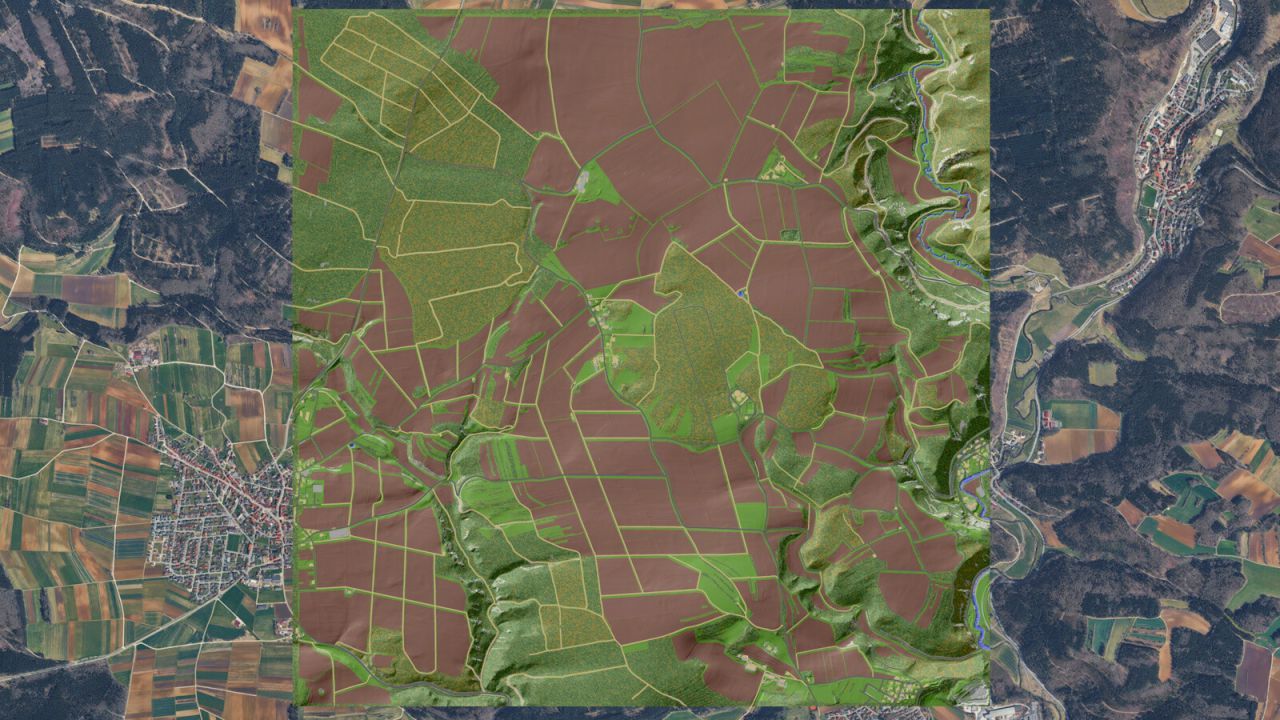
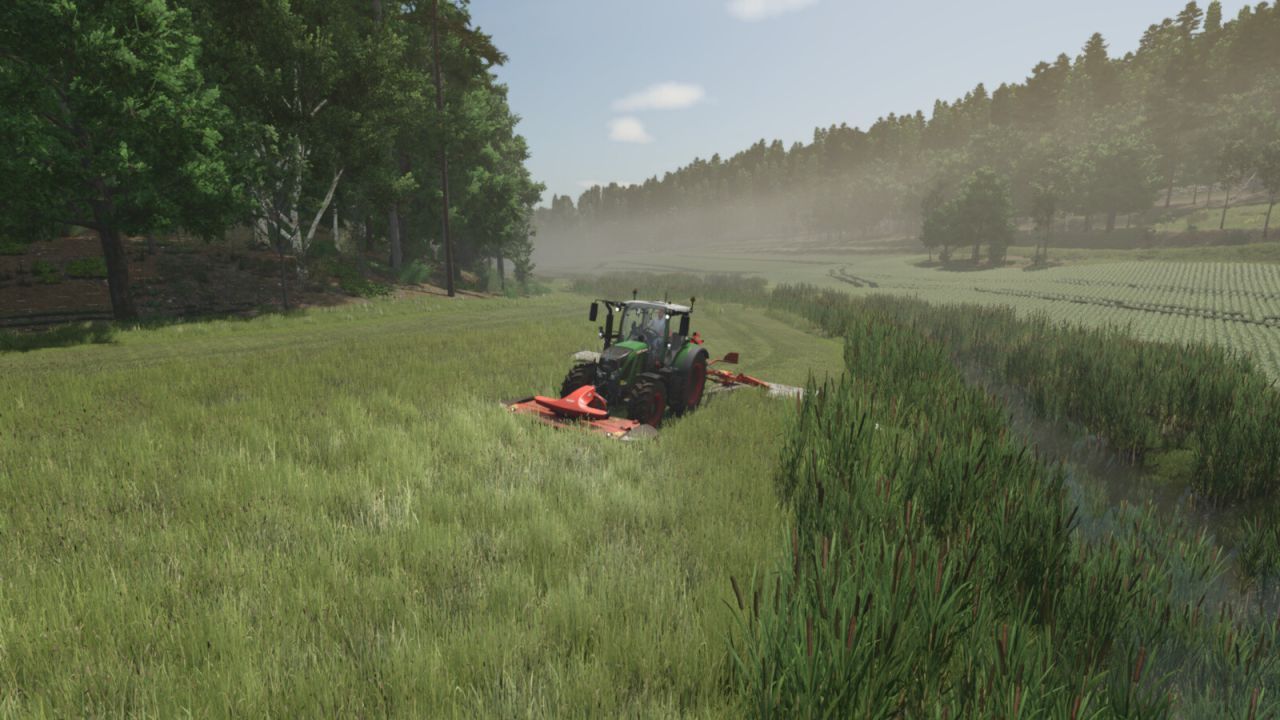
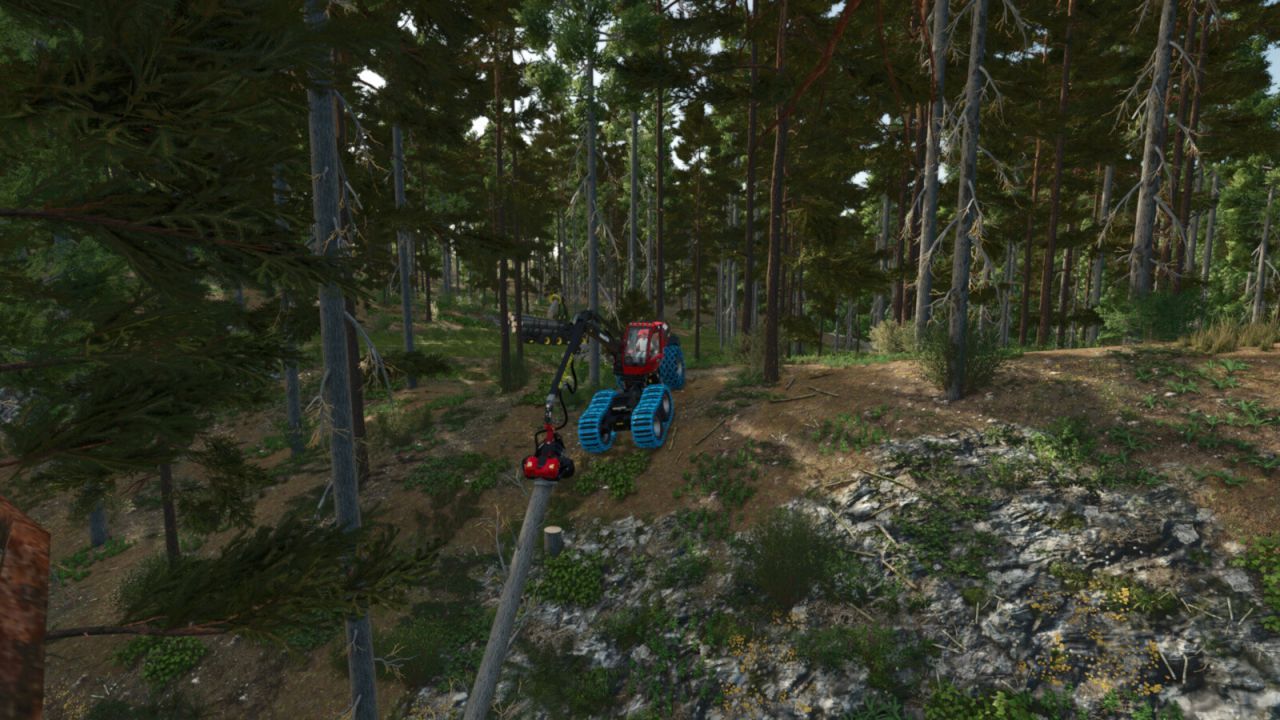
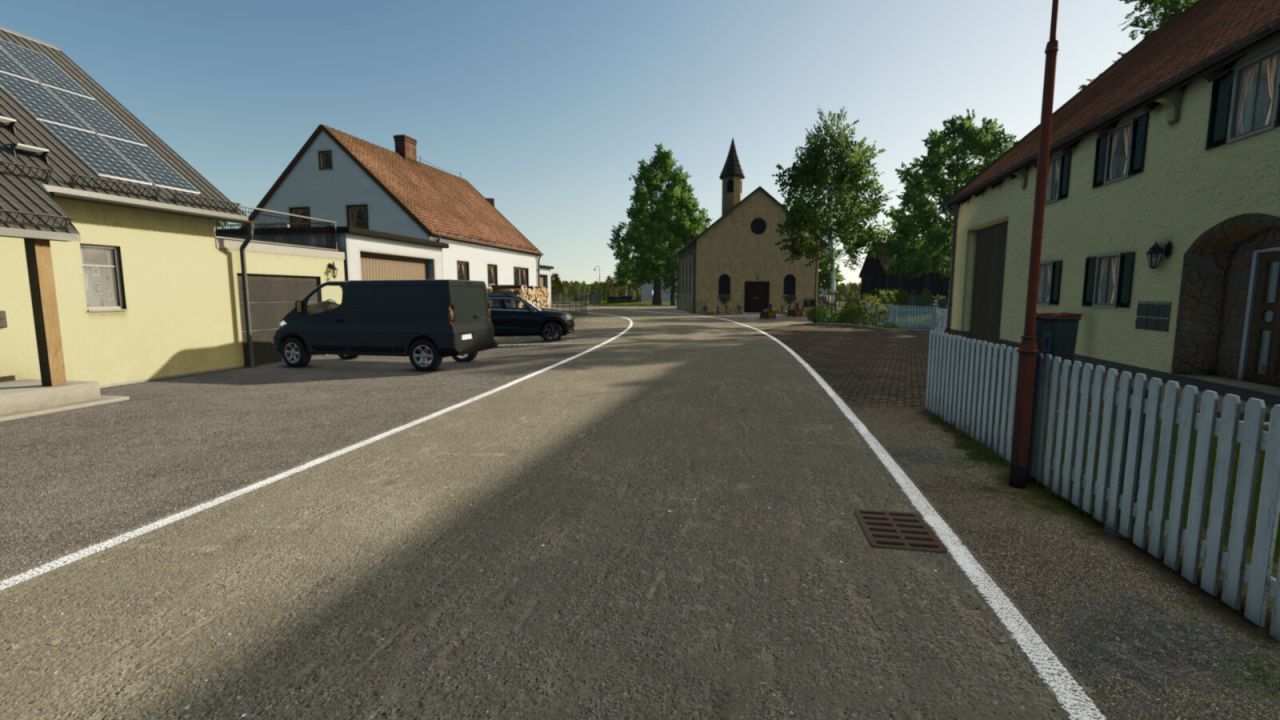
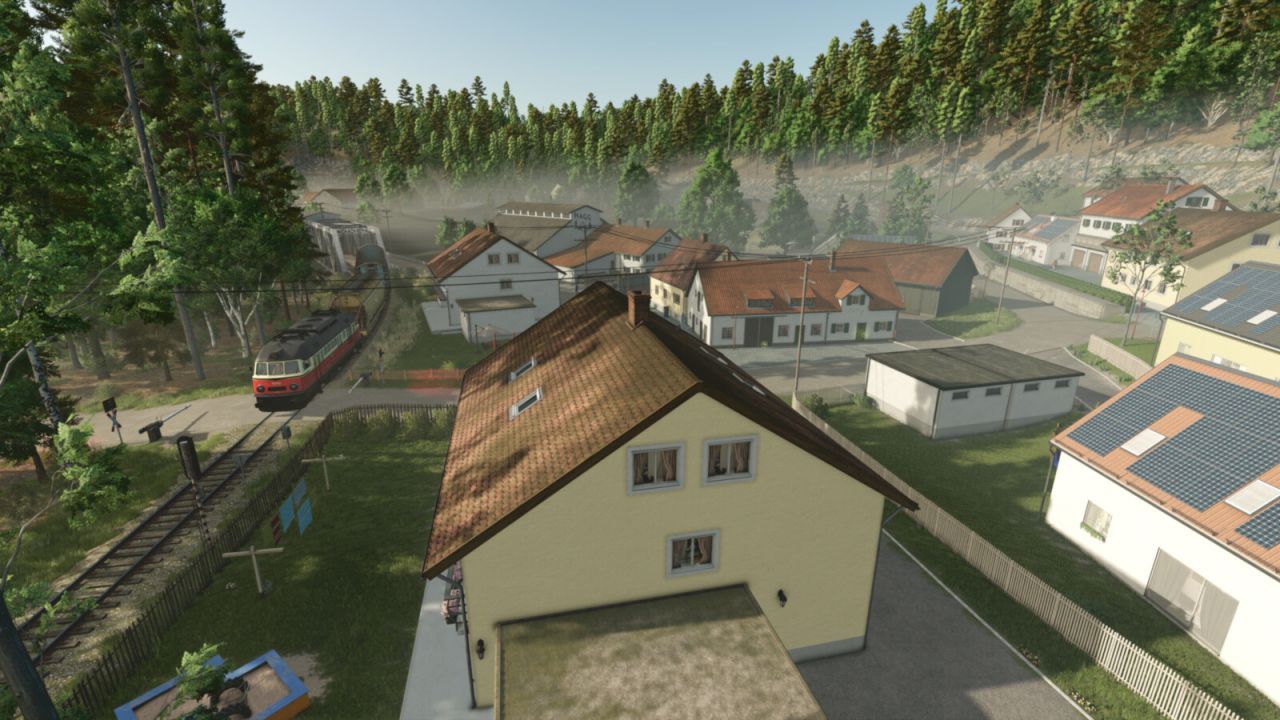
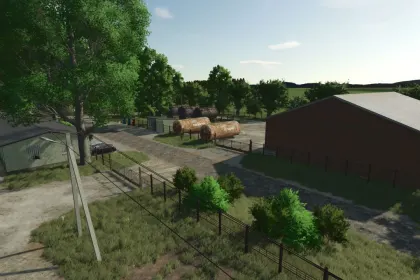
The Lieshof 4x map is a detailed recreation of the picturesque Swabian Alb region for Farming Simulator 25. It reproduces the landscape between the municipalities of Veringenstadt, Harthausen, and Hermentingen with fields, meadows, and forests. The map is fully integrated into an economic network with selling and purchasing points, creating a closed and realistic cycle. The Lieshof farms in the center cultivate this fertile region, while the Felahtal valley offers a real challenge for farmers.
• 9 pre-built farms with different types of livestock farming, all fully demolishable
• 212 fields totaling 723 ha, ranging from 0.2 ha to 40 ha
• 30 forests covering 252 ha, ranging from 1.8 ha to 38 ha
• A total cultivable area of 975 ha and 254 purchasable plots of land
• Varied landscape from flat to steep terrain with a maximum elevation difference of 140 m
• Additional crops: rye, spelt, triticale, mustard, clover, alfalfa, and more
• 1 biogas plant, 1 gravel plant, various selling points and production facilities
• Collectibles displayed at the vehicle dealer
• Special in-game help and district-specific license plates
• 32 ground angles, stubble destruction, and more paintable textures
Players starting in "New Farmer" mode begin on a small dairy farm in Hermentingen with a starting vehicle fleet, and the rest of the map is yours to discover.
About Lieshof 4x Map for Farming Simulator 25
Lieshof 4x Map for Farming Simulator 25 is a mod for Farming Simulator 25. Check the author description, supported game version and dependencies before installing.
How to install the mod
Follow the installation instructions for Lieshof 4x Map for Farming Simulator 25, Farming Simulator 25 and your platform.
Download the mod archive using the Download button and read the author instructions.
On PC, copy the mod ZIP without extracting it to Documents/My Games/FarmingSimulator2025/mods. For a bundle, extract the individual mod ZIPs first. macOS and Microsoft Store paths may differ; check Mod Directory in the game log.txt.
Start the game and enable the mod for the selected save or profile, if required.
Test using a backup or a new save. Install any dependencies listed by the author.
System requirements and compatibility
Check the mod description for supported game versions, required DLC and platforms. Compatibility with every version or other mods is not guaranteed. Farming Simulator script mods are for PC/macOS. Console players can only install compatible mods from the in-game GIANTS ModHub.
Frequently asked questions
Is this mod free?
MODHUB does not charge for access to this mod page. Check the terms and download limits of the external file provider.
Can I use this mod in Farming Simulator 25 multiplayer?
Multiplayer support depends on the mod and its author. If supported, the server and players need matching mod versions and required DLC.
What should I check if the mod does not work?
Check the installation folder, archive structure, supported game version, dependencies and game logs. Test the mod separately using a backup save.
How can I check a downloaded mod?
Use trusted author sources, scan the archive and back up your saves. Do not run unrelated installers; a download listing does not guarantee safety or compatibility.