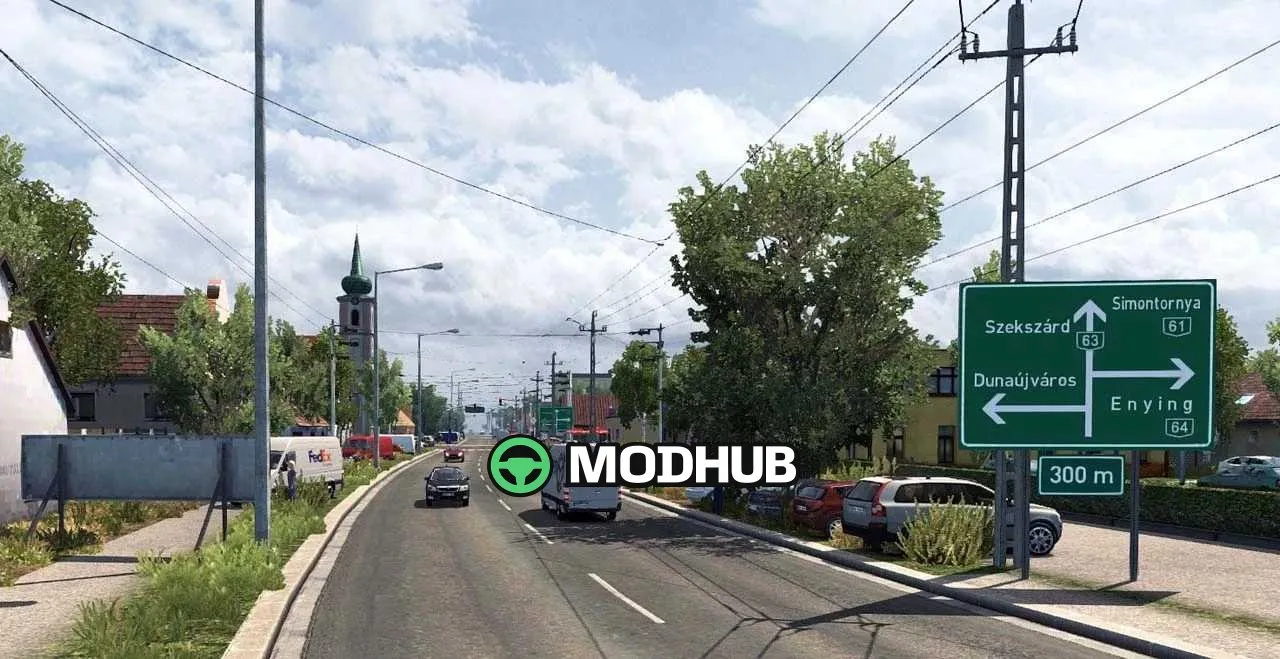
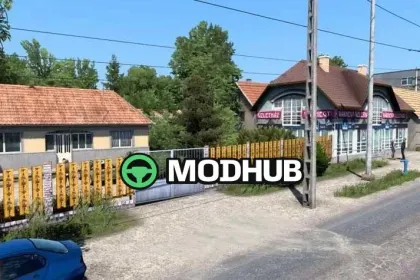
Hungary Map v0.9.41 is a map modification for Euro Truck Simulator 2 that extends the in-game world with the territory of Hungary. It currently contains only 70 cities, but the author plans to grow that number to over 300. Version 0.9.41 is compatible with game patch 1.61 and fixes a large number of bugs from earlier builds. Special attention went to new building models that make the towns and villages look more varied.
• Unpacking the .7z archive gives you three .scs files instead of the four used before.
• Only hungary_base.scs, hungary_model.scs and hungary_def.scs are needed.
• The files are copied into the "mod" folder and then activated in the profile's "Mod manager".
• The old map files can be deleted completely, they are no longer required.
• Compatibility with patch 1.61 keeps the map stable without crashes.
Overall it is a compact but neatly assembled map that suits drivers who want to vary their routes across Central Europe.
About Map Hungary Map v0.9.41 for ETS2
Map Hungary Map v0.9.41 for ETS2 is a mod for Euro Truck Simulator 2. Check the author description, supported game version and dependencies before installing.
How to install the mod
Follow the installation instructions for Map Hungary Map v0.9.41 for ETS2, Euro Truck Simulator 2 and your platform.
Download the mod archive using the Download button and read the author instructions.
Use the folder and archive format specified by the mod author for this game.
Start the game and enable the mod for the selected save or profile, if required.
Test using a backup or a new save. Install any dependencies listed by the author.
System requirements and compatibility
Check the mod description for supported game versions, required DLC and platforms. Compatibility with every version or other mods is not guaranteed.
Frequently asked questions
Is this mod free?
MODHUB does not charge for access to this mod page. Check the terms and download limits of the external file provider.
Can I use this mod in Euro Truck Simulator 2 multiplayer?
Multiplayer support depends on the mod and its author. If supported, the server and players need matching mod versions and required DLC.
What should I check if the mod does not work?
Check the installation folder, archive structure, supported game version, dependencies and game logs. Test the mod separately using a backup save.
How can I check a downloaded mod?
Use trusted author sources, scan the archive and back up your saves. Do not run unrelated installers; a download listing does not guarantee safety or compatibility.