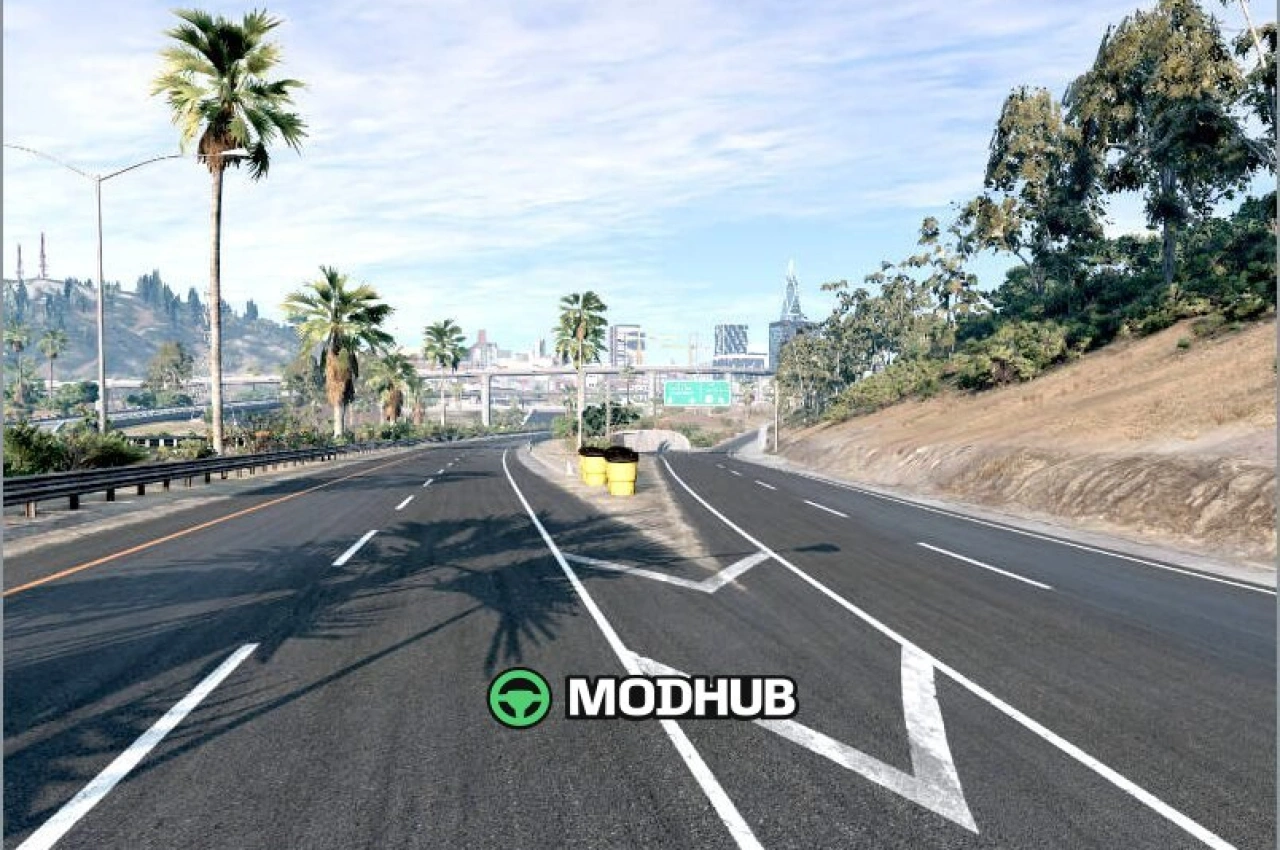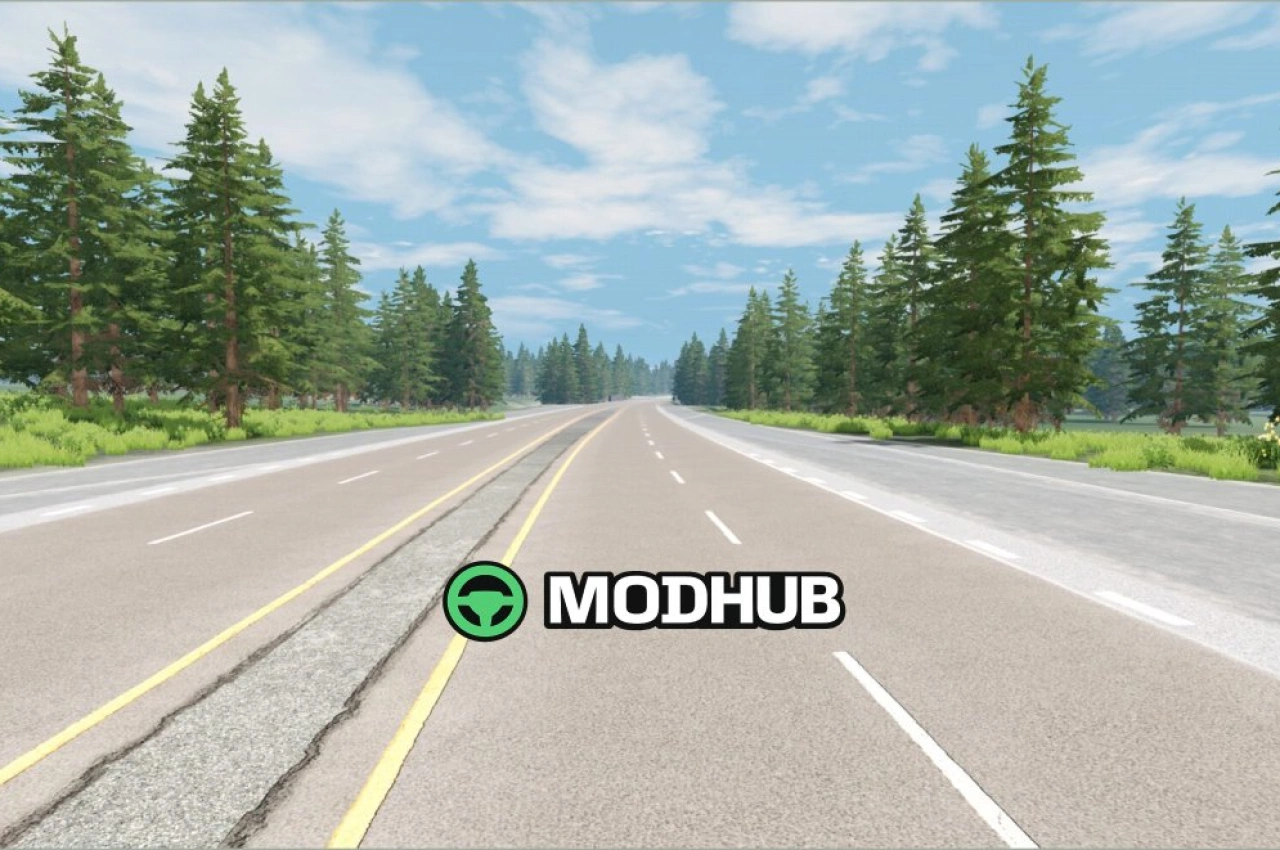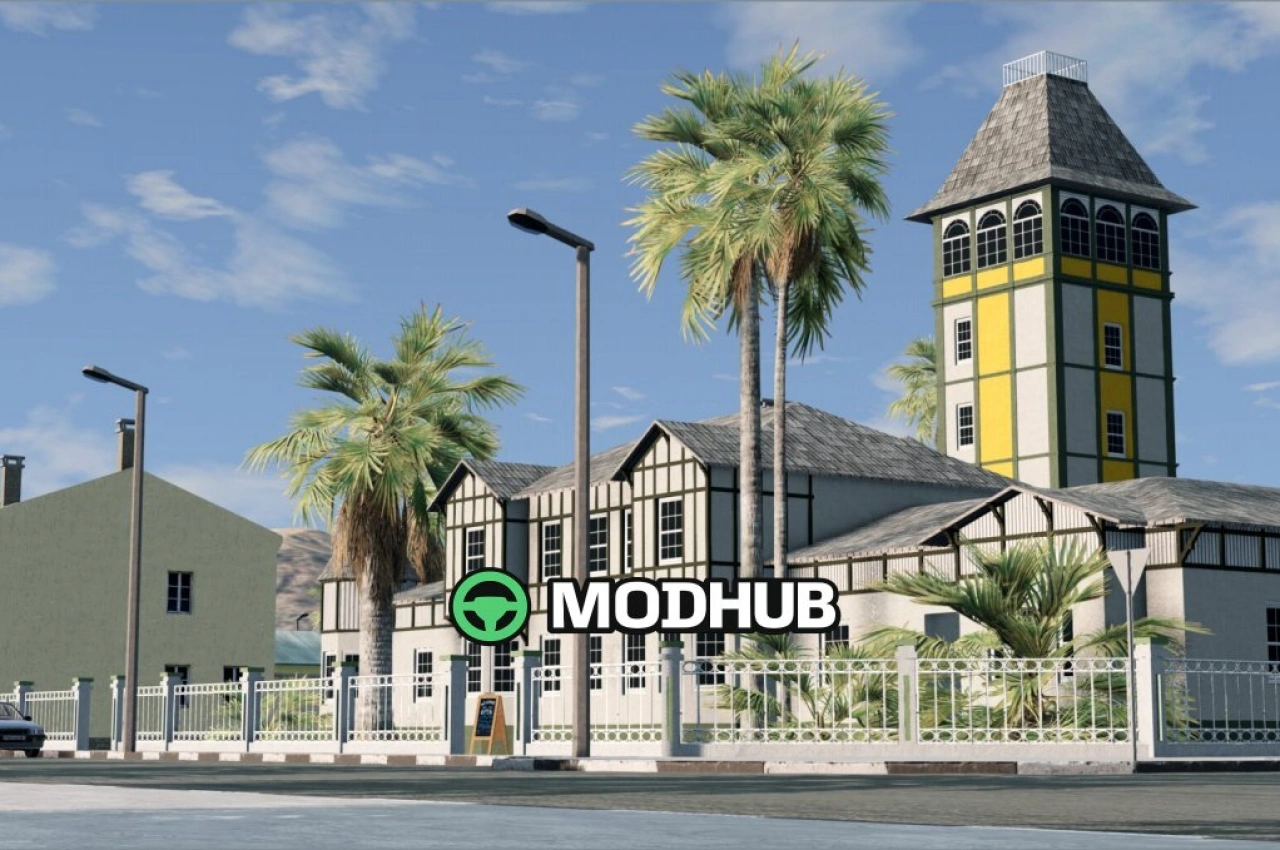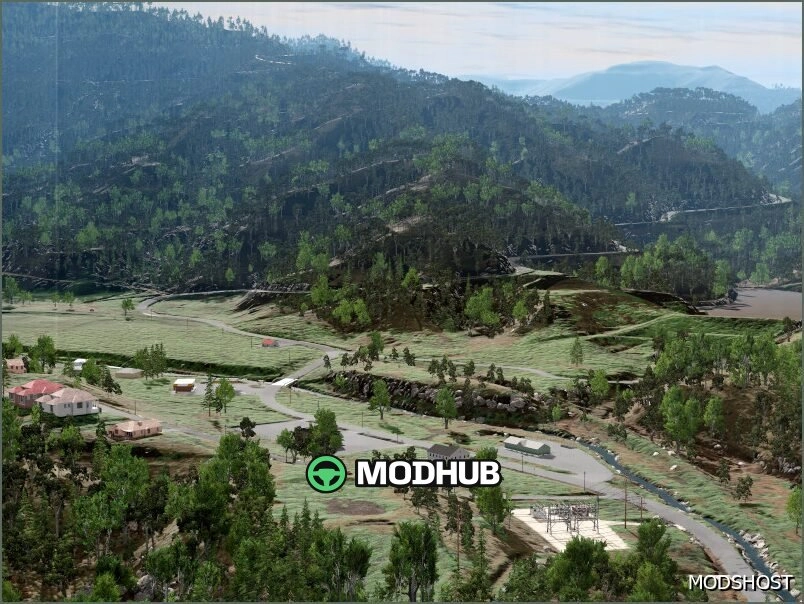
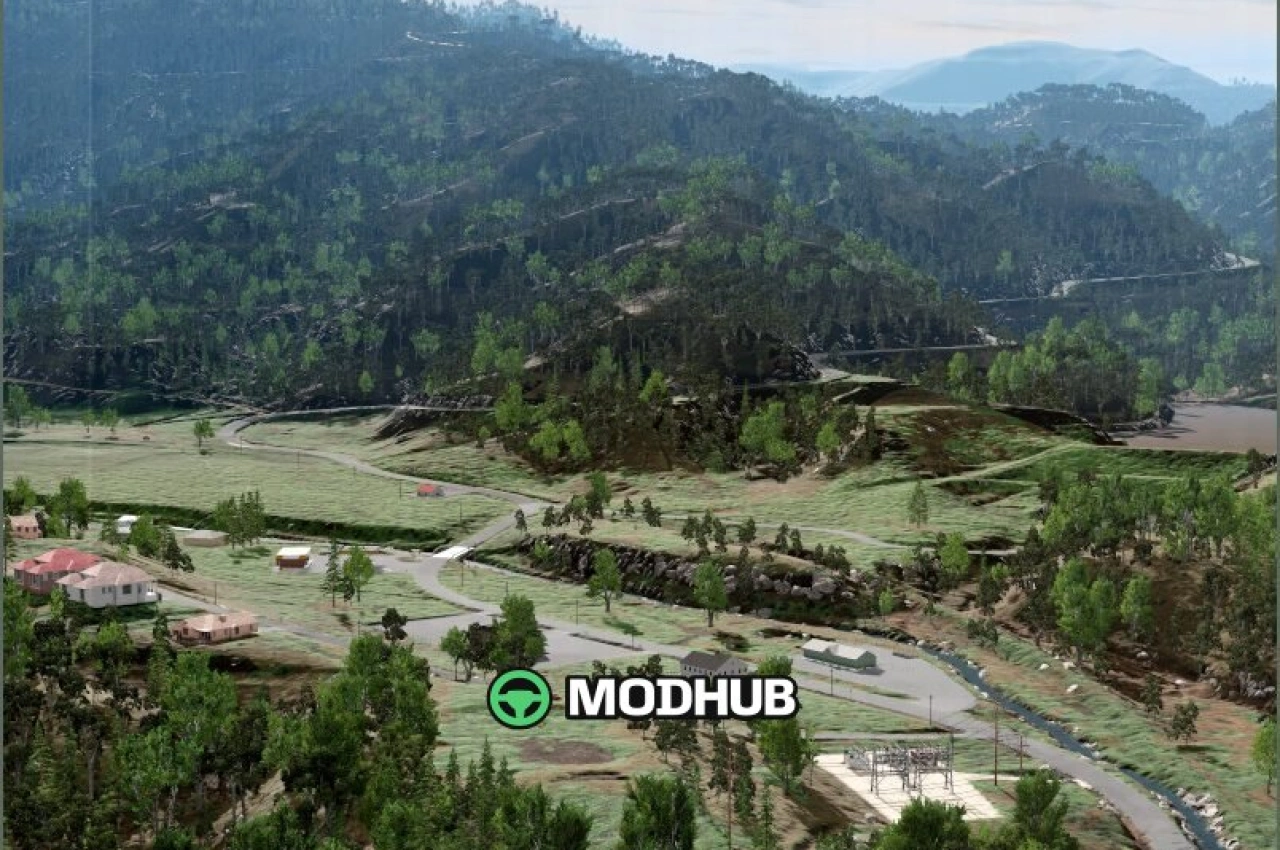
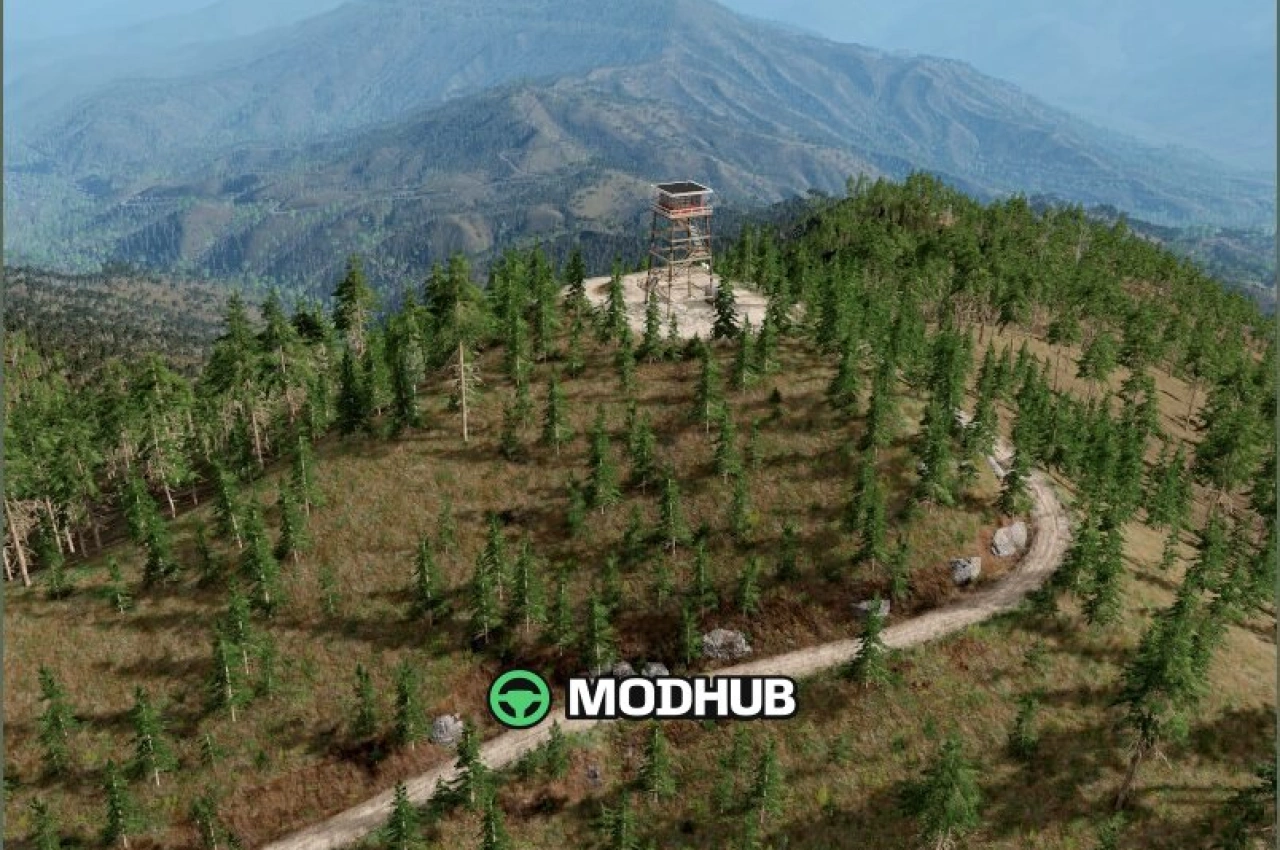
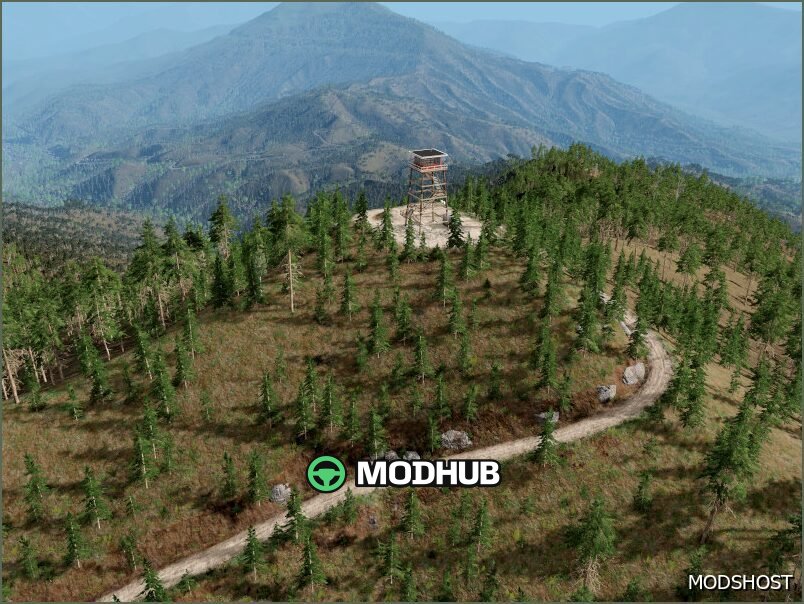
The GAP Beta 3 0.38 map is a BeamNG.drive mod that brings a fresh environment focused on mountain routes and flexible driving styles. It’s designed for players who want to test vehicles on winding asphalt roads while keeping the world feeling active with traffic.
The layout highlights smooth asphalt sections and serpentine turns, making it great for both precise high-speed driving and careful maneuvering. The mountainous scenery adds challenge to every run, since stability, traction, and line choice strongly affect the result. You can also take advantage of multiple spawn locations to switch between different routes and situations quickly.
• Version: GAP Beta 3 0.38 for BeamNG.drive
• Asphalt roads with mountain serpentines
• Traffic support for a more realistic experience
• Multiple spawn points in different areas
• Career mode for longer structured gameplay
About Map GAP Beta 3 0.38 for BeamNG.drive
Map GAP Beta 3 0.38 for BeamNG.drive is a mod for BeamNG.drive. Check the author description, supported game version and dependencies before installing.
How to install the mod
Follow the installation instructions for Map GAP Beta 3 0.38 for BeamNG.drive, BeamNG.drive and your platform.
Download the mod archive using the Download button and read the author instructions.
Use the folder and archive format specified by the mod author for this game.
Start the game and enable the mod for the selected save or profile, if required.
Test using a backup or a new save. Install any dependencies listed by the author.
System requirements and compatibility
Check the mod description for supported game versions, required DLC and platforms. Compatibility with every version or other mods is not guaranteed.
Frequently asked questions
Is this mod free?
MODHUB does not charge for access to this mod page. Check the terms and download limits of the external file provider.
Can I use this mod in BeamNG.drive multiplayer?
Multiplayer support depends on the mod and its author. If supported, the server and players need matching mod versions and required DLC.
What should I check if the mod does not work?
Check the installation folder, archive structure, supported game version, dependencies and game logs. Test the mod separately using a backup save.
How can I check a downloaded mod?
Use trusted author sources, scan the archive and back up your saves. Do not run unrelated installers; a download listing does not guarantee safety or compatibility.