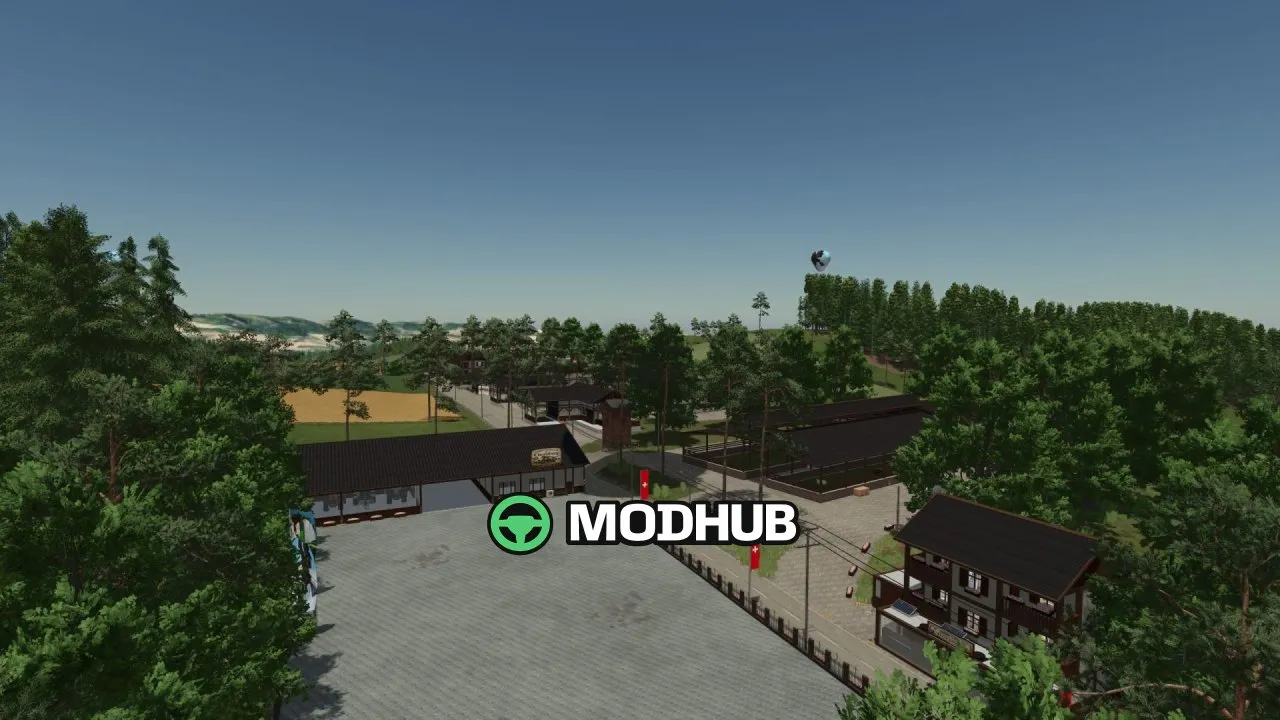
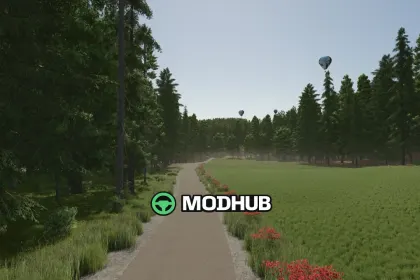
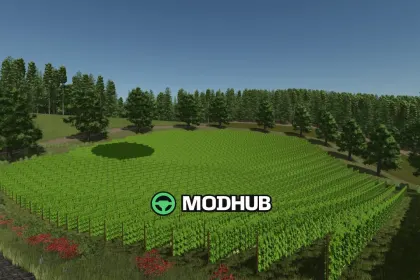
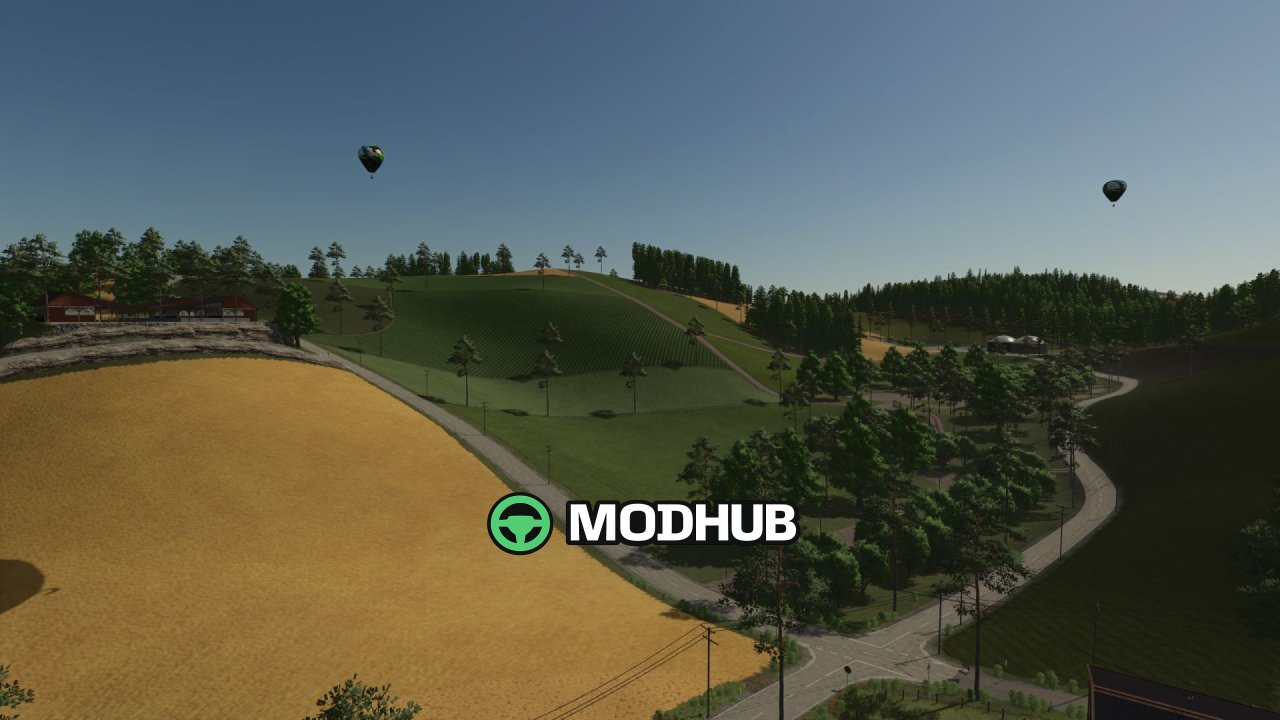
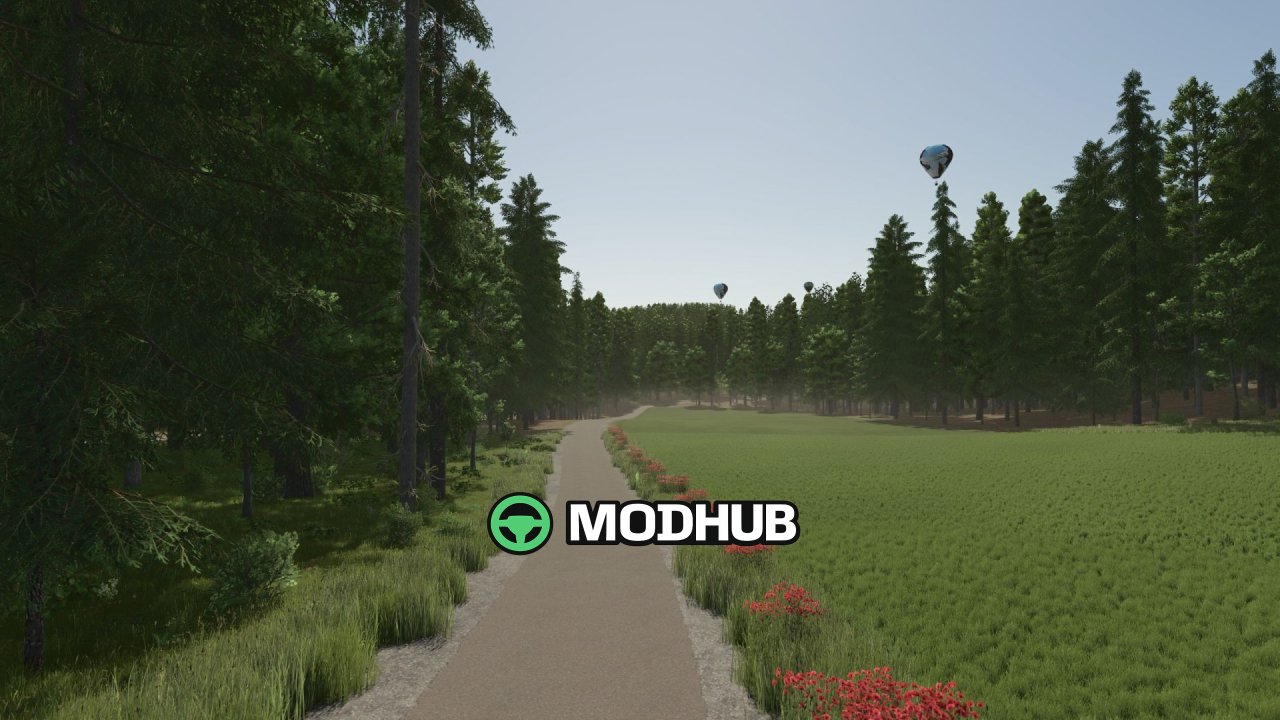
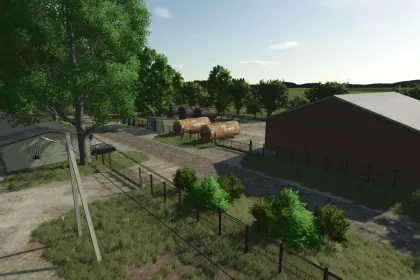
Chornberg is a highly detailed map for Farming Simulator 25 modeled after a real Swiss region in the Alps and Pre-Alps. Large parts of the road network, field layouts and landscape follow the original, conveying the typical feeling of mountain farming. The map offers 91 fields ranging from 1.5 to 6 hectares, and its pronounced elevation profile with steep slopes and narrow access roads makes powerful or tracked machinery essential. Besides classic crops you will find vineyards, olive groves, hops, lavender, buckwheat, spelt, rye, triticale, tobacco, sesame and peanuts.
• 91 fields from 1.5 to 6 hectares with steep slopes and narrow roads
• Expanded animal husbandry: cattle, chickens, sheep, goats, geese, ducks and rabbits
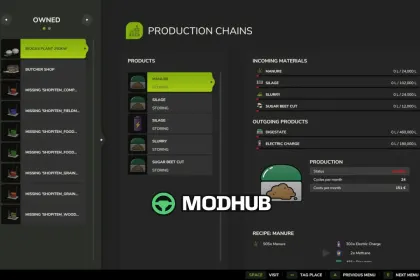
• More than twenty production facilities including brewery, distillery, mill and dairy
• Productions require electricity, empty pallets and packaging materials such as paper or cardboard
• Biogas plant, combined heat and power plant and portable solar panels to power your factories
• Composting facility with six drive-over silos for compost and CCM silage
• Fruit growing with apple, cherry, plum, apricot and peach orchards plus a full greenhouse complex
The map targets players who love realistic farming, complex economic cycles and challenging mountain landscapes.
About Map Chornberg – Swiss agriculture between mountains and valleys for FS25
Map Chornberg – Swiss agriculture between mountains and valleys for FS25 is a mod for Farming Simulator 25. Check the author description, supported game version and dependencies before installing.
How to install the mod
Follow the installation instructions for Map Chornberg – Swiss agriculture between mountains and valleys for FS25, Farming Simulator 25 and your platform.
Download the mod archive using the Download button and read the author instructions.
On PC, copy the mod ZIP without extracting it to Documents/My Games/FarmingSimulator2025/mods. For a bundle, extract the individual mod ZIPs first. macOS and Microsoft Store paths may differ; check Mod Directory in the game log.txt.
Start the game and enable the mod for the selected save or profile, if required.
Test using a backup or a new save. Install any dependencies listed by the author.
System requirements and compatibility
Check the mod description for supported game versions, required DLC and platforms. Compatibility with every version or other mods is not guaranteed. Farming Simulator script mods are for PC/macOS. Console players can only install compatible mods from the in-game GIANTS ModHub.
Frequently asked questions
Is this mod free?
MODHUB does not charge for access to this mod page. Check the terms and download limits of the external file provider.
Can I use this mod in Farming Simulator 25 multiplayer?
Multiplayer support depends on the mod and its author. If supported, the server and players need matching mod versions and required DLC.
What should I check if the mod does not work?
Check the installation folder, archive structure, supported game version, dependencies and game logs. Test the mod separately using a backup save.
How can I check a downloaded mod?
Use trusted author sources, scan the archive and back up your saves. Do not run unrelated installers; a download listing does not guarantee safety or compatibility.