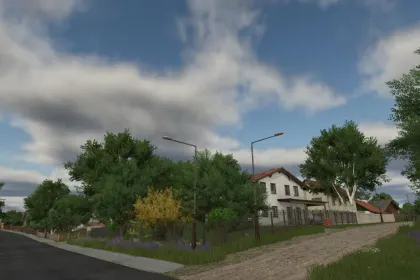
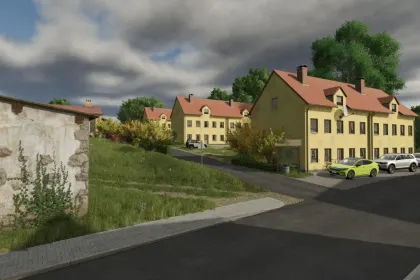
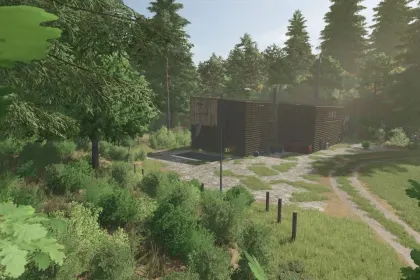
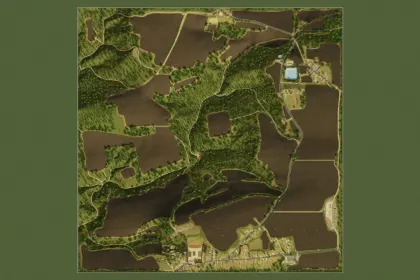
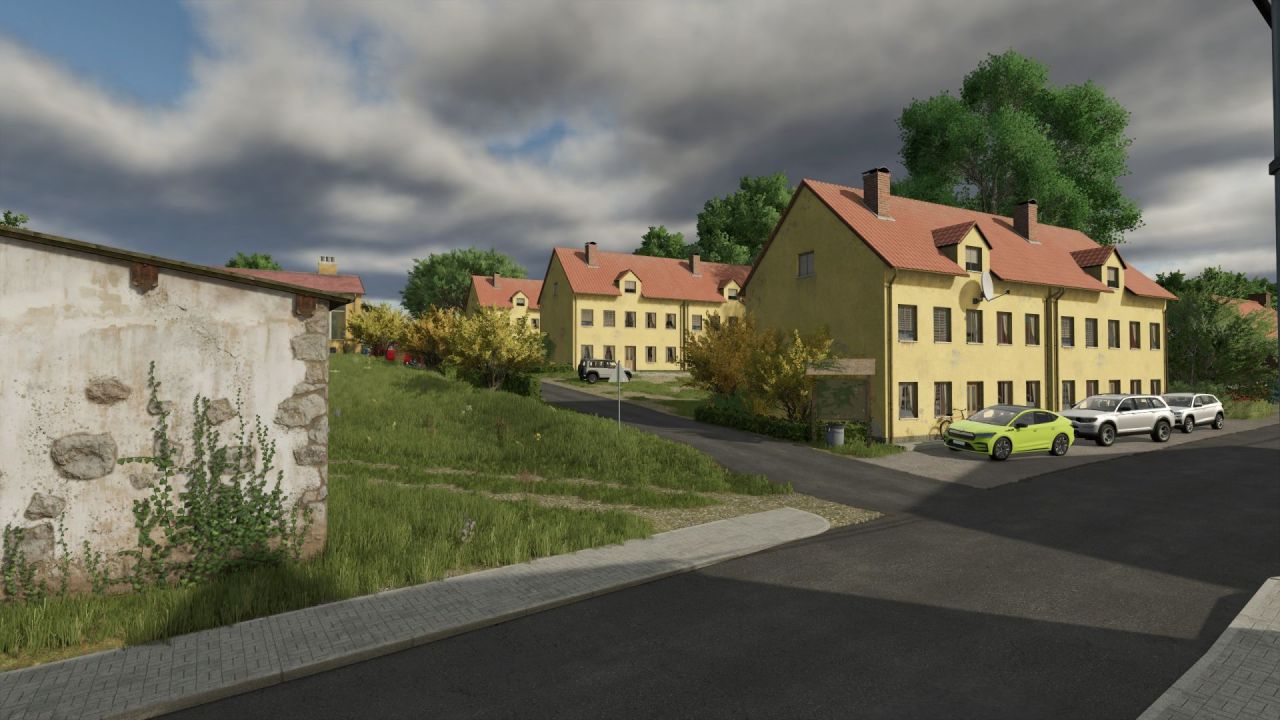
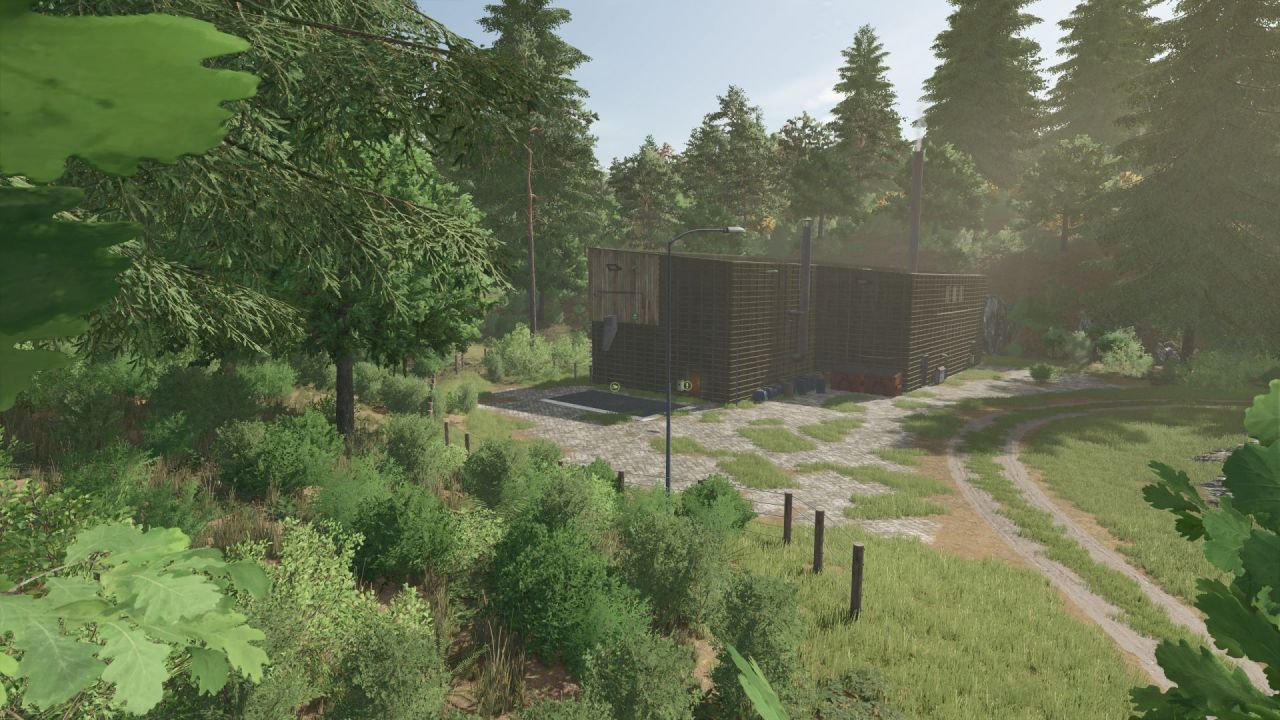
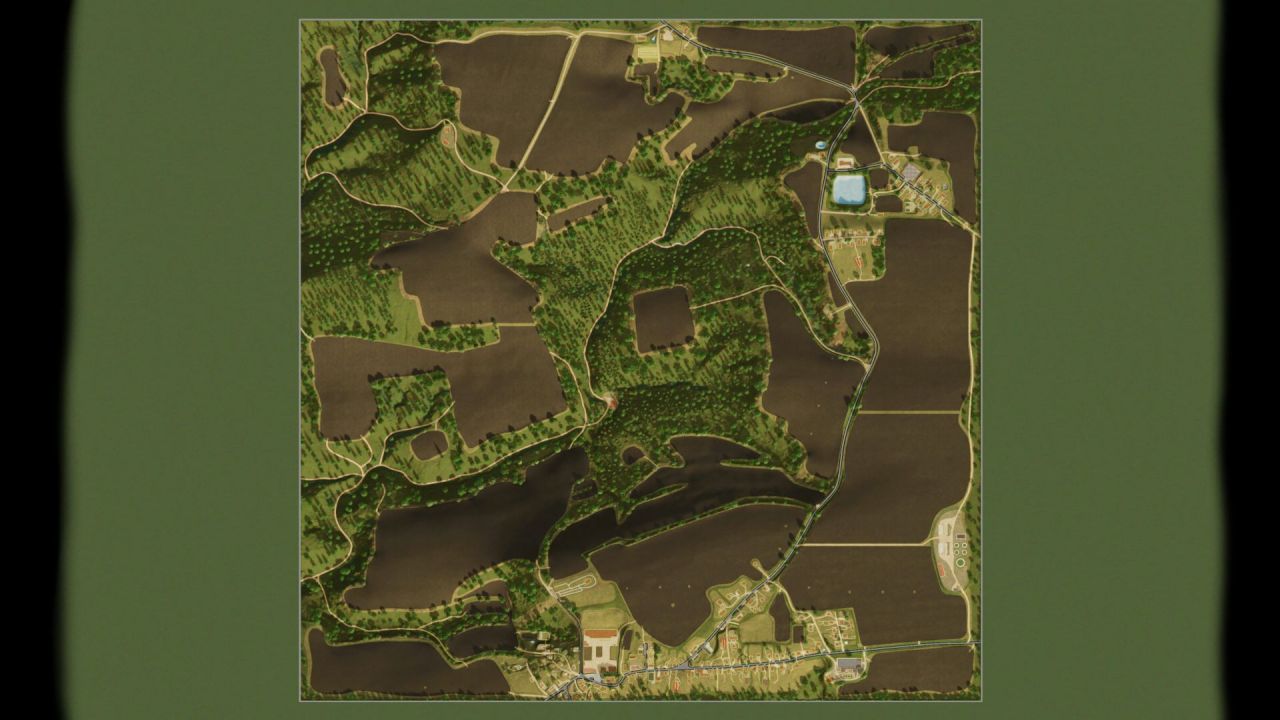
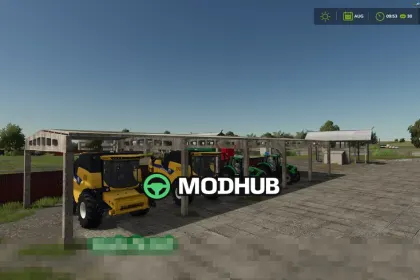
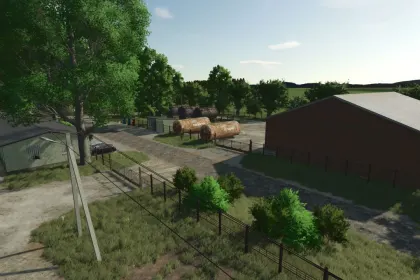
The Chcebuz map for Farming Simulator 25 is a detailed recreation of the real Kokořínsko region in Czechia, covering a 2x2 km area. It has been adapted for gameplay mechanics with added production facilities, less dense forests, and widened roads compared to the real-world layout. The map supports all DLCs, Precision Farming, and numerous script mods, and is optimized for small to medium-sized machinery. It features 31 fields, 7 meadows, numerous forest plots, 1 vineyard, and 3 orchards, offering diverse farming opportunities.
• Precision Farming support and multi-terrain angle for natural soil cultivation.
• Added crops: alfalfa, clover, rye, spelt, triticale, silage maize, mustard, humusaktiv, field grass, vetch-rye mix, spring/winter wheat, spring/winter barley, safflower, millet, poppy, dry peas, hemp, lentils, mint, and chickpeas.
• Productions: compost, grain mill, biogas plant, dairy, cannery and packaging plant, sugar factory, spinning mill, bakery, paper mill, sawmill, carpentry workshop, orchards, gardens, and greenhouses.
• Animals: sheep pasture, horse paddock, cow pasture, rabbits, geese, and ducks.
• Large crop storage silo (must be purchased on the map) and an extensive farm.
• Approximately 8,000 trees for logging and fields prepared for biodiversity strips (biostrips).
The map features snow coverage everywhere except under shelters and at production/sales points, so it is prepared for winter plowing and snow removal.
About Chcebuz Map for Farming Simulator 25
Chcebuz Map for Farming Simulator 25 is a mod for Farming Simulator 25. Check the author description, supported game version and dependencies before installing.
How to install the mod
Follow the installation instructions for Chcebuz Map for Farming Simulator 25, Farming Simulator 25 and your platform.
Download the mod archive using the Download button and read the author instructions.
On PC, copy the mod ZIP without extracting it to Documents/My Games/FarmingSimulator2025/mods. For a bundle, extract the individual mod ZIPs first. macOS and Microsoft Store paths may differ; check Mod Directory in the game log.txt.
Start the game and enable the mod for the selected save or profile, if required.
Test using a backup or a new save. Install any dependencies listed by the author.
System requirements and compatibility
Check the mod description for supported game versions, required DLC and platforms. Compatibility with every version or other mods is not guaranteed. Farming Simulator script mods are for PC/macOS. Console players can only install compatible mods from the in-game GIANTS ModHub.
Frequently asked questions
Is this mod free?
MODHUB does not charge for access to this mod page. Check the terms and download limits of the external file provider.
Can I use this mod in Farming Simulator 25 multiplayer?
Multiplayer support depends on the mod and its author. If supported, the server and players need matching mod versions and required DLC.
What should I check if the mod does not work?
Check the installation folder, archive structure, supported game version, dependencies and game logs. Test the mod separately using a backup save.
How can I check a downloaded mod?
Use trusted author sources, scan the archive and back up your saves. Do not run unrelated installers; a download listing does not guarantee safety or compatibility.