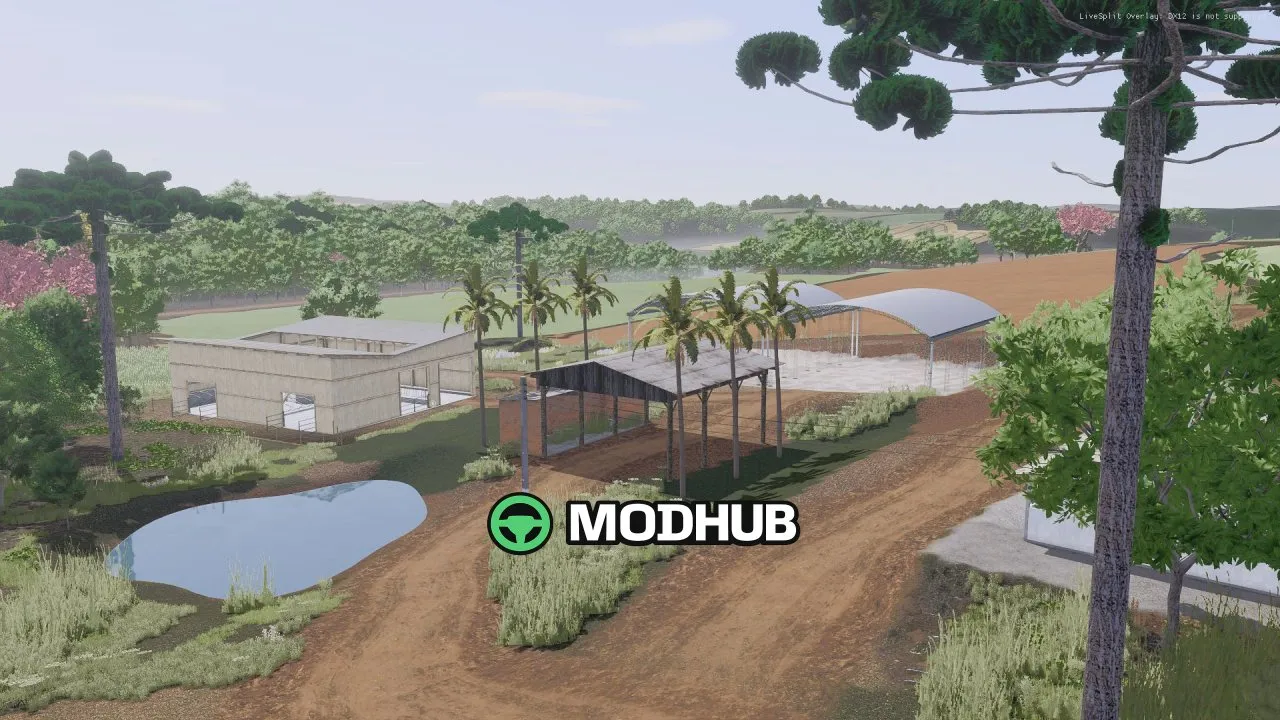
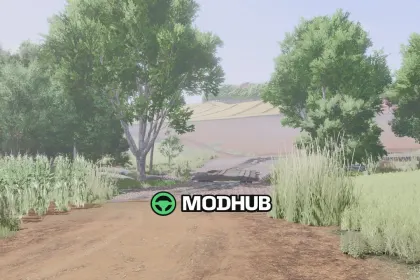
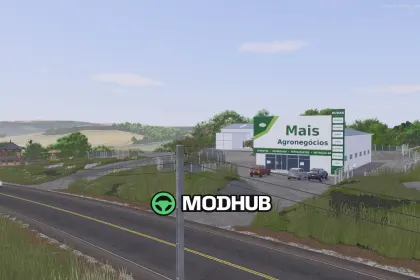
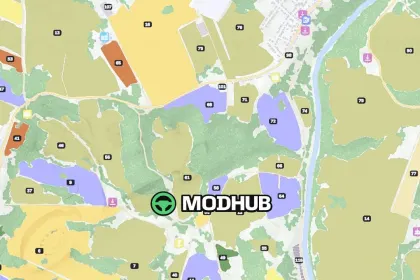
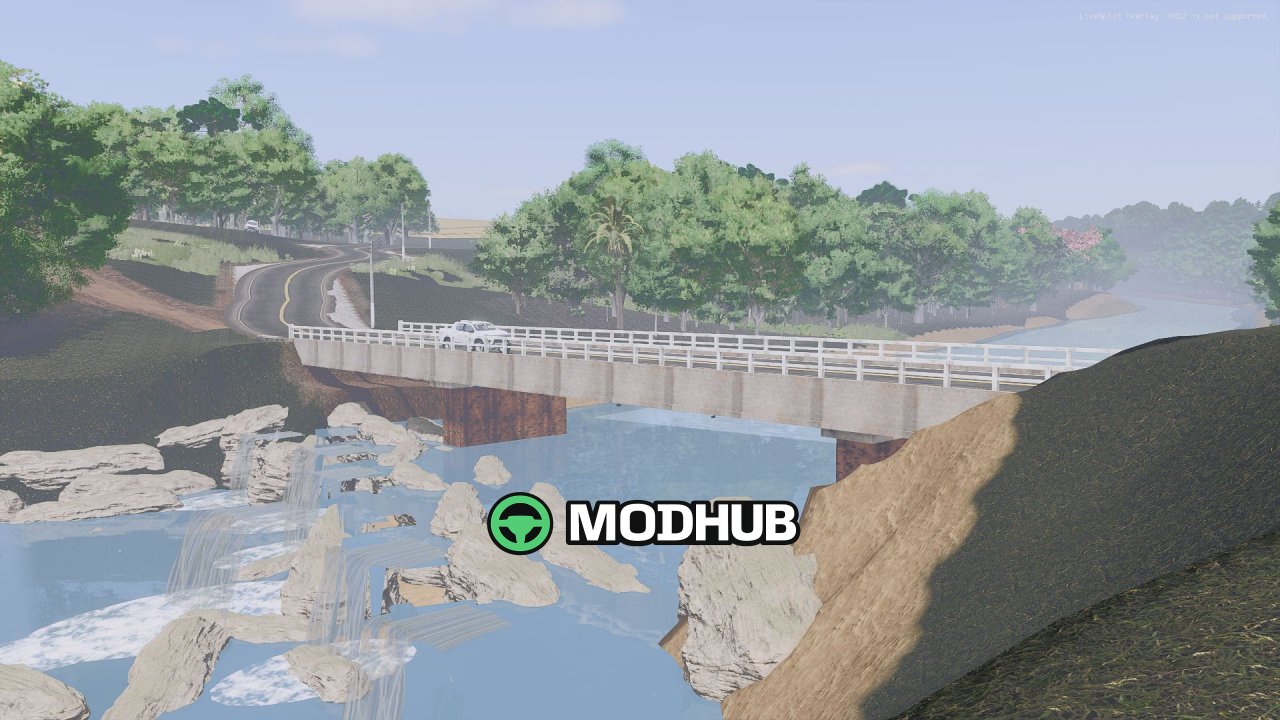
Cascata do Burica 4X BETA v1.0 is a 4x4 km map for Farming Simulator 25 set in the countryside of northwestern Rio Grande do Sul along the banks of the Buricá River. Farmland here is interspersed with native forest, dirt roads and the RS-305 highway running through the landscape. The village of Cascata includes a church square, a cemetery, a bar, the Super Cascata and Mercado Buricá stores, a Sicredi branch and a Rede Forte supermarket. The Buricá River features a waterfall and dynamic flooding: during heavy or prolonged rain the water rises close to the beams of the RS-305 bridge and turns muddy, while a smaller stream overflows its wooden bridge and floods the valley.
• 96 fields and 116 purchasable land plots
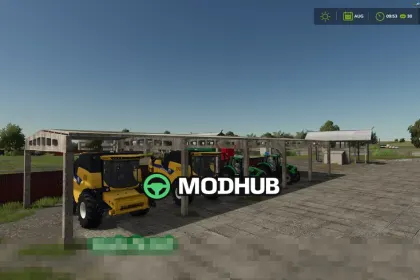
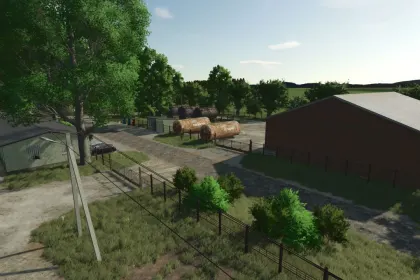
• Main farmstead with cow barn, pigsty and bunker silo, plus four additional farmsteads for sale
• Brazilian crops: coffee, oranges, black beans, peanuts, tobacco, yams, sugarcane, long-grain rice, cotton, sorghum and forage grass
• Coffee, orange and banana orchards with specialized harvesters Braud 9090X, Coffeeliner 7000 and GL86 in the shop
• Production facilities: sugar plant with vinasse station, 500 kW biogas plant, sawmill, spinning mill, preserves factory, wholesale, crusher and limestone mine
• Native Brazilian trees, Brazilian license plates, traffic, pedestrians and 25 collectibles
A set of mandatory mods, including Colombo and Jacto machinery plus tire track and water enhancements, is required for the map to work correctly.
Author: MilhoSeco
About Map Cascata do Burica 4X BETA v1.0 for FS25
Map Cascata do Burica 4X BETA v1.0 for FS25 is a mod for Farming Simulator 25. Check the author description, supported game version and dependencies before installing.
How to install the mod
Follow the installation instructions for Map Cascata do Burica 4X BETA v1.0 for FS25, Farming Simulator 25 and your platform.
Download the mod archive using the Download button and read the author instructions.
On PC, copy the mod ZIP without extracting it to Documents/My Games/FarmingSimulator2025/mods. For a bundle, extract the individual mod ZIPs first. macOS and Microsoft Store paths may differ; check Mod Directory in the game log.txt.
Start the game and enable the mod for the selected save or profile, if required.
Test using a backup or a new save. Install any dependencies listed by the author.
System requirements and compatibility
Check the mod description for supported game versions, required DLC and platforms. Compatibility with every version or other mods is not guaranteed. Farming Simulator script mods are for PC/macOS. Console players can only install compatible mods from the in-game GIANTS ModHub.
Frequently asked questions
Is this mod free?
MODHUB does not charge for access to this mod page. Check the terms and download limits of the external file provider.
Can I use this mod in Farming Simulator 25 multiplayer?
Multiplayer support depends on the mod and its author. If supported, the server and players need matching mod versions and required DLC.
What should I check if the mod does not work?
Check the installation folder, archive structure, supported game version, dependencies and game logs. Test the mod separately using a backup save.
How can I check a downloaded mod?
Use trusted author sources, scan the archive and back up your saves. Do not run unrelated installers; a download listing does not guarantee safety or compatibility.