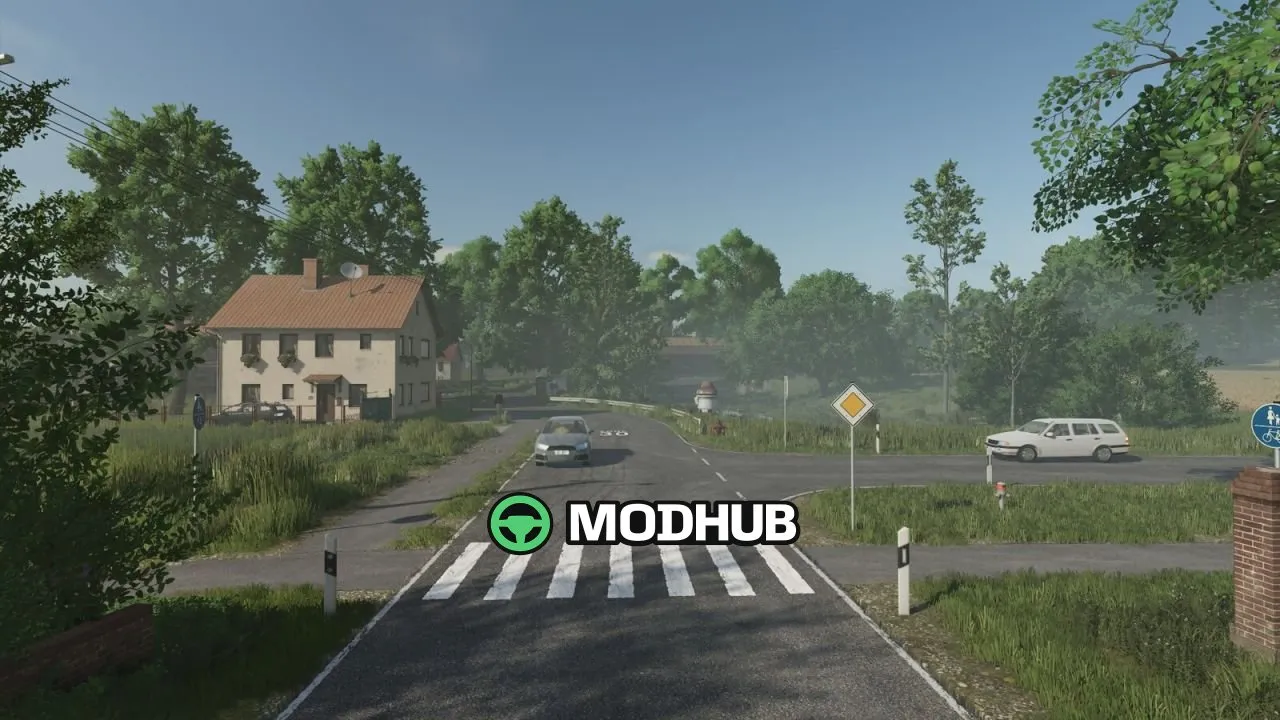
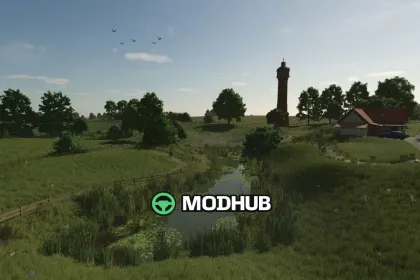
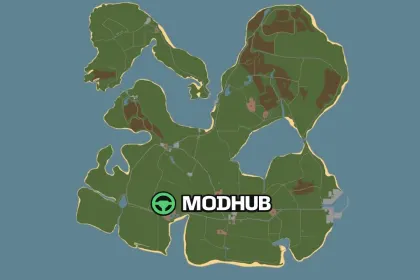
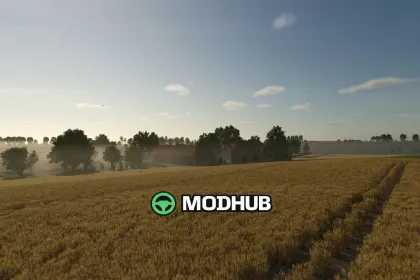
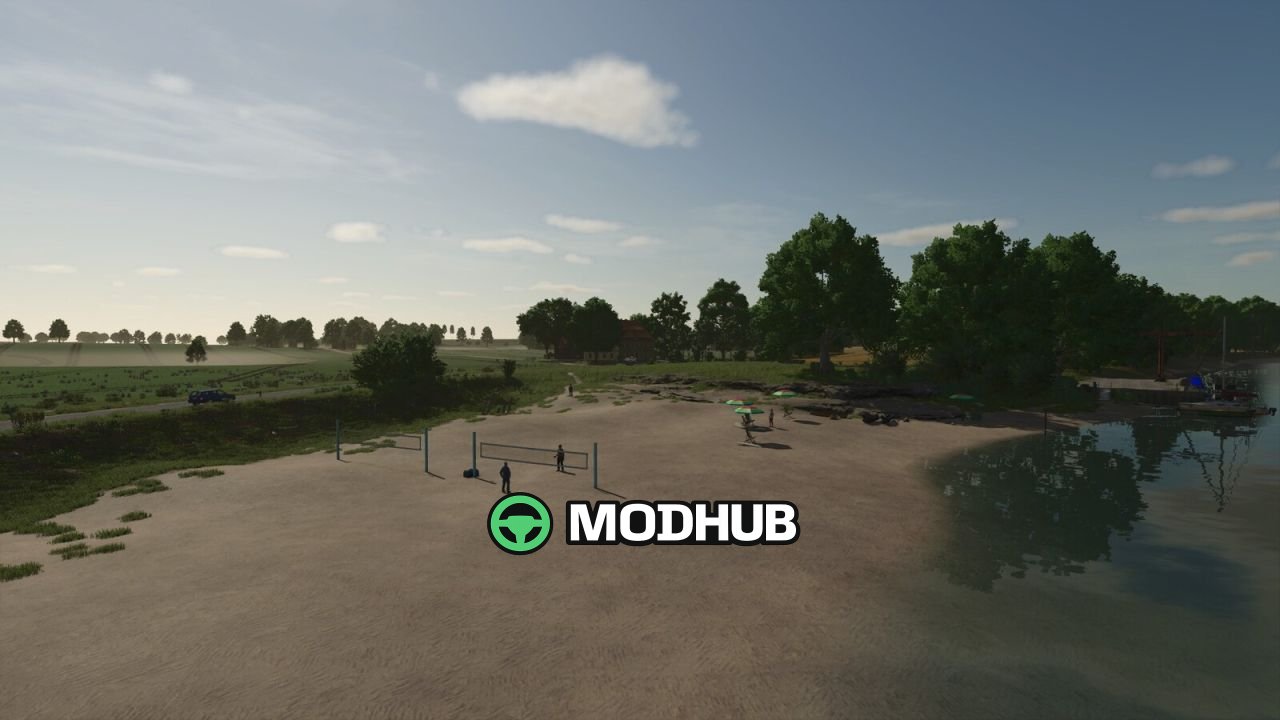
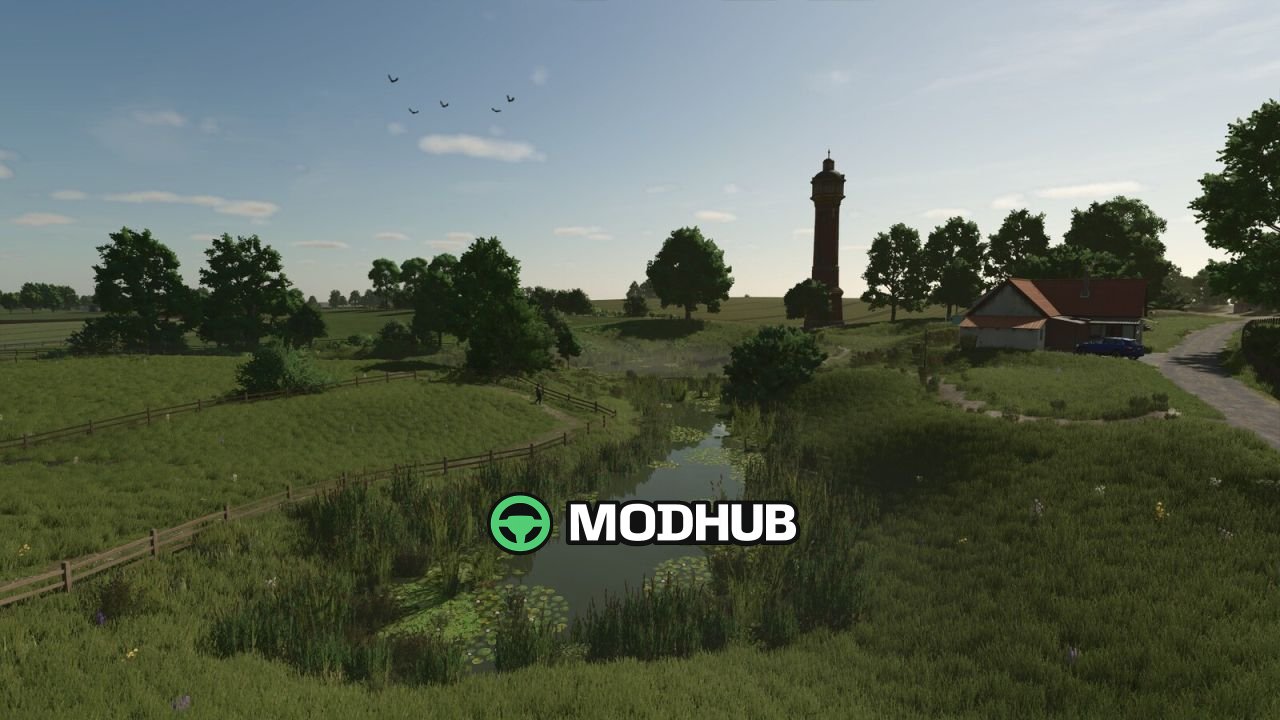
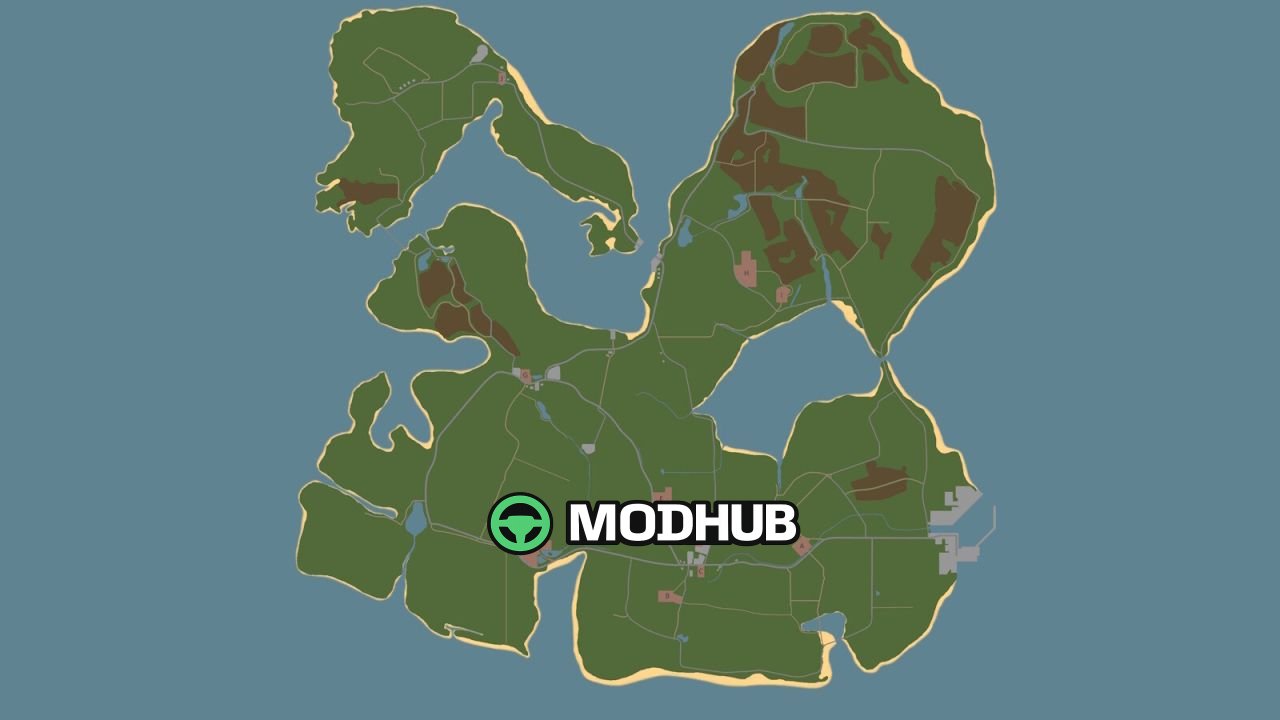
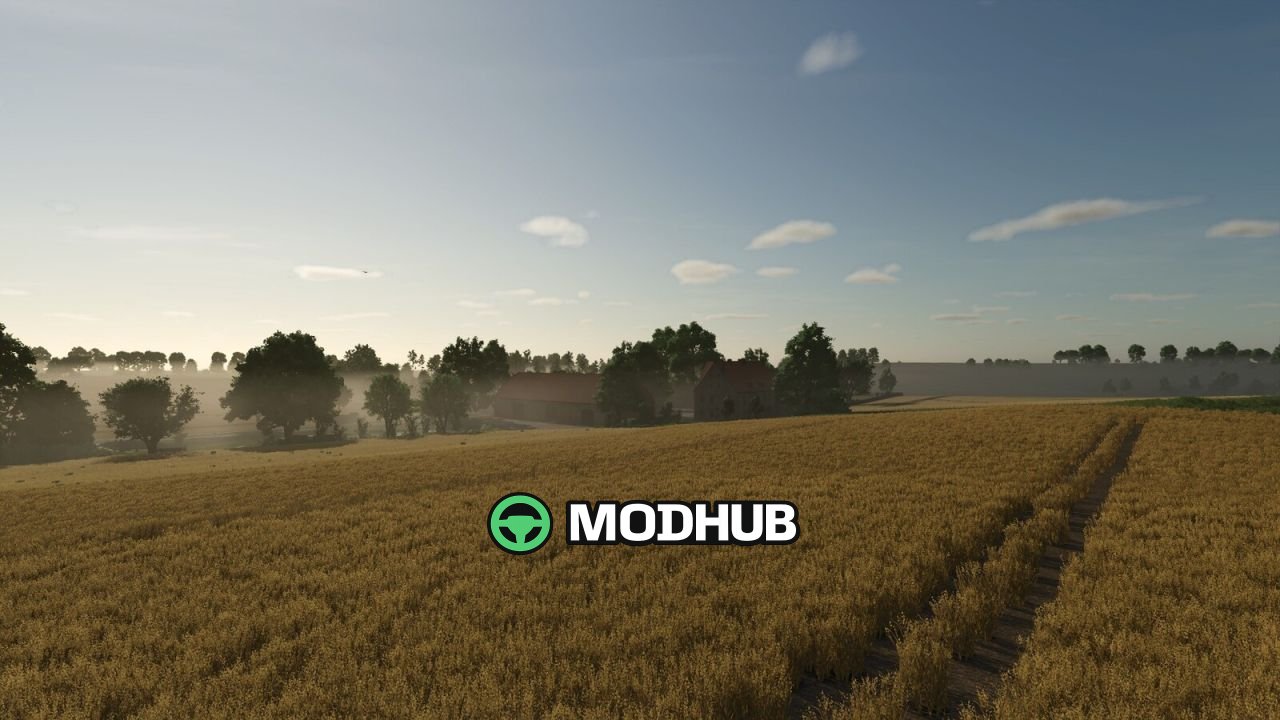
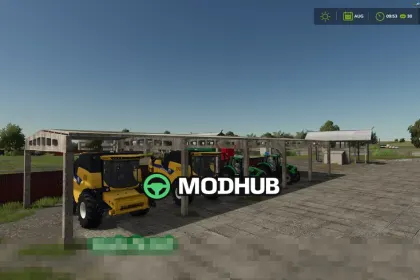
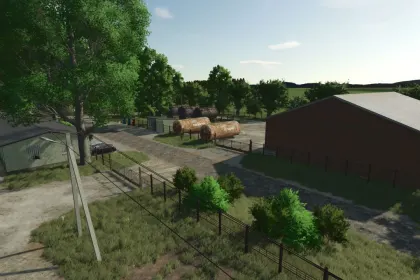
Baltic Sea: Hohenwiek V1.0 is a map for Farming Simulator 25 that completely reinterprets the well-known Baltic Sea series as a large 4x island. A small section of the original map was kept as a foundation and fully reworked. The island spreads 569 hectares of arable land and grassland across 150 fields. There is plenty of room for modern agriculture, forestry and custom farm layouts.
• 10 additional crops through the integrated MultiFruits pack by PfalzAgrar, including silage maize, rye, triticale and spelt
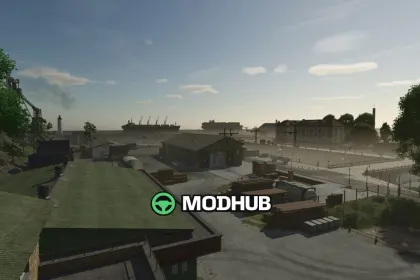
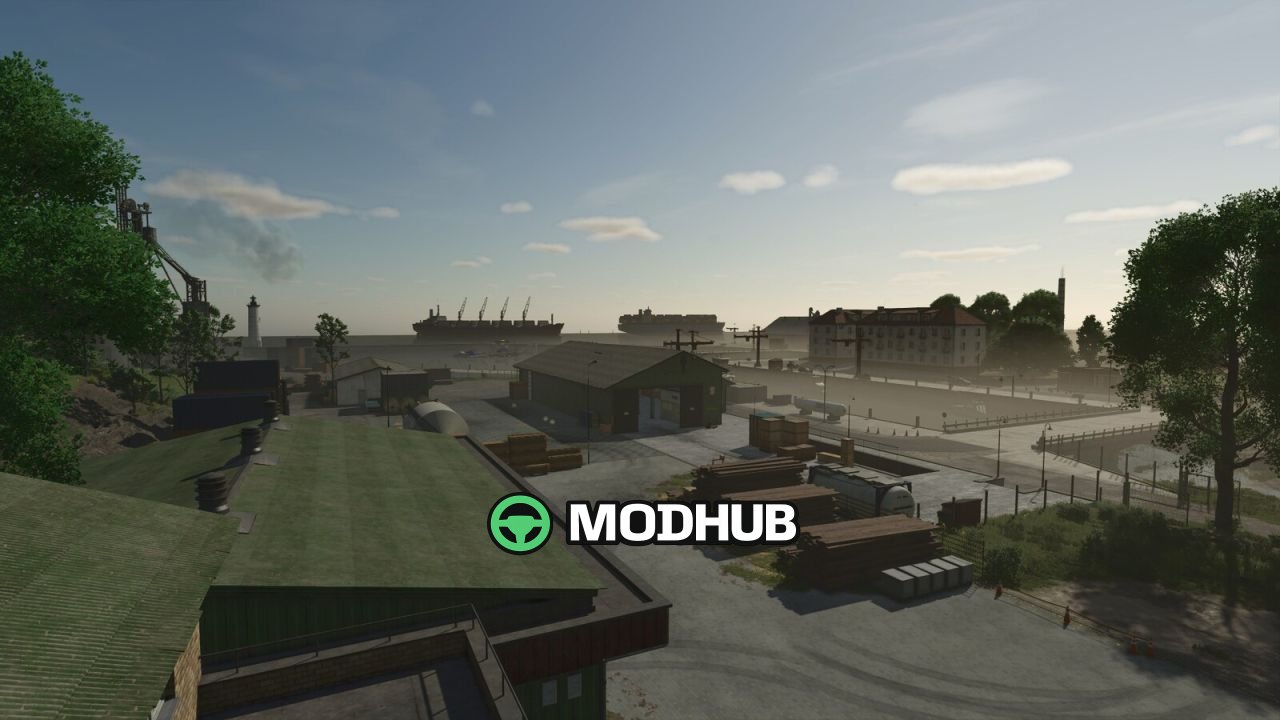
• Industrial harbour with a cannery, grain terminal, sugar factory, biomass power plant and a warehouse for buying and selling goods
• Several village communities in the island interior and along the coast, plus small production facilities such as a bakery, dairy, wool factory, rope factory and paper mill
• Livestock trader with manure and slurry purchase and straw sales, a small quarry with a lime station and two gas stations
Most farm buildings are placeable objects that can be removed for a custom farm design, and the map requires the listed mods to run.
About Map Baltic Sea: Hohenwiek V1.0 for FS25
Map Baltic Sea: Hohenwiek V1.0 for FS25 is a mod for Farming Simulator 25. Check the author description, supported game version and dependencies before installing.
How to install the mod
Follow the installation instructions for Map Baltic Sea: Hohenwiek V1.0 for FS25, Farming Simulator 25 and your platform.
Download the mod archive using the Download button and read the author instructions.
On PC, copy the mod ZIP without extracting it to Documents/My Games/FarmingSimulator2025/mods. For a bundle, extract the individual mod ZIPs first. macOS and Microsoft Store paths may differ; check Mod Directory in the game log.txt.
Start the game and enable the mod for the selected save or profile, if required.
Test using a backup or a new save. Install any dependencies listed by the author.
System requirements and compatibility
Check the mod description for supported game versions, required DLC and platforms. Compatibility with every version or other mods is not guaranteed. Farming Simulator script mods are for PC/macOS. Console players can only install compatible mods from the in-game GIANTS ModHub.
Frequently asked questions
Is this mod free?
MODHUB does not charge for access to this mod page. Check the terms and download limits of the external file provider.
Can I use this mod in Farming Simulator 25 multiplayer?
Multiplayer support depends on the mod and its author. If supported, the server and players need matching mod versions and required DLC.
What should I check if the mod does not work?
Check the installation folder, archive structure, supported game version, dependencies and game logs. Test the mod separately using a backup save.
How can I check a downloaded mod?
Use trusted author sources, scan the archive and back up your saves. Do not run unrelated installers; a download listing does not guarantee safety or compatibility.