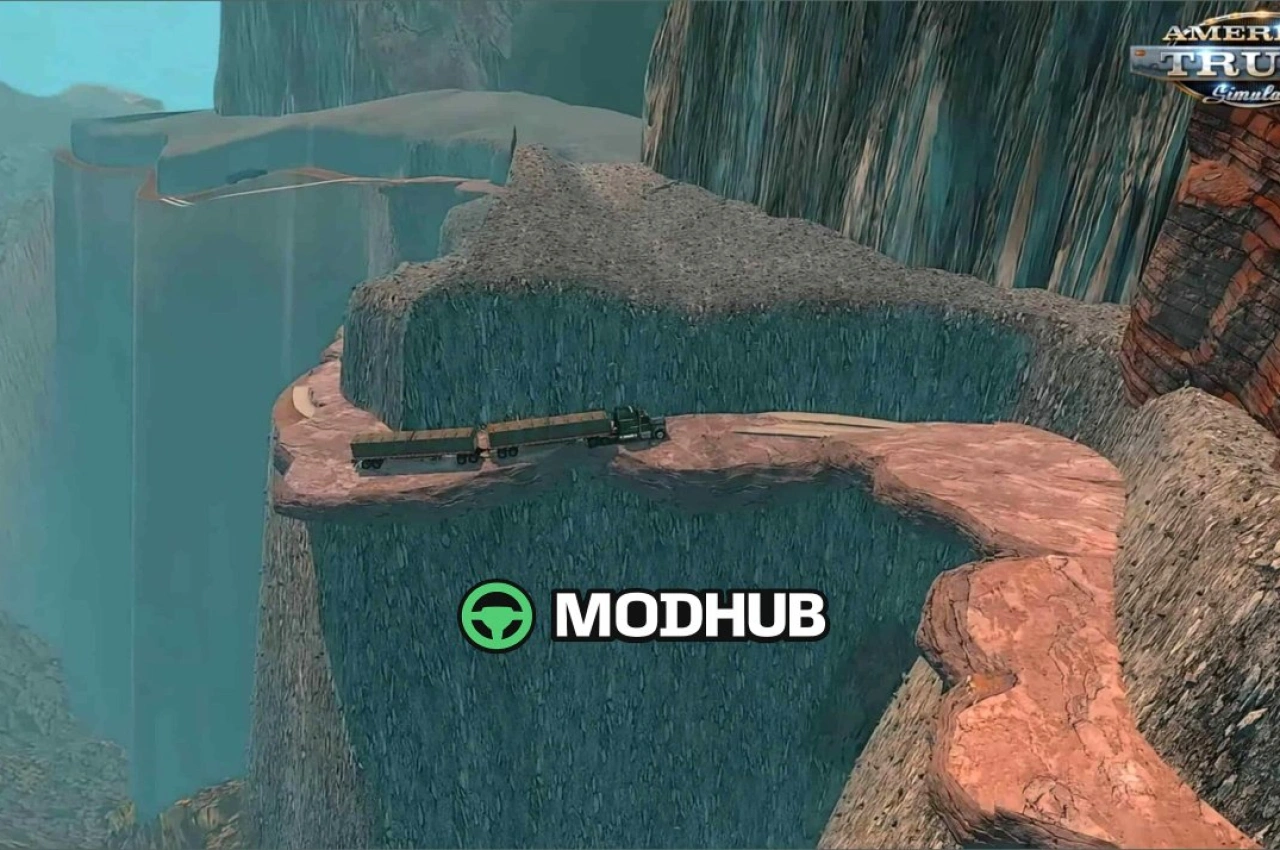
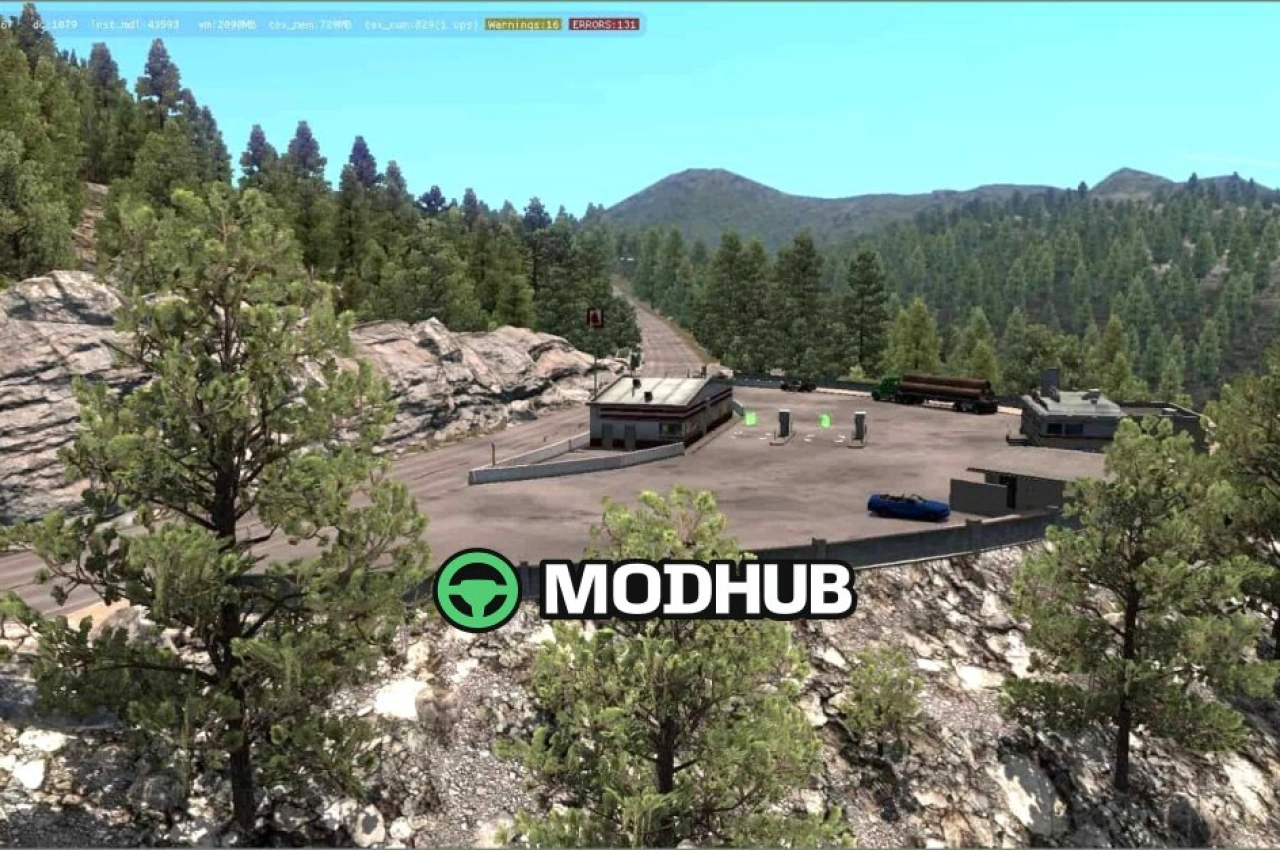
The Alaska North to the Future v0.8.8 map for ATS expands the game with the largest US state, featuring 15 cities and over 1200 miles of roads from north to south. It recreates iconic highways such as the Dalton Highway, Elliott Highway, Sterling Highway and Parks Highway. Drivers must overcome the Arctic Circle, snow, ice and phase 3 storms to deliver valuable loads to the most remote places in the world. The map requires game version 1.61 and the Washington DLC.
• 15 cities across Alaska from north to south
• Over 1200 miles of roads and four iconic highways
• Arctic Circle challenges with snow, ice and phase 3 storms
• Road connection to Promods Canada included
• Compatible with game version 1.61
This map is made for players who want to test themselves on the toughest routes in North America.
About Map Alaska North to the Future v0.8.8 for ATS
Map Alaska North to the Future v0.8.8 for ATS is a mod for American Truck Simulator. Check the author description, supported game version and dependencies before installing.
How to install the mod
Follow the installation instructions for Map Alaska North to the Future v0.8.8 for ATS, American Truck Simulator and your platform.
Download the mod archive using the Download button and read the author instructions.
Use the folder and archive format specified by the mod author for this game.
Start the game and enable the mod for the selected save or profile, if required.
Test using a backup or a new save. Install any dependencies listed by the author.
System requirements and compatibility
Check the mod description for supported game versions, required DLC and platforms. Compatibility with every version or other mods is not guaranteed.
Frequently asked questions
Is this mod free?
MODHUB does not charge for access to this mod page. Check the terms and download limits of the external file provider.
Can I use this mod in American Truck Simulator multiplayer?
Multiplayer support depends on the mod and its author. If supported, the server and players need matching mod versions and required DLC.
What should I check if the mod does not work?
Check the installation folder, archive structure, supported game version, dependencies and game logs. Test the mod separately using a backup save.
How can I check a downloaded mod?
Use trusted author sources, scan the archive and back up your saves. Do not run unrelated installers; a download listing does not guarantee safety or compatibility.