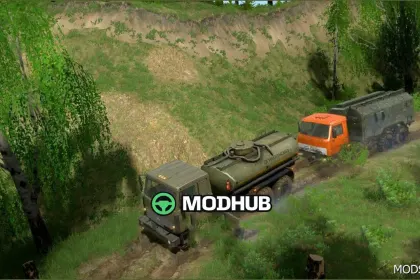
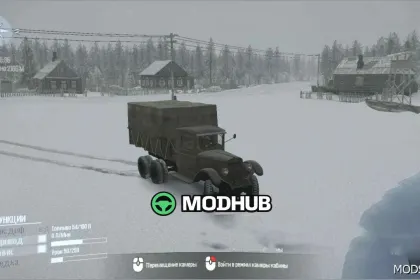
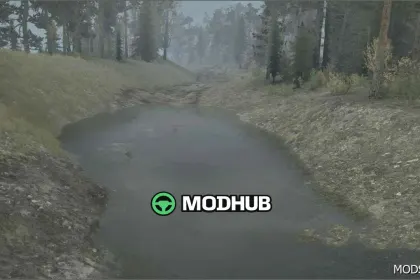
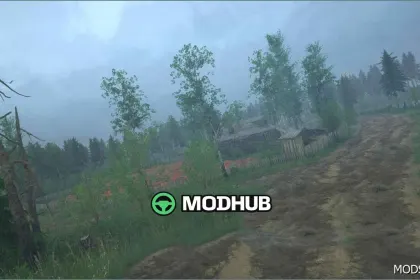
This is a map mod for MudRunner called “21 Region V20.10.2024”, designed for players who enjoy long routes, tough approaches, and immersive landscapes. The map includes two seasonal variants—summer and autumn—so you can experience shifting terrain feel, lighting, and overall atmosphere while completing contracts.
• 2 seasons: summer and autumn for different riding conditions
• 3 sawmills that serve as key cargo delivery locations
• 3 scouting points to help you navigate and plan routes
• 3 switchable vehicle slots for adapting your truck lineup
• A loading point to start missions, plus an open garage
• A fuel station to support long expeditions
In “21 Region V20.10.2024”, route planning matters: combine exploration with cargo runs to the sawmills and use the scouting points to quickly identify workable approaches. With three vehicle slots available, you can bring the right machines for the road difficulty and keep your logistics steady from contract to contract.
About 21 Region Map V20.10.2024 - immersive and detailed
21 Region Map V20.10.2024 - immersive and detailed is a mod for MudRunner. Check the author description, supported game version and dependencies before installing.
How to install the mod
Follow the installation instructions for 21 Region Map V20.10.2024 - immersive and detailed, MudRunner and your platform.
Download the mod archive using the Download button and read the author instructions.
Use the folder and archive format specified by the mod author for this game.
Start the game and enable the mod for the selected save or profile, if required.
Test using a backup or a new save. Install any dependencies listed by the author.
System requirements and compatibility
Check the mod description for supported game versions, required DLC and platforms. Compatibility with every version or other mods is not guaranteed.
Frequently asked questions
Is this mod free?
MODHUB does not charge for access to this mod page. Check the terms and download limits of the external file provider.
Can I use this mod in MudRunner multiplayer?
Multiplayer support depends on the mod and its author. If supported, the server and players need matching mod versions and required DLC.
What should I check if the mod does not work?
Check the installation folder, archive structure, supported game version, dependencies and game logs. Test the mod separately using a backup save.
How can I check a downloaded mod?
Use trusted author sources, scan the archive and back up your saves. Do not run unrelated installers; a download listing does not guarantee safety or compatibility.