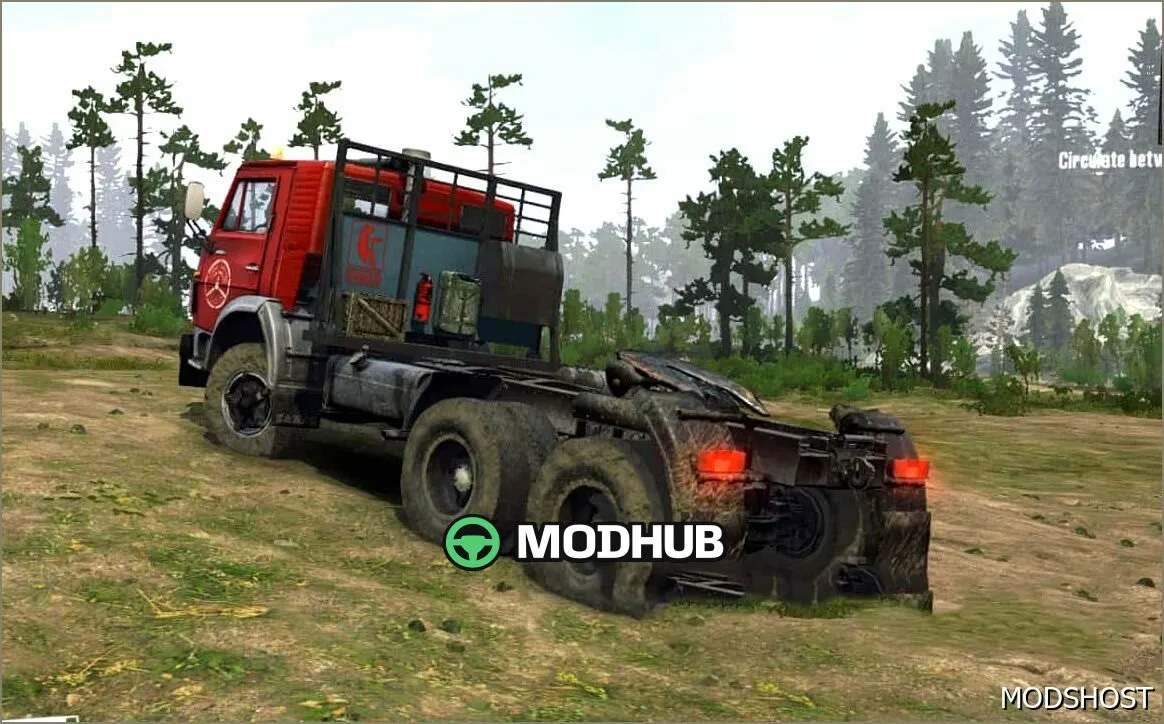
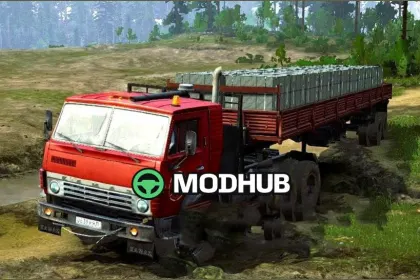
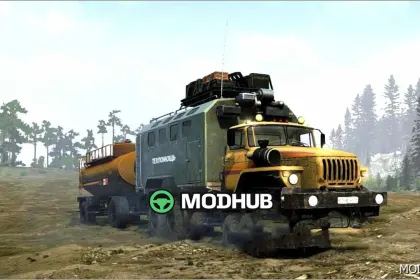
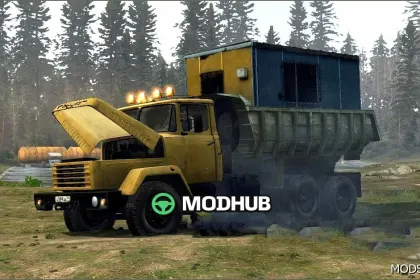
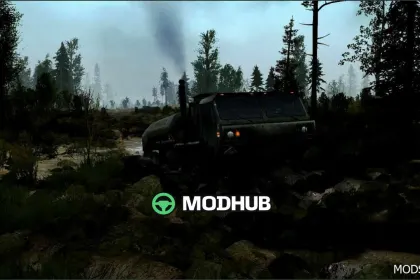
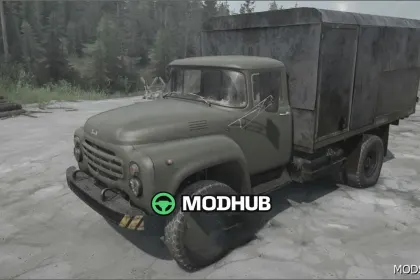
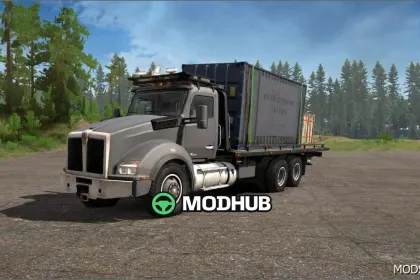
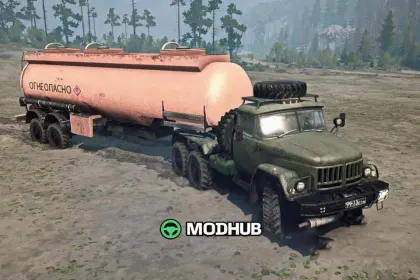
The Kamaz 53212 Ojalaaki Edit Truck V3 is a powerful vehicle featuring reworked textures, headlights, and tuning options. It comes with numerous addons and tuning possibilities to suit your needs.
• Power: high
• Speed: average
• Size: standard for trucks
• Compatibility: Spintires: MudRunner (v25.02.21)
The truck has 3-8 points for fuel, repairs, and garage. Note that there are some visual bugs, such as water appearing in the cabin and issues with the windshield when viewed from the cabin. However, this does not detract from its capabilities.
Added Kamaz 5410, which also features 8 points and 4 points for garage, fuel, and repairs. This truck will be a great addition to your fleet.
About Kamaz 53212 Ojalaaki Edit Truck V3 – Powerful and Versatile
Kamaz 53212 Ojalaaki Edit Truck V3 – Powerful and Versatile is a mod for MudRunner. Check the author description, supported game version and dependencies before installing.
How to install the mod
Follow the installation instructions for Kamaz 53212 Ojalaaki Edit Truck V3 – Powerful and Versatile, MudRunner and your platform.
Download the mod archive using the Download button and read the author instructions.
Use the folder and archive format specified by the mod author for this game.
Start the game and enable the mod for the selected save or profile, if required.
Test using a backup or a new save. Install any dependencies listed by the author.
System requirements and compatibility
Check the mod description for supported game versions, required DLC and platforms. Compatibility with every version or other mods is not guaranteed.
Frequently asked questions
Is this mod free?
MODHUB does not charge for access to this mod page. Check the terms and download limits of the external file provider.
Can I use this mod in MudRunner multiplayer?
Multiplayer support depends on the mod and its author. If supported, the server and players need matching mod versions and required DLC.
What should I check if the mod does not work?
Check the installation folder, archive structure, supported game version, dependencies and game logs. Test the mod separately using a backup save.
How can I check a downloaded mod?
Use trusted author sources, scan the archive and back up your saves. Do not run unrelated installers; a download listing does not guarantee safety or compatibility.