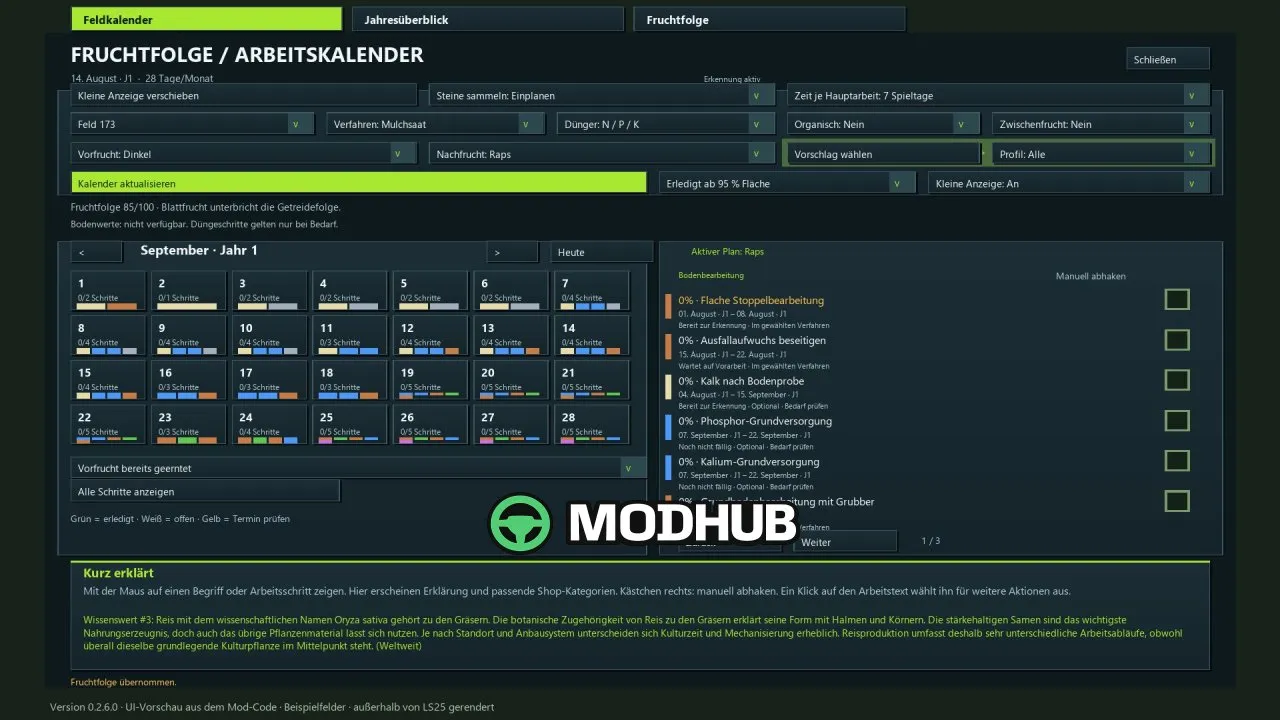
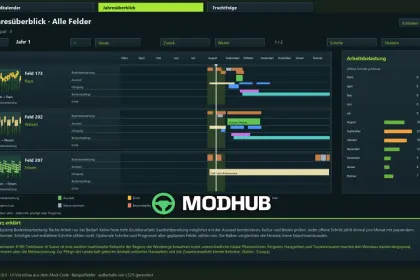
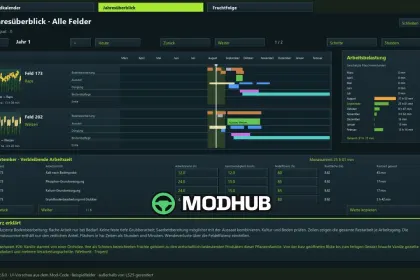
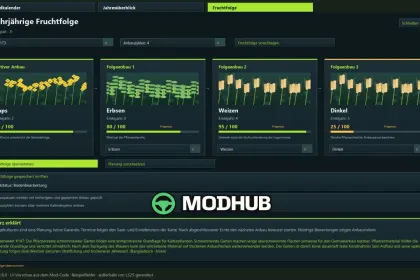
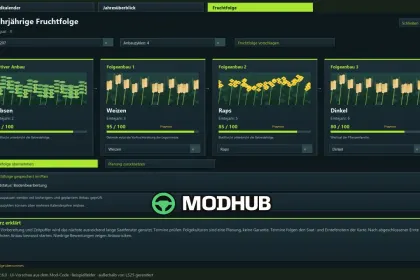
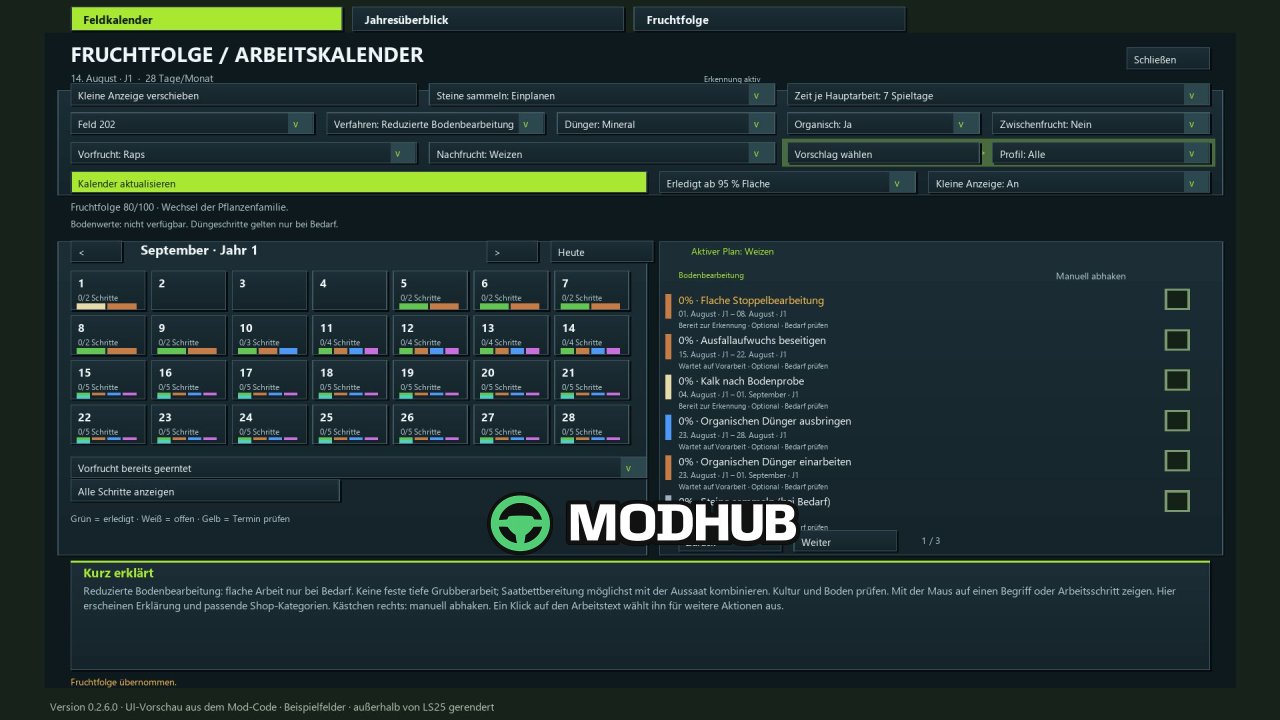
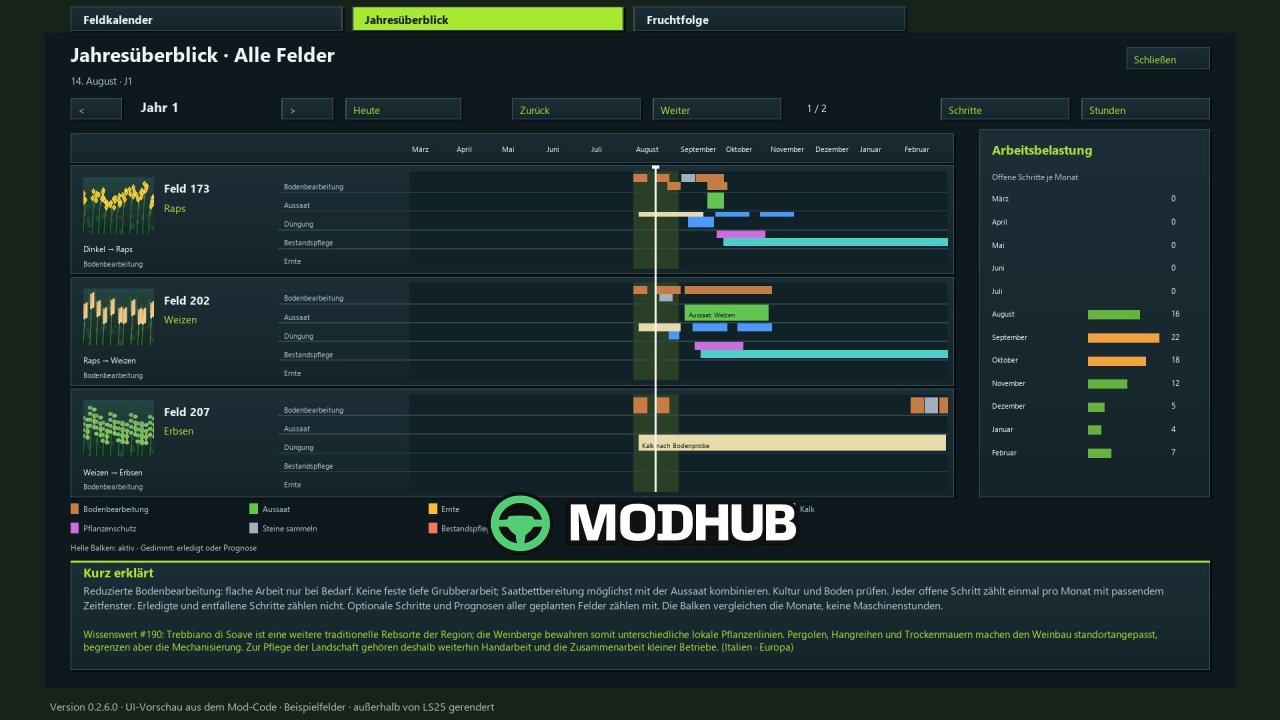
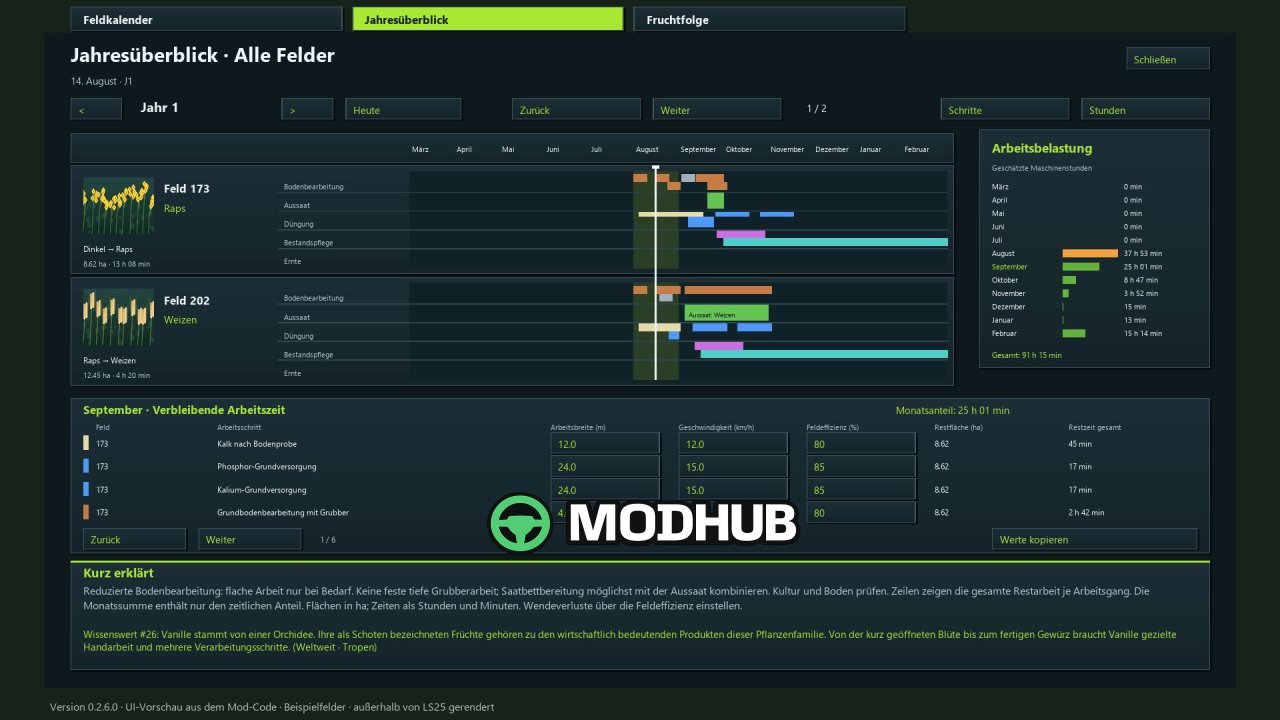
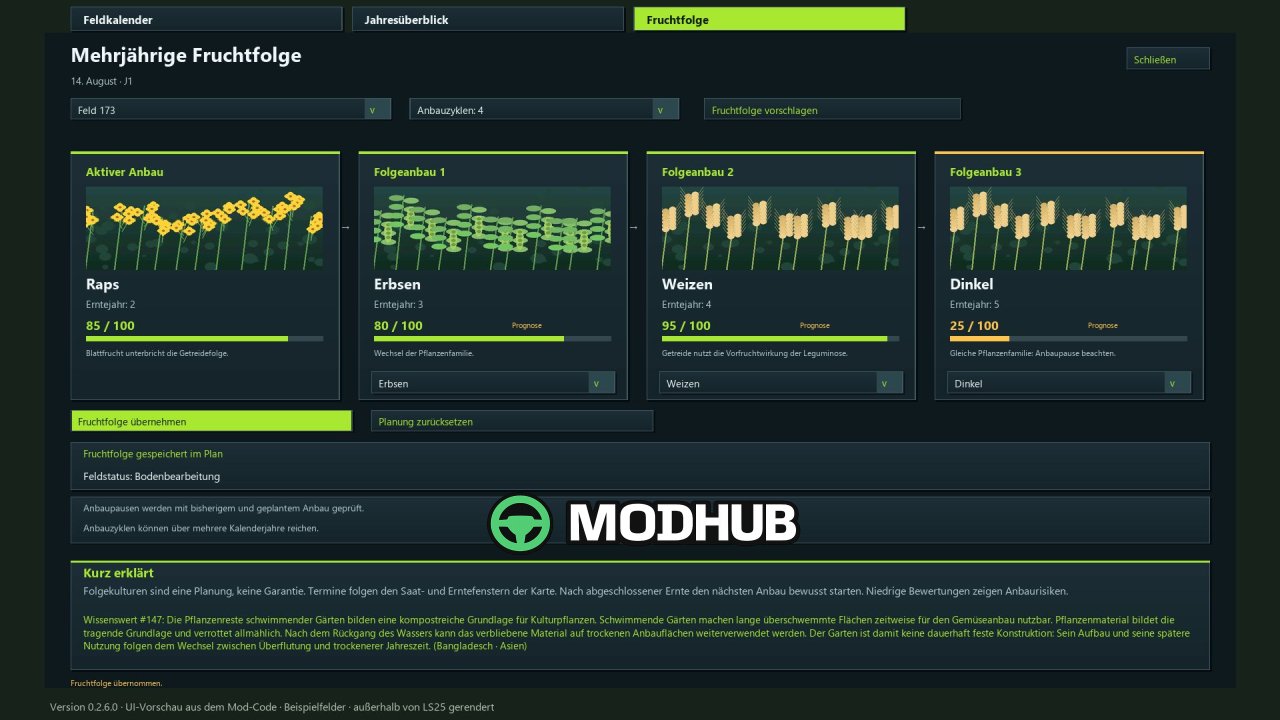
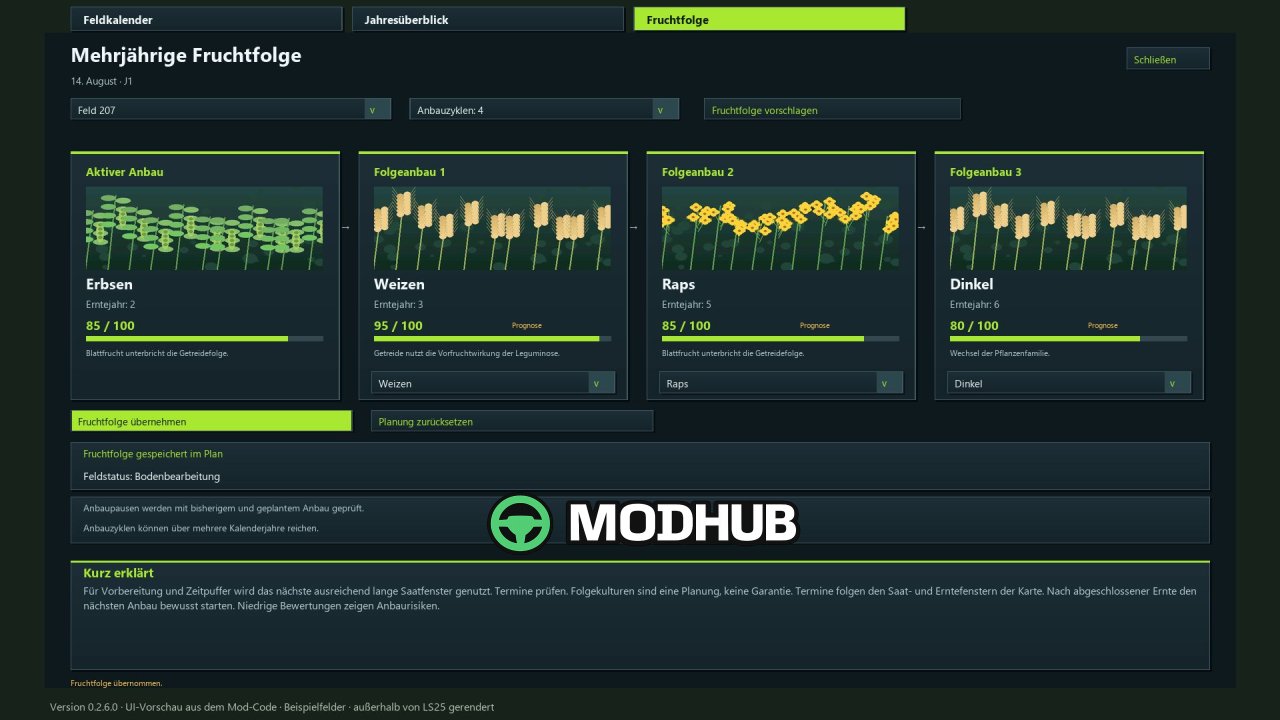
Crop Rotation Calendar BETA 2 v0.2.6 is a planning script for Farming Simulator 25 that combines crop rotation scoring, a daily work calendar and automatic progress tracking. The mod targets realistic play and is therefore designed for a minimum of 15–28 days per month. For every field you pick the preceding and the following crop, and the system awards up to 100 points based on plant families, cultivation intervals and known field history. The calendar then suggests suitable operations, from residue mulching and plowing to sowing, fertilizing and harvesting.
• Crop rotation scoring up to 100 points with cultivation profile filters and a suggestion feature for the next crop
• Work windows of 3, 5, 7 or 10 in-game days that account for waiting periods and buffer times
• Automatic tracking of completed field work, including AI helper passes, with a completion threshold of 85, 90, 95 or 99% of the area
• Combined mineral fertilizer view or separate N, P and K steps, plus independent liming and organic fertilization tracking
• Small movable display showing all pending tasks for the current day across planned fields, alongside 350 rotating agricultural facts
• Available in 18 languages, including English, German, Polish, Czech and Ukrainian
The mod is a planning aid only and does not alter crop yields or actual soil values, so judging weather and field access stays with the player.
About Crop Rotation Calendar BETA 2 v0.2.6 for FS25
Crop Rotation Calendar BETA 2 v0.2.6 for FS25 is a mod for Farming Simulator 25. Check the author description, supported game version and dependencies before installing.
How to install the mod
Follow the installation instructions for Crop Rotation Calendar BETA 2 v0.2.6 for FS25, Farming Simulator 25 and your platform.
Download the mod archive using the Download button and read the author instructions.
On PC, copy the mod ZIP without extracting it to Documents/My Games/FarmingSimulator2025/mods. For a bundle, extract the individual mod ZIPs first. macOS and Microsoft Store paths may differ; check Mod Directory in the game log.txt.
Start the game and enable the mod for the selected save or profile, if required.
Test using a backup or a new save. Install any dependencies listed by the author.
System requirements and compatibility
Check the mod description for supported game versions, required DLC and platforms. Compatibility with every version or other mods is not guaranteed. Farming Simulator script mods are for PC/macOS. Console players can only install compatible mods from the in-game GIANTS ModHub.
Frequently asked questions
Is this mod free?
MODHUB does not charge for access to this mod page. Check the terms and download limits of the external file provider.
Can I use this mod in Farming Simulator 25 multiplayer?
Multiplayer support depends on the mod and its author. If supported, the server and players need matching mod versions and required DLC.
What should I check if the mod does not work?
Check the installation folder, archive structure, supported game version, dependencies and game logs. Test the mod separately using a backup save.
How can I check a downloaded mod?
Use trusted author sources, scan the archive and back up your saves. Do not run unrelated installers; a download listing does not guarantee safety or compatibility.