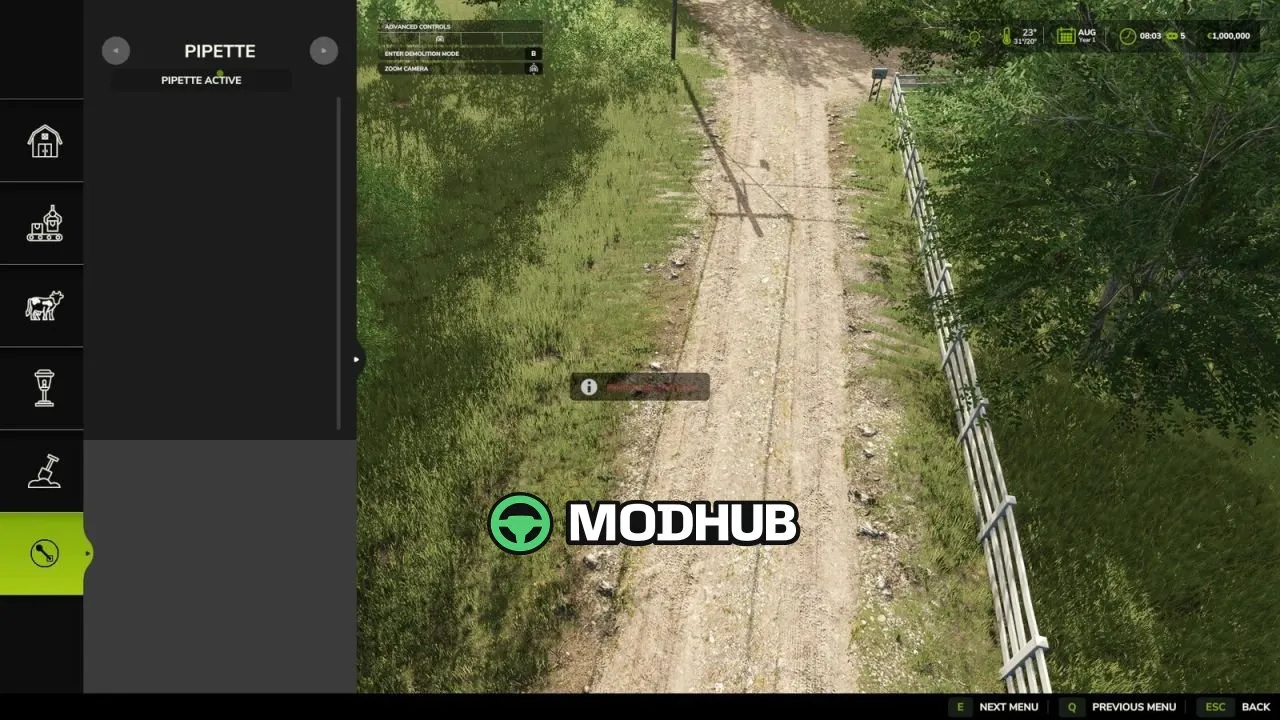
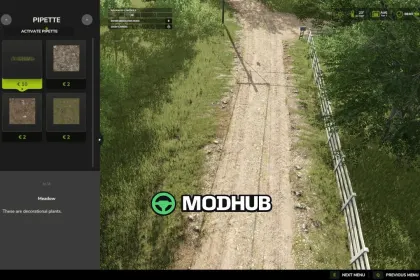
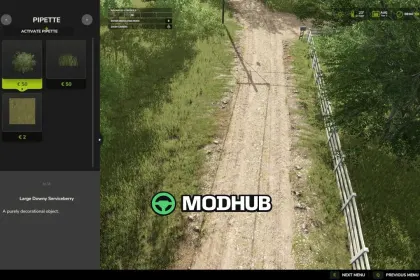
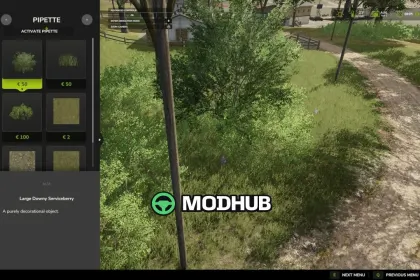
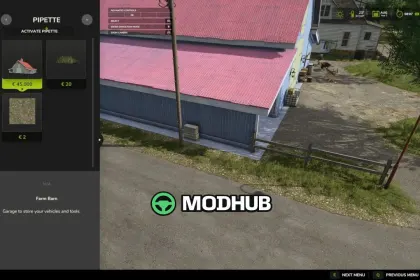
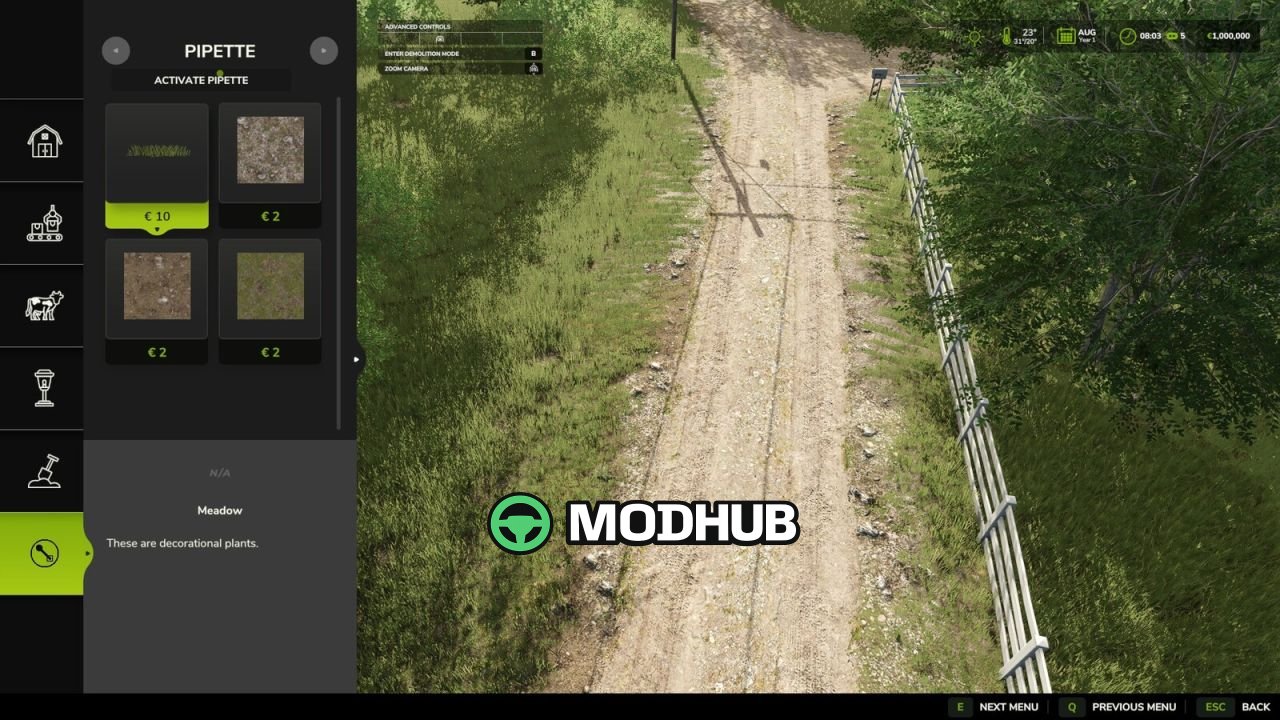
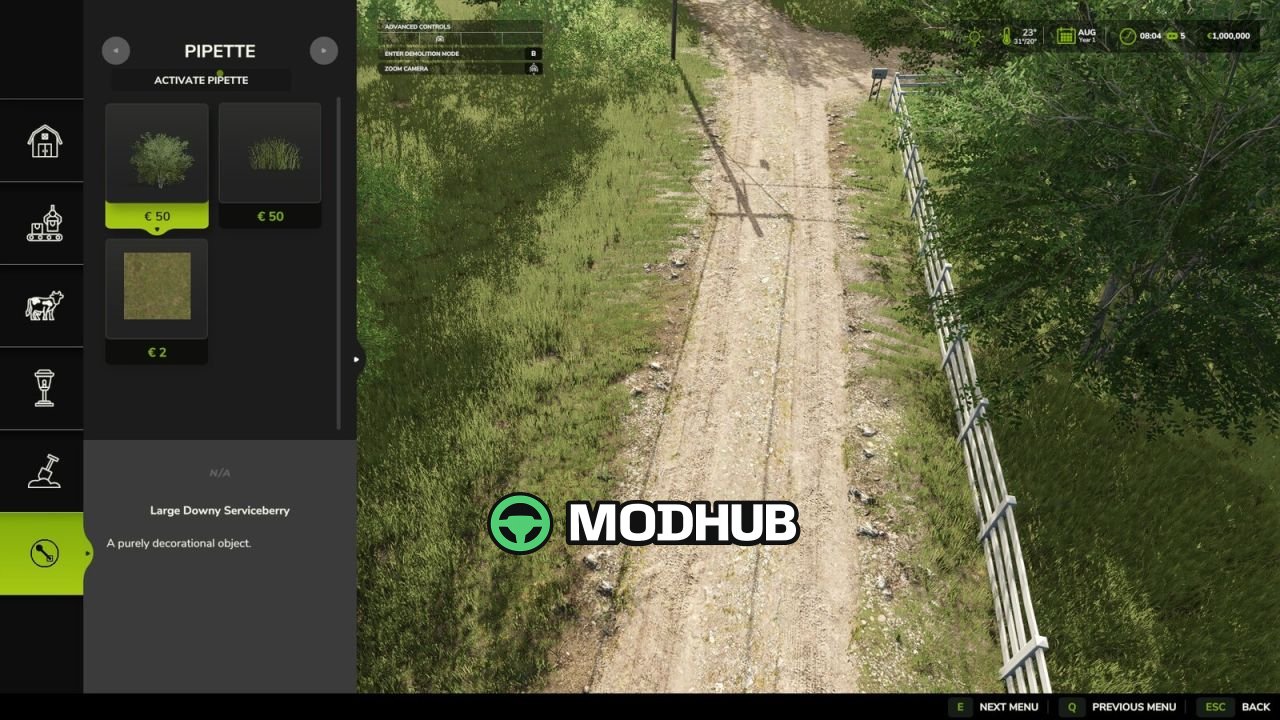
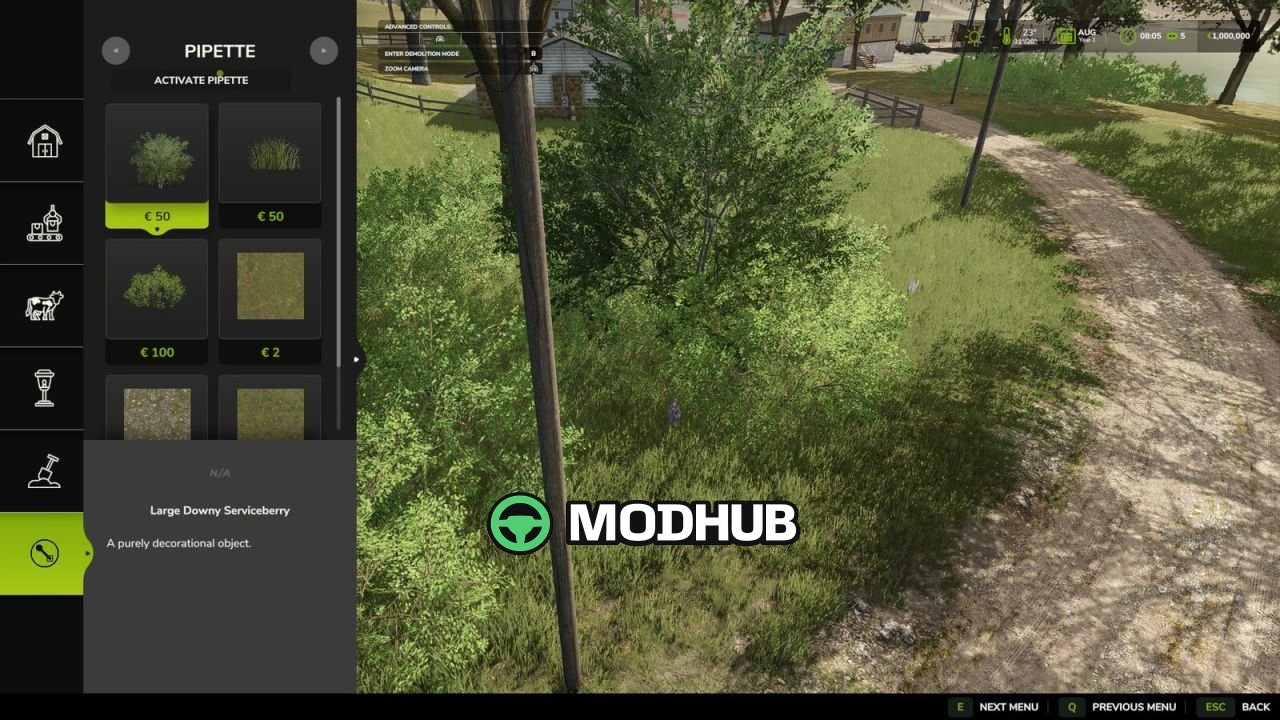
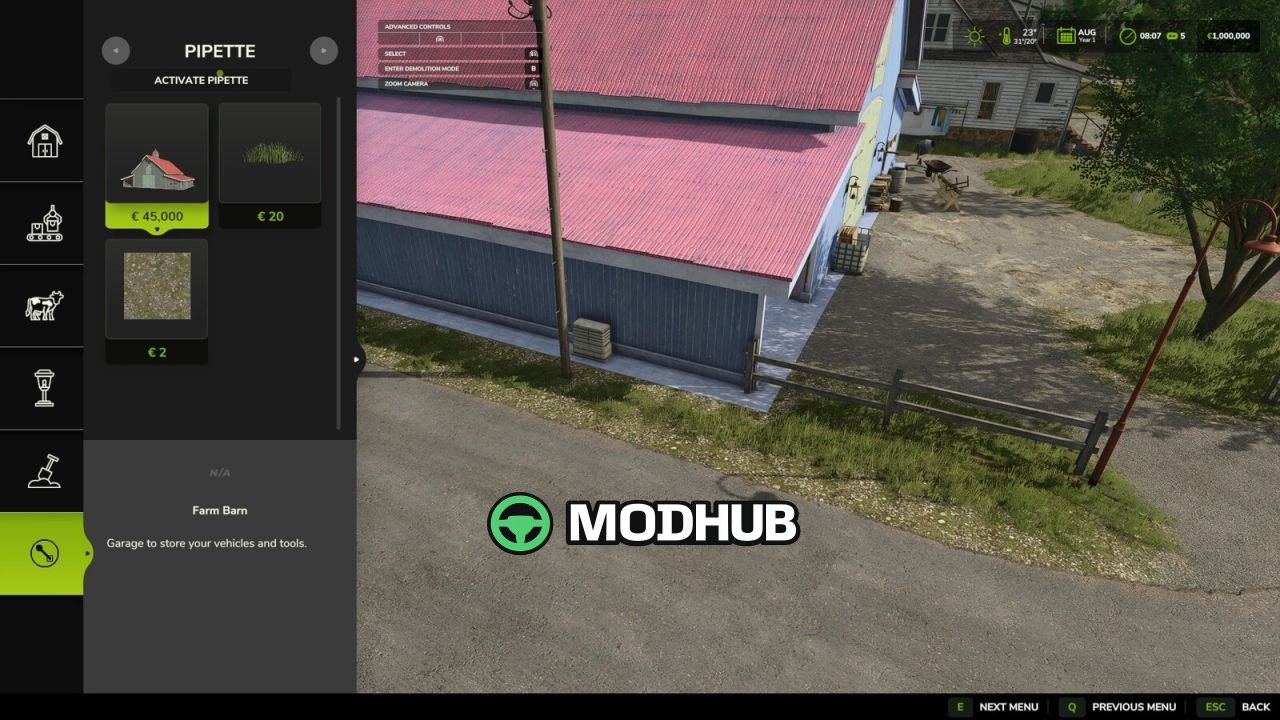
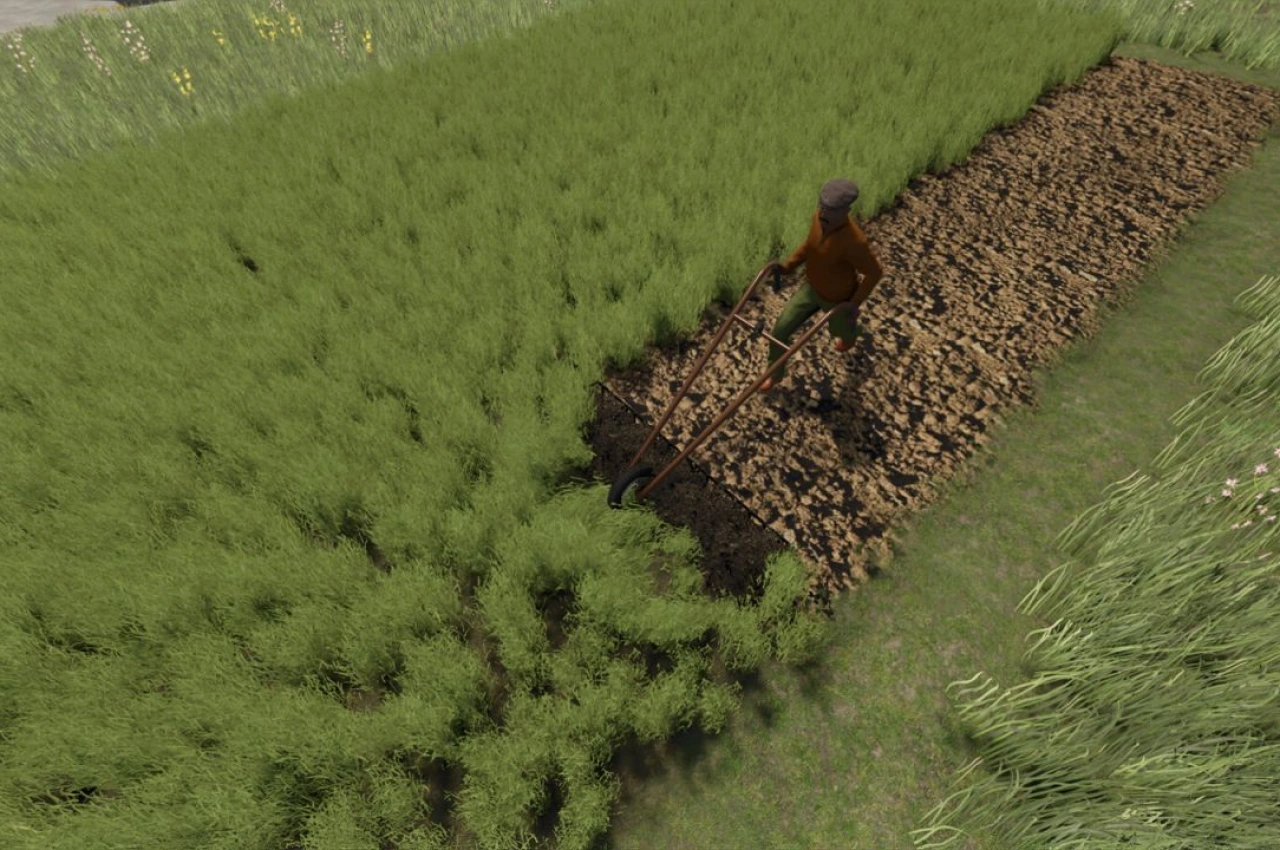
Terrain Texture And Object Picker V2.2 is a tool for Farming Simulator 25 that adds a pipette function to the construction menu. It lets you pick previously used paint textures, visible foliage such as grass, flowers and bushes, placeable trees and supported objects directly from the map. In mixed areas the tool can show several matching results to choose from. The active brush is reset before picking, and the pipette can be activated again at any time.
• Pipette for ground textures, foliage, bushes, trees and supported placeable objects
• Search tab next to the pipette searches the entire construction menu by keyword
• Multiple words can be entered in any order, with results sorted by relevance
• Recognizes connected groups of objects such as trees and husbandry even without a literal name match
• Considers available ground textures and suitable foliage of the current map
Version V2.2.0.0 fixes log error messages when picking on maps with incorrectly registered foliage layers and updates error handling to meet current GIANTS requirements.
About Tool Terrain Texture And Object Picker V2.2 for FS25
Tool Terrain Texture And Object Picker V2.2 for FS25 is a mod for Farming Simulator 25. Check the author description, supported game version and dependencies before installing.
How to install the mod
Follow the installation instructions for Tool Terrain Texture And Object Picker V2.2 for FS25, Farming Simulator 25 and your platform.
Download the mod archive using the Download button and read the author instructions.
On PC, copy the mod ZIP without extracting it to Documents/My Games/FarmingSimulator2025/mods. For a bundle, extract the individual mod ZIPs first. macOS and Microsoft Store paths may differ; check Mod Directory in the game log.txt.
Start the game and enable the mod for the selected save or profile, if required.
Test using a backup or a new save. Install any dependencies listed by the author.
System requirements and compatibility
Check the mod description for supported game versions, required DLC and platforms. Compatibility with every version or other mods is not guaranteed. Farming Simulator script mods are for PC/macOS. Console players can only install compatible mods from the in-game GIANTS ModHub.
Frequently asked questions
Is this mod free?
MODHUB does not charge for access to this mod page. Check the terms and download limits of the external file provider.
Can I use this mod in Farming Simulator 25 multiplayer?
Multiplayer support depends on the mod and its author. If supported, the server and players need matching mod versions and required DLC.
What should I check if the mod does not work?
Check the installation folder, archive structure, supported game version, dependencies and game logs. Test the mod separately using a backup save.
How can I check a downloaded mod?
Use trusted author sources, scan the archive and back up your saves. Do not run unrelated installers; a download listing does not guarantee safety or compatibility.