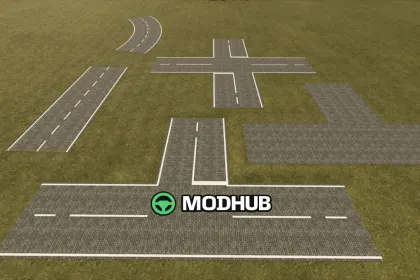
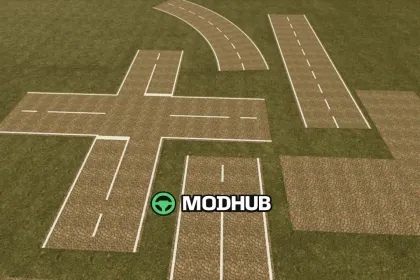
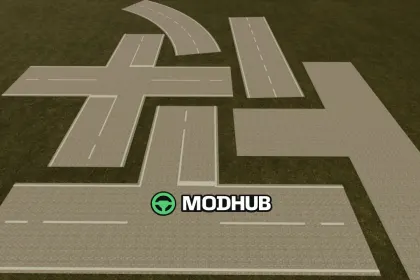
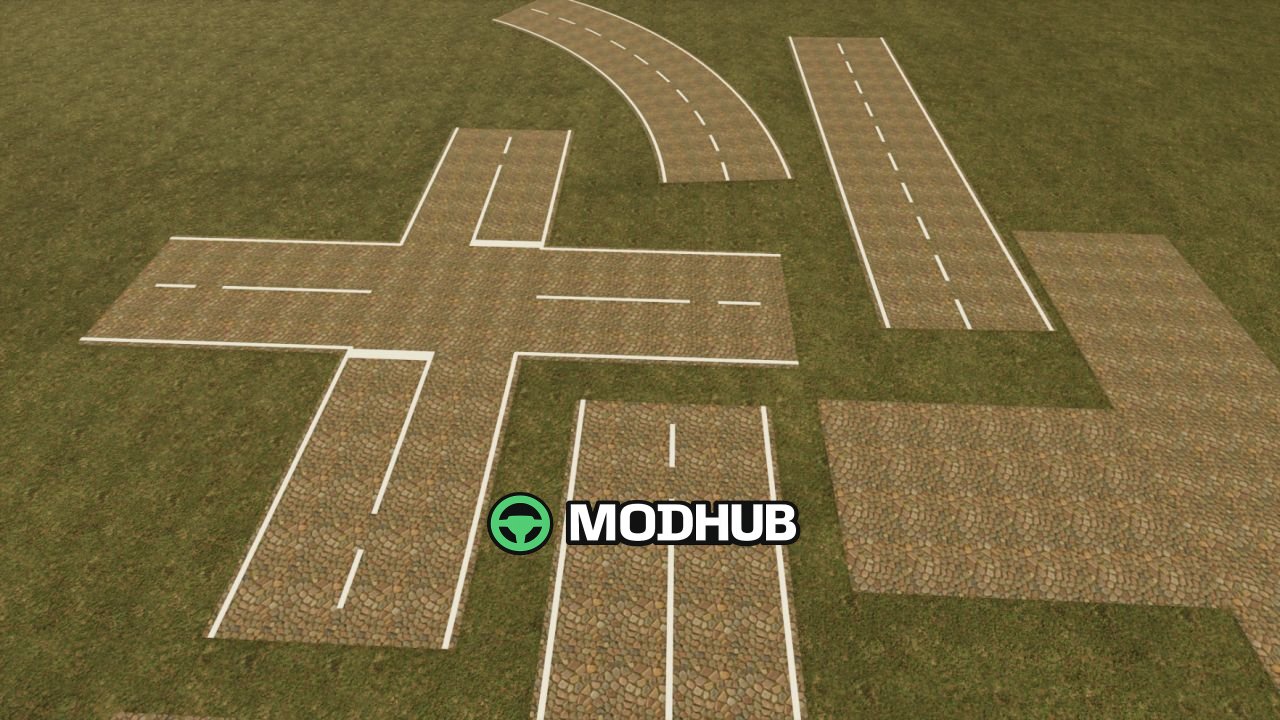
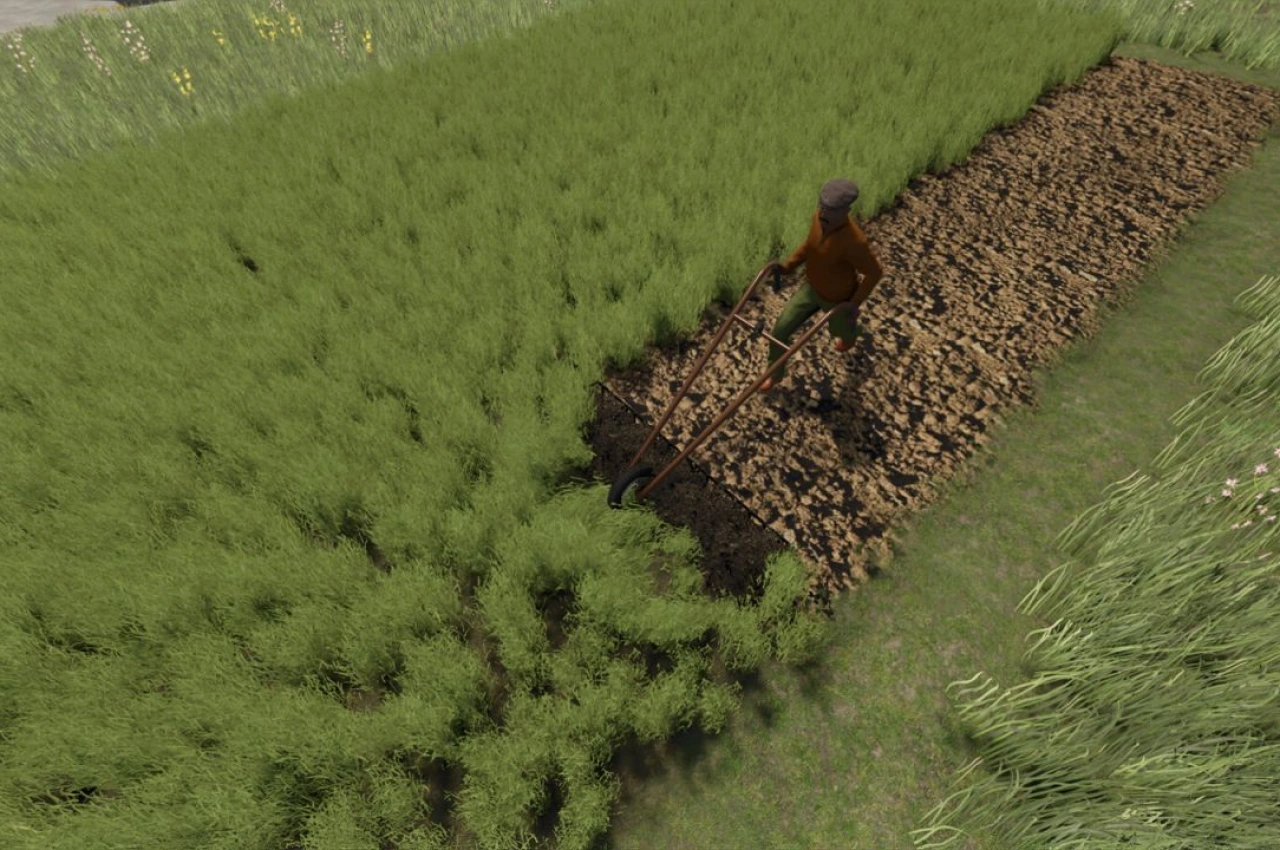
Road Painter V1.1 is a tool for Farming Simulator 25 that lets you lay out your own roads directly in the game without any external editor. It supports six surface types: asphalt, French cobblestone, bone paving, three cobblestone variants and paving stones. Road width can be set from 3 to 8 metres, while intersection alignment rotates in 15-degree steps. The tool also offers a two-point curve mode, a placement preview with guide lines and crosshairs, and automatic flattening of new roads into the terrain along a smoothed elevation profile.
• Alt + Insert opens or closes the drawing view, and F9 toggles the road tool itself
• F2 switches the surface, F3 sets the width, and F5 cycles road, T-junction and X-junction templates
• F8 enables two-point curve mode, the mouse wheel adjusts the radius, and Shift plus the wheel gives fine adjustment
• F10 undoes the last road, F11 toggles markers on all surfaces, and the arrow keys move the camera
• Left mouse button builds by holding, dragging and releasing, while Esc leaves the drawing view
Road Painter is made for the PC version of the game, and multiplayer compatibility has not been confirmed.
About Tool Road Painter V1.1 for FS25
Tool Road Painter V1.1 for FS25 is a mod for Farming Simulator 25. Check the author description, supported game version and dependencies before installing.
How to install the mod
Follow the installation instructions for Tool Road Painter V1.1 for FS25, Farming Simulator 25 and your platform.
Download the mod archive using the Download button and read the author instructions.
On PC, copy the mod ZIP without extracting it to Documents/My Games/FarmingSimulator2025/mods. For a bundle, extract the individual mod ZIPs first. macOS and Microsoft Store paths may differ; check Mod Directory in the game log.txt.
Start the game and enable the mod for the selected save or profile, if required.
Test using a backup or a new save. Install any dependencies listed by the author.
System requirements and compatibility
Check the mod description for supported game versions, required DLC and platforms. Compatibility with every version or other mods is not guaranteed. Farming Simulator script mods are for PC/macOS. Console players can only install compatible mods from the in-game GIANTS ModHub.
Frequently asked questions
Is this mod free?
MODHUB does not charge for access to this mod page. Check the terms and download limits of the external file provider.
Can I use this mod in Farming Simulator 25 multiplayer?
Multiplayer support depends on the mod and its author. If supported, the server and players need matching mod versions and required DLC.
What should I check if the mod does not work?
Check the installation folder, archive structure, supported game version, dependencies and game logs. Test the mod separately using a backup save.
How can I check a downloaded mod?
Use trusted author sources, scan the archive and back up your saves. Do not run unrelated installers; a download listing does not guarantee safety or compatibility.