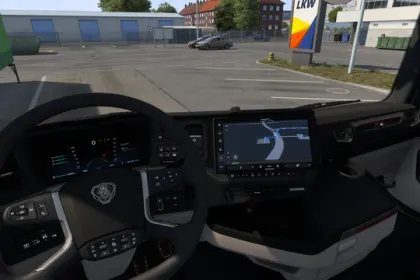
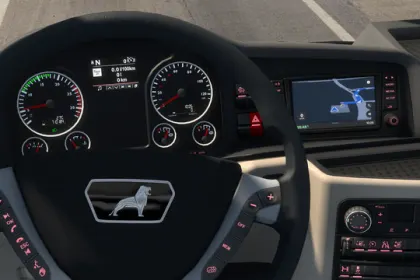
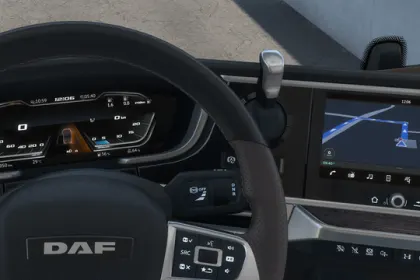
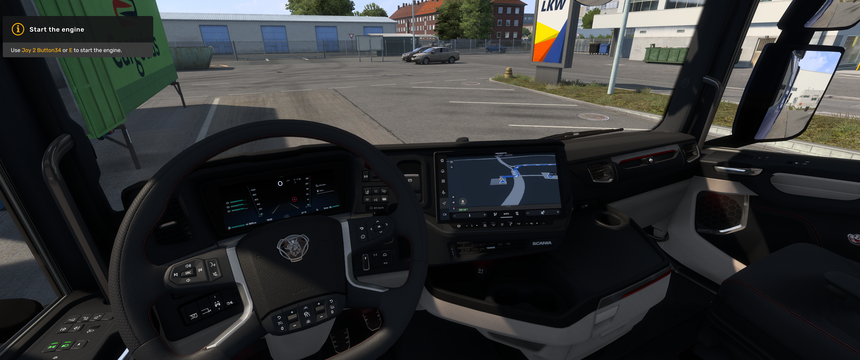
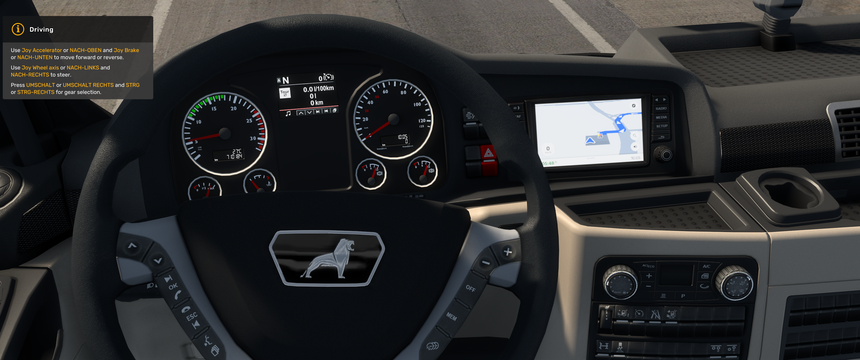
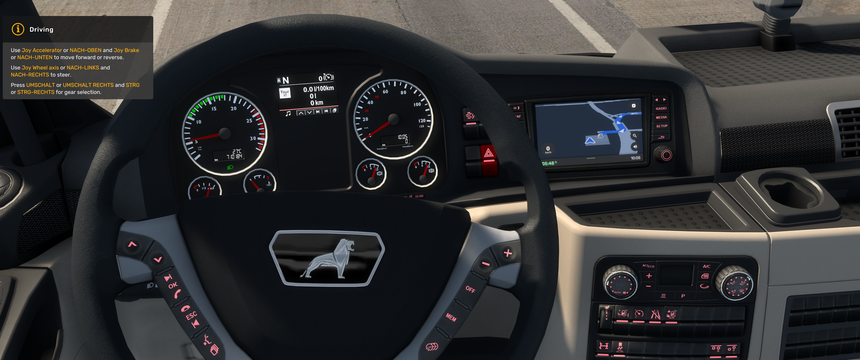
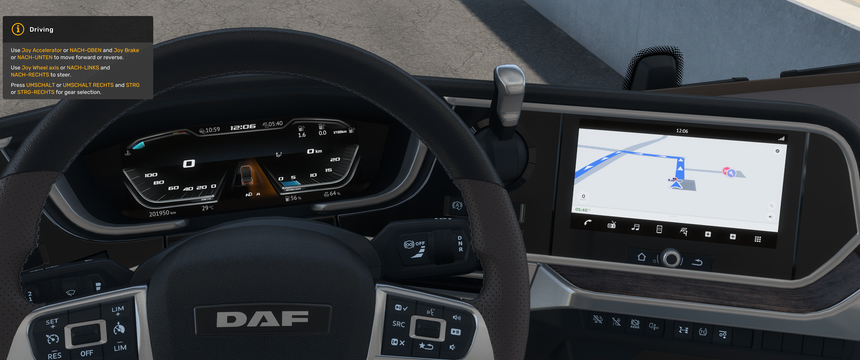
Google Maps look for the in-cab navigation:
Google colours and icons, blue route, time to destination, speed and speed limit.
Switches to dark mode as soon as the low beam is on. Works with every base-game and DLC truck.
Navigation im Google-Maps-Look:
Google-Farben und -Symbole, blaue Route, Restzeit, Geschwindigkeit und Tempolimit.
Wechselt in den Nachtmodus, sobald das Abblendlicht an ist. Für alle Lkw aus dem Grundspiel und DLCs.
About Google Like GPS For all SCS Trucks
Google Like GPS For all SCS Trucks is a mod for Euro Truck Simulator 2. Check the author description, supported game version and dependencies before installing.
How to install the mod
Follow the installation instructions for Google Like GPS For all SCS Trucks, Euro Truck Simulator 2 and your platform.
Download the mod archive using the Download button and read the author instructions.
Use the folder and archive format specified by the mod author for this game.
Start the game and enable the mod for the selected save or profile, if required.
Test using a backup or a new save. Install any dependencies listed by the author.
System requirements and compatibility
Check the mod description for supported game versions, required DLC and platforms. Compatibility with every version or other mods is not guaranteed.
Frequently asked questions
Is this mod free?
MODHUB does not charge for access to this mod page. Check the terms and download limits of the external file provider.
Can I use this mod in Euro Truck Simulator 2 multiplayer?
Multiplayer support depends on the mod and its author. If supported, the server and players need matching mod versions and required DLC.
What should I check if the mod does not work?
Check the installation folder, archive structure, supported game version, dependencies and game logs. Test the mod separately using a backup save.
How can I check a downloaded mod?
Use trusted author sources, scan the archive and back up your saves. Do not run unrelated installers; a download listing does not guarantee safety or compatibility.