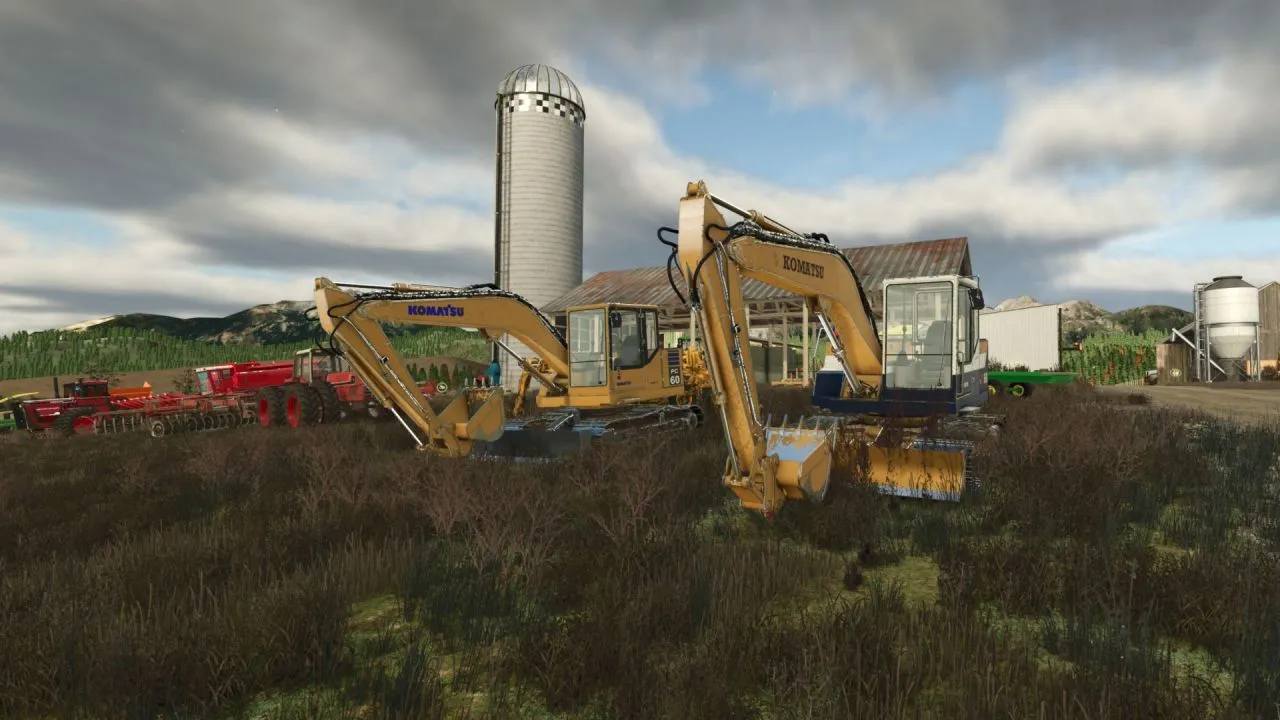
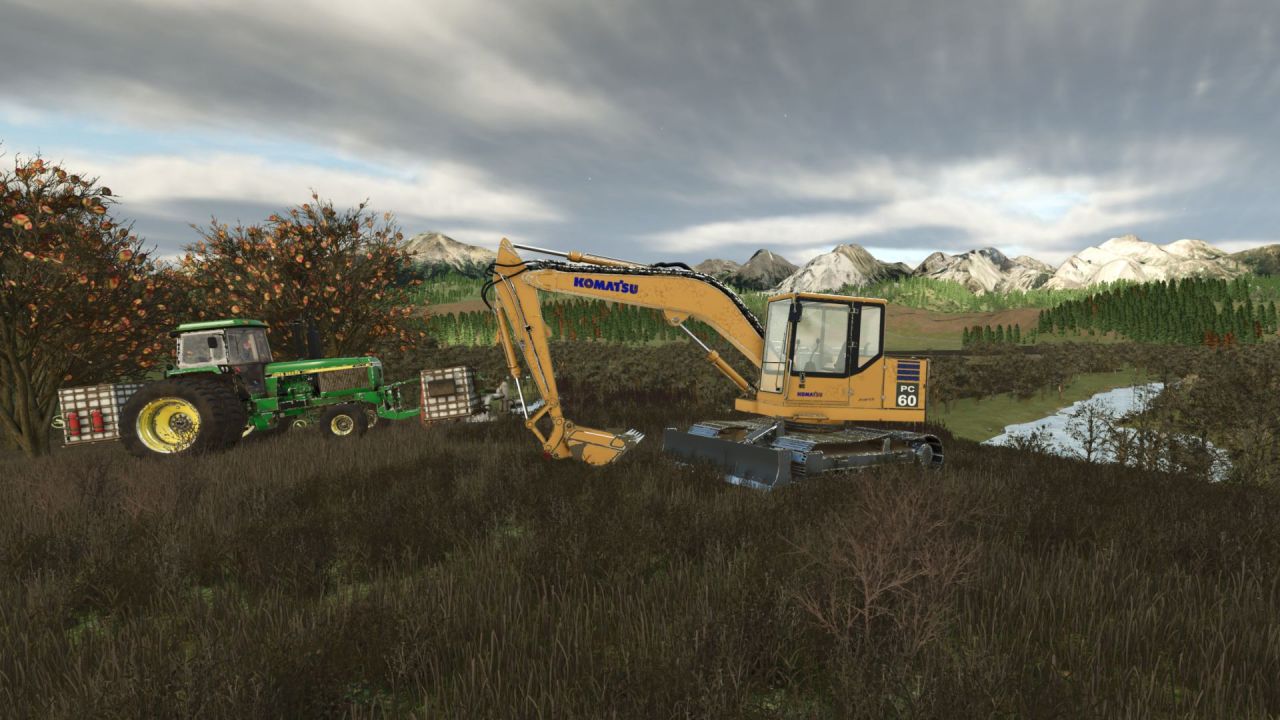
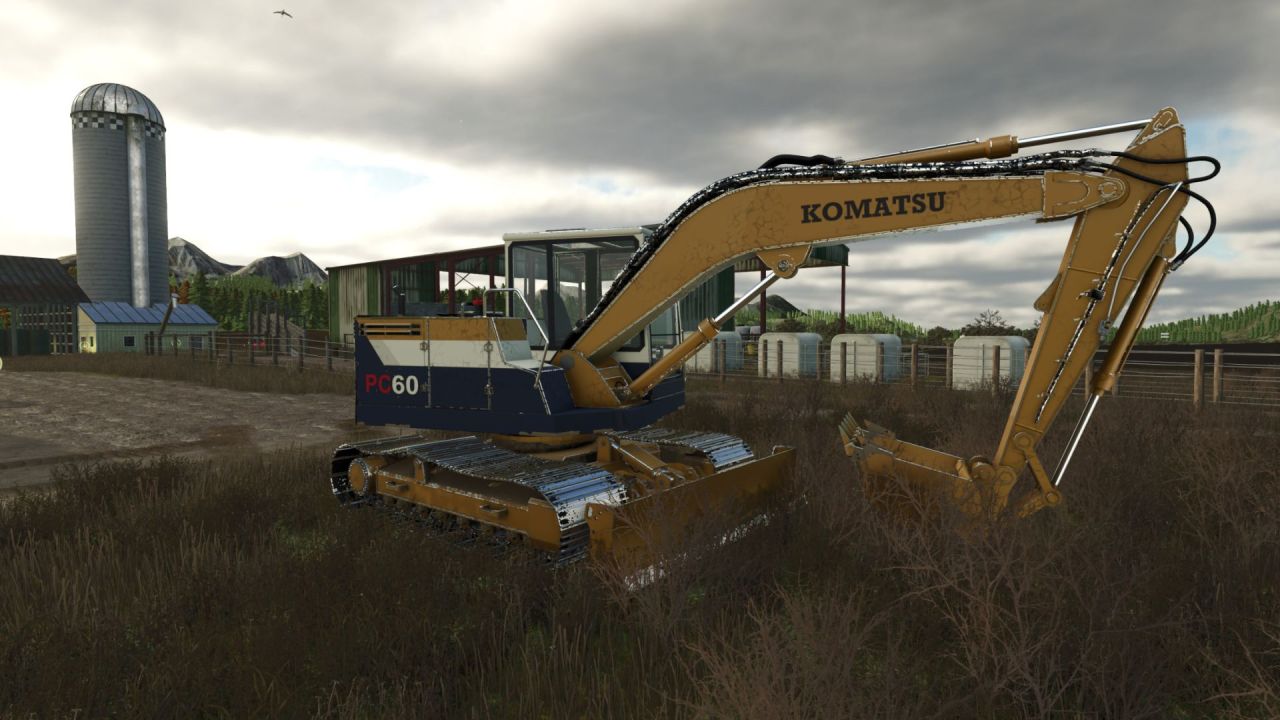
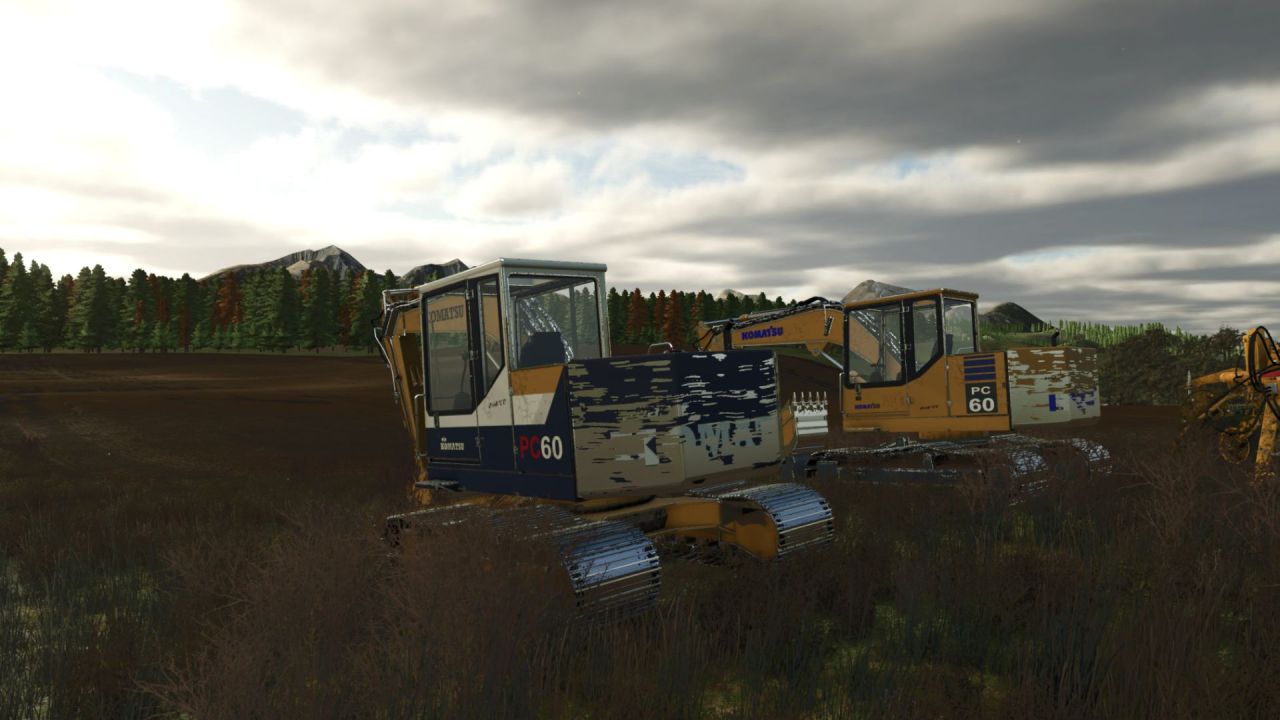
The Komatsu PC 60 Series excavator is a classic earthmoving machine for Farming Simulator 25 that brings authentic vintage equipment to your farm. The mod offers two paint schemes inspired by the 1990 and 1995 models, selectable in the shop. You can operate each track independently for precise positioning and counter-rotation turns. With a 2000 L bucket and front dozer blade, it handles digging, grading, and material handling, and TerraFarm integration extends its functionality.
• Two paint configurations: 1990 (yellow with white cab roof and navy panels) and 1995 (classic yellow with blue lettering).
• Independent track controls via numpad keys (7/1 for left, 9/3 for right) for precise maneuvering.
• Animated tracks, sprockets, rollers, hydraulic cylinders, and working bucket and blade.
• TerraFarm support for bucket and blade, plus progressive paint wear and washable dirt.
• Detailed cab with animated controls, working wiper, and load-responsive exhaust effects.
The Komatsu PC 60 Series is a reliable helper for earthmoving tasks on your farm.
About Excavator Komatsu PC 60 Series for Farming Simulator 25
Excavator Komatsu PC 60 Series for Farming Simulator 25 is a mod for Farming Simulator 25. Check the author description, supported game version and dependencies before installing.
How to install the mod
Follow the installation instructions for Excavator Komatsu PC 60 Series for Farming Simulator 25, Farming Simulator 25 and your platform.
Download the mod archive using the Download button and read the author instructions.
On PC, copy the mod ZIP without extracting it to Documents/My Games/FarmingSimulator2025/mods. For a bundle, extract the individual mod ZIPs first. macOS and Microsoft Store paths may differ; check Mod Directory in the game log.txt.
Start the game and enable the mod for the selected save or profile, if required.
Test using a backup or a new save. Install any dependencies listed by the author.
System requirements and compatibility
Check the mod description for supported game versions, required DLC and platforms. Compatibility with every version or other mods is not guaranteed. Farming Simulator script mods are for PC/macOS. Console players can only install compatible mods from the in-game GIANTS ModHub.
Frequently asked questions
Is this mod free?
MODHUB does not charge for access to this mod page. Check the terms and download limits of the external file provider.
Can I use this mod in Farming Simulator 25 multiplayer?
Multiplayer support depends on the mod and its author. If supported, the server and players need matching mod versions and required DLC.
What should I check if the mod does not work?
Check the installation folder, archive structure, supported game version, dependencies and game logs. Test the mod separately using a backup save.
How can I check a downloaded mod?
Use trusted author sources, scan the archive and back up your saves. Do not run unrelated installers; a download listing does not guarantee safety or compatibility.