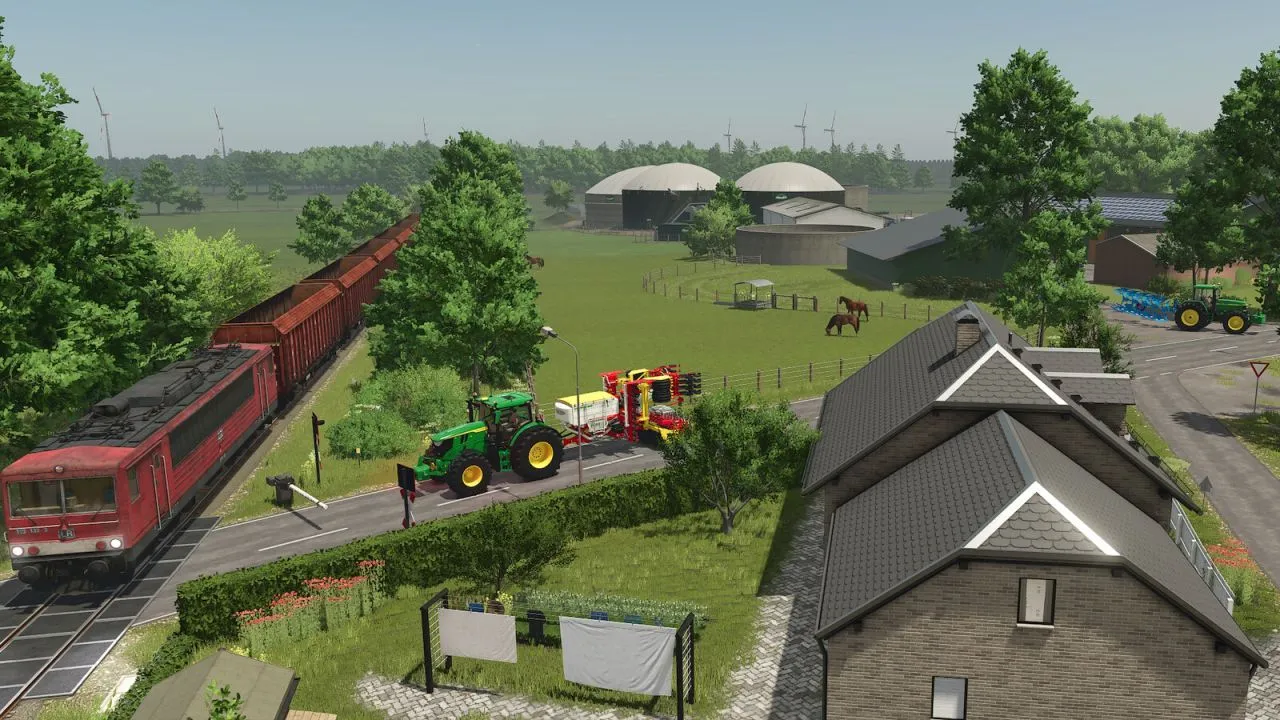
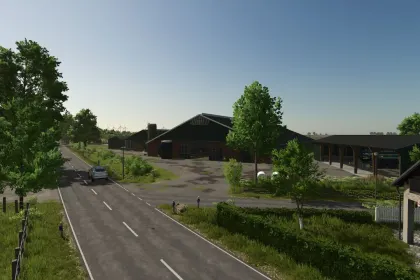
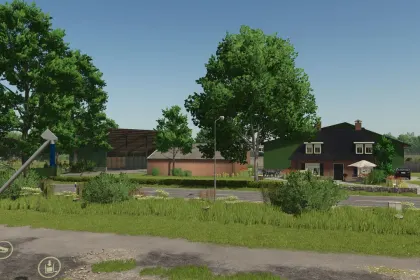
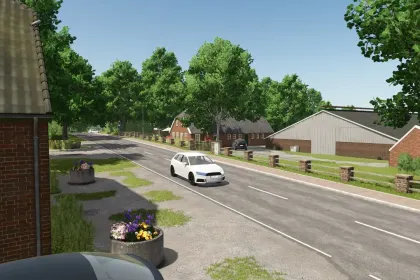
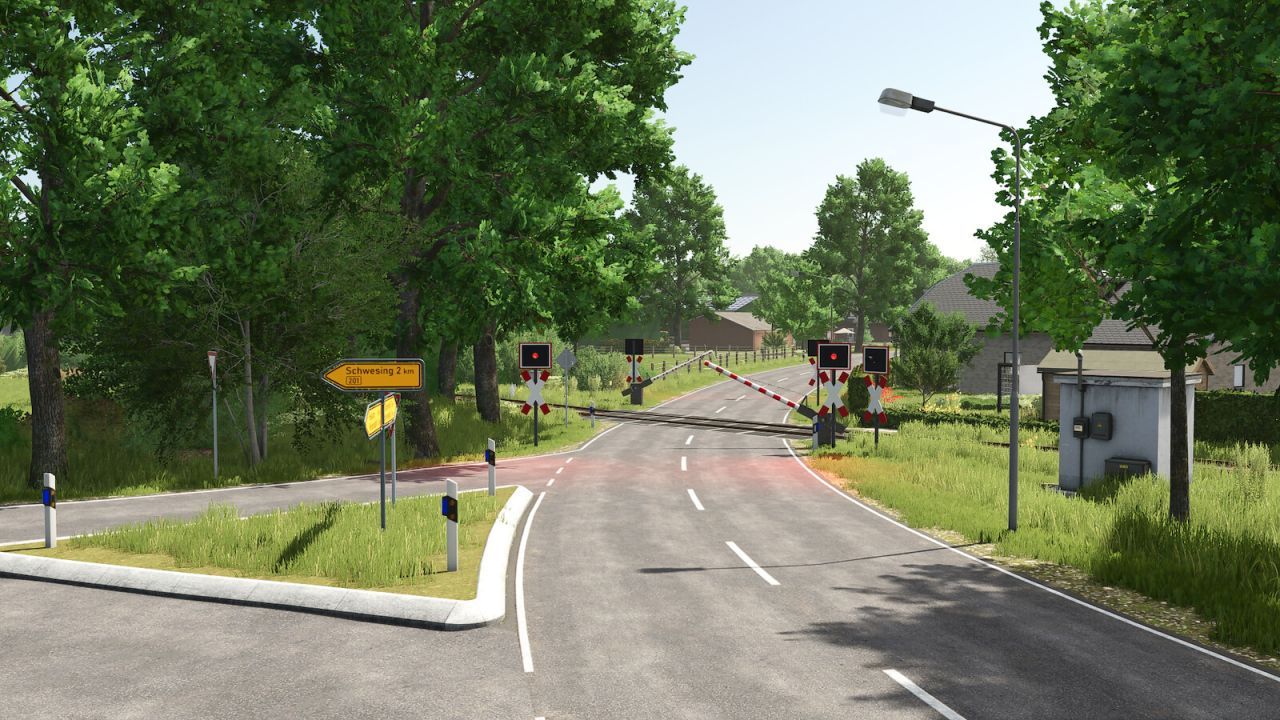
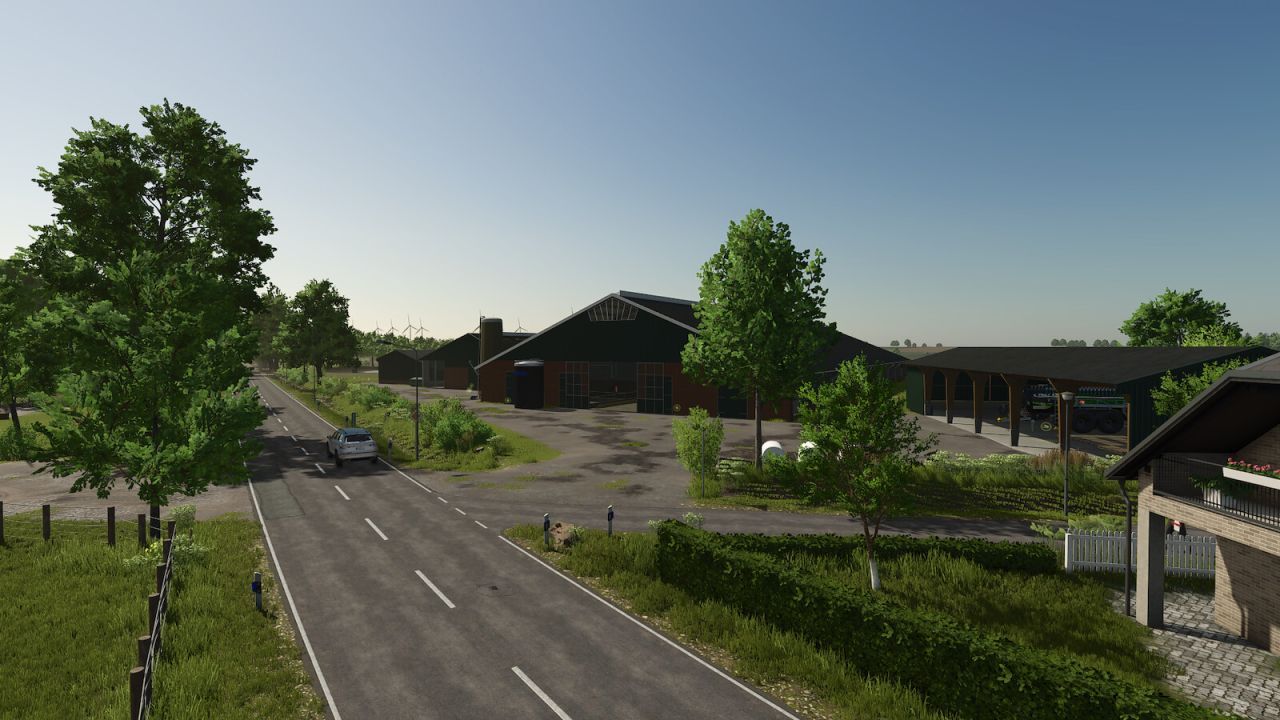
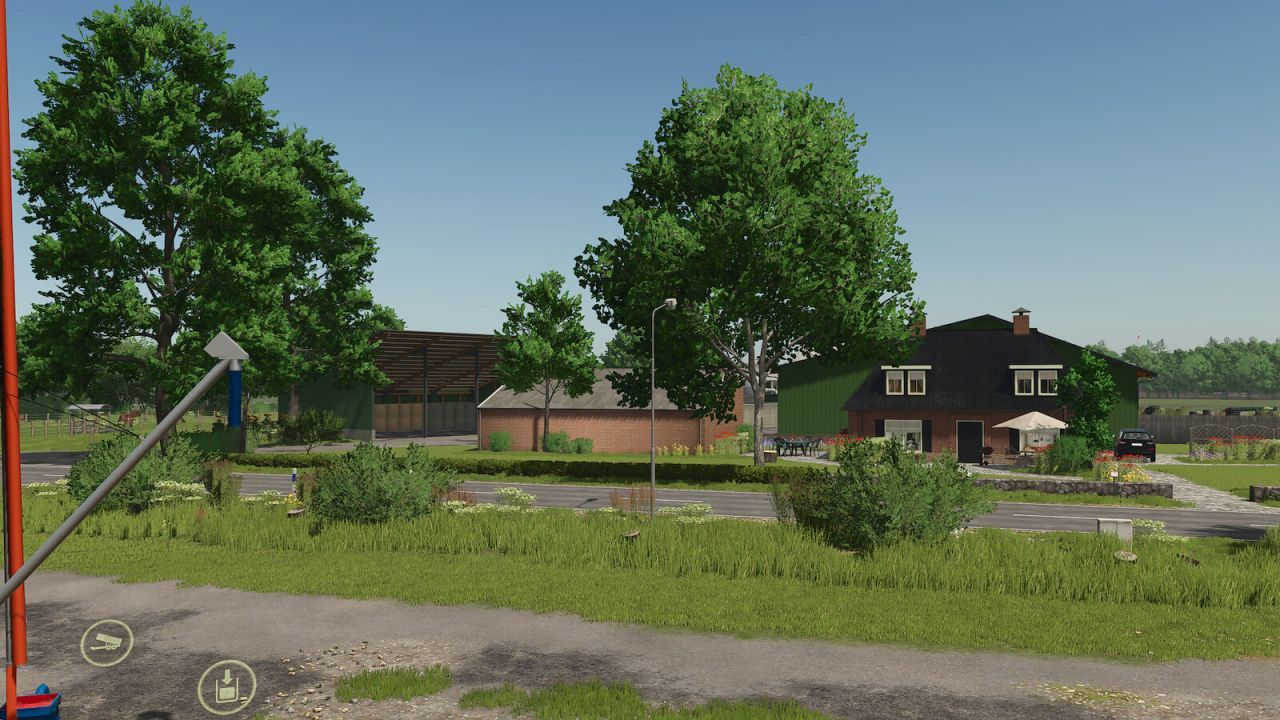
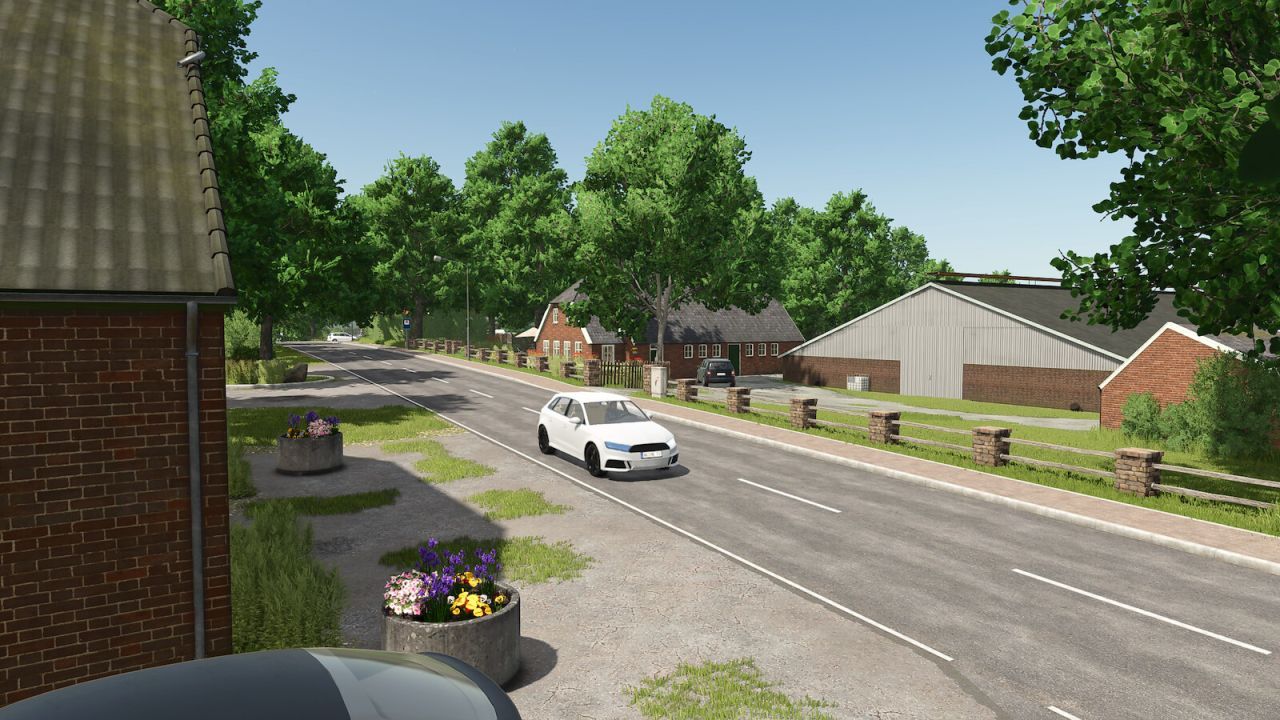
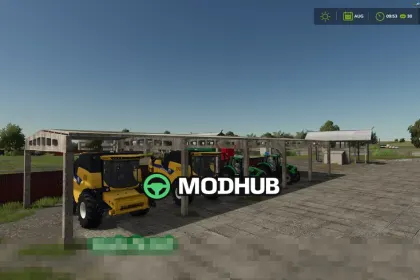
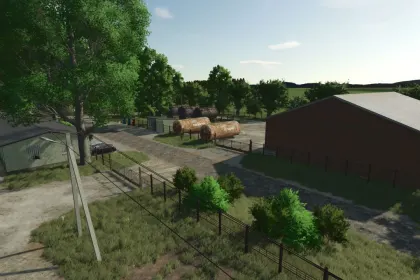
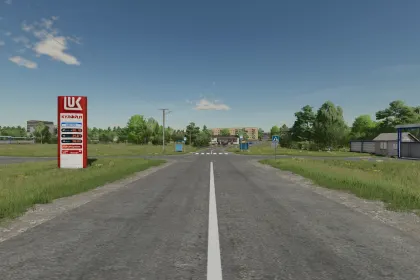
🚜 Welcome to the 4x map "Schwesing Bahnhof"! This map is a detailed and realistic recreation of the Schwesing Bahnhof area in the municipality of Mildstedt, located in beautiful North Friesland, Germany. It captures the authentic atmosphere of the region and reflects the typical features of the North German landscape. ✅ Experience vast open fields, traditional North German farms, and a diverse environment with plenty of space for large projects, modern equipment, and extensive multiplayer sessions.
Features:
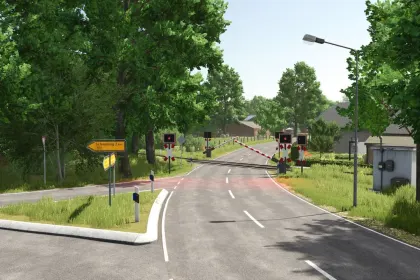
- Detailed recreation with realistic road layouts, bridges, and signs
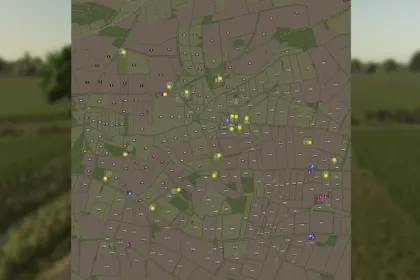
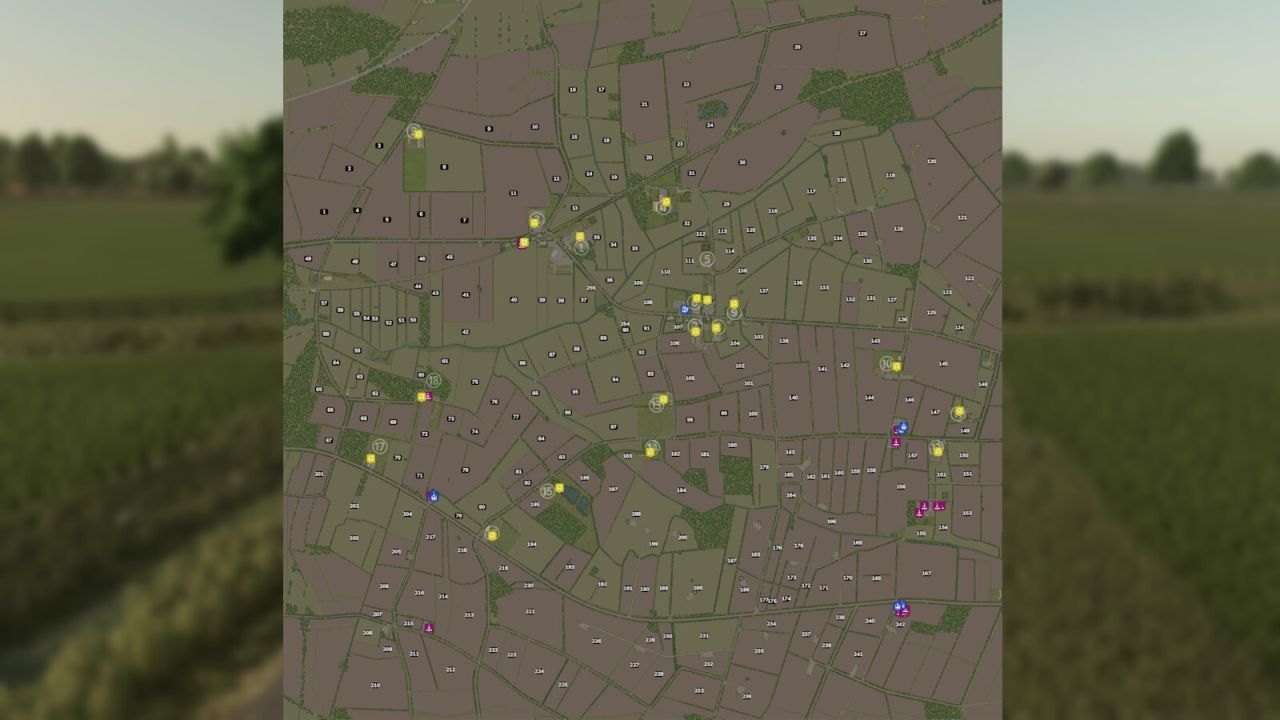
- 255 fields (242 available for purchase) covering a total area of 955 hectares
- 18 customizable farms
- Authentic landscape with typical North German hedges
- Multiple selling points, including a train station with train rental options
- Enhanced terrain angles
- Destruction of stubble
- German license plates
- Transport missions
About Efficient Schwesing Bahnhof Map for Farming Simulator 25
Efficient Schwesing Bahnhof Map for Farming Simulator 25 is a mod for Farming Simulator 25. Check the author description, supported game version and dependencies before installing.
How to install the mod
Follow the installation instructions for Efficient Schwesing Bahnhof Map for Farming Simulator 25, Farming Simulator 25 and your platform.
Download the mod archive using the Download button and read the author instructions.
On PC, copy the mod ZIP without extracting it to Documents/My Games/FarmingSimulator2025/mods. For a bundle, extract the individual mod ZIPs first. macOS and Microsoft Store paths may differ; check Mod Directory in the game log.txt.
Start the game and enable the mod for the selected save or profile, if required.
Test using a backup or a new save. Install any dependencies listed by the author.
System requirements and compatibility
Check the mod description for supported game versions, required DLC and platforms. Compatibility with every version or other mods is not guaranteed. Farming Simulator script mods are for PC/macOS. Console players can only install compatible mods from the in-game GIANTS ModHub.
Frequently asked questions
Is this mod free?
MODHUB does not charge for access to this mod page. Check the terms and download limits of the external file provider.
Can I use this mod in Farming Simulator 25 multiplayer?
Multiplayer support depends on the mod and its author. If supported, the server and players need matching mod versions and required DLC.
What should I check if the mod does not work?
Check the installation folder, archive structure, supported game version, dependencies and game logs. Test the mod separately using a backup save.
How can I check a downloaded mod?
Use trusted author sources, scan the archive and back up your saves. Do not run unrelated installers; a download listing does not guarantee safety or compatibility.