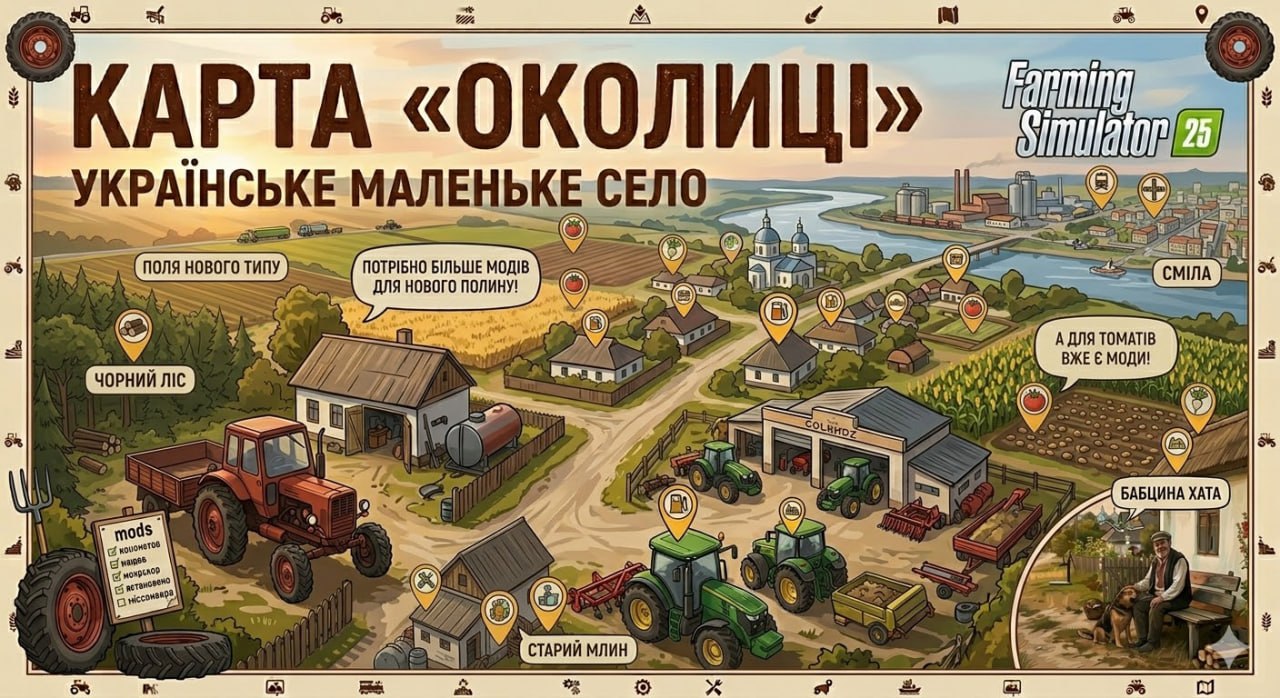
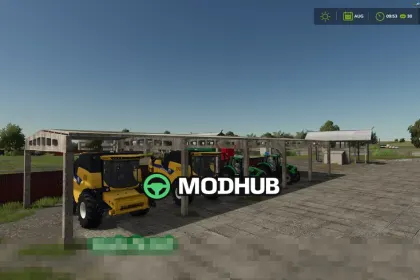
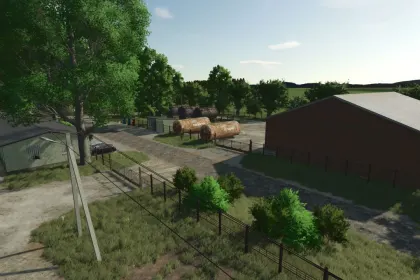
Welcome to the Mittelberg area 🚜, the perfect map for role-playing! This region encompasses the city of Mittelberg with the municipalities of Ferbirchen and Floken Lake. Explore the available buildings such as town halls, clinics, several fire stations, evacuation services, police stations, and many other structures. Highways, tunnels, bridges, and the picturesque Süssenbach river create a diverse atmosphere. Construction sites, businesses, and commercial zones add a lot of realism. Immerse yourself in this vibrant world and create your (farming) story in Mittelberg! ✅ Features: - An operating system that generates random tasks for the fire service (role-playing, not as detailed as in FS22 Emergency Pack - multiplayer support and new missions coming soon!) - Settings available in "Game Settings" - Manual operations can be activated with the key combination "Alt + E" - Custom NPCs to guide you around the map (with audio synchronization in German and English) - Janitors in the market square in Mittelberg - Firefighter at a professional fire station - Builder at the road maintenance service - Buildings that can be entered with doors, lighting, fire alarm systems, and gates (e.g., town halls, clinics, fire stations, etc.)
About Effective Mittelberg Map for Farming Simulator 25 – Your Role-Playing Game World!
Effective Mittelberg Map for Farming Simulator 25 – Your Role-Playing Game World! is a mod for Farming Simulator 25. Check the author description, supported game version and dependencies before installing.
How to install the mod
Follow the installation instructions for Effective Mittelberg Map for Farming Simulator 25 – Your Role-Playing Game World!, Farming Simulator 25 and your platform.
Download the mod archive using the Download button and read the author instructions.
On PC, copy the mod ZIP without extracting it to Documents/My Games/FarmingSimulator2025/mods. For a bundle, extract the individual mod ZIPs first. macOS and Microsoft Store paths may differ; check Mod Directory in the game log.txt.
Start the game and enable the mod for the selected save or profile, if required.
Test using a backup or a new save. Install any dependencies listed by the author.
System requirements and compatibility
Check the mod description for supported game versions, required DLC and platforms. Compatibility with every version or other mods is not guaranteed. Farming Simulator script mods are for PC/macOS. Console players can only install compatible mods from the in-game GIANTS ModHub.
Frequently asked questions
Is this mod free?
MODHUB does not charge for access to this mod page. Check the terms and download limits of the external file provider.
Can I use this mod in Farming Simulator 25 multiplayer?
Multiplayer support depends on the mod and its author. If supported, the server and players need matching mod versions and required DLC.
What should I check if the mod does not work?
Check the installation folder, archive structure, supported game version, dependencies and game logs. Test the mod separately using a backup save.
How can I check a downloaded mod?
Use trusted author sources, scan the archive and back up your saves. Do not run unrelated installers; a download listing does not guarantee safety or compatibility.