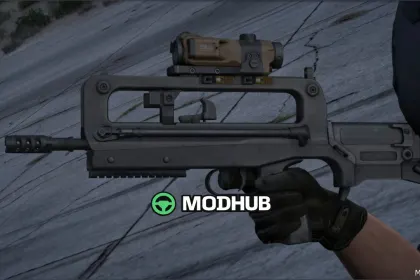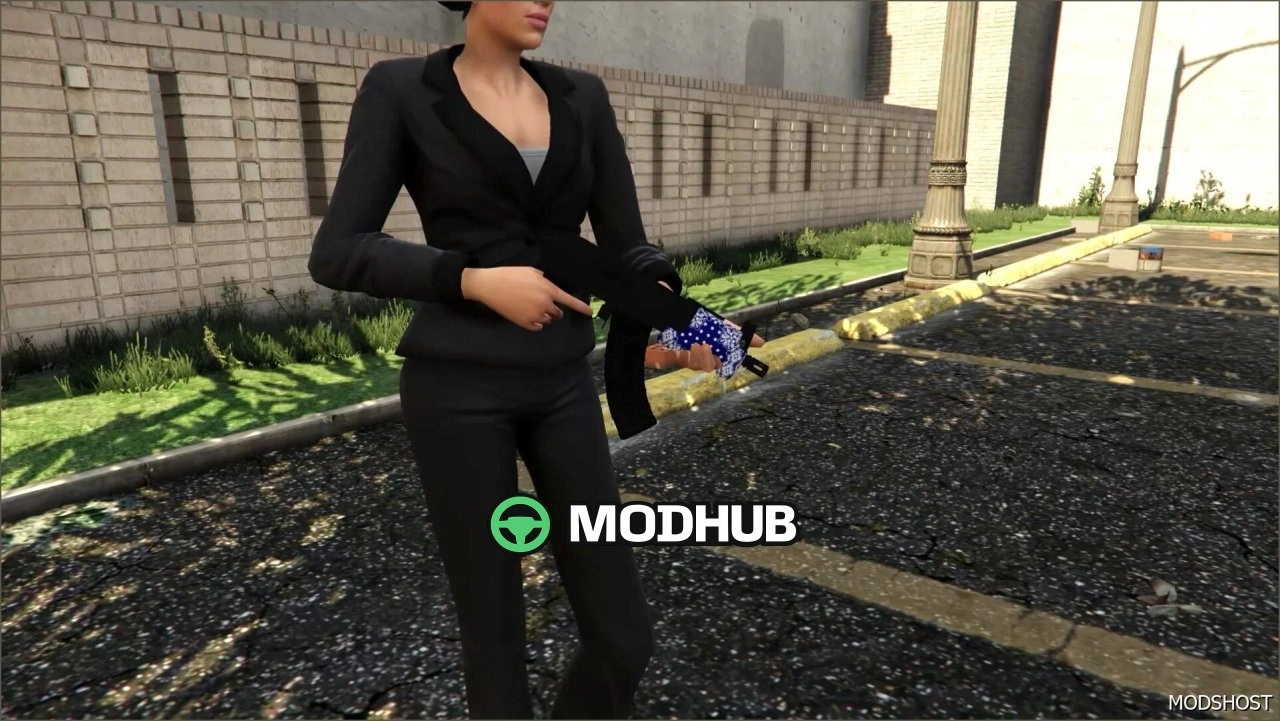
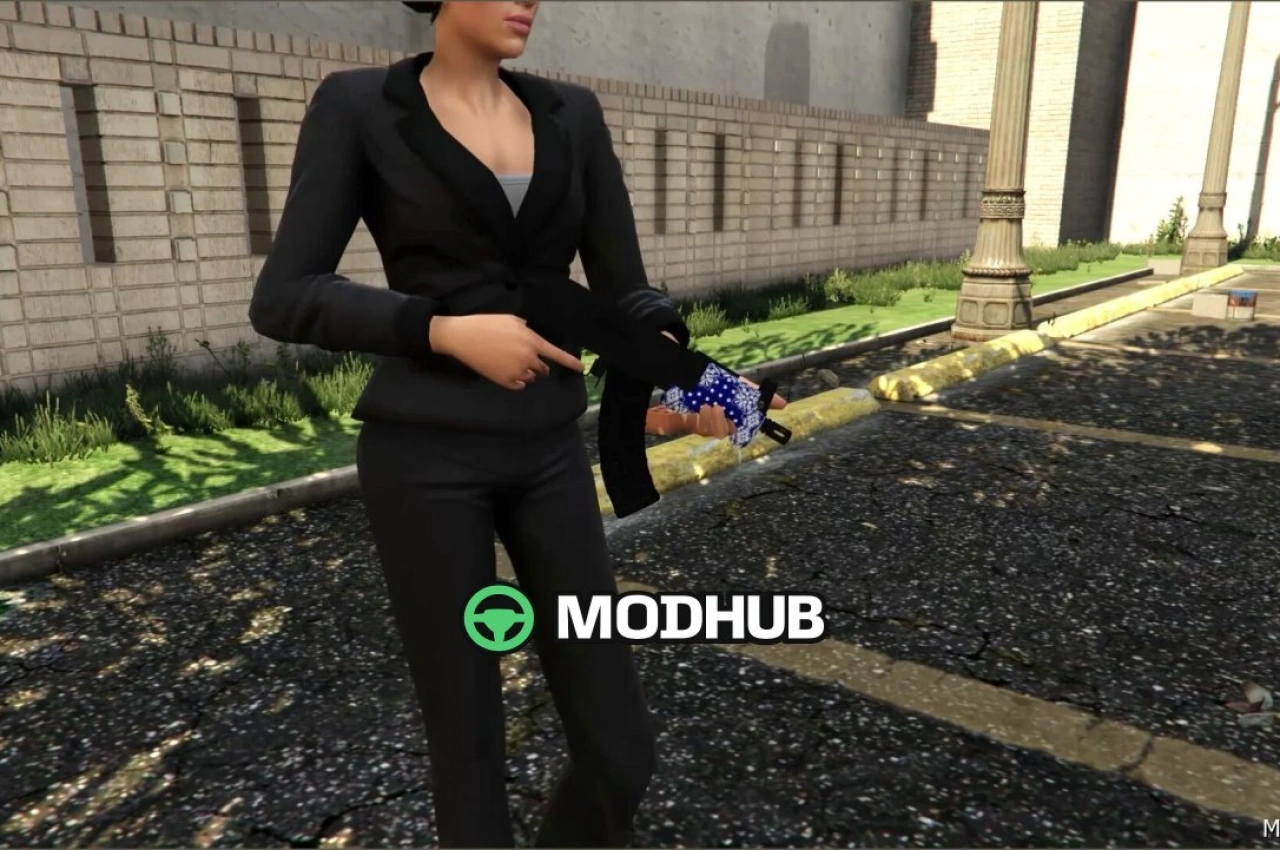
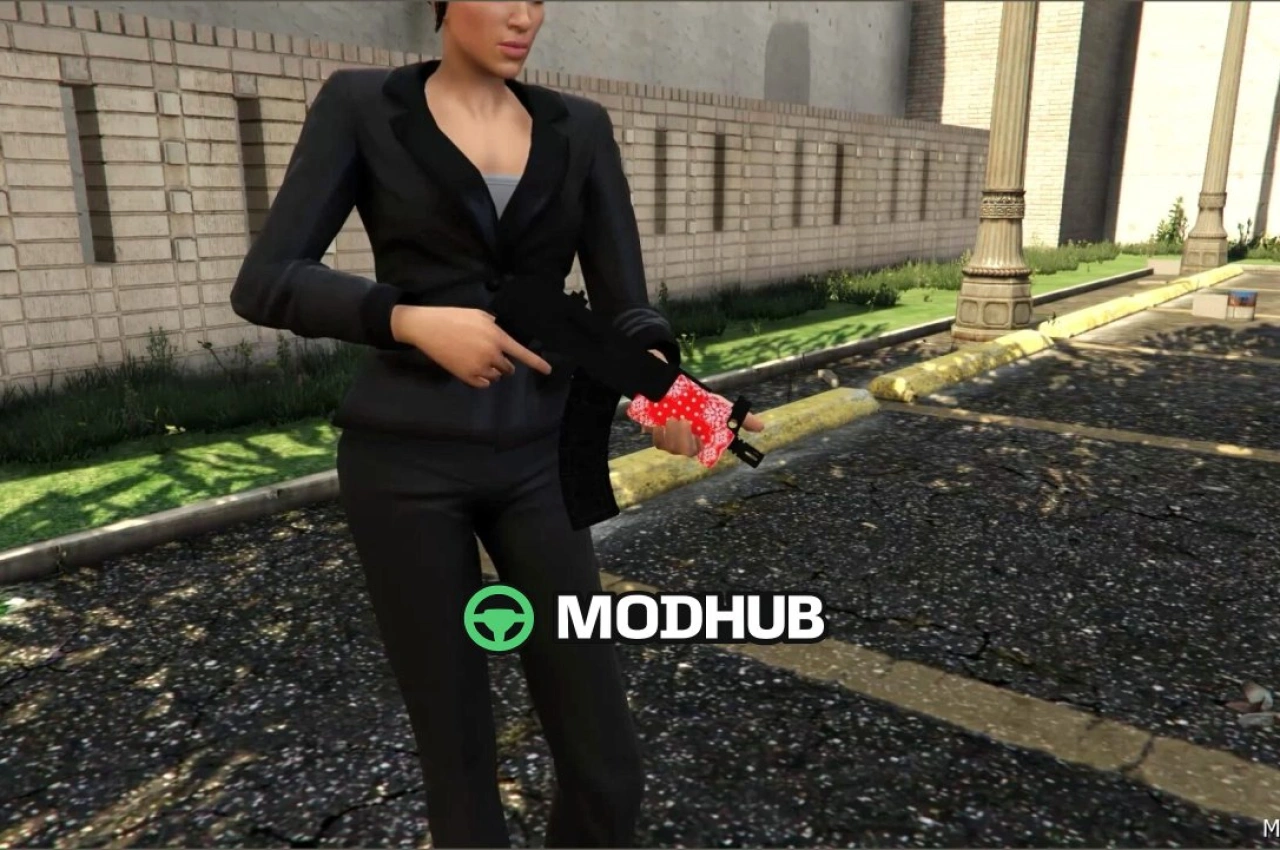
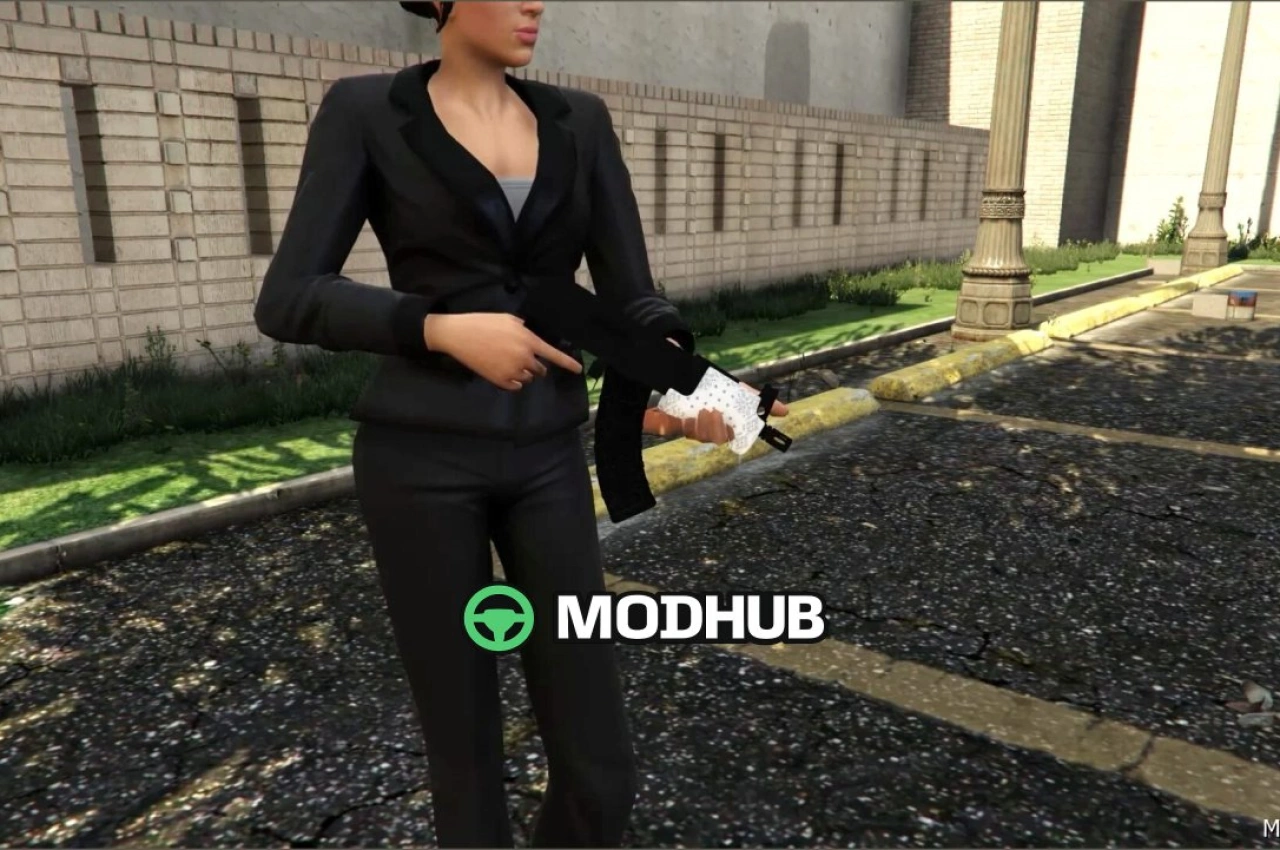
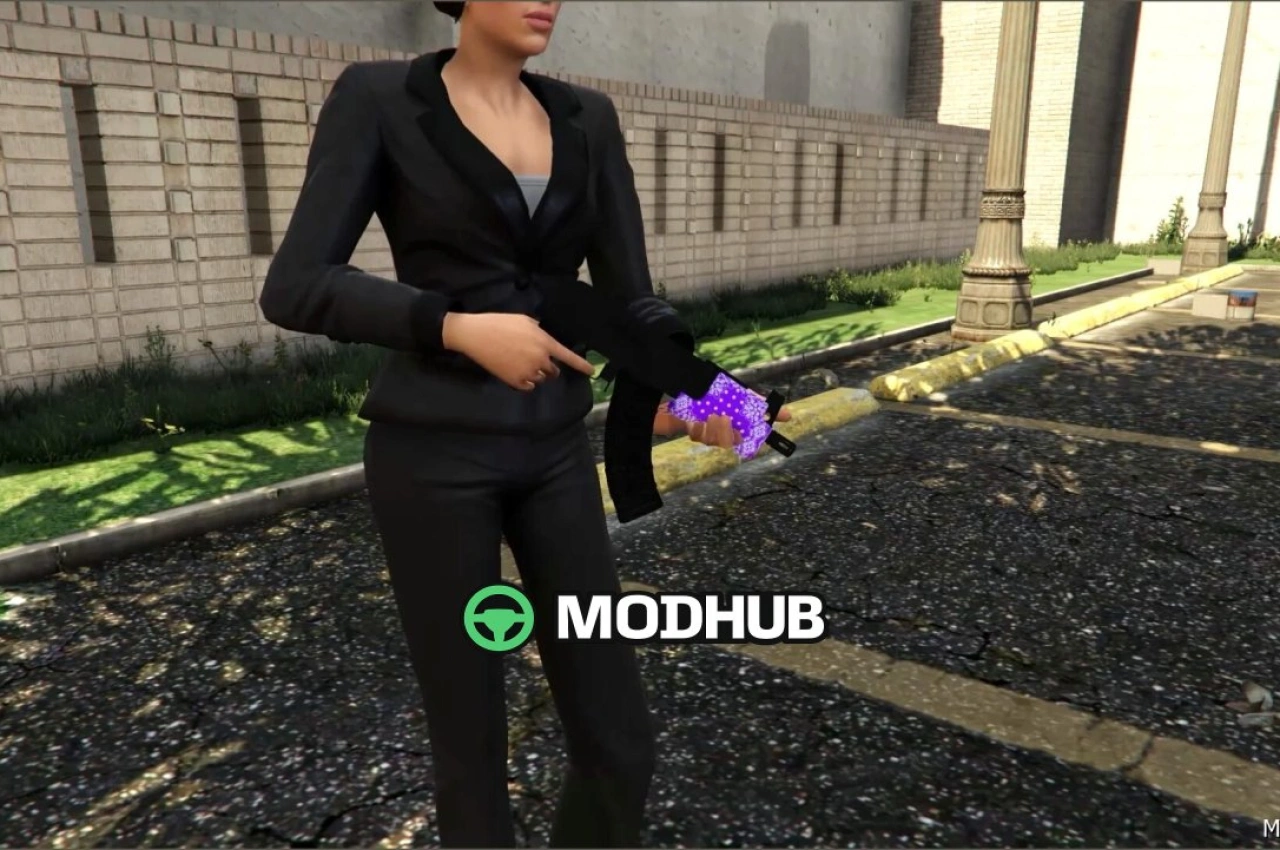
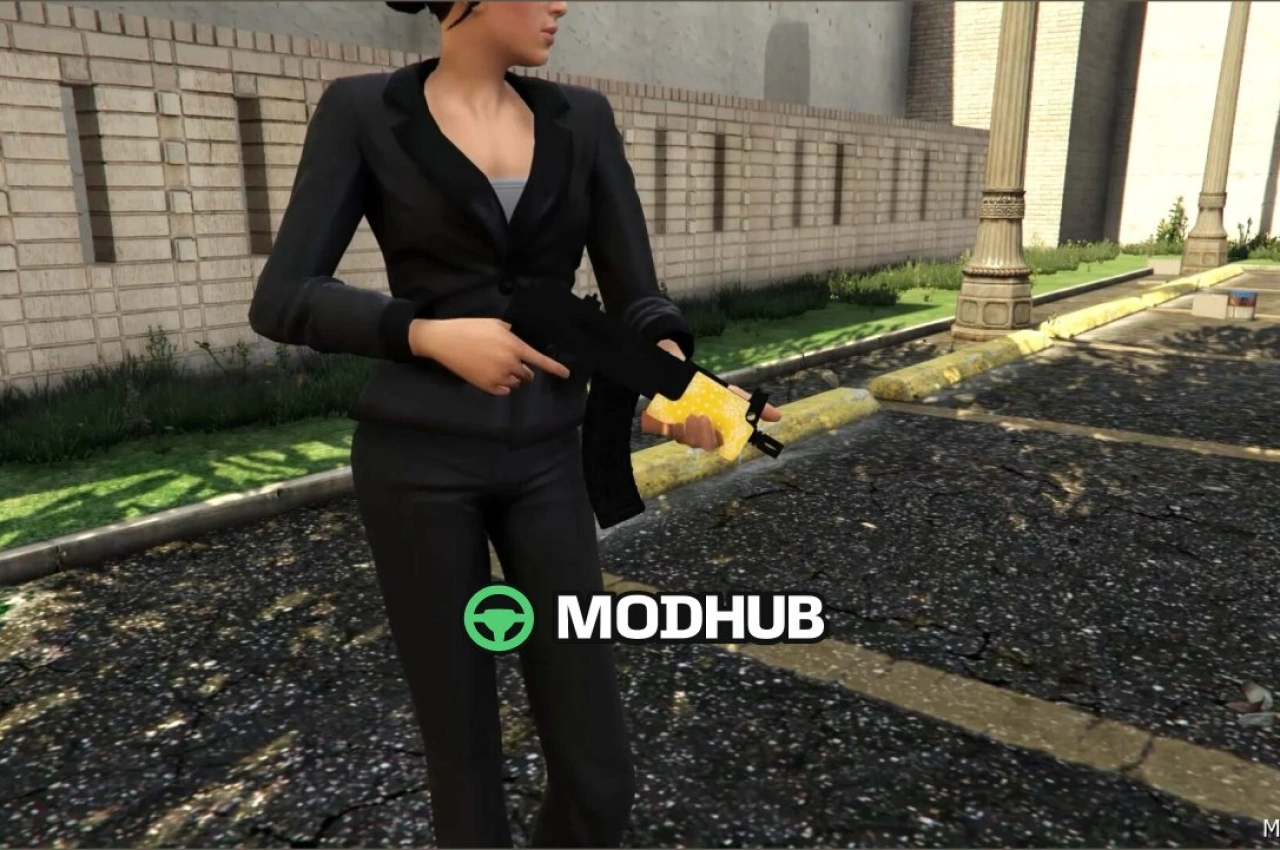
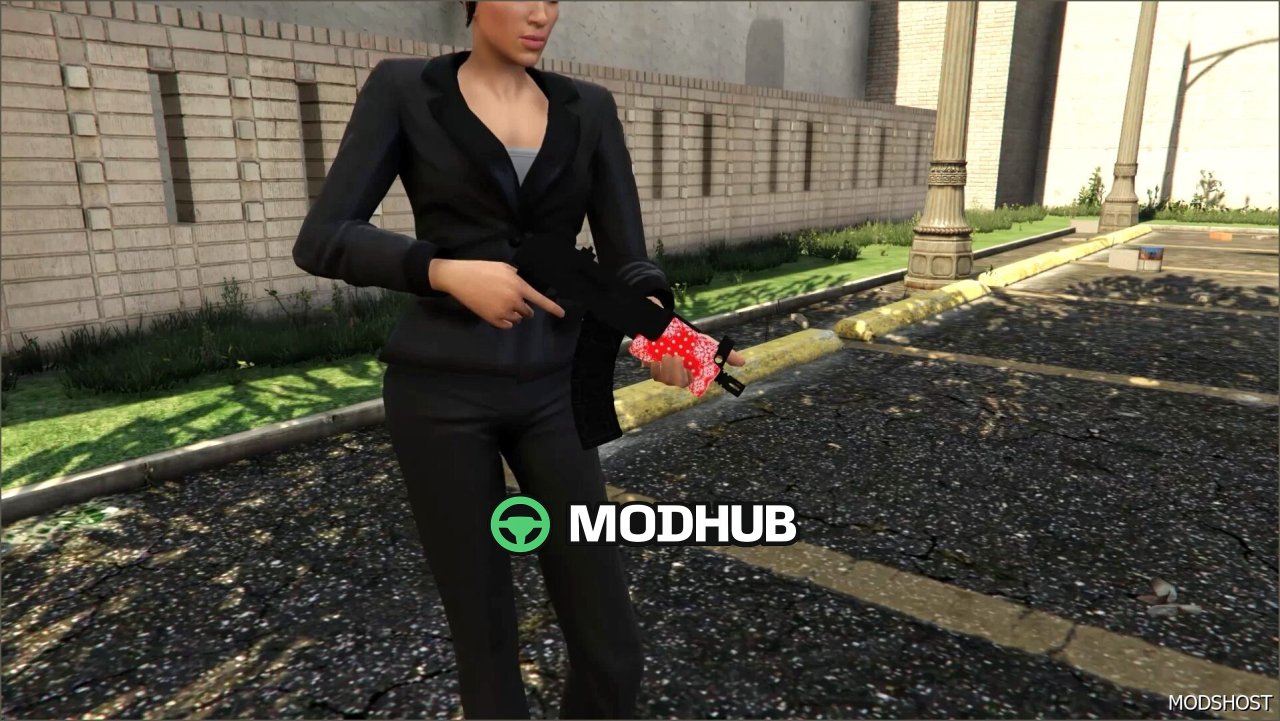
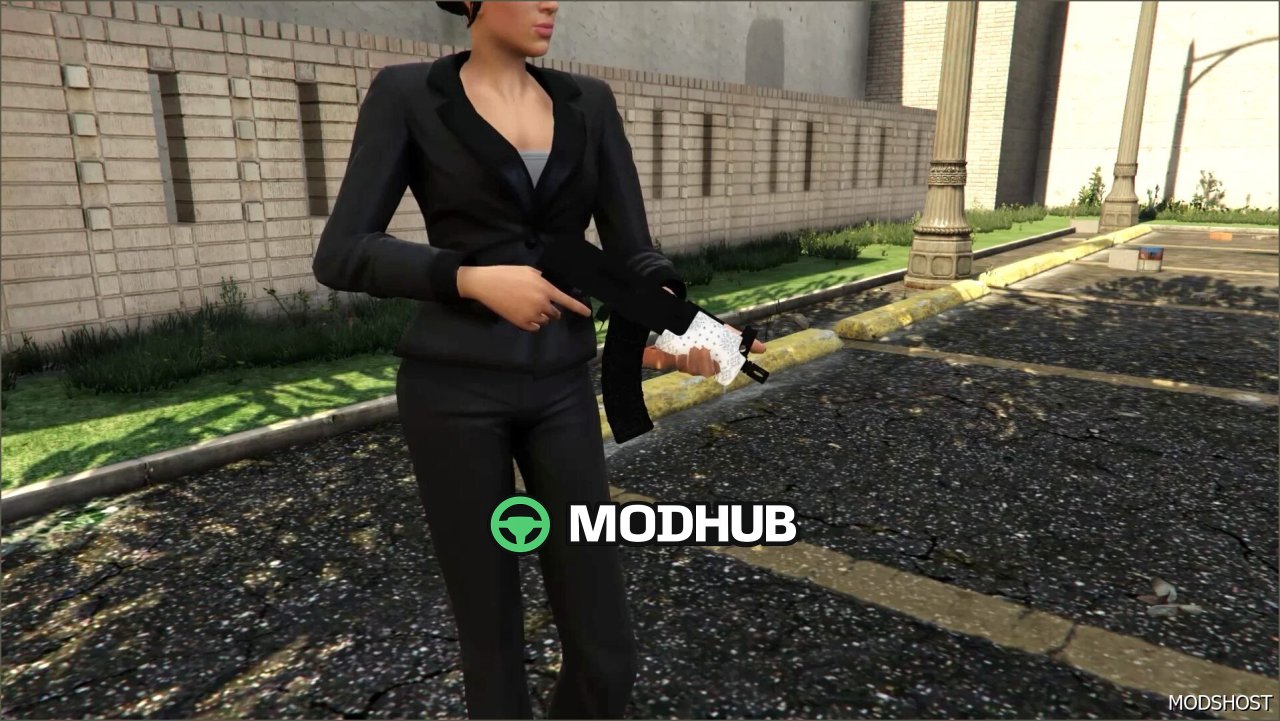
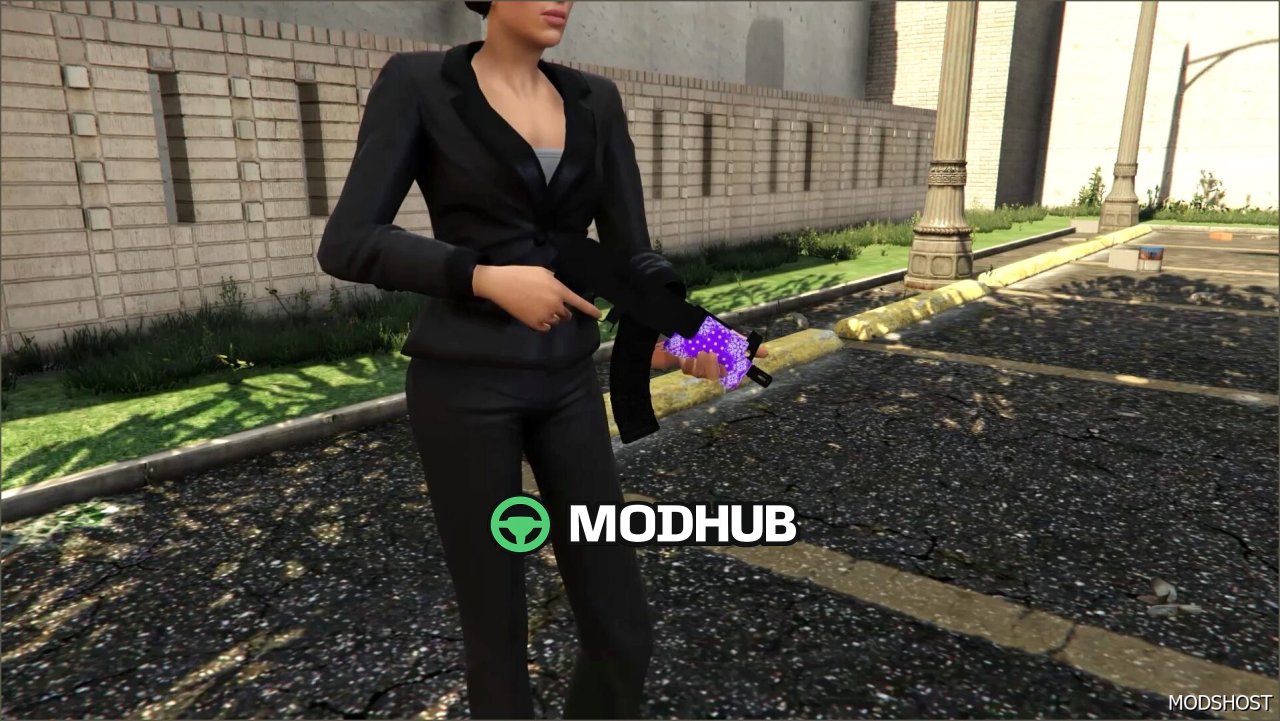
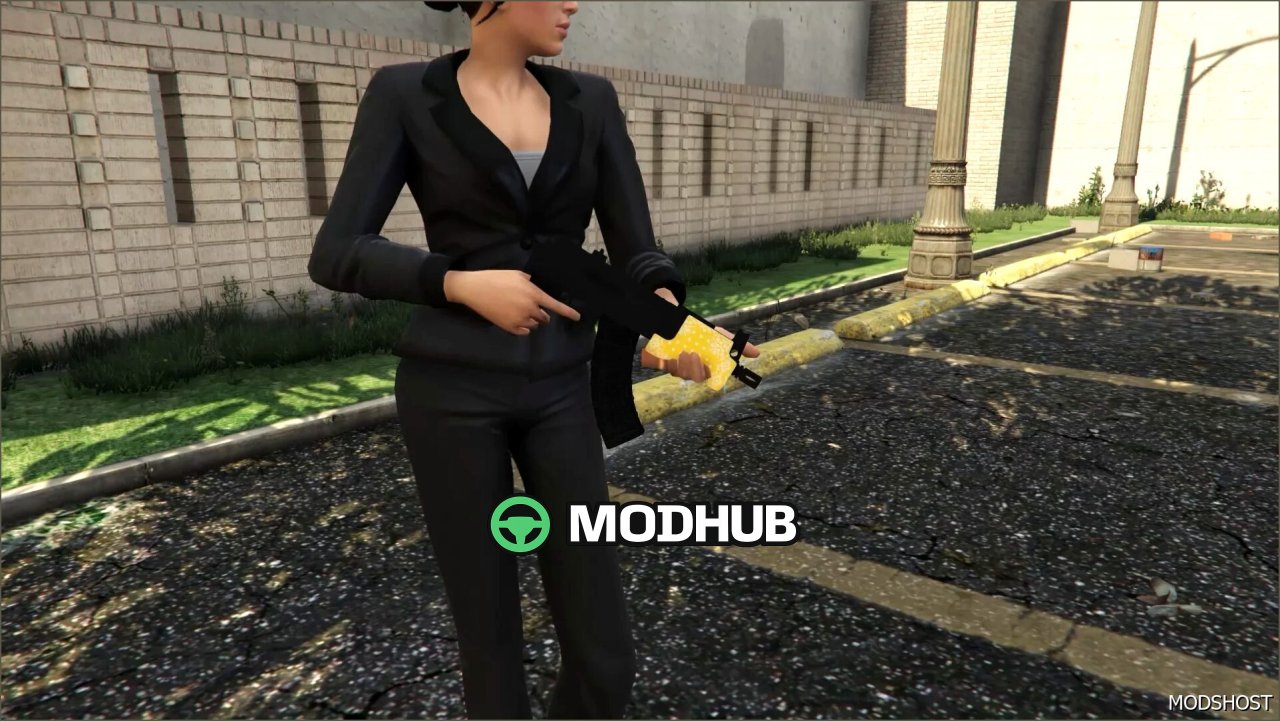
Draco Pack Bandana is a modification for GTA 5 that changes the appearance of the Draco assault rifle and makes shooting feel more responsive and dynamic.
Once installed, the mod replaces the default weapon model with a more detailed version featuring higher-quality textures. The visual style becomes clearer and more refined, while the firing animations are enhanced to look smoother and more impactful. This helps the weapon stand out during gunfights across Los Santos.
• Model: replaces the standard Draco with the Bandana Pack Draco version
• Textures: improved detail and overall texture quality
• Animations: upgraded shooting and firing motion
• Purpose: visual and animation upgrade for GTA 5 weapons
• Gameplay feel: sharper presentation during combat without altering the core game
If you enjoy customizing gear and want your GTA 5 arsenal to look distinct, Draco Pack Bandana is a solid choice. It focuses on aesthetics and motion, giving the Draco rifle a fresh look and a more satisfying shooting rhythm.
About Bandana Draco Pack for GTA 5
Bandana Draco Pack for GTA 5 is a mod for GTA 5. Check the author description, supported game version and dependencies before installing.
How to install the mod
Follow the installation instructions for Bandana Draco Pack for GTA 5, GTA 5 and your platform.
Download the mod archive using the Download button and read the author instructions.
Use the folder and archive format specified by the mod author for this game.
Start the game and enable the mod for the selected save or profile, if required.
Test using a backup or a new save. Install any dependencies listed by the author.
System requirements and compatibility
Check the mod description for supported game versions, required DLC and platforms. Compatibility with every version or other mods is not guaranteed.
Frequently asked questions
Is this mod free?
MODHUB does not charge for access to this mod page. Check the terms and download limits of the external file provider.
Can I use this mod in GTA 5 multiplayer?
Multiplayer support depends on the mod and its author. If supported, the server and players need matching mod versions and required DLC.
What should I check if the mod does not work?
Check the installation folder, archive structure, supported game version, dependencies and game logs. Test the mod separately using a backup save.
How can I check a downloaded mod?
Use trusted author sources, scan the archive and back up your saves. Do not run unrelated installers; a download listing does not guarantee safety or compatibility.