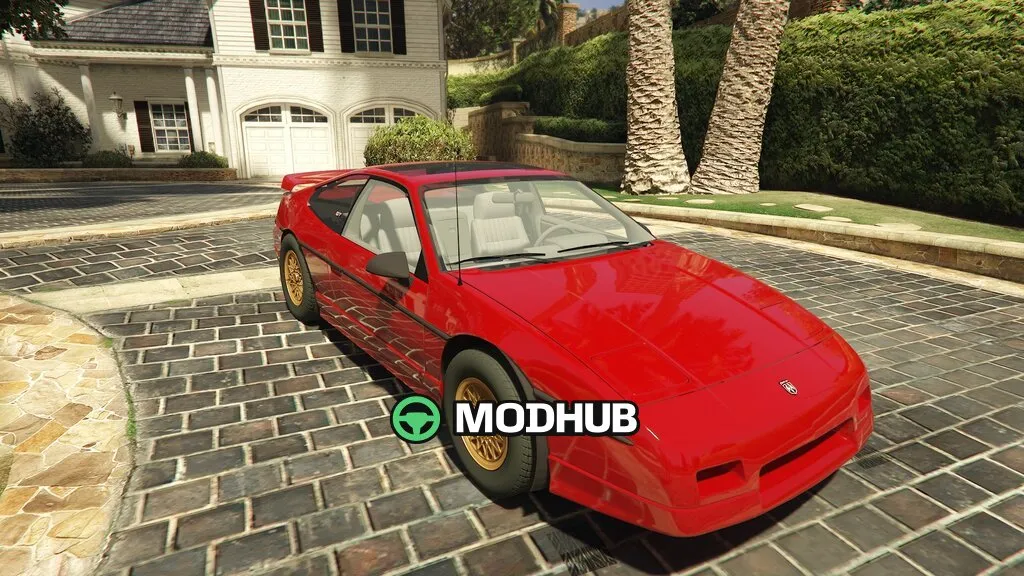
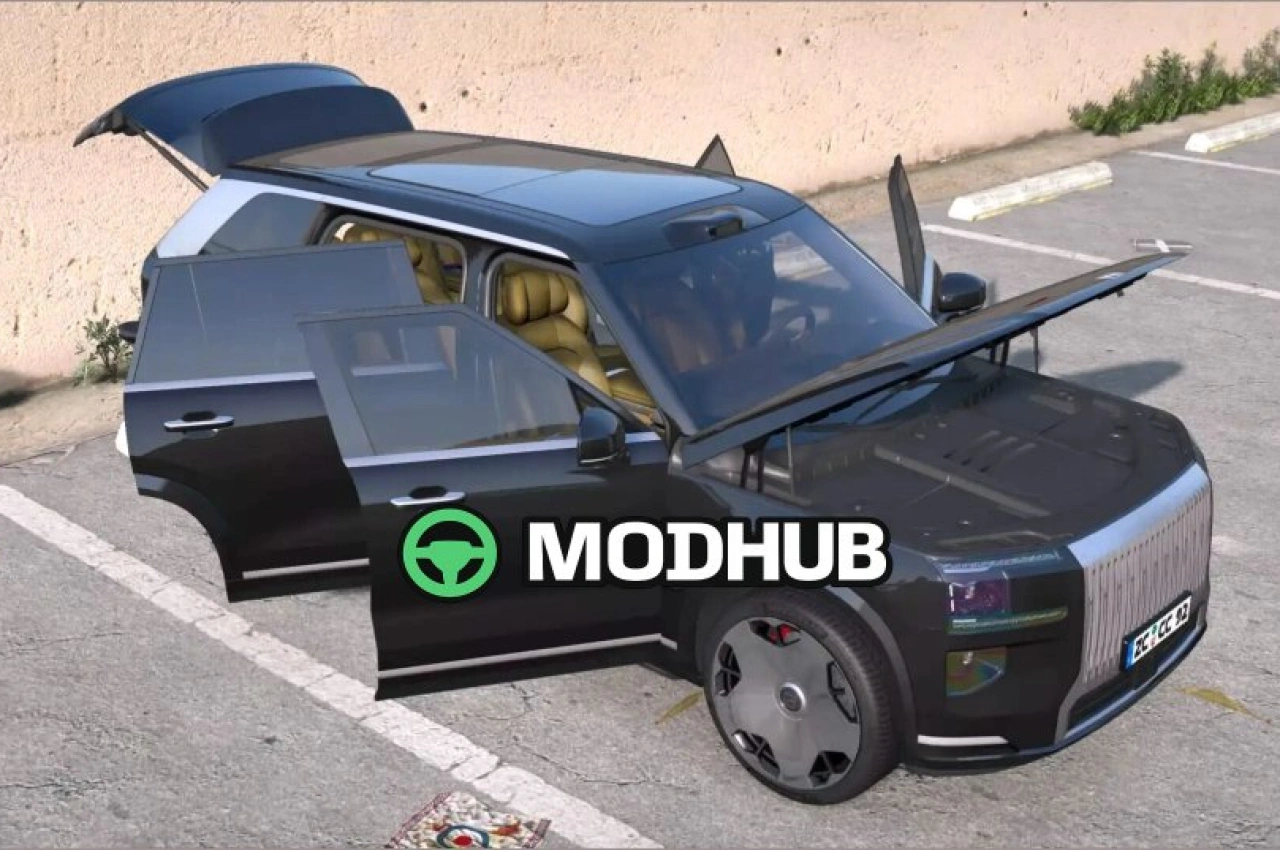
The 1988 Pontiac Fiero GT is a car for GTA 5 that recreates the mid-engine two-seat sports coupe in the game. It is available as an Add-On with Legacy & Enhanced variants. The current release is v0.9 Beta, so some details may still change. Its body and interior aim to match the original late-1980s styling.
• Engine: 2.8-liter V6, about 135 horsepower in the original car
• Layout: mid-engine, rear-wheel drive
• Seating: two seats in a compact coupe body
• Installation: Add-On format for GTA 5
Check the version notes for the latest fixes.
Author: kkkkkkkent
About Car Pontiac Fiero GT 1988 [Add-On | Legacy & Enhanced] v0.9 Beta for GTA 5
Car Pontiac Fiero GT 1988 [Add-On | Legacy & Enhanced] v0.9 Beta for GTA 5 is a mod for GTA 5. Check the author description, supported game version and dependencies before installing.
How to install the mod
Follow the installation instructions for Car Pontiac Fiero GT 1988 [Add-On | Legacy & Enhanced] v0.9 Beta for GTA 5, GTA 5 and your platform.
Download the mod archive using the Download button and read the author instructions.
Use the folder and archive format specified by the mod author for this game.
Start the game and enable the mod for the selected save or profile, if required.
Test using a backup or a new save. Install any dependencies listed by the author.
System requirements and compatibility
Check the mod description for supported game versions, required DLC and platforms. Compatibility with every version or other mods is not guaranteed.
Frequently asked questions
Is this mod free?
MODHUB does not charge for access to this mod page. Check the terms and download limits of the external file provider.
Can I use this mod in GTA 5 multiplayer?
Multiplayer support depends on the mod and its author. If supported, the server and players need matching mod versions and required DLC.
What should I check if the mod does not work?
Check the installation folder, archive structure, supported game version, dependencies and game logs. Test the mod separately using a backup save.
How can I check a downloaded mod?
Use trusted author sources, scan the archive and back up your saves. Do not run unrelated installers; a download listing does not guarantee safety or compatibility.