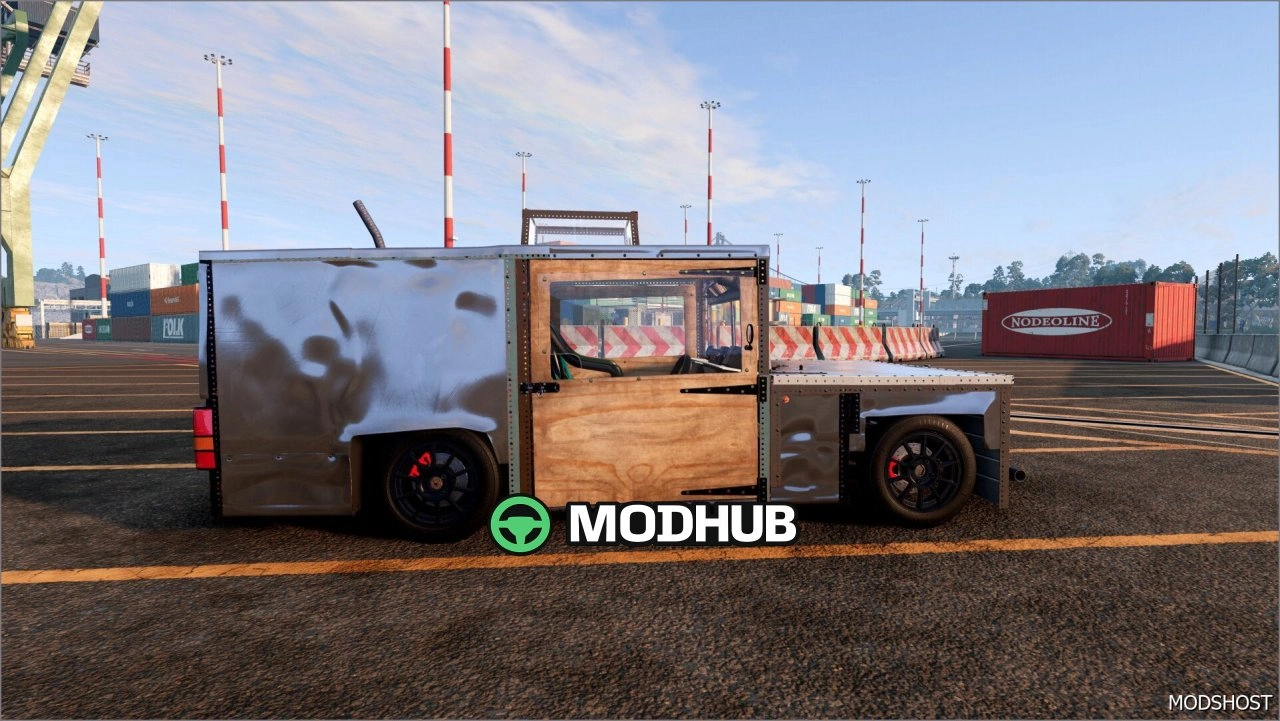
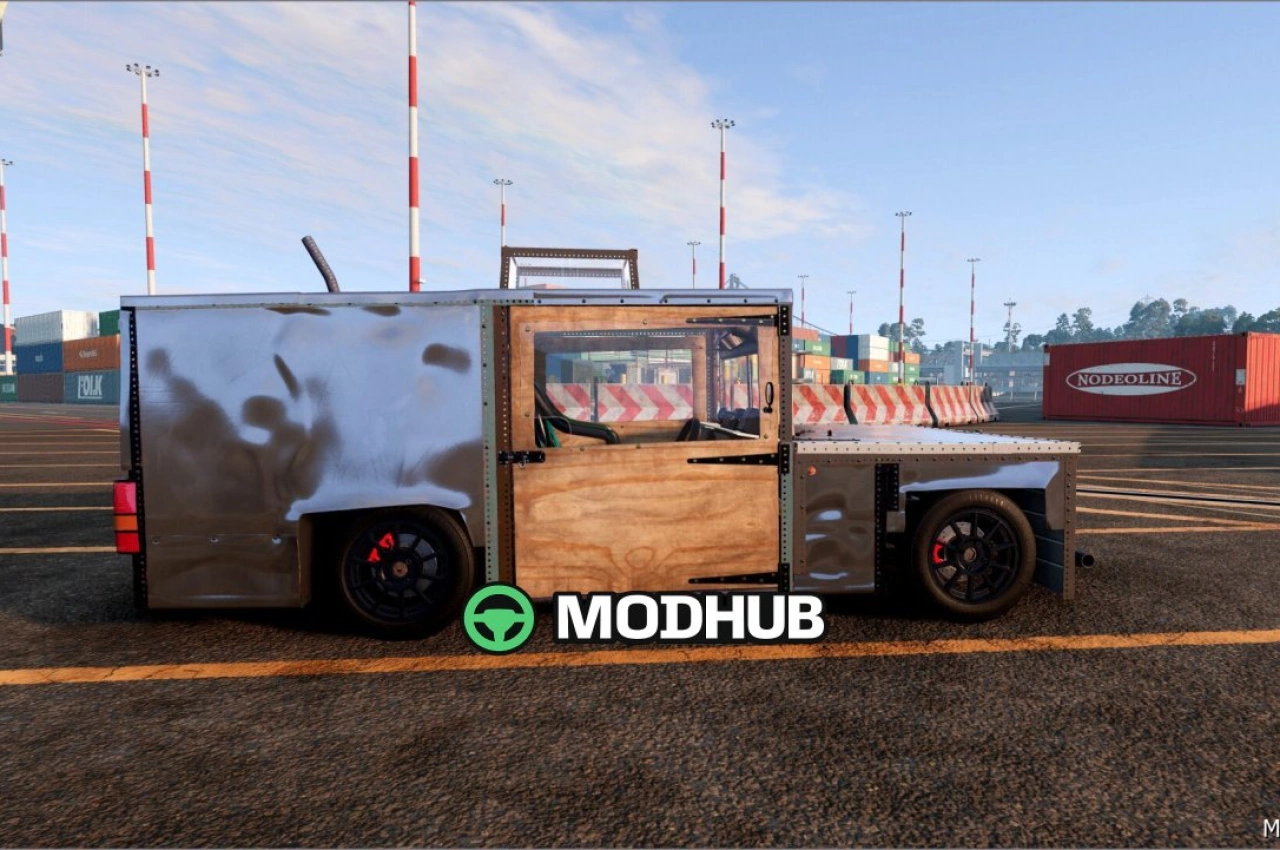
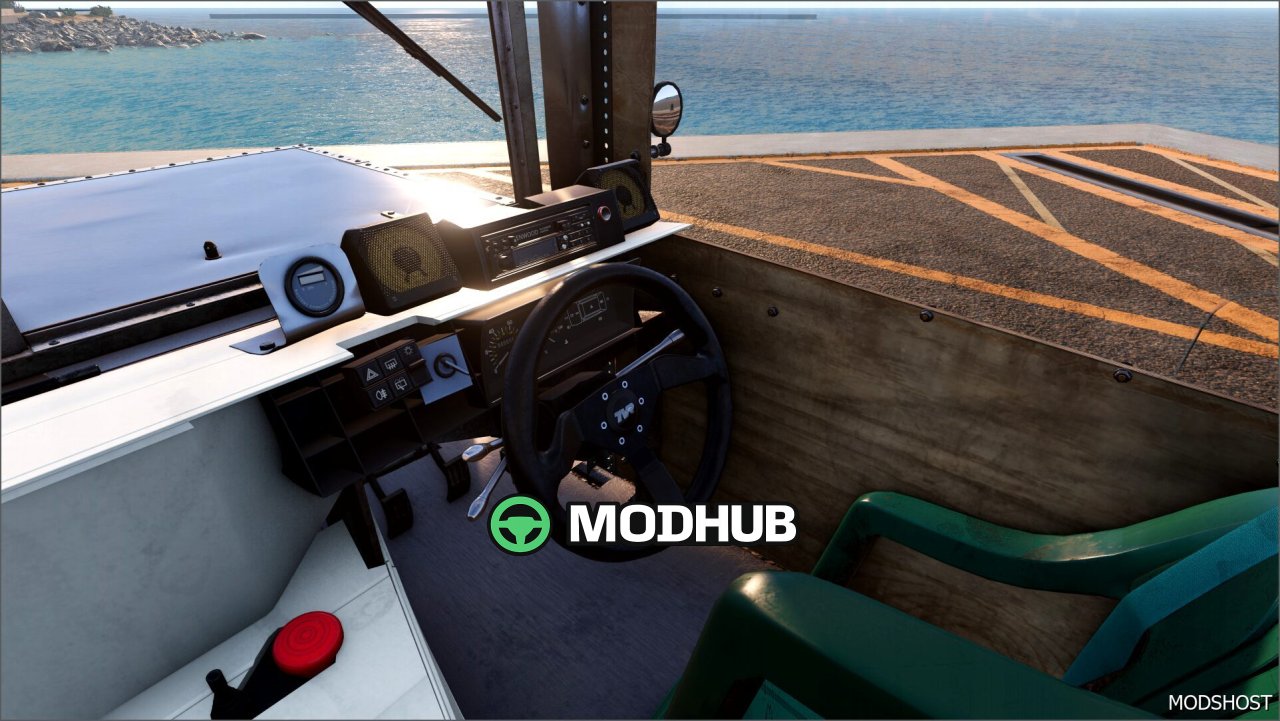
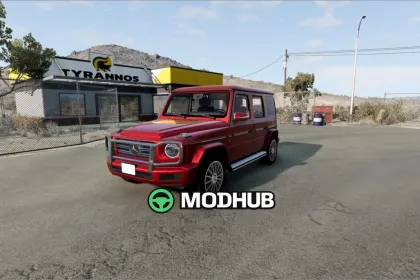
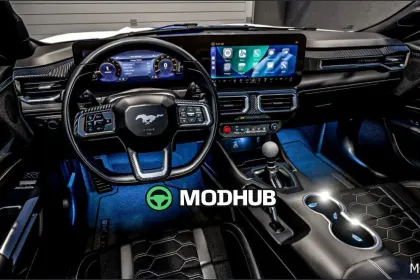
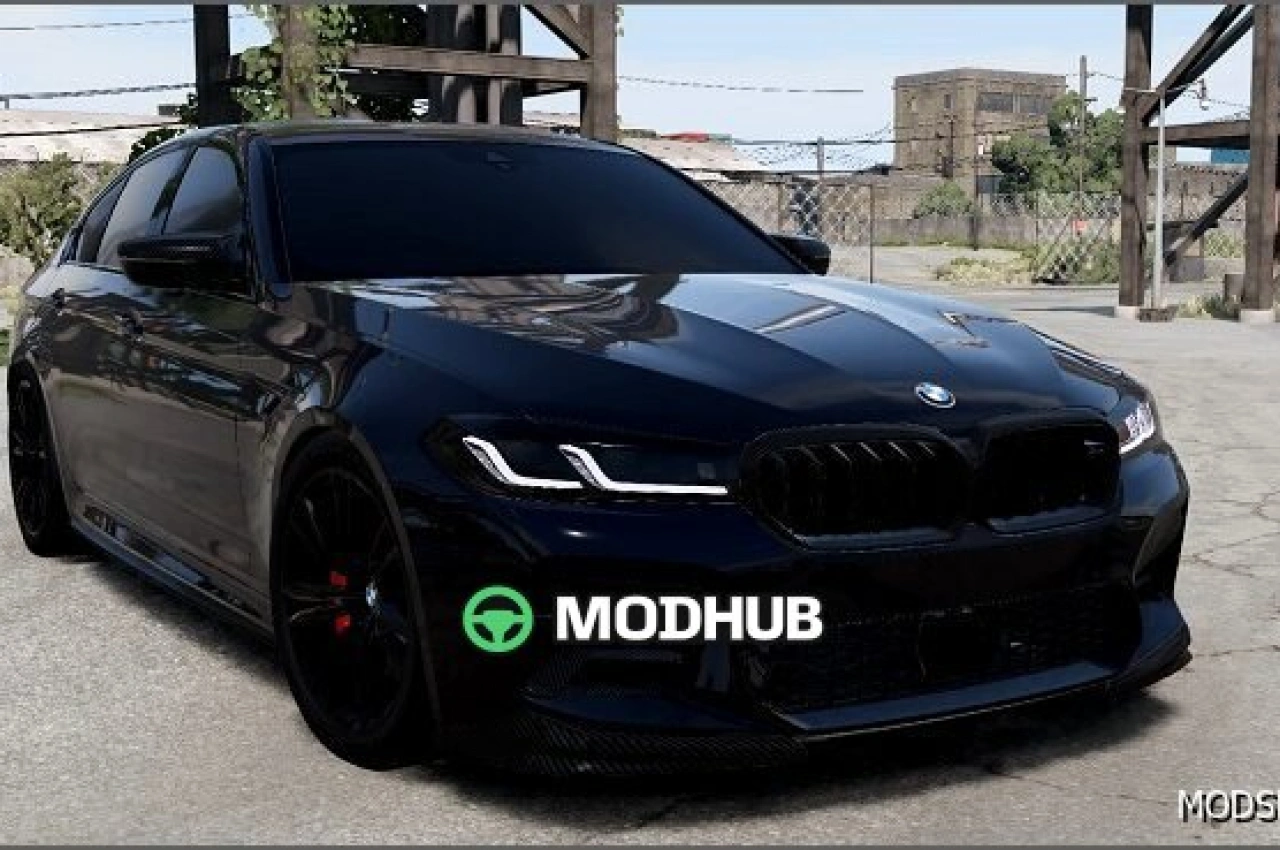
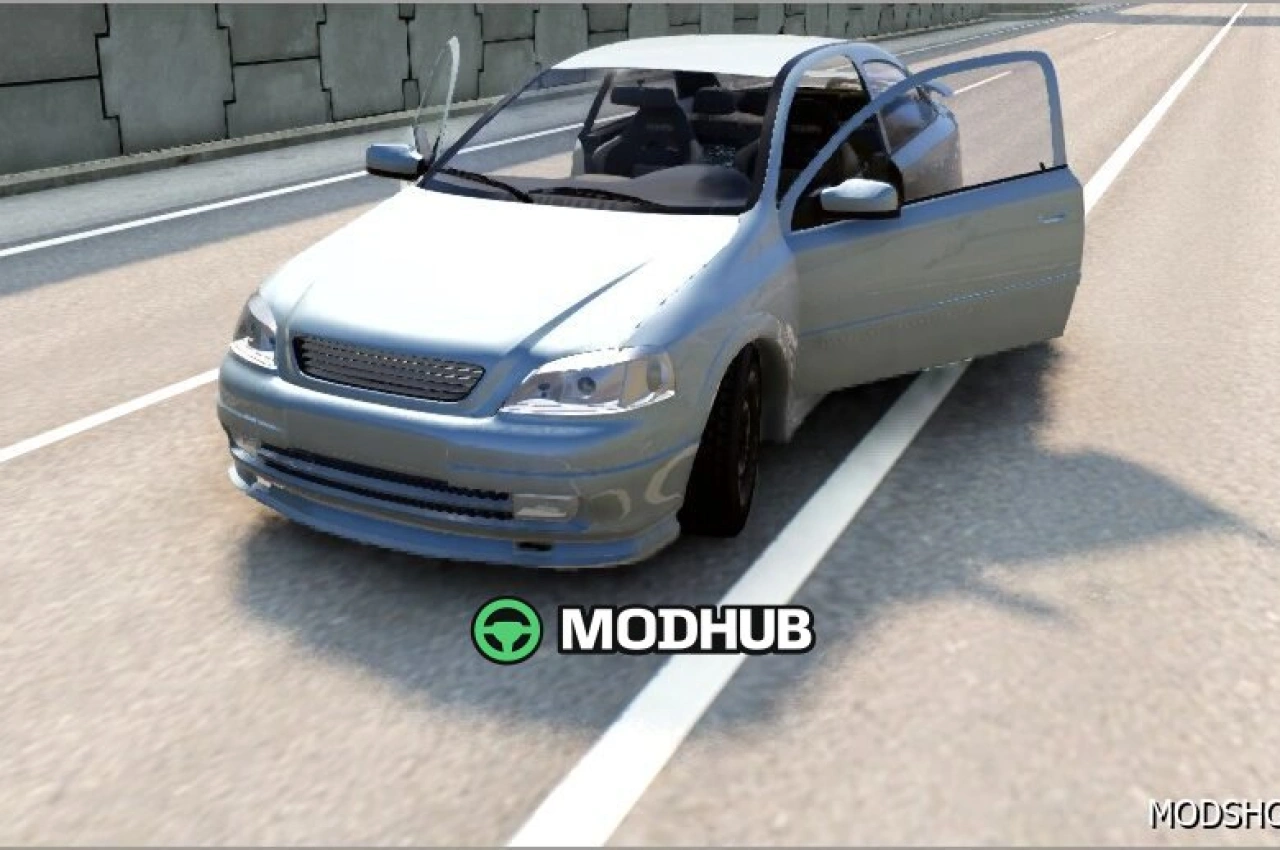
This mod is a vehicle for BeamNG.drive, made for players who want a fast, distinctive ride with confident on-road behavior. Hammerhead Eagle I Thrust in version 1.0.1 is designed to integrate smoothly with newer updates and to keep driving feedback consistent across different test scenarios.
The car emphasizes clean styling and detailed materials, helping it look sharp in motion while retaining a realistic feel behind the wheel. The 1.0.1 update brings compatibility with BeamNG 0.38 and includes fixes aimed at reducing issues seen in earlier releases.
• Type: vehicle for BeamNG.drive
• Model: Hammerhead Eagle I Thrust
• Version: 1.0.1
• Compatibility: BeamNG 0.38
• Update focus: bug fixes and improved handling stability
• Driving feel: more controlled dynamics on varied surfaces
• Tuning for daily testing: built for repeated runs and quick comparisons
About Car Hammerhead Eagle I Thrust for BeamNG.drive
Car Hammerhead Eagle I Thrust for BeamNG.drive is a mod for BeamNG.drive. Check the author description, supported game version and dependencies before installing.
How to install the mod
Follow the installation instructions for Car Hammerhead Eagle I Thrust for BeamNG.drive, BeamNG.drive and your platform.
Download the mod archive using the Download button and read the author instructions.
Use the folder and archive format specified by the mod author for this game.
Start the game and enable the mod for the selected save or profile, if required.
Test using a backup or a new save. Install any dependencies listed by the author.
System requirements and compatibility
Check the mod description for supported game versions, required DLC and platforms. Compatibility with every version or other mods is not guaranteed.
Frequently asked questions
Is this mod free?
MODHUB does not charge for access to this mod page. Check the terms and download limits of the external file provider.
Can I use this mod in BeamNG.drive multiplayer?
Multiplayer support depends on the mod and its author. If supported, the server and players need matching mod versions and required DLC.
What should I check if the mod does not work?
Check the installation folder, archive structure, supported game version, dependencies and game logs. Test the mod separately using a backup save.
How can I check a downloaded mod?
Use trusted author sources, scan the archive and back up your saves. Do not run unrelated installers; a download listing does not guarantee safety or compatibility.