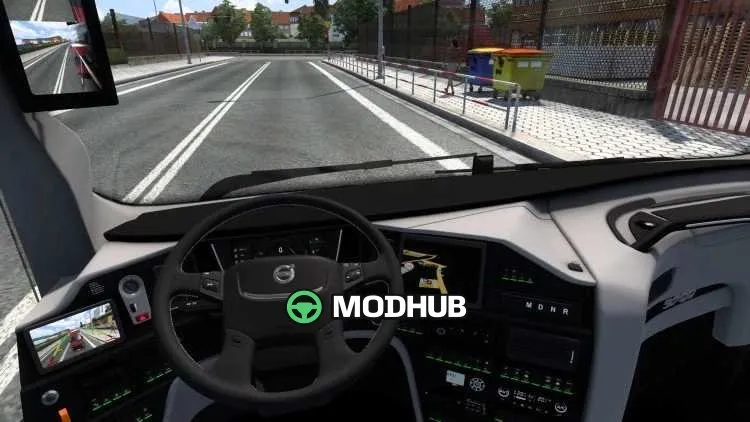
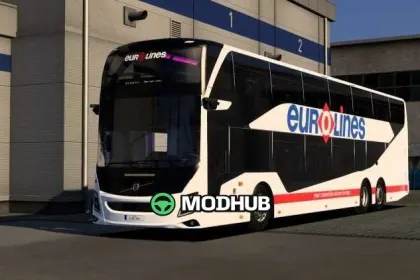
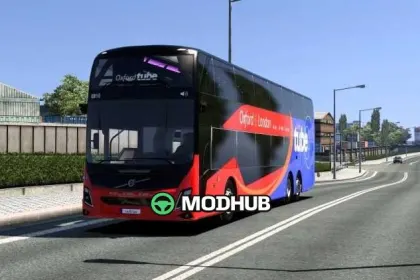
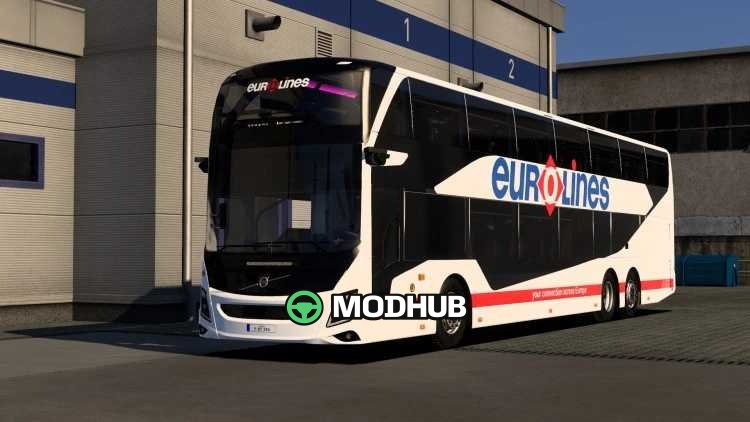
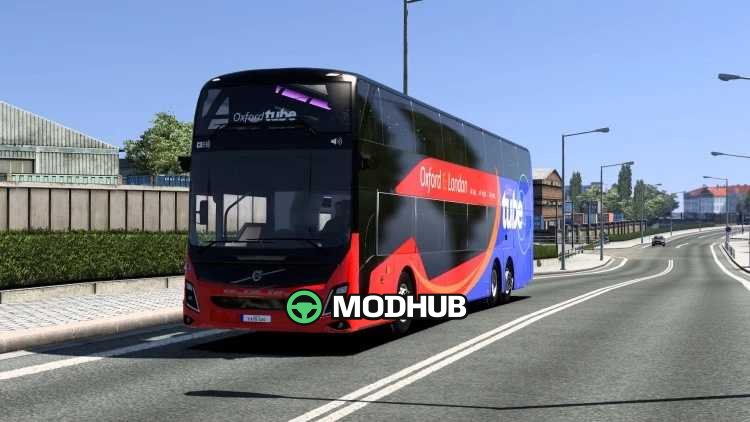
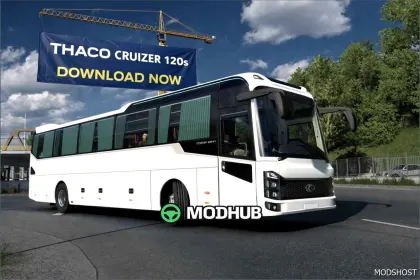
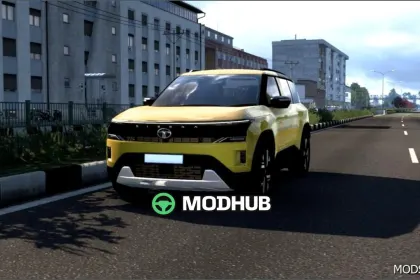
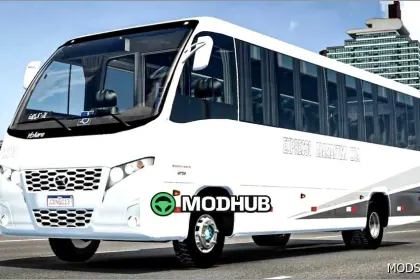
The Volvo 9700 DD v5.1 is a double-decker bus mod for Euro Truck Simulator 2, available for purchase at the in-game mod dealer. It features a realistic exterior with high-quality lighting and detailed textures throughout. The cabin comes with a custom interior, an animated dashboard and a fully animated steering wheel. A custom high-quality engine sound completes the package and matches the character of the bus.
• Double-decker layout with passenger seating on two levels
• Custom high-quality engine sound and realistic exterior lighting
• Animated dashboard and steering wheel with detailed textures
• Five new skins and additional accessories included
• Bug fixes from previous versions
The mod is standalone and works with the base game, making it suitable for regular intercity passenger routes.
About Bus Volvo 9700 DD v5.1 for ETS2
Bus Volvo 9700 DD v5.1 for ETS2 is a mod for Euro Truck Simulator 2. Check the author description, supported game version and dependencies before installing.
How to install the mod
Follow the installation instructions for Bus Volvo 9700 DD v5.1 for ETS2, Euro Truck Simulator 2 and your platform.
Download the mod archive using the Download button and read the author instructions.
Use the folder and archive format specified by the mod author for this game.
Start the game and enable the mod for the selected save or profile, if required.
Test using a backup or a new save. Install any dependencies listed by the author.
System requirements and compatibility
Check the mod description for supported game versions, required DLC and platforms. Compatibility with every version or other mods is not guaranteed.
Frequently asked questions
Is this mod free?
MODHUB does not charge for access to this mod page. Check the terms and download limits of the external file provider.
Can I use this mod in Euro Truck Simulator 2 multiplayer?
Multiplayer support depends on the mod and its author. If supported, the server and players need matching mod versions and required DLC.
What should I check if the mod does not work?
Check the installation folder, archive structure, supported game version, dependencies and game logs. Test the mod separately using a backup save.
How can I check a downloaded mod?
Use trusted author sources, scan the archive and back up your saves. Do not run unrelated installers; a download listing does not guarantee safety or compatibility.