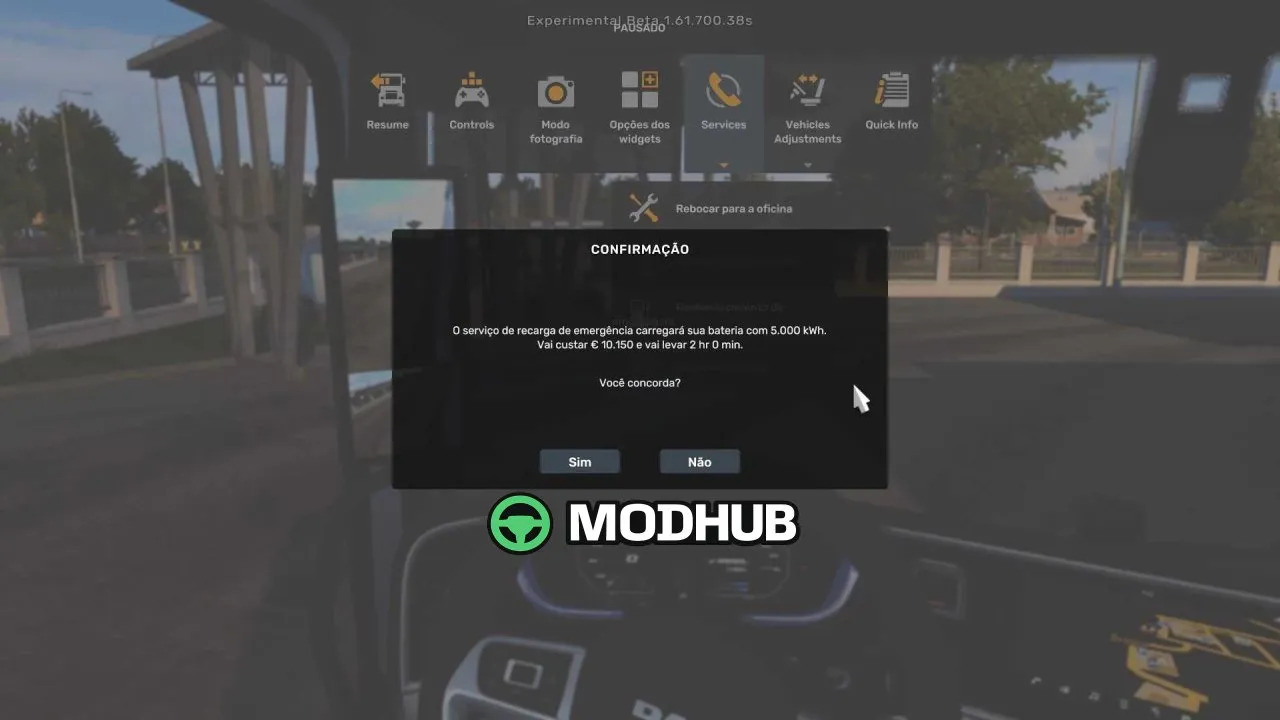
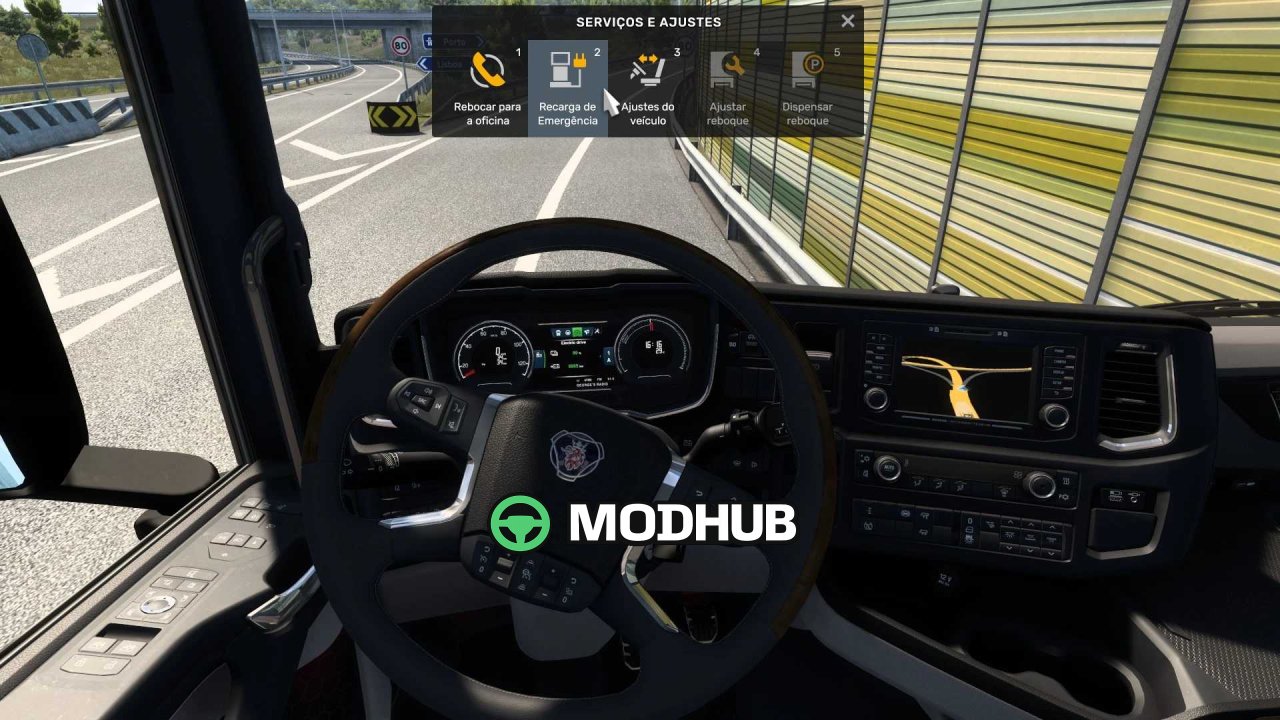
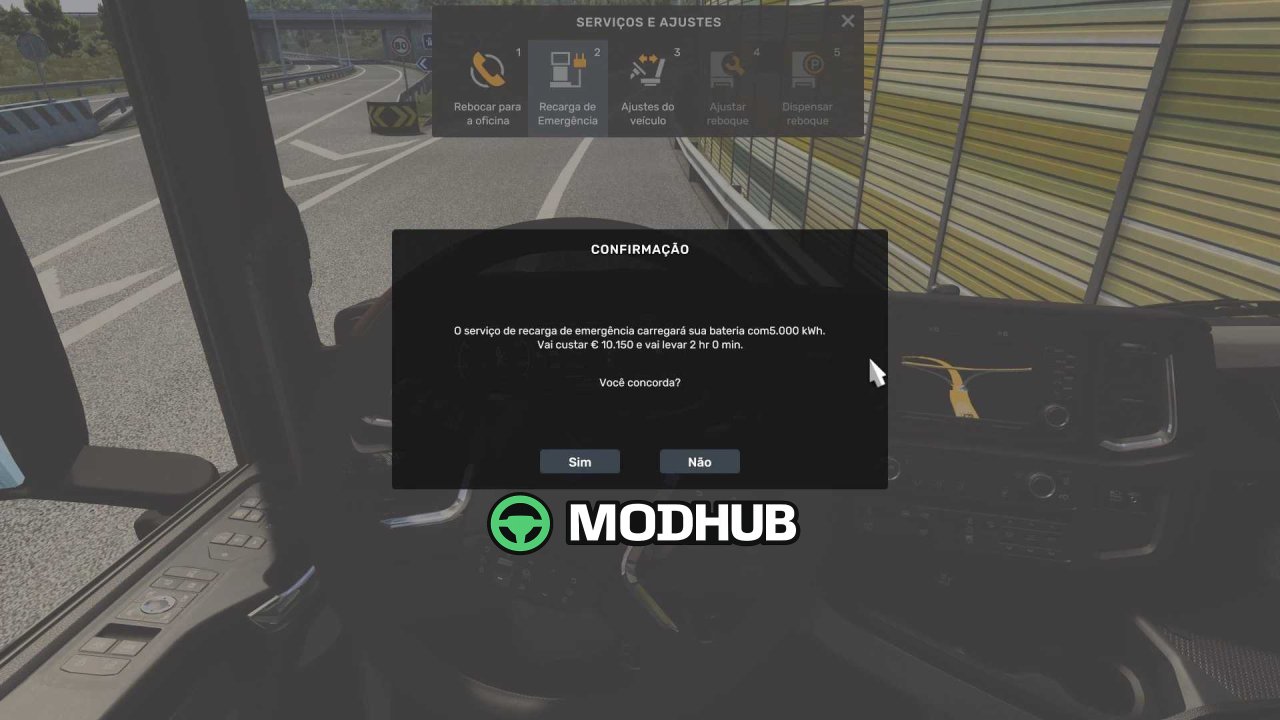
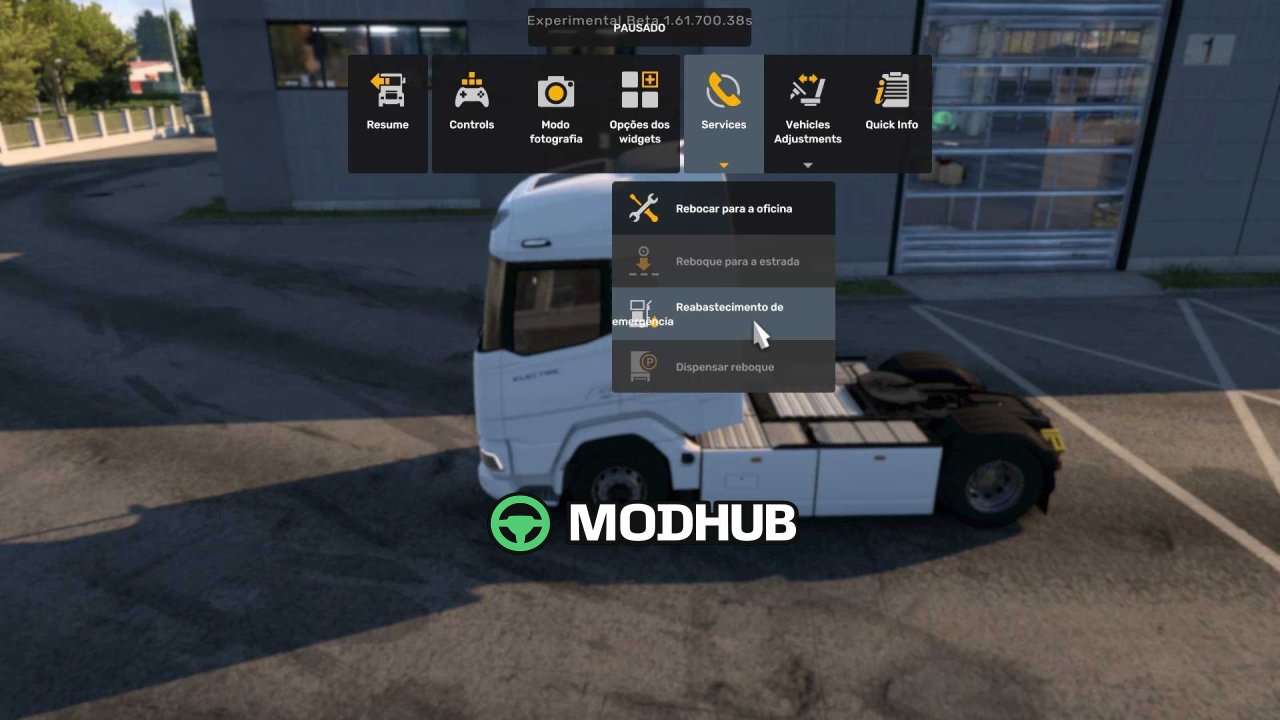
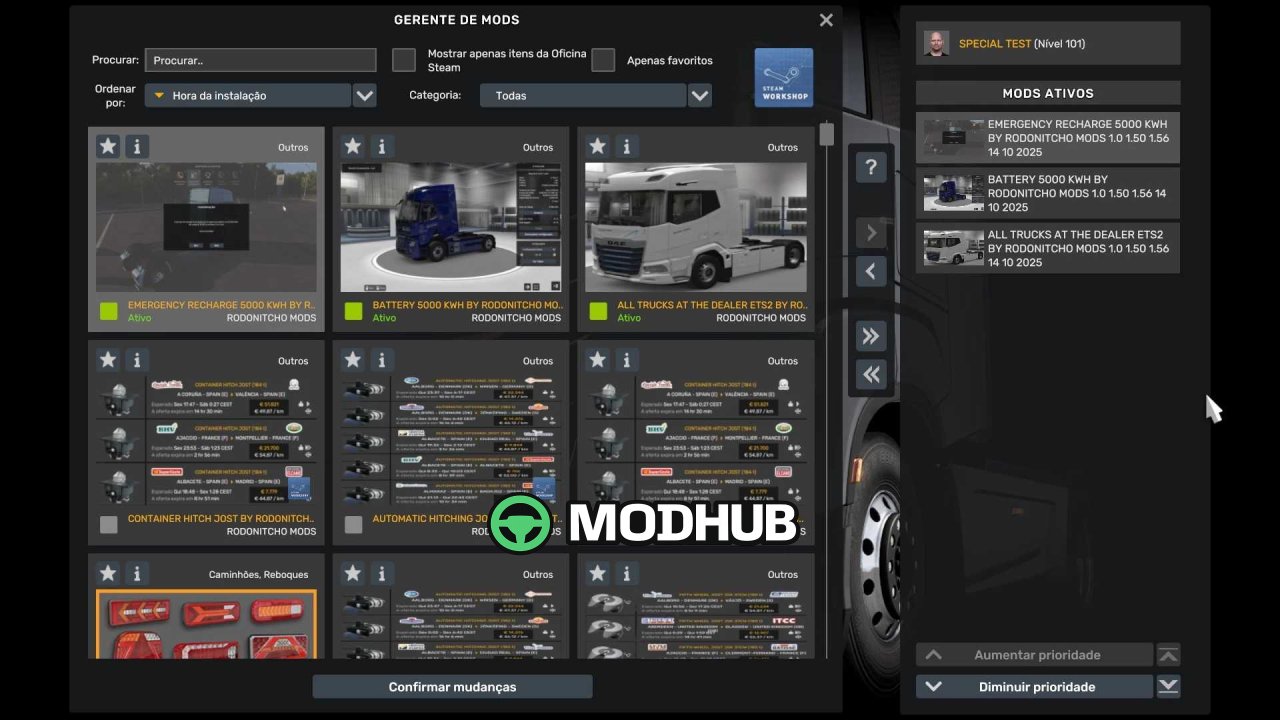
The EMERGENCY RECHARGE 5000 KWH mod is an ETS2-focused emergency charging add-on for Euro Truck Simulator 2. It helps keep electric trucks operational on demanding routes, especially when regular charging options are limited or inconvenient for the next leg of the journey.
This mod uses the specific configuration name EMERGENCY RECHARGE 5000 KWH 29 08 2026 1.40 1.61, so you can expect behavior aligned with those settings. The goal is to reduce the chance of getting stuck due to low charge and to make route planning feel less stressful.
Once added, the emergency charging option becomes a practical tool during gameplay. It’s suitable for players who run long hauls, transport cargo between remote areas, and want a reliable backup power source for ETS2 electric transport.
About EMERGENCY RECHARGE 5000 KWH Emergency Recharge for ETS2
EMERGENCY RECHARGE 5000 KWH Emergency Recharge for ETS2 is a mod for Euro Truck Simulator 2. Check the author description, supported game version and dependencies before installing.
How to install the mod
Follow the installation instructions for EMERGENCY RECHARGE 5000 KWH Emergency Recharge for ETS2, Euro Truck Simulator 2 and your platform.
Download the mod archive using the Download button and read the author instructions.
Use the folder and archive format specified by the mod author for this game.
Start the game and enable the mod for the selected save or profile, if required.
Test using a backup or a new save. Install any dependencies listed by the author.
System requirements and compatibility
Check the mod description for supported game versions, required DLC and platforms. Compatibility with every version or other mods is not guaranteed.
Frequently asked questions
Is this mod free?
MODHUB does not charge for access to this mod page. Check the terms and download limits of the external file provider.
Can I use this mod in Euro Truck Simulator 2 multiplayer?
Multiplayer support depends on the mod and its author. If supported, the server and players need matching mod versions and required DLC.
What should I check if the mod does not work?
Check the installation folder, archive structure, supported game version, dependencies and game logs. Test the mod separately using a backup save.
How can I check a downloaded mod?
Use trusted author sources, scan the archive and back up your saves. Do not run unrelated installers; a download listing does not guarantee safety or compatibility.