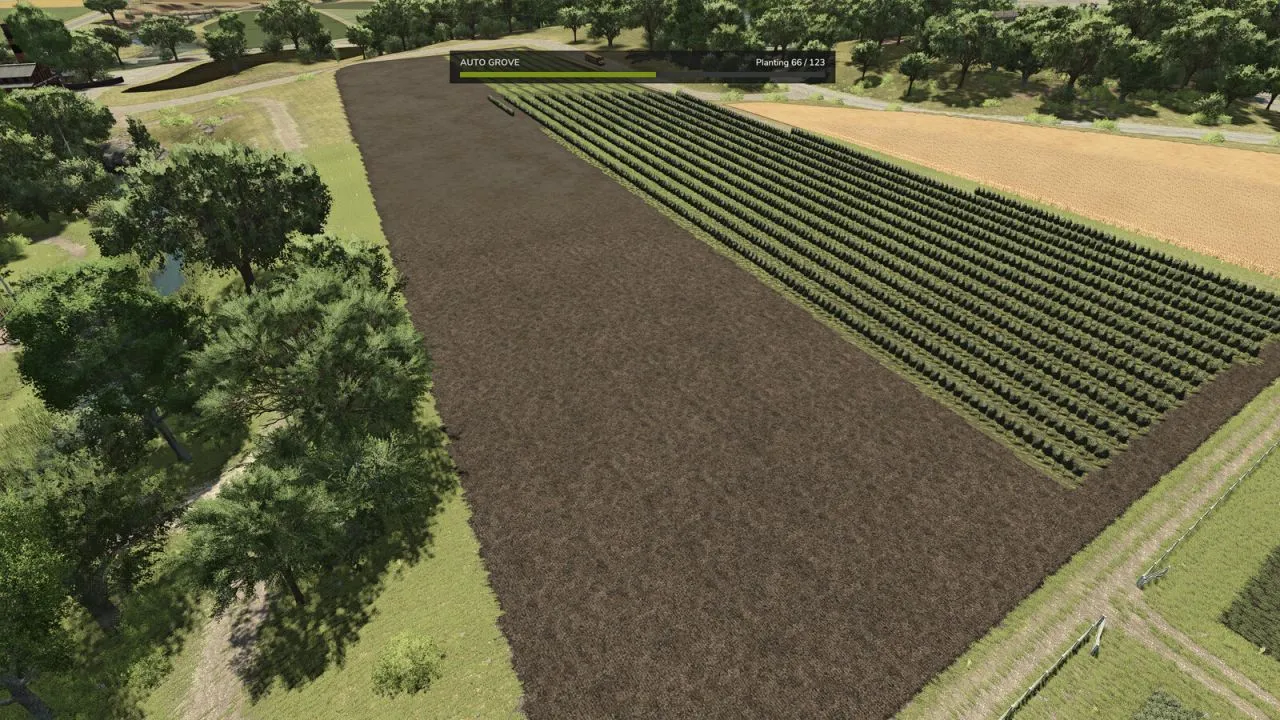
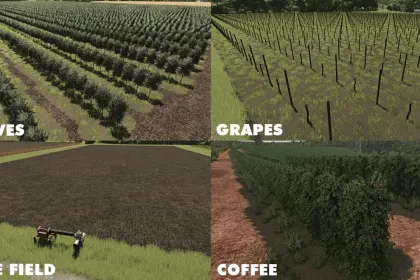
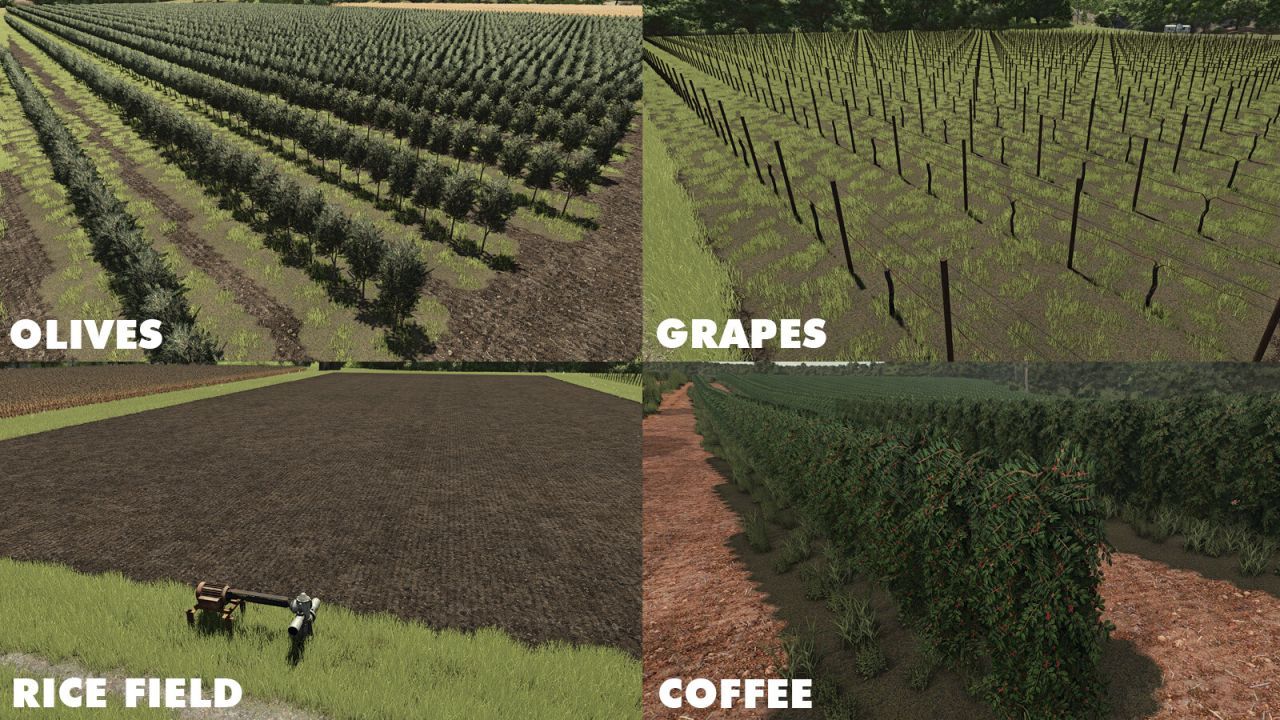
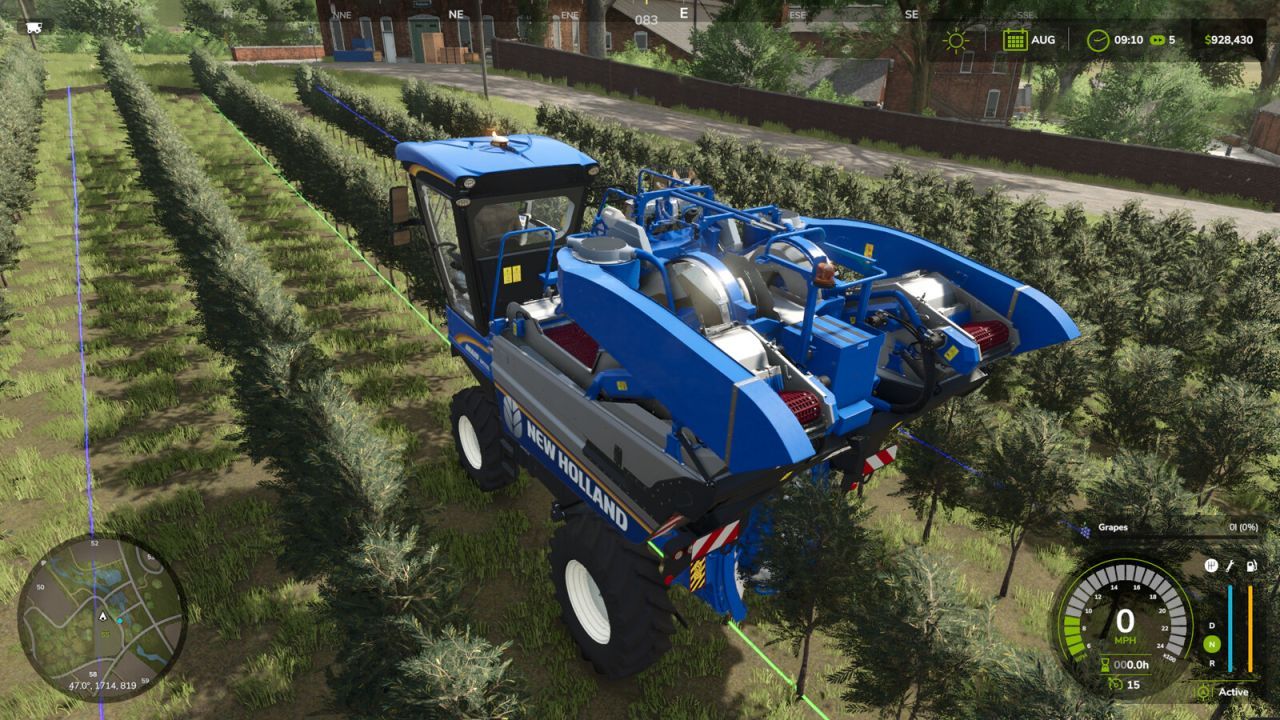
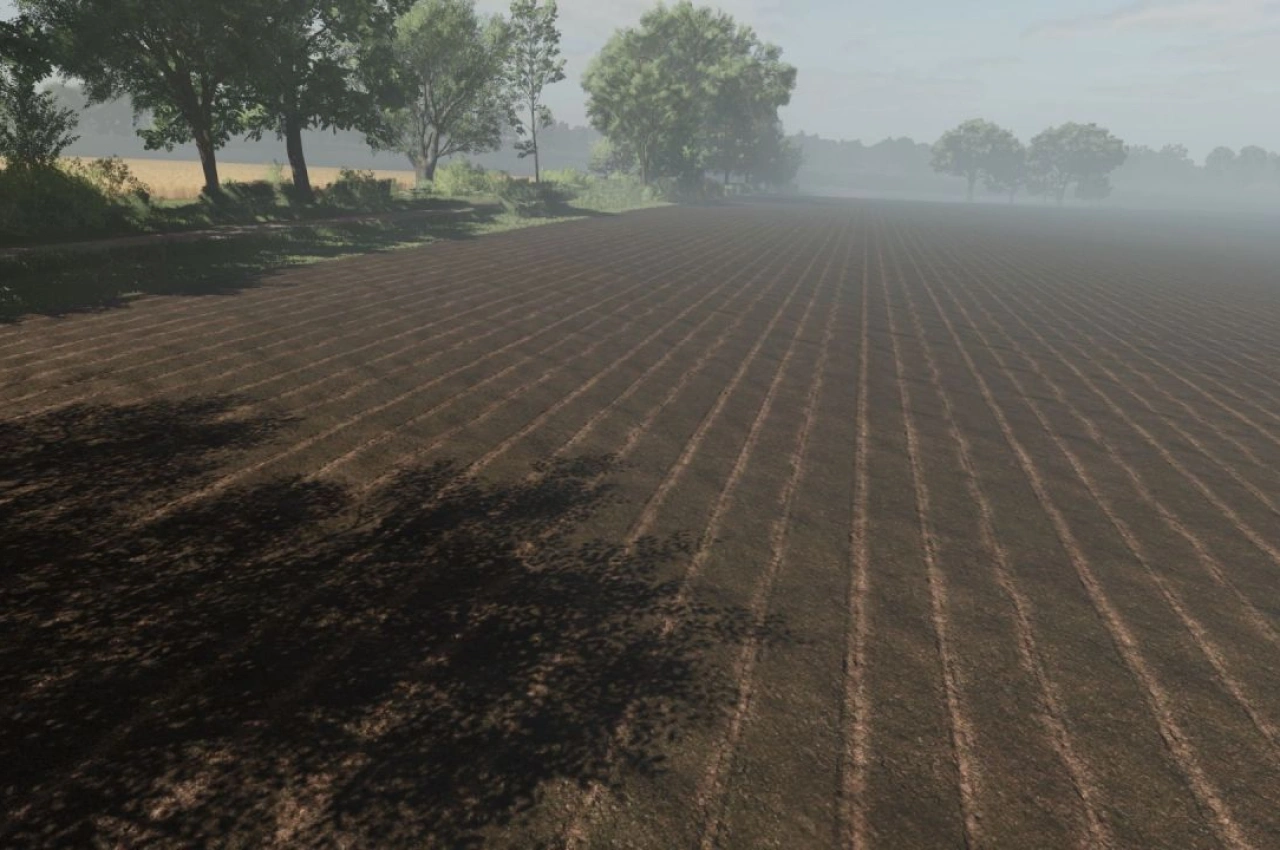
Auto Grove for Farming Simulator 25 is a gameplay mod that automatically lays out vineyards, olive/coffee groves and builds full rice fields across your selected plot.
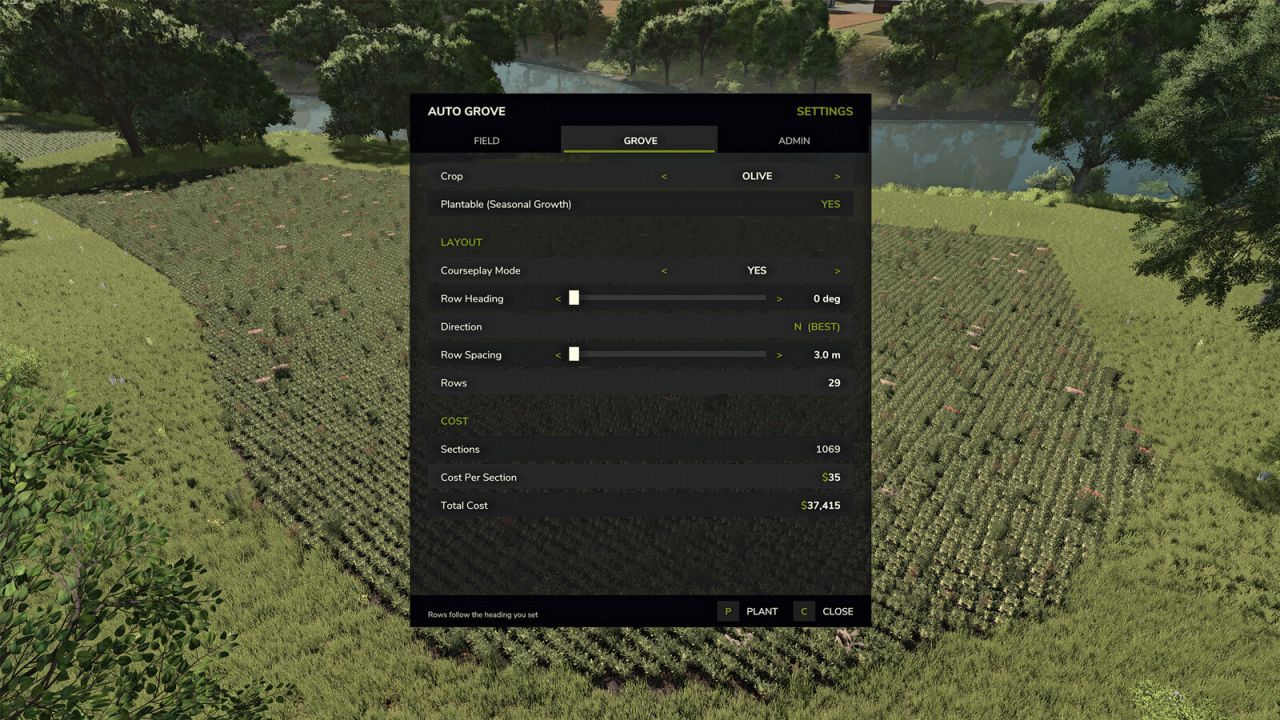
Pick one of your owned fields, choose your crop, set the row direction (in degrees or let the mod suggest the best angle), and the grove is placed evenly, aligned to your heading, and fitted to the real field shape—including irregular and concave borders.
• Whole-field planting on any field your farm owns: grapes, olives, coffee and rice (where the map supports them)
• Combined/extended fields detected from the actual ground (plant the full merged area)
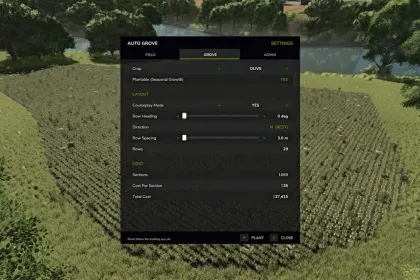
• Adjustable row spacing: from the crop’s standard spacing up to 10 m
• Row direction in degrees or auto angle suggestion; Courseplay Mode uses 5° steps
• Follows the game seasonal calendar exactly like vanilla sowing
• Live preview of rows/sections and the exact cost before you commit
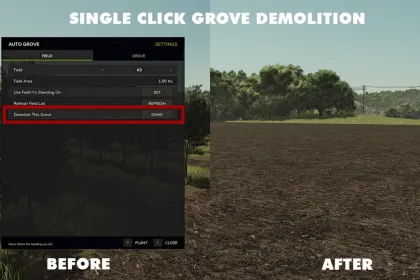
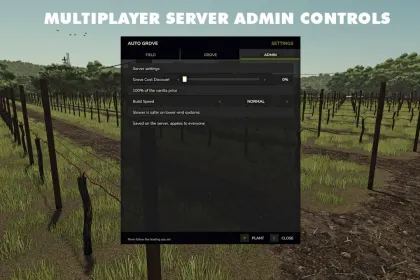
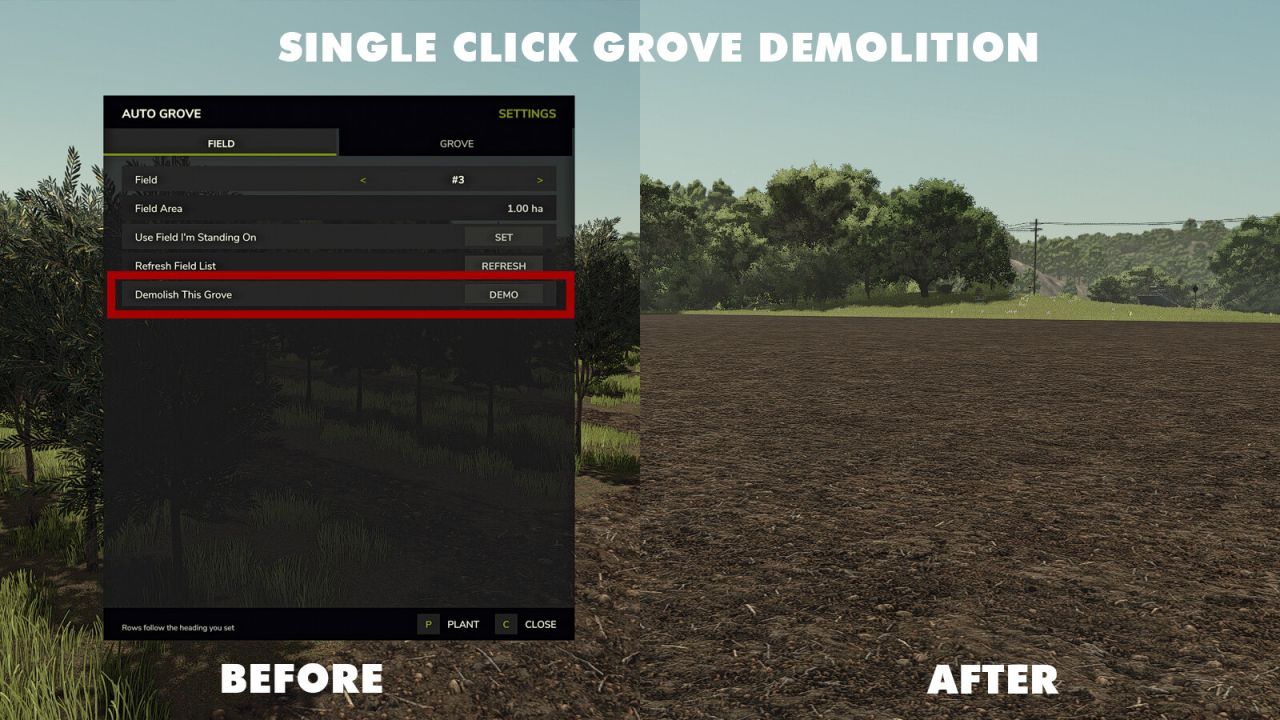
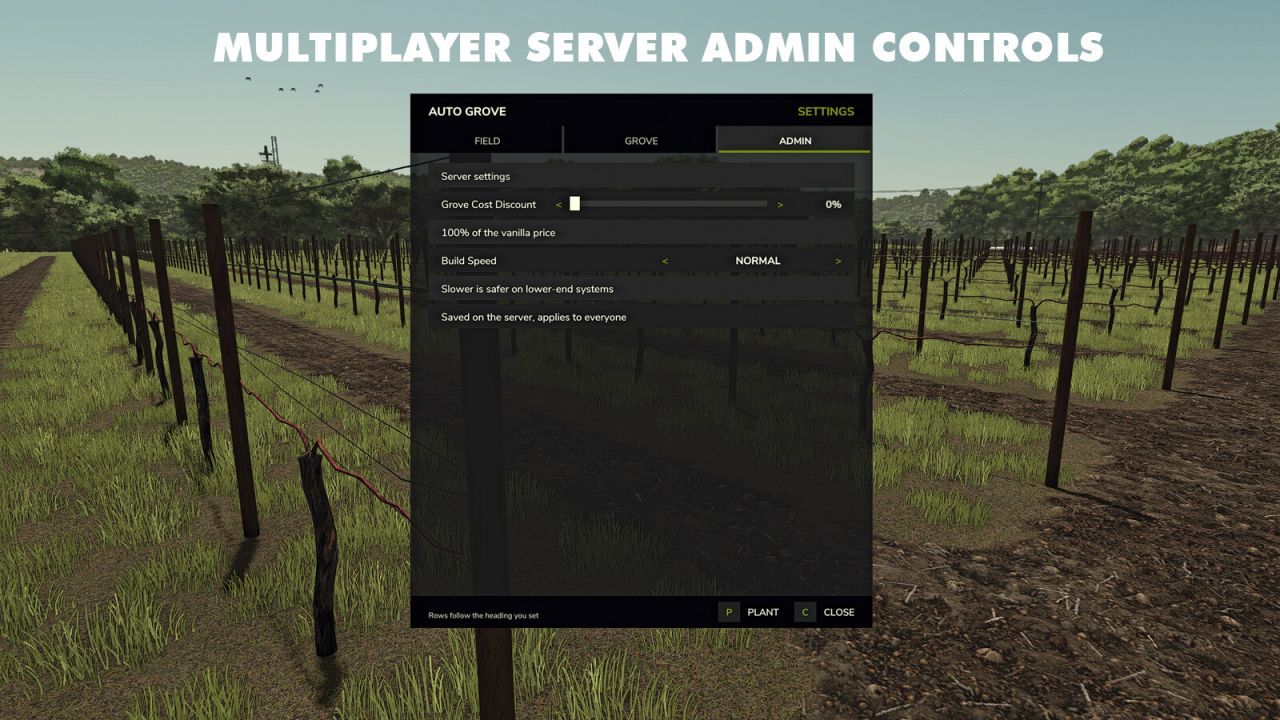
Before planting, the field is cleared and tilled so no old crop remains between the rows. Rice fields are built from the field’s real shape with leveling, ridge raising and automatic water pump placement. You can demolish a grove or rice field in one action to restore a clean cultivated field, and groves overlapping a neighbouring field are trimmed back rather than destroyed. Requires Farm Manager rights (farm hands cannot reshape fields) and includes full multiplayer support with server-side validation; settings open with F6, with no console commands and no text-file edits.
About Auto Grove for Farming Simulator 25
Auto Grove for Farming Simulator 25 is a mod for Farming Simulator 25. Check the author description, supported game version and dependencies before installing.
How to install the mod
Follow the installation instructions for Auto Grove for Farming Simulator 25, Farming Simulator 25 and your platform.
Download the mod archive using the Download button and read the author instructions.
On PC, copy the mod ZIP without extracting it to Documents/My Games/FarmingSimulator2025/mods. For a bundle, extract the individual mod ZIPs first. macOS and Microsoft Store paths may differ; check Mod Directory in the game log.txt.
Start the game and enable the mod for the selected save or profile, if required.
Test using a backup or a new save. Install any dependencies listed by the author.
System requirements and compatibility
Check the mod description for supported game versions, required DLC and platforms. Compatibility with every version or other mods is not guaranteed. Farming Simulator script mods are for PC/macOS. Console players can only install compatible mods from the in-game GIANTS ModHub.
Frequently asked questions
Is this mod free?
MODHUB does not charge for access to this mod page. Check the terms and download limits of the external file provider.
Can I use this mod in Farming Simulator 25 multiplayer?
Multiplayer support depends on the mod and its author. If supported, the server and players need matching mod versions and required DLC.
What should I check if the mod does not work?
Check the installation folder, archive structure, supported game version, dependencies and game logs. Test the mod separately using a backup save.
How can I check a downloaded mod?
Use trusted author sources, scan the archive and back up your saves. Do not run unrelated installers; a download listing does not guarantee safety or compatibility.