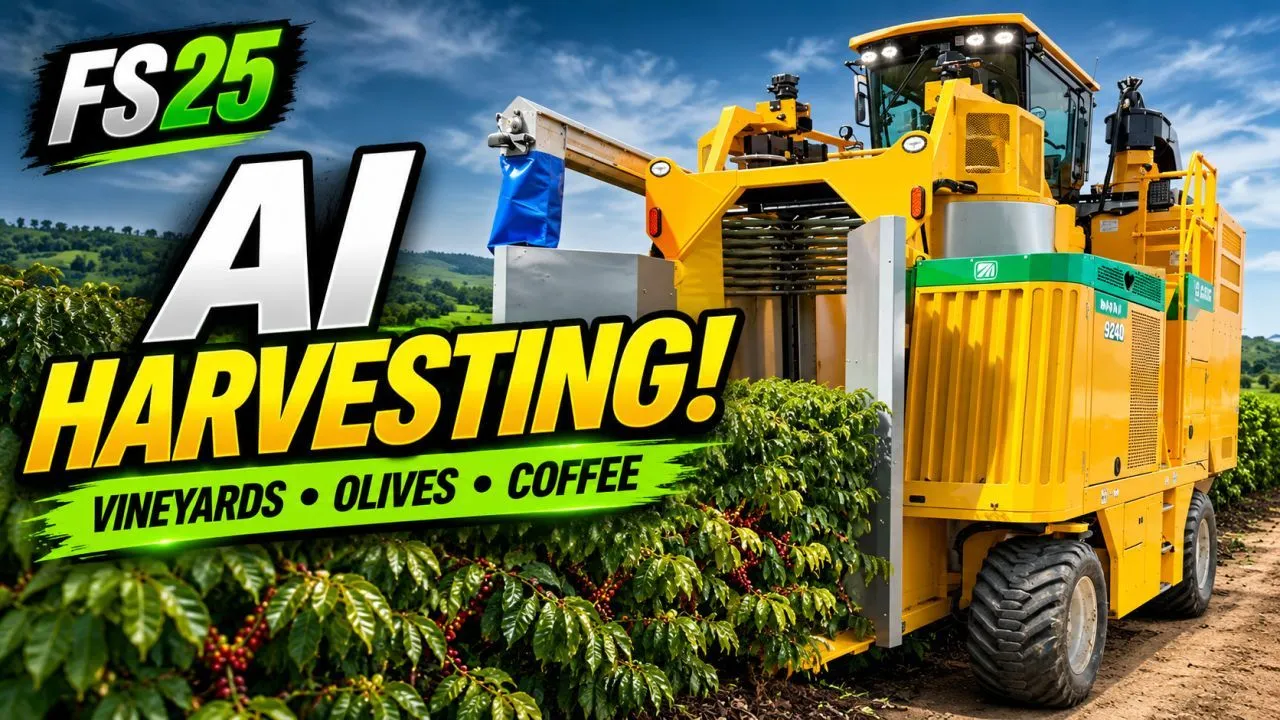
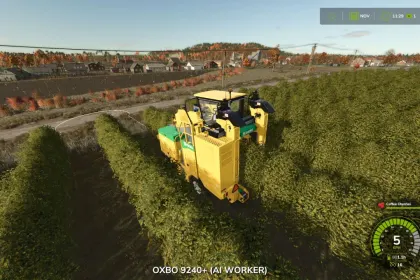
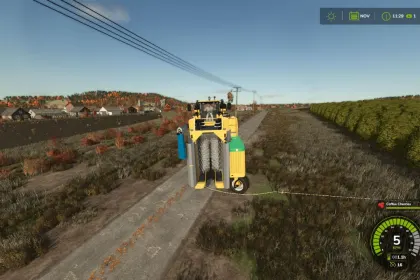
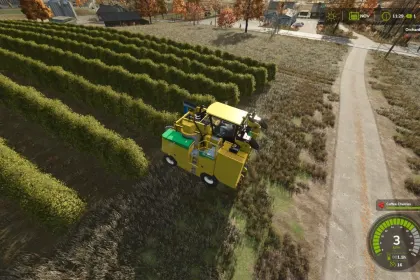
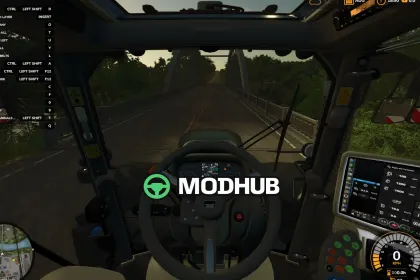
Orchard AI Driver is a script for Farming Simulator 25 that introduces an automatic helper for harvesters in vineyards, olive groves, and coffee plantations. The base game helper cannot operate in these narrow rows, but Orchard AI Driver successfully solves this problem. Simply press the H key in the cab of a grape, olive, or coffee harvester, and the machine will work the entire plantation by itself. The script supports multiplayer and is available in English, German, and French.
• Automatically detects plantation boundaries, row length, and spacing between rows
• Works only with the correct crop: grape harvester in vineyards, olive harvester in olive groves, coffee harvester in coffee plantations
• Drives autonomously from the farm to the plantation, aligns with the first row, and starts working
• Smart row order: works every second row on the way out, then the rows in between on the way back
• Clean headland turns with a straight run to line up with the next row
• Lowers and activates tools in the rows, raises them on headlands
• If a turn is blocked, it backs up and tries another way, and waits for vehicles in the way
• Stops automatically when the tank is full or all rows are done
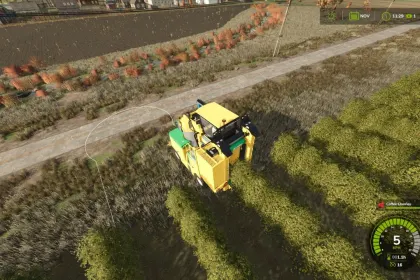
• Displays the route on the ground: green for work, orange for turns
• Supports multiplayer and multiple interface languages
The script greatly simplifies harvesting in orchards and vineyards, allowing players to focus on other farming activities.
About Orchard AI Driver for Farming Simulator 25
Orchard AI Driver for Farming Simulator 25 is a mod for Farming Simulator 25. Check the author description, supported game version and dependencies before installing.
How to install the mod
Follow the installation instructions for Orchard AI Driver for Farming Simulator 25, Farming Simulator 25 and your platform.
Download the mod archive using the Download button and read the author instructions.
On PC, copy the mod ZIP without extracting it to Documents/My Games/FarmingSimulator2025/mods. For a bundle, extract the individual mod ZIPs first. macOS and Microsoft Store paths may differ; check Mod Directory in the game log.txt.
Start the game and enable the mod for the selected save or profile, if required.
Test using a backup or a new save. Install any dependencies listed by the author.
System requirements and compatibility
Check the mod description for supported game versions, required DLC and platforms. Compatibility with every version or other mods is not guaranteed. Farming Simulator script mods are for PC/macOS. Console players can only install compatible mods from the in-game GIANTS ModHub.
Frequently asked questions
Is this mod free?
MODHUB does not charge for access to this mod page. Check the terms and download limits of the external file provider.
Can I use this mod in Farming Simulator 25 multiplayer?
Multiplayer support depends on the mod and its author. If supported, the server and players need matching mod versions and required DLC.
What should I check if the mod does not work?
Check the installation folder, archive structure, supported game version, dependencies and game logs. Test the mod separately using a backup save.
How can I check a downloaded mod?
Use trusted author sources, scan the archive and back up your saves. Do not run unrelated installers; a download listing does not guarantee safety or compatibility.