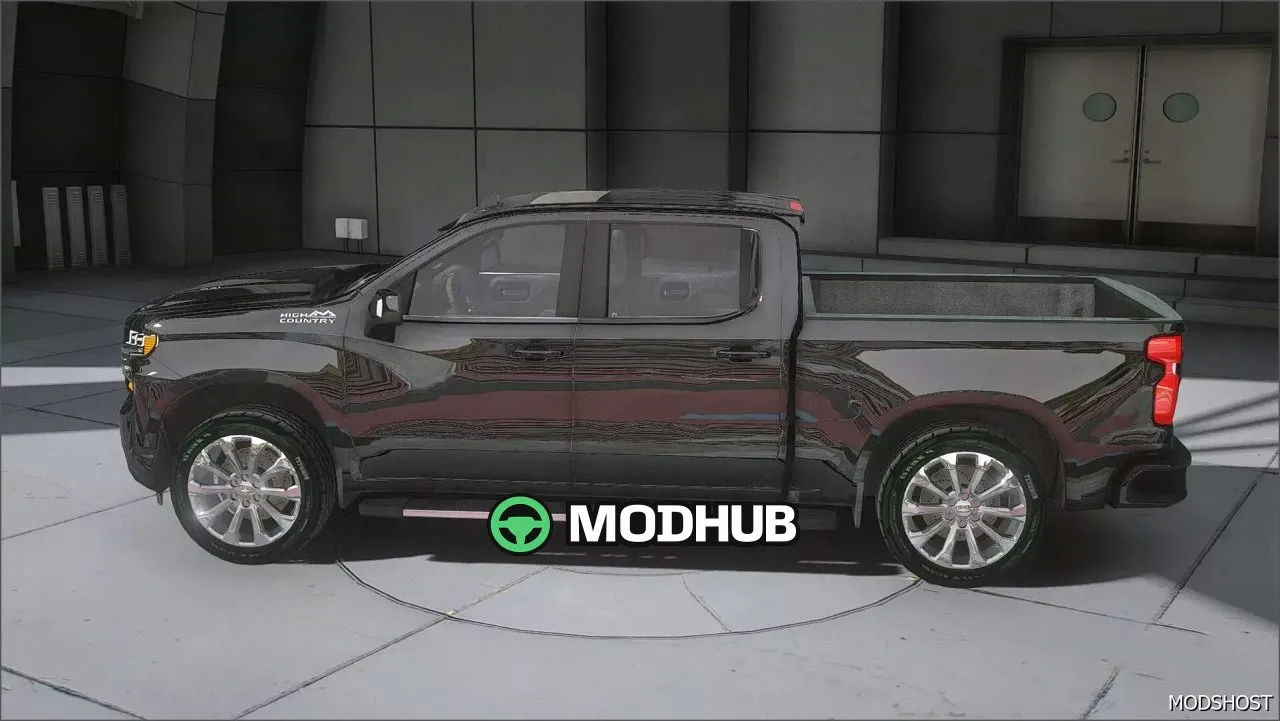
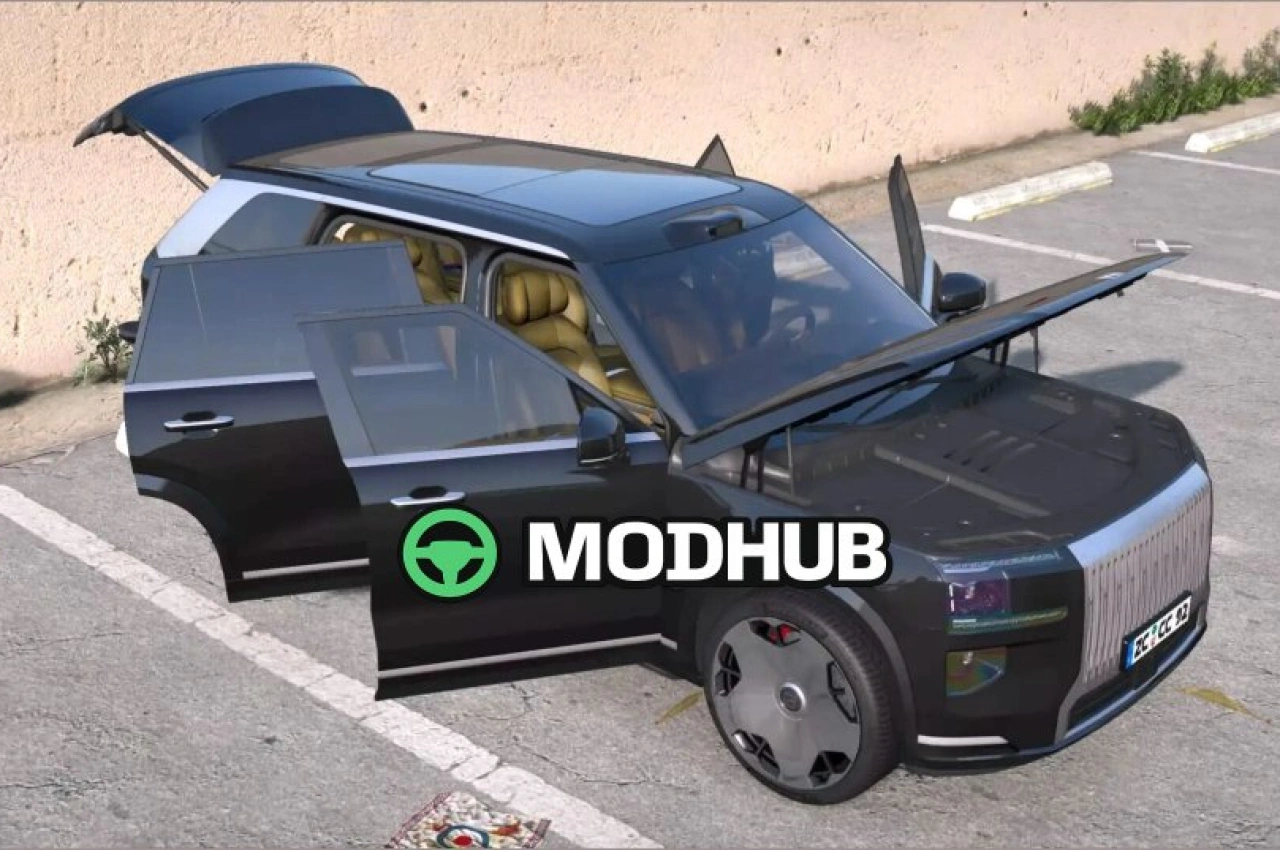
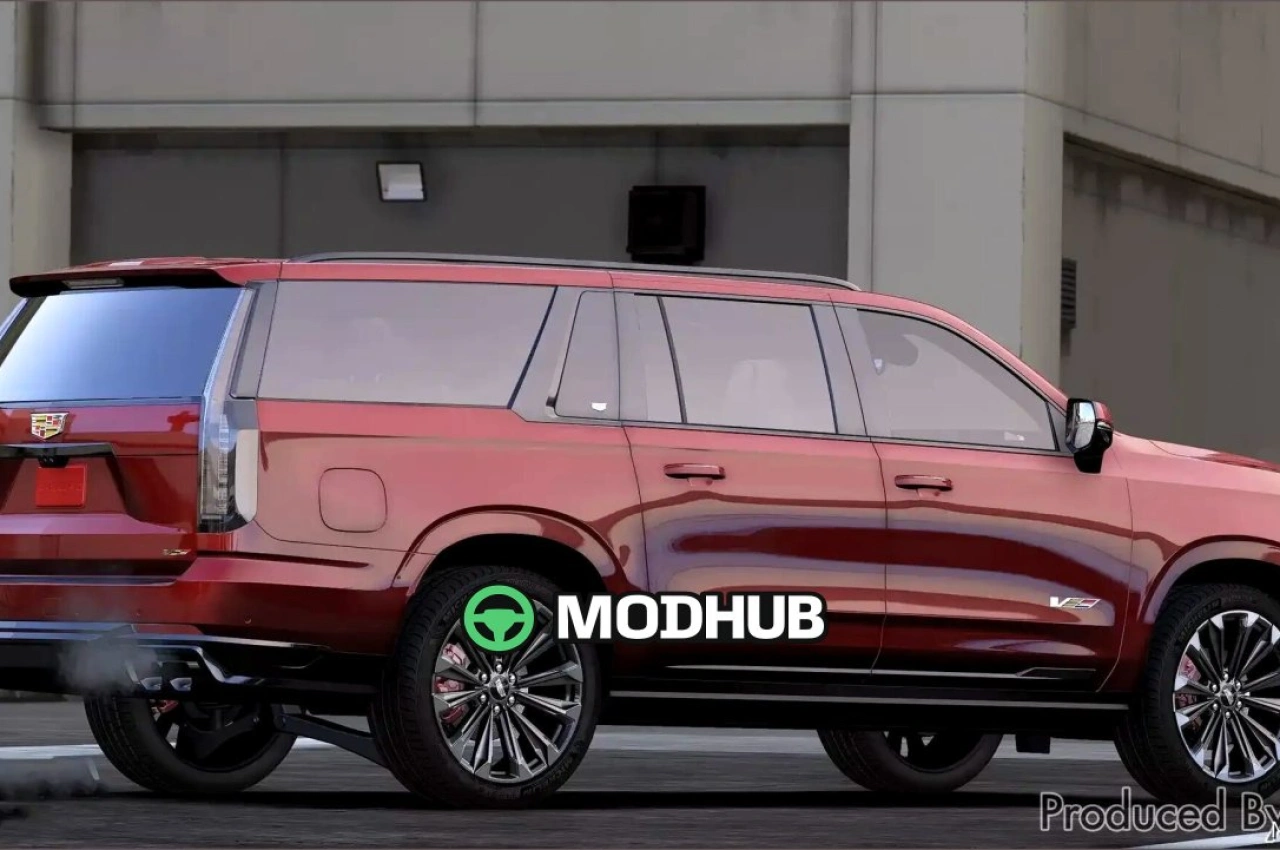
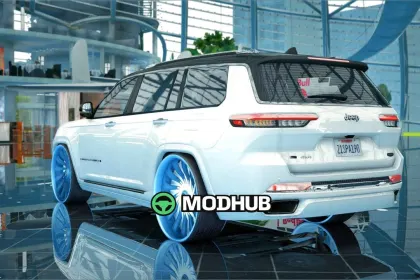
The 2019 Chevrolet Silverado High mod impresses with its powerful design and modern technologies. The hood with sharp sculpted lines emphasizes the strength and style of the vehicle. A large black grille with chrome inserts and a gold Chevrolet logo creates a recognizable premium look.
Complex-shaped LED headlights with integrated DRLs give the vehicle an aggressive appearance. A massive front bumper with chrome elements and built-in fog lights completes the image of this premium pickup.
Chrome moldings on the doors and sills, as well as the “High Country” badge on the fender, highlight the exclusivity of this version. A spacious four-door cab and a massive cargo bed make the vehicle versatile and practical.
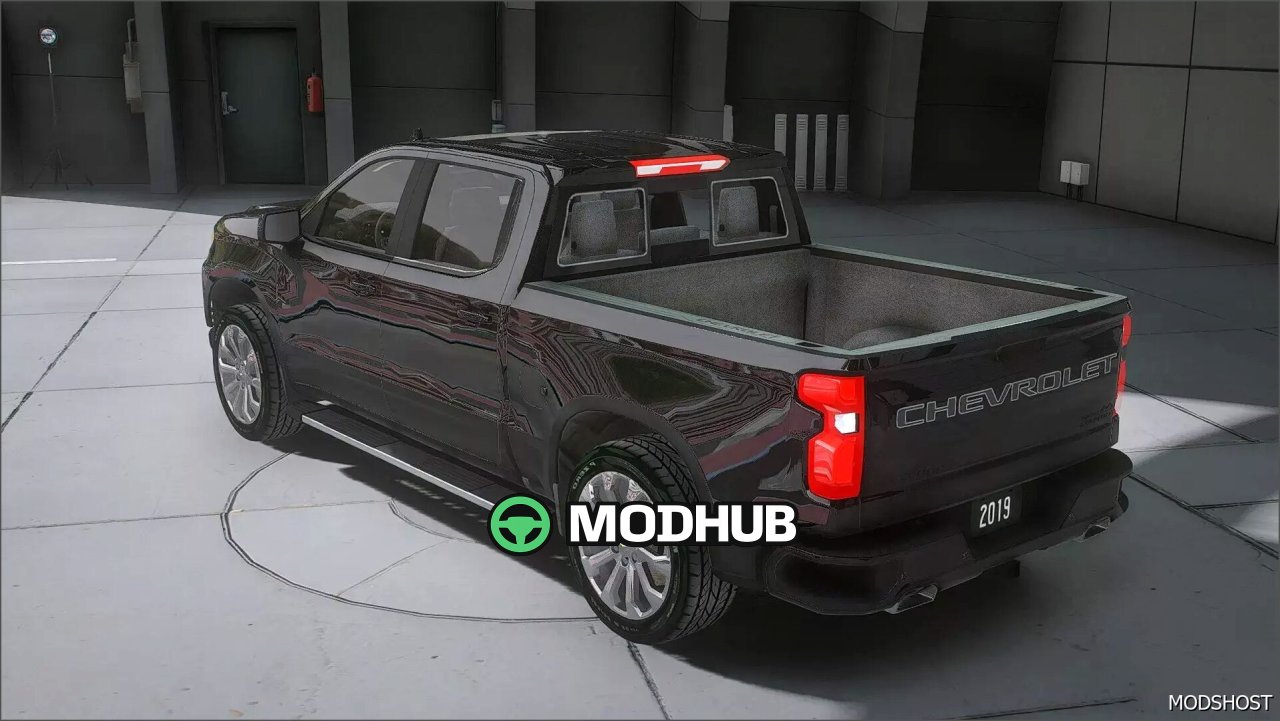
Stylish LED taillights with modern graphics emphasize the Silverado’s technology and distinctiveness. A massive rear bumper with chrome inserts completes the image of a powerful and prestigious pickup.
About 2019 Chevrolet Silverado High - powerful and stylish mod
2019 Chevrolet Silverado High - powerful and stylish mod is a mod for GTA 5. Check the author description, supported game version and dependencies before installing.
How to install the mod
Follow the installation instructions for 2019 Chevrolet Silverado High - powerful and stylish mod, GTA 5 and your platform.
Download the mod archive using the Download button and read the author instructions.
Use the folder and archive format specified by the mod author for this game.
Start the game and enable the mod for the selected save or profile, if required.
Test using a backup or a new save. Install any dependencies listed by the author.
System requirements and compatibility
Check the mod description for supported game versions, required DLC and platforms. Compatibility with every version or other mods is not guaranteed.
Frequently asked questions
Is this mod free?
MODHUB does not charge for access to this mod page. Check the terms and download limits of the external file provider.
Can I use this mod in GTA 5 multiplayer?
Multiplayer support depends on the mod and its author. If supported, the server and players need matching mod versions and required DLC.
What should I check if the mod does not work?
Check the installation folder, archive structure, supported game version, dependencies and game logs. Test the mod separately using a backup save.
How can I check a downloaded mod?
Use trusted author sources, scan the archive and back up your saves. Do not run unrelated installers; a download listing does not guarantee safety or compatibility.