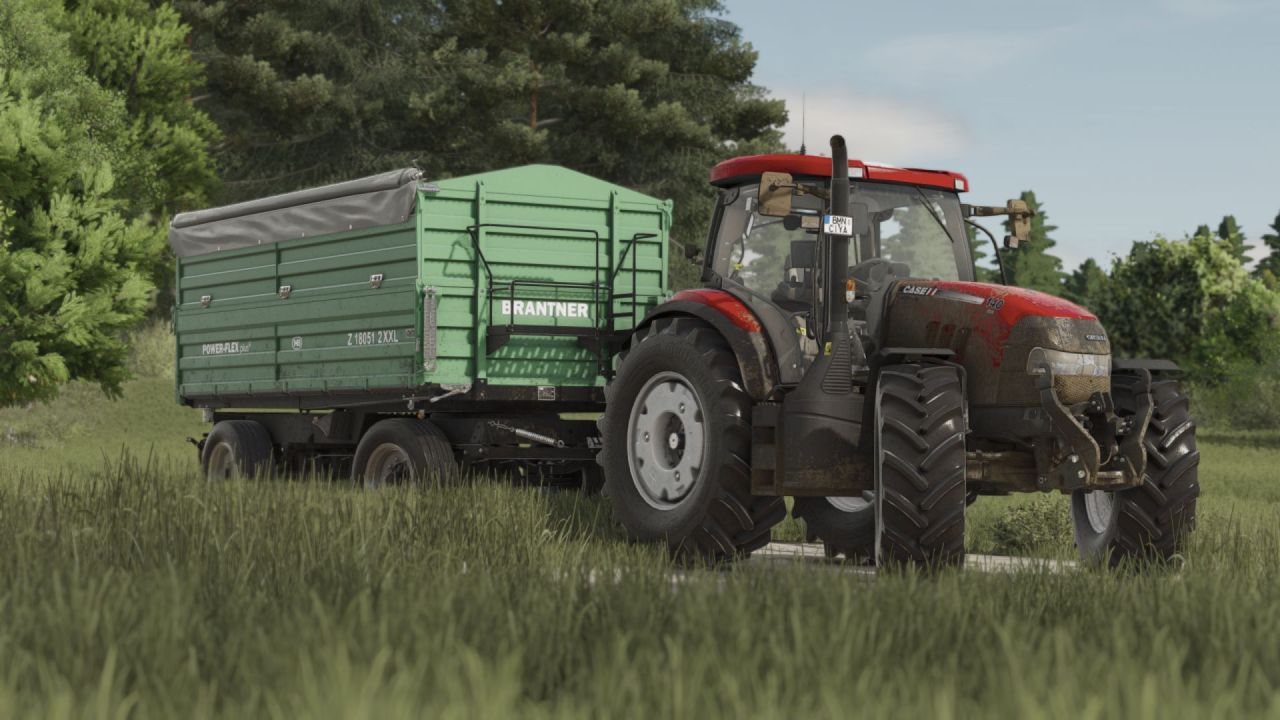
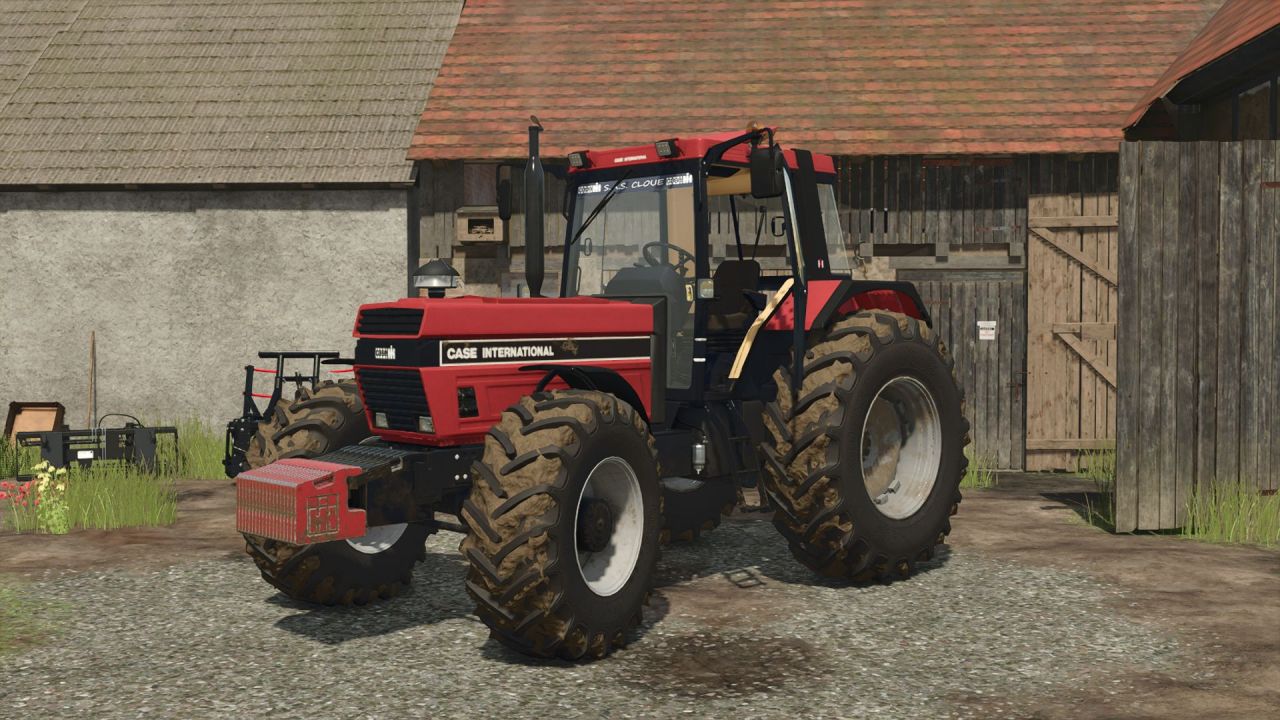
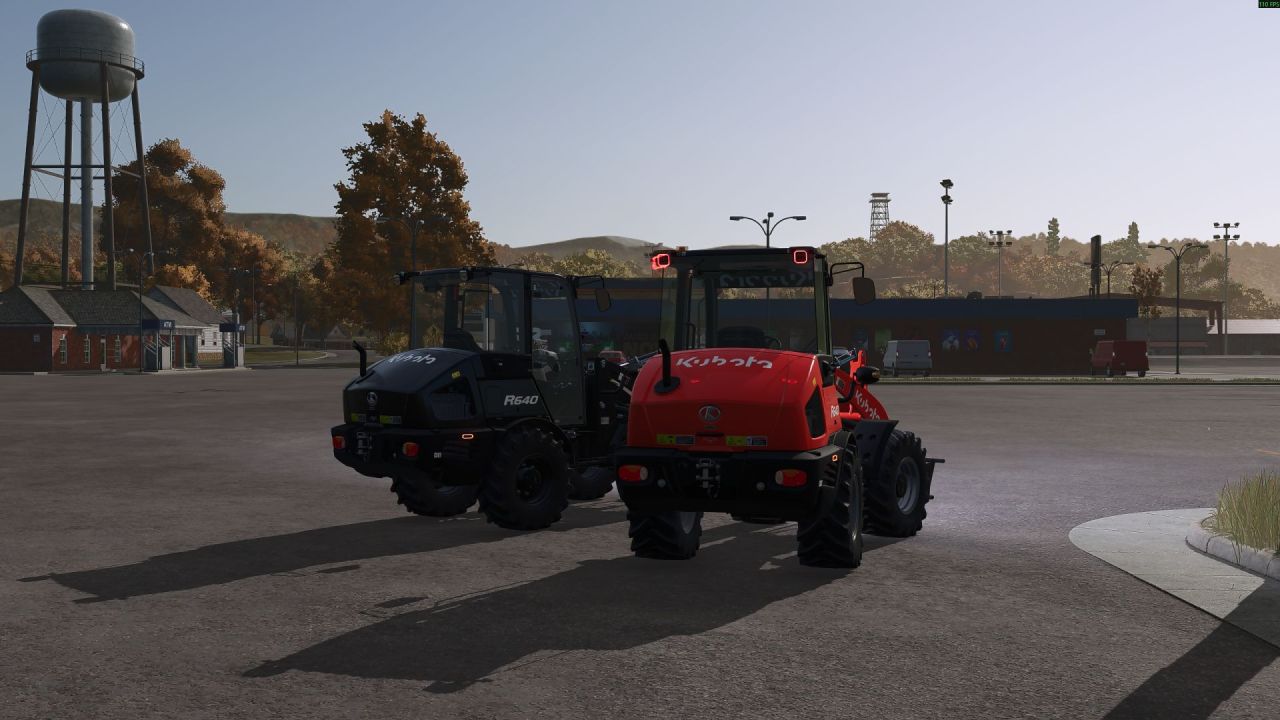
Efficient Shader Mod 4 by CasiJR for Farming Simulator 25
Hello, friends! 🚜 I'm back with a new shader, Shader 4 by CasiJR, and I hope you'll enjoy it! Enjoy enhanced graphical effects in your game! 😄
⛔️ Instructions ⛔️
1. Install the Game Additional Settings mod from the link: https://www.farming-simulator.com/mod.php?mod_id=308552
2. Install Reshade:
* Select Giants Engine 10.0.0 and DirectX10,11,12
* Install all effects
3. Go to the folder Program Files (x86)\Steam\steamapps\common\Farming Simulator 25 (in my case) and place the Shader_4 by CasiJR.ini file in the x64 folder.
4. Launch the game and press the "Home" button, select "Shader_4 by CasiJR.ini".
5. In the "Additional Settings" tab, change "Custom Lighting" to "Sample". This is the first option after "off".
With this mod, your game will become even more exciting! ✅