What to do if a mod doesn’t work in Farming Simulator 25
1) Identify the exact symptom
Start by describing what “doesn’t work” means in your case: the mod doesn’t appear in the shop, the game crashes when you start a save, the vehicle spawns but won’t drive, animations or triggers don’t work, or the mod works only on one map. In Farming Simulator 25, the most common causes are not broken models but compatibility issues, file conflicts between mods, missing dependencies (DLC/other mods), or saved-game state that doesn’t update after an upgrade.
If the game crashes as soon as you enable the mod, do the fastest isolating test: disable all mods, enable only the suspected mod, then repeat with the next one. If the issue disappears, you’ve confirmed the guilty mod (or mod pair).
2) Confirm compatibility with Farming Simulator 25
Mods made for previous FS versions often use outdated script formats or XML structures. In FS25 they may load partially, fail silently, or throw errors in logs. Check the mod page for explicit support of Farming Simulator 25 and the required DLC/patches.
For example, animal-related mods must match FS25’s animal system and map production logic. If you’re using Novyi Animal Pack – More Cattle Breeds Edition, make sure no other mod changes cattle handling, selling, milk production, or map economy at the same time—those combinations are a frequent trigger for odd behavior.
3) Look for conflicts: maps, global scripts, and “overrides”
Conflicts usually happen when a map replaces global resources (missions/production triggers) while other mods also rely on the same systems. Transport mods can appear “broken” when the map’s trigger setup differs from what the mod expects.
Try the suspected mod on another map to separate “map problem” vs “mod problem”. If you’re using Karta HOF Bergmann (Весняне оновлення) V1.4, also test with Karta Podils’kyi region. If it works on one but not the other, the culprit is very likely a map-specific setup: spawn points, sell triggers, road navigation volumes, or production scripts.
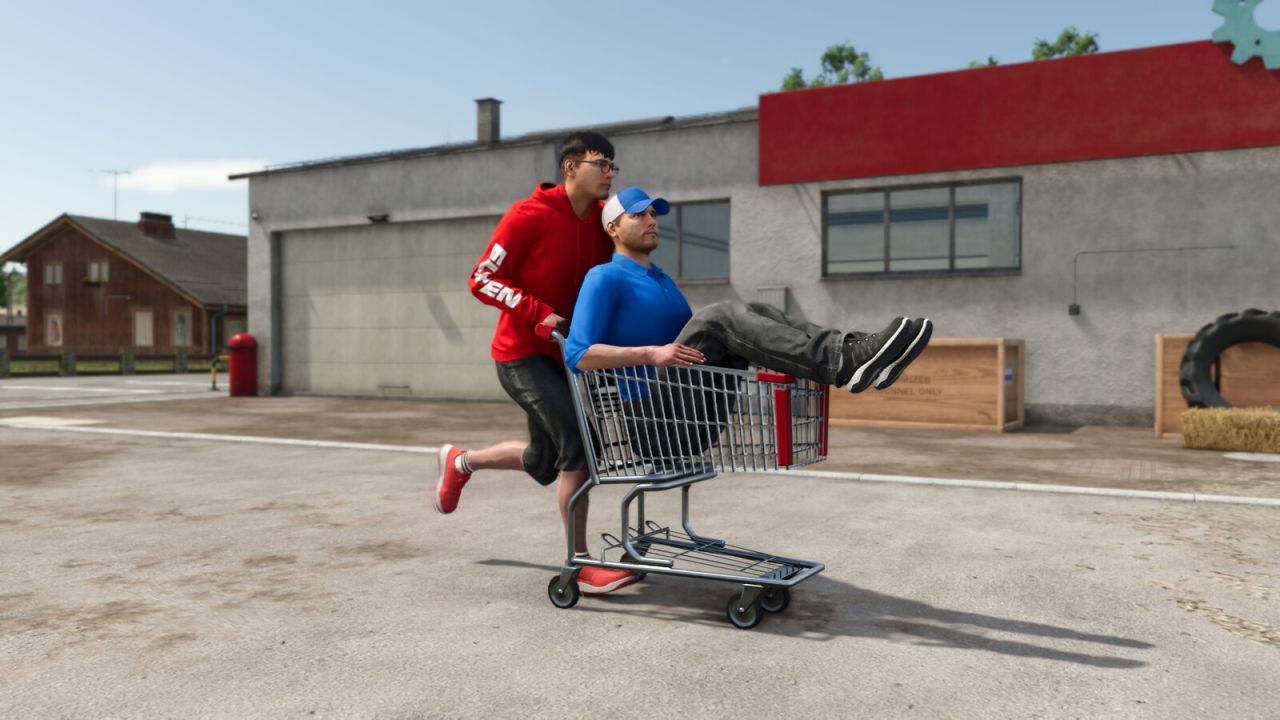
For small-item logistics, the mod Zruchnyi Shopping Cart for Farming Simulator 25 is helpful, but if it doesn’t interact with storage/sell points as expected, that usually points to differences in how the target map implements those triggers.
4) Verify mod settings and correct attachments
Some mods require proper configuration: the right coupling type, correct selection of working mode, or using the intended tools/variants. For vehicles, confirm that the mod isn’t competing with another mod that replaces the same systems (camera, control scheme, engine/gear logic).
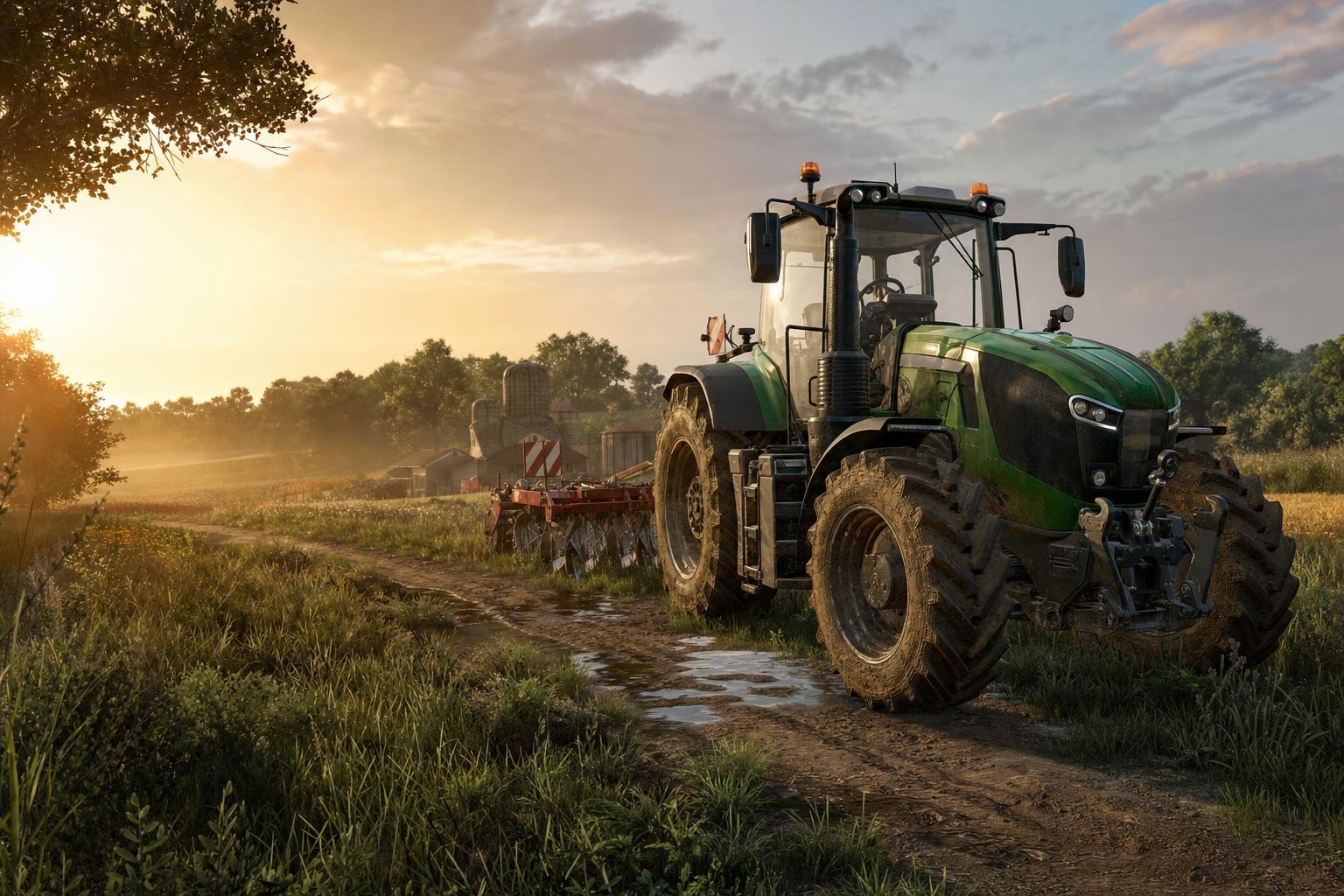
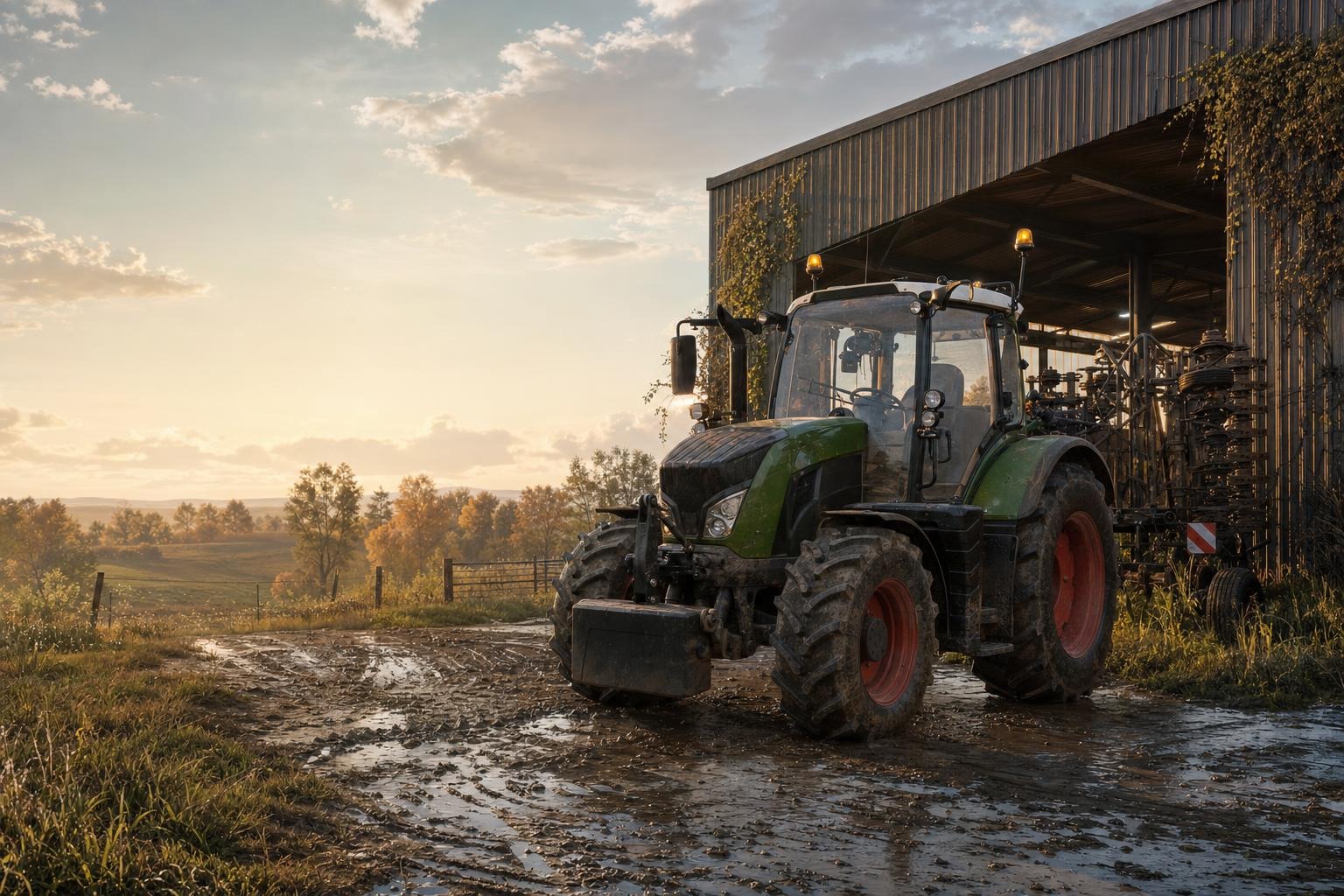
If your issue is tractor-related, test with a known FS25-friendly mod and observe when it fails: on entering the cab, during speed/gear changes, or when using attachments. For instance, compare behavior using Kirovets K-700 v1.0.0.3 and then check with HTZ T-150K tractors as an additional reference point. If one of them fails only with your current mod pack, it’s almost certainly a conflict rather than a “global” problem.
5) Check the log (the last error lines matter most)
FS25 provides valuable information in the log file. Search for keywords like error, exception, missing, failed, and then focus on the last entries before the crash or after the mod is enabled. If the log mentions a specific script/XML/texture, that tells you exactly what failed to load.
Workflow: run the game with no mods, confirm stability, then enable mods one by one. After each activation, check the log. Once the error reappears, you’ve found the triggering mod combination.
6) Split by mod categories: maps vs vehicles vs animals vs farm equipment
When problems happen during field work (planting/placing resources), the likely culprit is a farm equipment mod or anything that changes planting logic. Potato planters, for example, rely on speed, depth, seed handling, and unloading/coverage mechanics.
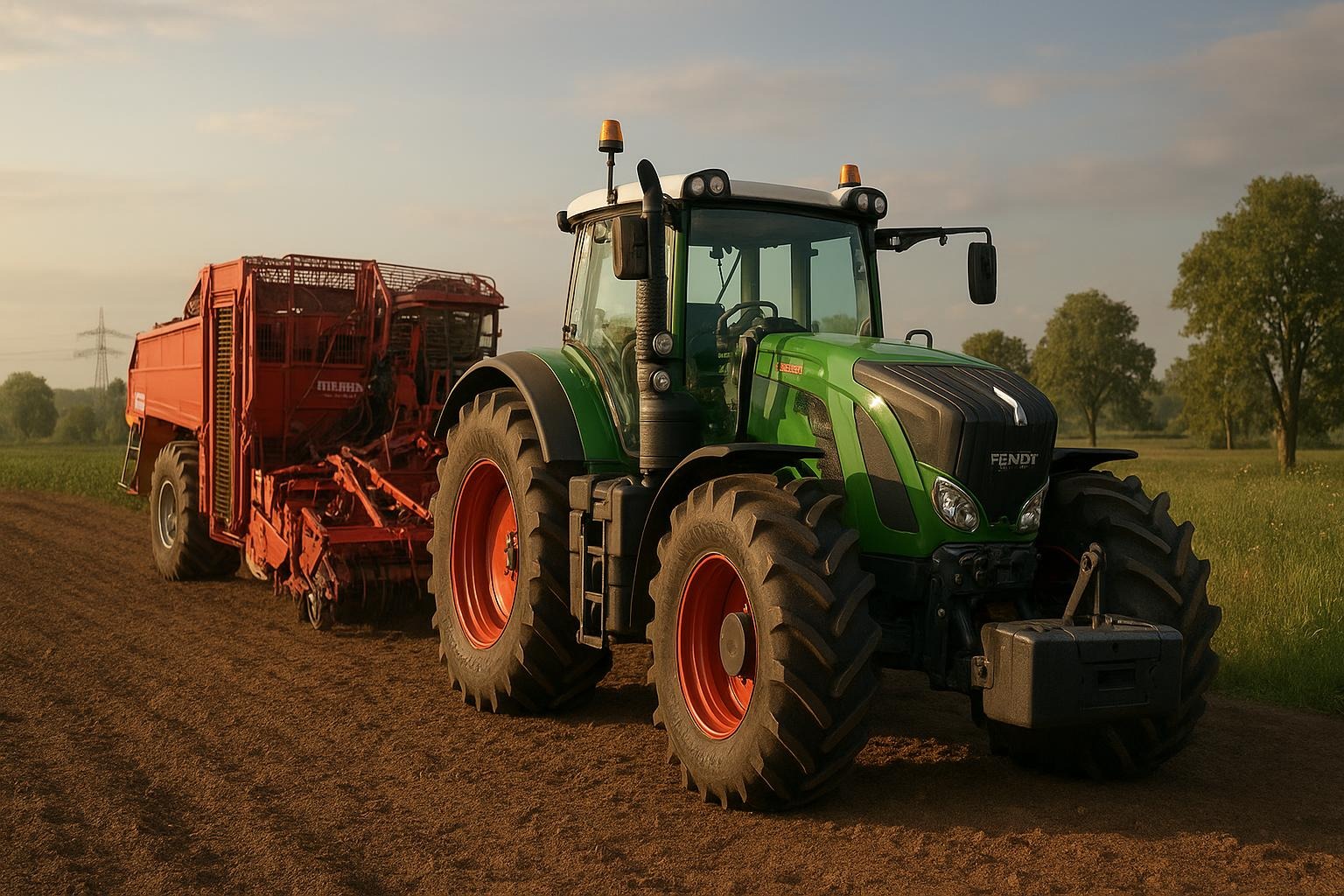
If you use Efficient Potato Planter KPMR S208 / Akpil S227 / Bomet S239, disable it temporarily and test if planting behavior returns to normal. If it fixes the issue, look for other mods that modify potato planting or crop yield calculations.
Map mods can also change building layouts and trigger nodes, which may make equipment “seem broken”. Try isolating map effects using Zarya map v1.0.0.0 or your current map. If the same equipment works on multiple maps, the mod is likely fine and the problem is map-specific.
7) Update properly and use a fresh save for testing
After updating a mod, old saves may still reference old object states (especially for production chains, animals, or pre-placed vehicles). Create a new save or at least start a clean test area and run the same action again. This is often the difference between “still broken” and “fixed”.
If you swapped maps, disable any map-dependent mods until you confirm stability. Animal and production-related mods are the most sensitive to map changes.
8) Quick diagnostic checklist
- Disable all mods → confirm the game runs normally.
- Enable mods one by one (or by category) and compare behavior.
- Verify FS25 compatibility and required DLC.
- Test on another map (e.g., HOF Bergmann or Podils’kyi region).
- Create a new save after updating.
- Look for category conflicts: global scripts + maps + animals + farm equipment.
9) If you need help, include the right evidence
If nothing resolves it, prepare a message with: what you clicked right before failure, your FS25 version, the list of enabled mods, and the exact log excerpt around the error. With those details, it’s much easier to determine whether it’s a conflict, missing dependency, or a mod bug.
Most issues are resolved by the same triad: correct FS25-compatible version, no conflicts with your map/script/animal setup, and confirming mod settings before running the first production or field operation. Work through your mod pack using the isolation steps above—especially after installing map, animal, equipment, or transport mods like the ones linked here.