Top 10 Farming Simulator 25 mods to start with
The best beginner mods in Farming Simulator 25 are not always the biggest tractors or the flashiest machines. A truly useful starter setup makes the first hours calmer, clearer, and more practical. That is why this selection focuses on a balance of maps, tractors, logistics, livestock, and control comfort. If you are just getting into FS25, it is smarter to install a few mods that improve everyday farm routines than to fill your save with a random pile of machines you will not use yet.
Before installing anything, keep the basic FS25 rules in mind. On PC and macOS, external ZIP mods go into the game’s mods folder inside the user data directory. Typical Windows Steam/GIANTS path: %USERPROFILE%\Documents\My Games\FarmingSimulator2025\mods. Typical macOS Steam/GIANTS path: ~/Library/Application Support/FarmingSimulator2025/mods. For Mac App Store the path is usually ~/Library/Containers/FarmingSimulator2025/Data/Library/Application Support/FarmingSimulator2025/mods. On Microsoft Store builds, the location can differ, so the safest method is checking log.txt in the user data folder: the game reports the actual Mod Directory there. Documents may be redirected to OneDrive, so do not assume every PC uses the same location. Consoles do not accept external script ZIP mods; they use the built-in GIANTS ModHub only.
It also helps to build a habit of backing up your savegame before changes. Check the archive structure too: sometimes you download a bundle with several ZIPs inside a folder, and that is not the same as one single mod ZIP. If a mod is meant to be activated for a save, enable it for that specific savegame. In multiplayer, everyone needs the same mod versions. These are small details, but they prevent most installation headaches.
1. Start with a map that defines the pace of play
If you want a world that already feels alive, Karta Podil's'kyi rehion dlya Farming Simulator 25 is one of the strongest places to begin. It recreates a Ukrainian village based on real terrain, includes 143 purchasable plots, more than 90 yards and gardens, fields from 0.5 to 135 hectares, and several selling points. That matters for a new player because you immediately get a farm with a clear local rhythm instead of a blank landscape with no context. The map also includes an elevator, shops, production chains, and support for Precision Farming, so it teaches you how FS25 systems interact without making the experience feel artificial.
If you prefer a more production-heavy environment, Karta HOF Bergmann (Весняне оновлення) V1.4 dla Farming Simulator 25 is another smart starting point. Its appeal is not just scenery; it is the combination of gameplay systems, production depth, and collectible hunting. For beginners, such maps are often better than giant open fields because they naturally guide you into using different parts of the game.
2. Pick a tractor that is easy to understand but still useful
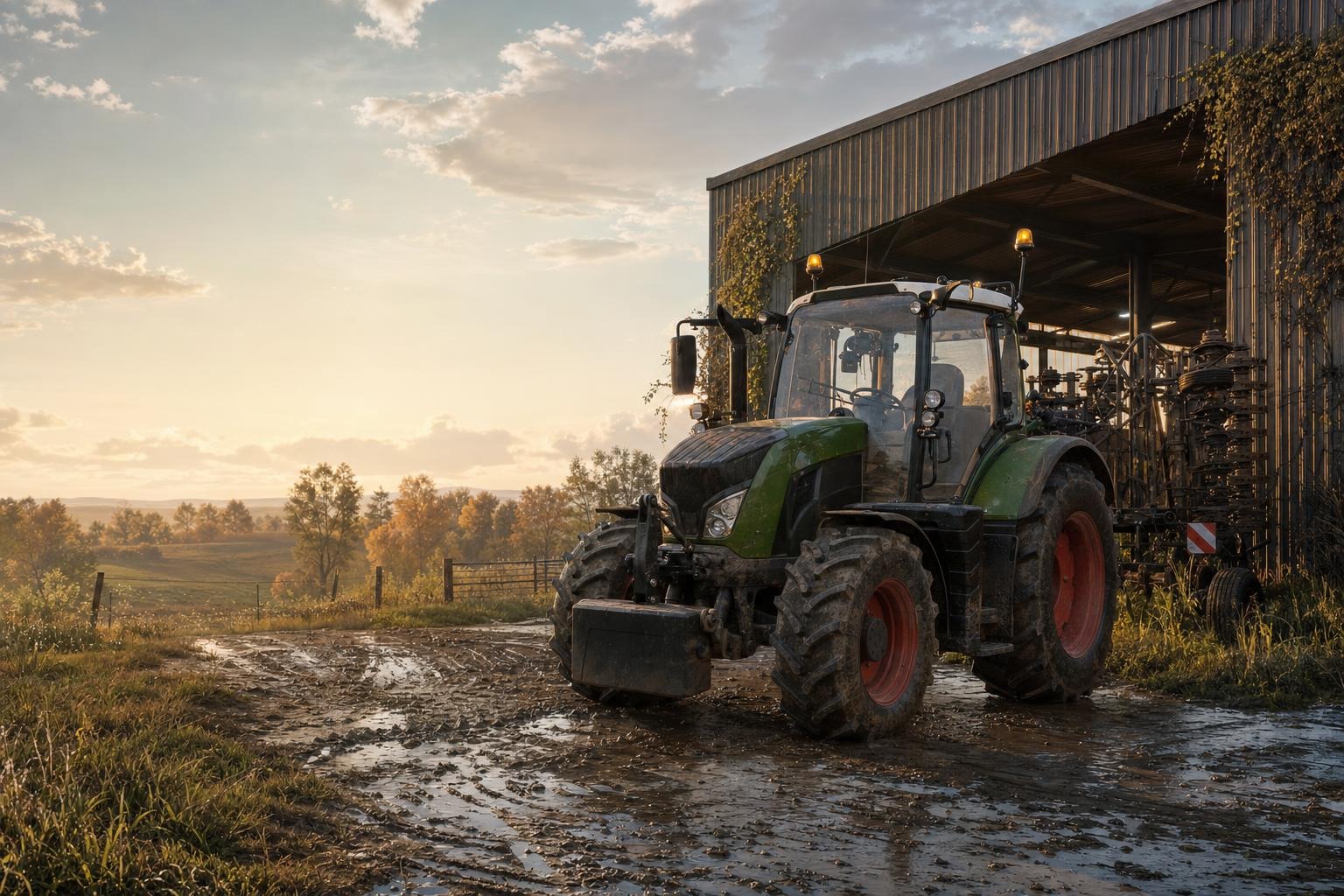
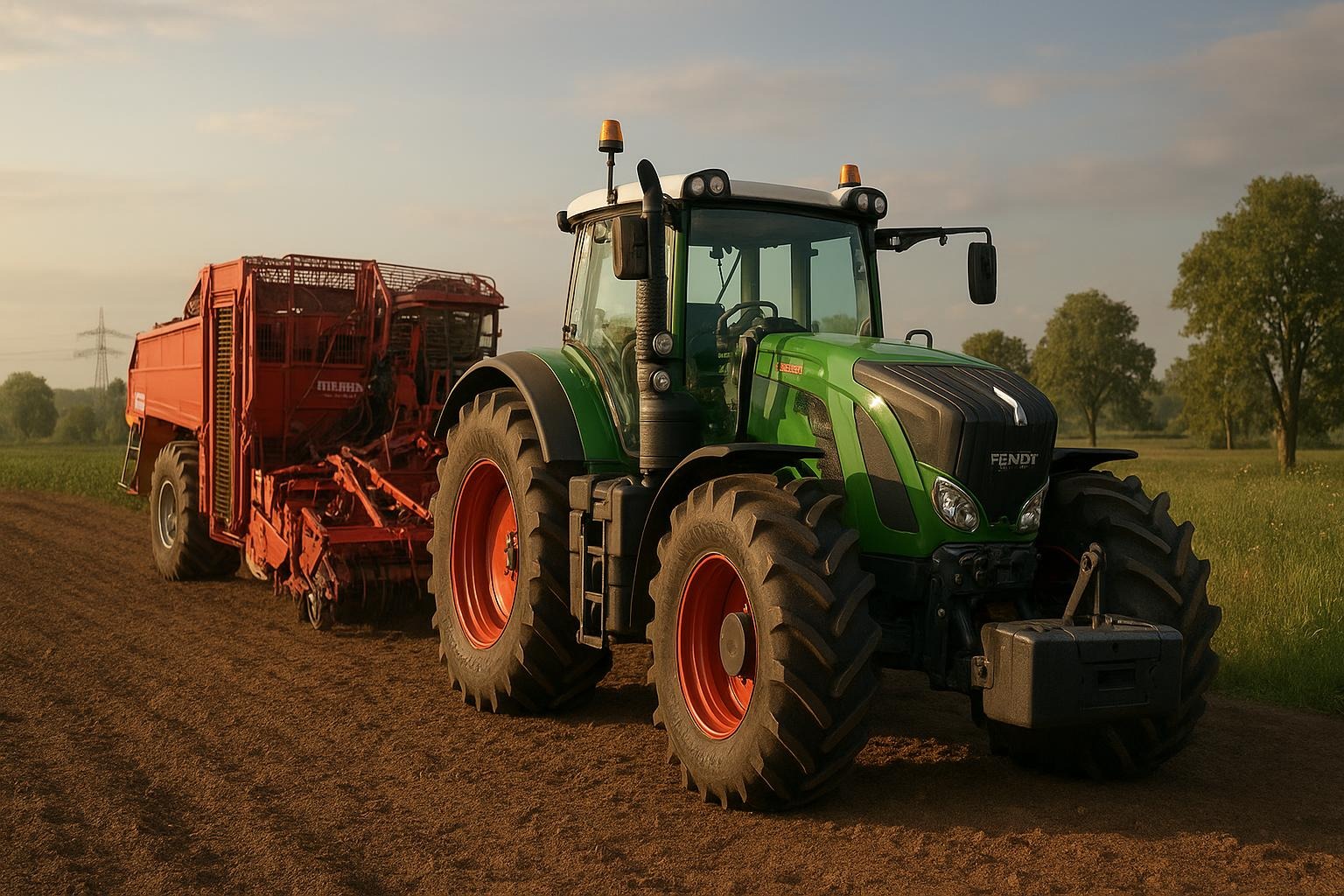
For a first workhorse, Мод на трактори ХТЗ T-150K для Фермер Симулятор 25 is a practical choice. It offers 165 hp, a top speed of 30 km/h, a 315-liter fuel tank, and a price of 14,350 €. The most important part for beginners is the number of configurations: hood, doors, radiator grille, exhaust, bumper/protection, battery/AC boxes, lights, interior, hitch, wheels, and more. That makes the tractor a good first step into vehicle customization in FS25, while still being affordable enough for a new save.
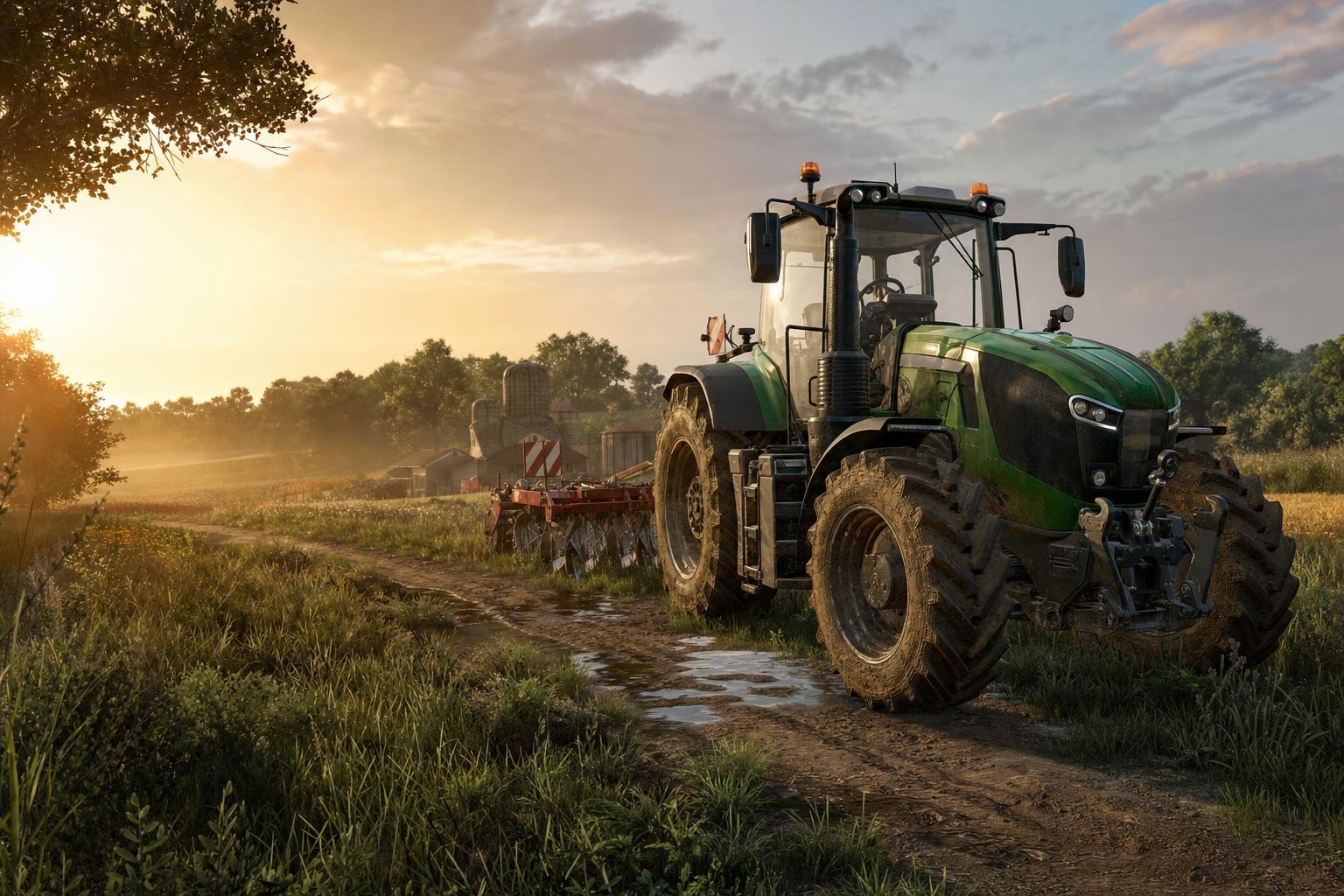
For players who want something heavier, Мод на трактор Кіровець К-700 v1.0.0.3 для Farming Simulator 25 is a strong upgrade path. It brings 220 hp, a 510-liter tank, interactive control support, passenger mod compatibility, passenger animations, updated sound, improved hitch handling, a new shader, better plate lighting, and an optimized 3D model. It is not the very first tractor I would recommend to absolute beginners, but it is ideal once you are ready to feel how a larger machine behaves in day-to-day work.
3. Make farm logistics easier from the start
Small transport tasks can waste a surprising amount of time, which is why Зручний Візок Shopping Cart для Farming Simulator 25 — Швидке Перевезення Дрібниць на Фермі is such a clever starter mod. It is a compact cart priced at 100 $ that is ideal for daily work around the farm. You can move small items and tools between the storage area, workshop, and yard without extra trips. It also includes color configuration, a handle sticker option, tension belts for securing cargo, and a passenger seat. For a beginner, this is a great example of a mod that improves routine management rather than just adding another vehicle to the list.
If you enjoy tidy farm layouts and practical movement of equipment, this little cart quickly becomes one of those things you keep using without thinking about it. That is exactly the kind of convenience that makes early FS25 sessions feel smoother and less repetitive.
4. Livestock becomes more interesting when the system is clearer
If you want animals on your starter farm, begin with Novyi Animal Pack – More Cattle Breeds Edition: Bilshe Porid VRKh dlya Farming Simulator 25. It expands the cattle selection by replacing some vanilla breeds with Hereford, Black Hereford, Red Angus, Belted Galloway, Charolais, Guernsey, and a Florida Cracker Cow that is still being finished. For a beginner, the value here is variety without complexity: your farm looks more alive, and you get a better sense of what a livestock-focused game loop can feel like.
Once you are ready for a deeper system, move to Реалістичне Тваринництво Enhanced Livestock для Farming Simulator 25 — Розумне Розведення та Генетика. This mod replaces the old cluster-style system with individual animals, genetics, weight, detailed info, unique IDs, dates of birth, and country of origin. It is a major livestock upgrade, but it is best used after you have already learned the basics of feeding, breeding, and animal income.
To complete the livestock loop, there is also Бійня та переробка м’яса для Farming Simulator 25. It adds animal slaughter, meat processing into sellable products, and the possibility to finish the whole chain in your own shop. The mod is compatible with Realistic Livestock and turns animal husbandry into a more complete production line. If you like economic gameplay, this kind of system shows why FS25 can be more than just driving tractors in circles.
5. Improve precision and comfort before the farm gets bigger
One of the most practical small mods for new players is Налаштування прицілу V1.1.1 для Farming Simulator 25. It lets you change the crosshair color, size, and opacity, which is especially useful for precise maneuvering, trailer coupling, or working in narrow field spaces. This may sound minor, but good visual comfort matters a lot when you are learning the game’s machinery and camera angles.
A sensible starter load order is simple: one map, one affordable tractor, one useful logistics mod, and then a livestock or precision mod depending on your play style. Do not install everything at once. In FS25 it is much better to learn one new mechanic well than to wrestle with five systems you barely understand.
- Choose a map first, because it defines your farm size and style.
- Add one versatile tractor and one stronger machine later.
- Use a logistics mod early so small tasks do not become a chore.
- Expand livestock gradually: breed variety first, deep simulation later.
- Back up your save and keep the same mod versions in multiplayer.
In short, the best way to begin with Farming Simulator 25 is to mix one strong map, one dependable tractor, one convenience mod, and one livestock-related expansion. That gives you a real farm experience without clutter, and it leaves room to add specialized systems later as your save grows.