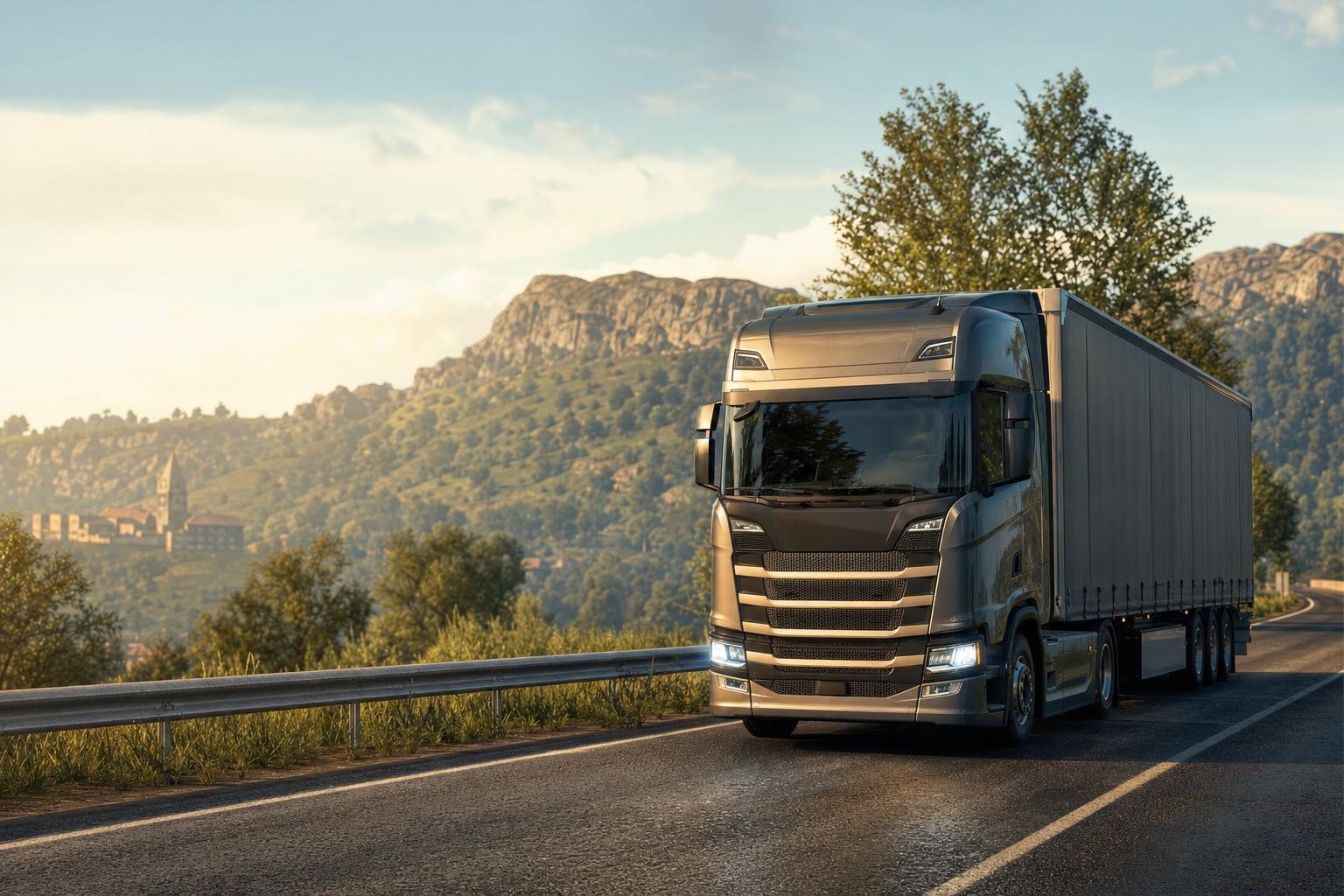
What to do if a mod does not work in Euro Truck Simulator 2
Start with the obvious checks: game version, mod type, archive structure, and profile
The most common reason a mod fails in Euro Truck Simulator 2 is a simple mismatch between the game version and the mod version. Before you dig into deeper troubleshooting, check exactly which ETS2 build the file was made for. If the mod was created for one branch and you are running another, the game may hide the content, refuse to load the save, or throw errors during startup. This matters a lot for vehicle mods and plugins, where the gap between 1.56, 1.57, 1.58, or 1.61 can be enough to break compatibility. For example, Мод Mahindra Scorpio – Вражаючий 1.58 для ETS2 is tied to specific ETS2 versions, so it should not be installed blindly on a different build. The same idea applies to detailed trucks such as Mercedes Benz Actros MP6 1.58 - вражаючий та потужний: if the mod does not match your game version, it may never appear in the dealer or it may trigger loading problems.
Next, make sure you are dealing with a proper ETS2 mod and not a broken archive or a bundle with an unclear folder structure. PC mods usually need to be placed as a .scs file or a correctly packed archive in the mod folder. If you downloaded several items, keep in mind that a single mod, a bundle, and a collection of separate files are not the same thing. Also remember that mods are enabled per profile in ETS2, not globally. If you installed content that affects progression, such as Booster Unlimited Money & XP v1.60/1.61 для ETS2 or Мод Money & XP для Euro Truck Simulator 2, make sure you activated it in the same profile where you expect the effect to appear.
Check mod manager order and isolate conflicts
A mod can be perfectly valid and still fail because another mod overrides it. In ETS2, the load order in the Mod Manager often decides whether something works at all. If a new mod edits the same game area as another one, one file can overwrite the other. The fastest way to diagnose this is to disable everything except the problem mod and launch the game. If it works alone, add the other mods back one by one. That process quickly reveals conflicts.
This is especially useful for buses and passenger-related mods. Мод автобуса Volvo 9600 1.58 - детальний та реалістичний may need a cleaner mod list if you already use other bus packs or physics tweaks. Likewise, Автобус Thaco Cruizer 120S для Euro Truck Simulator 2 should be tested separately from other vehicle mods so you do not blame the game when the issue is actually a conflict between two addons. If changing the order fixes the problem, the file itself was fine; the issue was how it was loaded alongside the rest.
Read log.txt instead of guessing
When a mod does not work, the most useful diagnostic tool is log.txt. ETS2 writes there what failed: missing file, bad path, definition error, material conflict, or outdated format. Do not guess. Open the log immediately after launch and look for lines containing [mod], error, warning, or the mod name itself. If you see messages about missing models, textures, or sections, that is already a clue about what broke.
This is even more important for complex gameplay mods. For instance, Плагін TM Real Walk v1.0 для ETS2 1.61 adds walking, on-foot refueling, and a flashlight, so any script or compatibility issue may appear only when you perform a specific action. The same applies to Плагін TM Real Walk v1.0 1.61 для ETS2; test it on its own first. If the log starts showing unusual errors after activation, the problem may be the game version or another plugin touching the same mechanics. In logs, warnings matter too, because they often hint at the next crash or missing feature.
More things to verify when the mod is “silent”
- Use a clean test profile. Create a new profile with no other mods and test the file there first.
- Confirm the mod folder. The file must be inside the ETS2 mod directory, not your downloads folder or the game installation folder.
- Enable the mod. A file sitting in the folder is not enough; it must also be activated in the Mod Manager.
- Check DLC expectations. Some mods are made for the base map only, while others assume official expansions are present.
- Test one mod at a time. A large pack hides the real cause of the issue.
Passenger and traffic mods can also look broken when they simply do not fit your current setup. Мод Пасажирів V1.6 - Реалістичний та Стабільний is meant to work with the base map and official expansions, so if your map setup is unusual, test it on a clean profile first. And TM OWN Компанія з Трафіком для Euro Truck Simulator 2 changes company branding and road traffic, which means conflicts may happen with other mods that also edit economy, liveries, or depots.
A practical step-by-step routine
- Disable every mod and launch the game to confirm the profile opens cleanly.
- Enable only the problematic mod and test again.
- If the mod has multiple parts, activate them in the correct order.
- Check
log.txtafter each launch. - Match the game version with the mod’s supported version.
- Remove old duplicates or damaged files.
- After a successful test, add the other mods back gradually.
If the mod still fails after all that, it is usually outdated, corrupted, or conflicting with something you have not noticed yet. At that point, it is better to switch to a compatible version or choose another mod. The logic is simple: version first, order second, log third, and only then deeper causes. That saves time and gets ETS2 back into a stable state much faster.