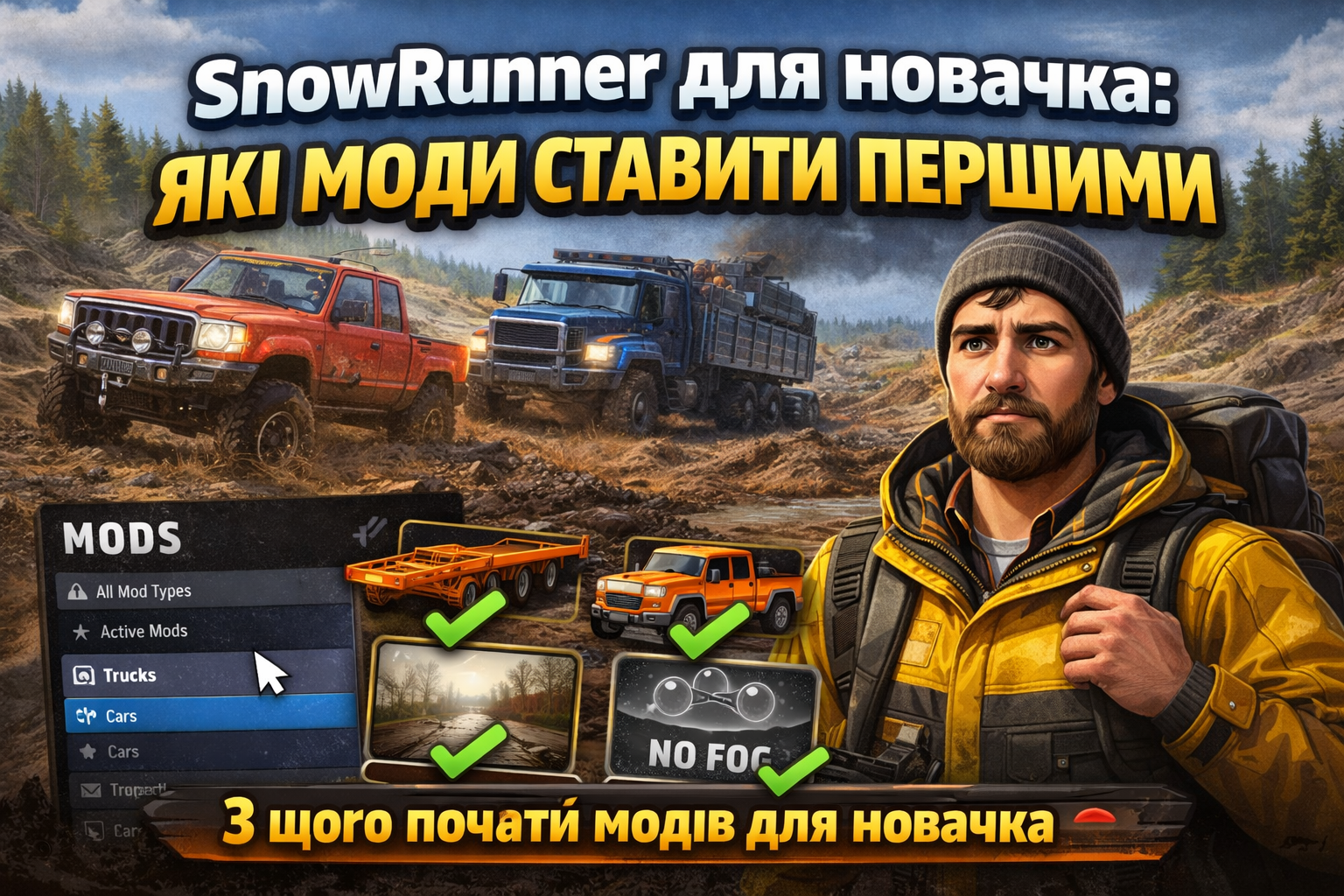
Mods for SnowRunner in Multiplayer: what works and what doesn’t
SnowRunner multiplayer relies on strict synchronization: the host and every client must “agree” on resources, physics behavior, and gameplay rules. Because of that, some mods run smoothly, while others cause desync, stuck loading screens, or even crashes. The practical approach is to separate mods into categories—purely visual additions, vehicles/interactive systems, and maps—and then be disciplined about versions. A mod that replaces base files is much more likely to break multiplayer than one that simply adds new assets.
What usually works: mods that don’t change core rules
Vehicle mods often work well in co-op if they don’t deeply replace core handling scripts or require extra server-side configuration. If your goal is to give the team a reliable working truck without touching mission logic, consider GWC 2021 Desperado 3500HD - Потужний та надійний автомобіль. In multiplayer, it’s valuable mainly because it’s a dependable alternative for logistics—not because it changes how the game should behave. Still, everyone in the session must install the same mod and the same version; otherwise the vehicle may not spawn or can lead to hanging when loading the garage/selection.
Similarly, lighter “add-on” vehicles tend to be safe. Ahura HX-1 V1.0.1 - Потужний та стильний автомобіль is often used as extra transport for daily runs. The main benefit in co-op is that it usually doesn’t turn compatibility into a guessing game—but you still need matching installs on all clients.
Maps: where things break most often
Maps are the riskiest category. Custom or heavily modified terrains add new triggers, spawn logic, cargo points, and sometimes alter physics materials (mud/ice/gravel response). To avoid mismatches, it’s not enough that the server has the map—every client must download exactly the same map package. Otherwise cargo routes, interact points, or even how the ground behaves can differ between players.
For example, Карта Околиці Гкеберха V0.4.2 - захоплююча та детальна is great for team expeditions thanks to its detail, but the complexity makes consistency crucial. A strong practice: start a session with a clean mod set—only the map plus one or two vehicle mods you truly need—then add more later. If someone has “extra” or outdated mods enabled, object indexing can shift and the map may behave inconsistently.
Another example is Карта Бажаново (НОВА Версія) V09/08/24 - захоплююча. Updates often fix stability issues, but they also require version matching. If one player stays on an older revision, the session can work only “partly” (you might see points, but cargo interactions fail or behave differently).
Cargo/bed/attachments: how to reduce conflicts
Mods that add new cargo types or truck beds can conflict when multiple authors touch similar configuration entries. If one mod replaces the same cargo definitions while another “overwrites” them, IDs and slots can diverge—leading to one player seeing different attachments than another.
If you’re building a consistent fleet for deliveries, Пакет бортів Zikz від Showme: ефективний мод для вантажівок is useful because it encourages uniform setups across trucks. Practical tip: use only one compatible bed/side-cargo pack per session. If you need different options, split into two runs or test compatibility on a short route.
Heavy trucks: stability depends on physics and scripts
The heavier and more heavily tuned a vehicle is—especially changes to torque, braking, diff-lock behavior, or load interaction—the higher the chance of desync. That doesn’t mean “don’t use heavy trucks,” but it does mean you should test them together with the rest of your mod set.
U 425702 Arktic Tjgah - Потужний і надійний вантажівка is commonly chosen for traction in tough conditions. In co-op, make sure everyone uses the same tune/upgrade choices if the mod includes them, and don’t mix different versions of the same truck. Also, disable experimental handling/physics tweaks from other mods.
The same philosophy applies to Урал 4320-19/44202 Ojalaaki Edit - Потужний та Неперевершений. It’s not just “another vehicle”—it’s a modified entry with its own interaction parameters. To reduce chaos, assign roles: one or two tractors haul heavy trailers while others act as support. It’s easier to control load behavior than when everyone tries random combinations in one run.
What to avoid in multiplayer
- Don’t mix mods that replace the same handling/physics files (especially script-based “realism” packs).
- Don’t launch a custom map with a large mod stack. Start with map + 1–2 vehicles, verify it loads and interacts correctly.
- Avoid mods that require server-specific settings—some modifications expect host configuration parameters.
- Don’t update a mod mid-campaign: if one player updates, everyone must update to the same version.
Fast troubleshooting: isolate the culprit
If the session freezes on loading or vehicles disappear after spawn, use “divide and conquer.” Remove half the mods, restart the session, test. Then keep cutting the set. Usually the issue is one specific component: a map, a vehicle with unusual replacements, or a cargo pack with overlapping IDs. For teams, it helps to maintain a shared list of active mods and their versions.
Small team practices that help
Define roles before driving: tractor, logistics, recon. If you want a faster off-road option to move equipment around quickly, Вражаючий Land Rover Defender 110 Hcpu V1.2.1 can be a great support vehicle. Just don’t rely on it as a universal replacement for all classes—different scenarios want different mass and power, and keeping those predictable helps stability.
Bottom line: SnowRunner multiplayer handles mods best when they add content without replacing critical systems. Maps and deep edits require perfect version matching. Start with minimal mods, test compatibility step-by-step, and keep all players synchronized—then mods expand your gameplay instead of breaking synchronization.